
In today’s hyper-connected world, our smartphones and other portable devices have become indispensable tools. From staying in touch with loved ones to managing our work, finances, and entertainment, these devices are constantly in use. However, a common frustration for many users is the ever-present battle against a dwindling battery. The dreaded low battery notification can strike at the most inconvenient times, leading to anxiety and a disruption in our digital lives. This is where Battery Saving Mode steps in, a crucial feature designed to extend your device’s power reserves and keep you connected for longer.
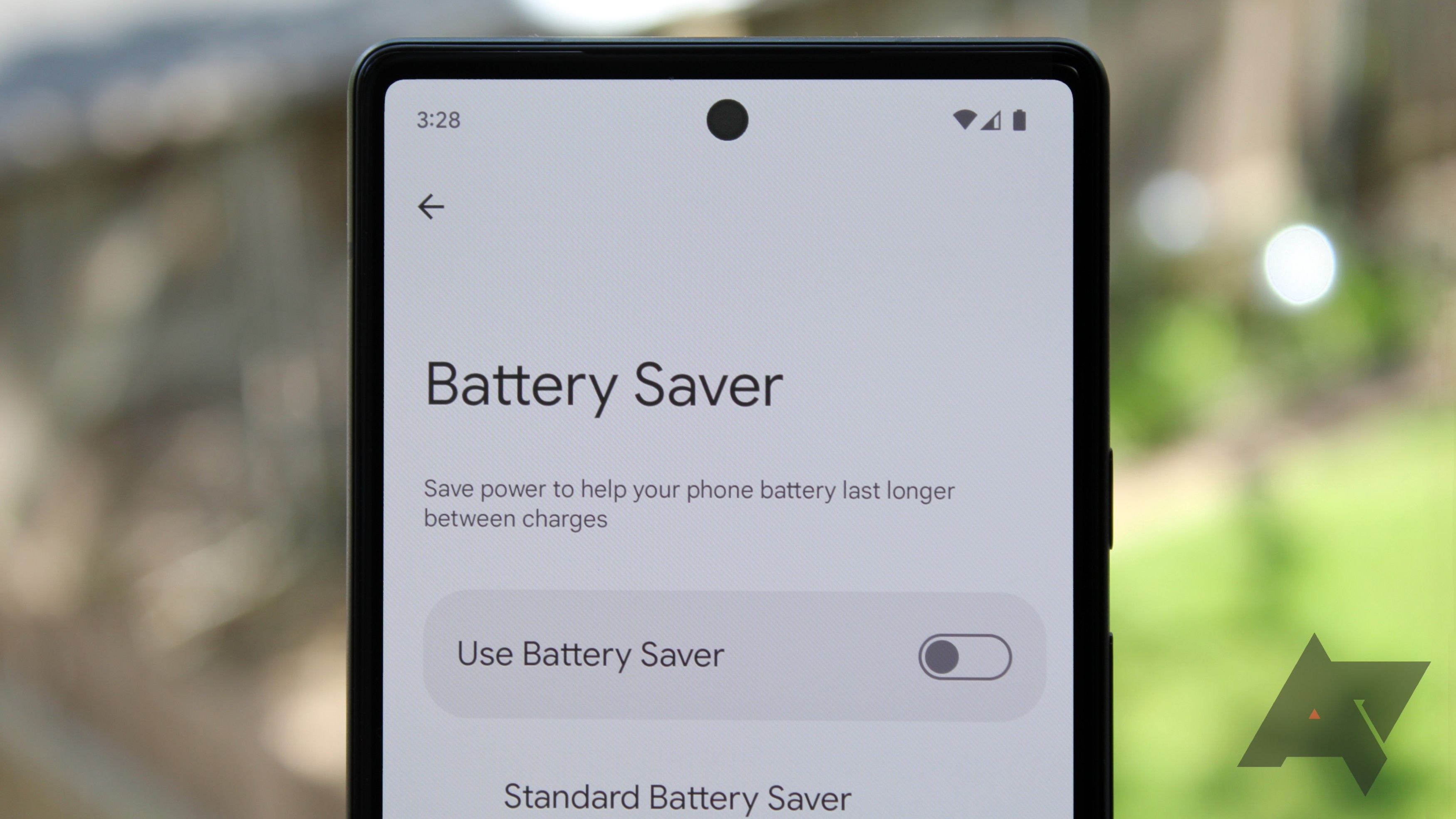
This article delves into the core of what Battery Saving Mode is, how it works, and why it’s an essential tool in our tech-centric lives. We’ll explore the underlying technology, the impact it has on your device’s performance and functionality, and practical strategies for leveraging it effectively to enhance your productivity and maintain your digital independence.
The Science Behind the Stamina: How Battery Saving Mode Works
At its heart, Battery Saving Mode is a clever suite of software optimizations designed to reduce the power consumption of your portable electronic devices, primarily smartphones and tablets. While the specifics can vary slightly between different operating systems (like Android and iOS) and even between device manufacturers, the fundamental principles remain consistent. The goal is to intelligently limit processes that drain the battery, allowing your device to function for a longer period on a single charge.
Reducing the Hungry Giants: Display and Screen Brightness
The display is consistently one of the biggest power consumers on any portable device. Battery Saving Mode often tackles this head-on by making several adjustments:
- Dimming the Screen: Perhaps the most immediate and noticeable change is a reduction in screen brightness. While not always a drastic dimming, it’s usually enough to conserve significant power without making the screen illegible. The logic here is simple: less light emitted from the screen translates directly to less energy required.
- Reducing Screen Timeout: The duration your screen stays illuminated after you stop interacting with it is also a prime target. Battery Saving Mode typically shortens this timeout period, ensuring the display turns off more quickly when not in active use. This prevents unnecessary power drain when your device is simply sitting idle.
- Limiting Background Refresh and Visual Effects: Many apps and system processes continue to update and animate in the background, even when you’re not actively using them. Battery Saving Mode often restricts or pauses these background activities. This can include:
- App Refresh: Limiting how often apps can fetch new data or update their content in the background.
- Animations and Visual Flair: Disabling or reducing the intensity of graphical animations, transitions, and other visual effects that, while aesthetically pleasing, require processing power and thus consume battery. This might mean less fluid scrolling or simpler loading indicators.
- Push Notifications: While not always completely disabled, the frequency or immediacy of some push notifications might be reduced to save power.
Taming the Network: Connectivity and Background Data
Connectivity, especially cellular data, is another major battery hog. Battery Saving Mode often employs strategies to manage these resources more efficiently:
- Limiting Background Data Usage: Apps constantly communicate with servers to download updates, sync data, and receive information. Battery Saving Mode can restrict background data usage, meaning apps will only access the internet when you are actively using them. This is particularly effective in preventing unexpected battery drain from apps that might be excessively chatty online in the background.
- Reducing Network Activity: In some modes, the device might prioritize less power-intensive network connections or even reduce the frequency of network checks when not actively performing a network-related task.
- Disabling Unnecessary Wireless Features: While less common in basic battery saving modes, more aggressive power-saving features might temporarily disable Wi-Fi or Bluetooth if they are not actively being used, though this can impact usability.
Optimizing Performance: The Trade-off for Longevity
To achieve power savings, Battery Saving Mode often makes some compromises in terms of device performance. This is a deliberate trade-off: you gain extended battery life at the cost of some speed and responsiveness.
- CPU Throttling: The device’s processor (CPU) might be instructed to operate at lower clock speeds. This means it will perform tasks more slowly, but with significantly less power consumption. You might notice apps taking slightly longer to open, games running at lower frame rates, or complex processes completing with a delay.
- Reduced Background App Activity: As mentioned earlier, many background processes are curtailed. This not only saves battery but can also free up system resources, potentially improving foreground performance by ensuring more power is dedicated to the app you are currently using.
- Limited Background Downloads and Updates: Operating system updates or large app downloads will often be paused or significantly slowed down when Battery Saving Mode is active.
When and Why to Engage Battery Saving Mode
Understanding how Battery Saving Mode works is only half the battle; knowing when and why to use it is equally important for maximizing its benefits. It’s not necessarily a mode to be kept on at all times, as it does come with certain limitations. However, it’s an invaluable tool in several common scenarios.
Proactive Power Management: Everyday Scenarios
- Starting Your Day with a Full Charge: If you know you’ll have a long day ahead with limited access to charging points, activating Battery Saving Mode first thing in the morning can give you a significant advantage. This proactive approach ensures you maximize your battery’s potential from the outset.
- During Commutes and Travel: Long commutes, flights, or road trips are prime times when charging opportunities are scarce. Battery Saving Mode can be a lifesaver, keeping your navigation, music, or essential communication tools running for longer.
- At Work or School: If you’re in back-to-back meetings or classes and can’t easily plug in, engaging Battery Saving Mode can ensure your device lasts until you have a break or can find a charger.
- When You’re Out and About: Exploring a new city, attending an event, or simply spending a day away from home often means relying heavily on your device for navigation, photos, and communication. Battery Saving Mode can provide that crucial extra power.
Reactive Power Management: When the Battery is Low

- The Low Battery Warning: This is the most obvious trigger. When your battery percentage dips into the critical zone (often below 20% or 15%), Battery Saving Mode becomes your best friend. It allows you to stretch those remaining percentages much further, potentially saving you from a dead device until you can reach a power source.
- Unexpected Delays: If your plans change and you’re unexpectedly stranded without charging options for an extended period, Battery Saving Mode can help you stay connected for longer.
Beyond Just Saving Power: Other Benefits
While the primary purpose is extending battery life, Battery Saving Mode can also offer secondary benefits:
- Improved Focus and Productivity: By limiting background distractions and making the device slightly less responsive to casual browsing, Battery Saving Mode can subtly encourage users to focus on essential tasks, thereby improving productivity.
- Reduced Heat Generation: When devices are working harder, they generate more heat. By throttling the CPU and reducing background activity, Battery Saving Mode can help keep your device cooler, which is beneficial for both performance and battery longevity in the long run.
- Enhanced Digital Security (Indirectly): While not a direct security feature, a device that stays powered on is less likely to be lost or stolen and then rendered useless due to a dead battery. It also ensures you can maintain contact in emergencies.
Navigating the Nuances: Customizing and Understanding Limitations
Modern devices offer increasingly sophisticated Battery Saving modes, often with options for customization. Understanding these nuances can help you tailor the experience to your specific needs.
Automatic Activation vs. Manual Control
Most smartphones offer an “auto-activate” option for Battery Saving Mode. This means the device will intelligently detect when your battery level drops to a certain threshold (e.g., 15% or 20%) and automatically switch on the power-saving features.
- Pros of Automatic Activation:
- Convenience: You don’t have to remember to turn it on.
- Timeliness: It engages when you most need it.
- Cons of Automatic Activation:
- Unpredictable Changes: The sudden dimming of the screen or slowdown of the device might catch you off guard.
- Missed Opportunities: If you prefer to manage your battery proactively, automatic activation might not align with your preferences.
Many users prefer manual control, allowing them to switch Battery Saving Mode on or off as they see fit. This provides greater flexibility and control over the device’s performance.
Customizing Your Power Saving Experience
Some devices allow for a degree of customization within their Battery Saving modes. This might include:
- Choosing the Brightness Level: Some modes let you select a specific brightness level that you’re comfortable with.
- Deciding Which Features to Limit: More advanced settings might allow you to choose which specific background activities or features are restricted. For example, you might want to keep certain essential apps able to receive push notifications even in Battery Saving Mode.
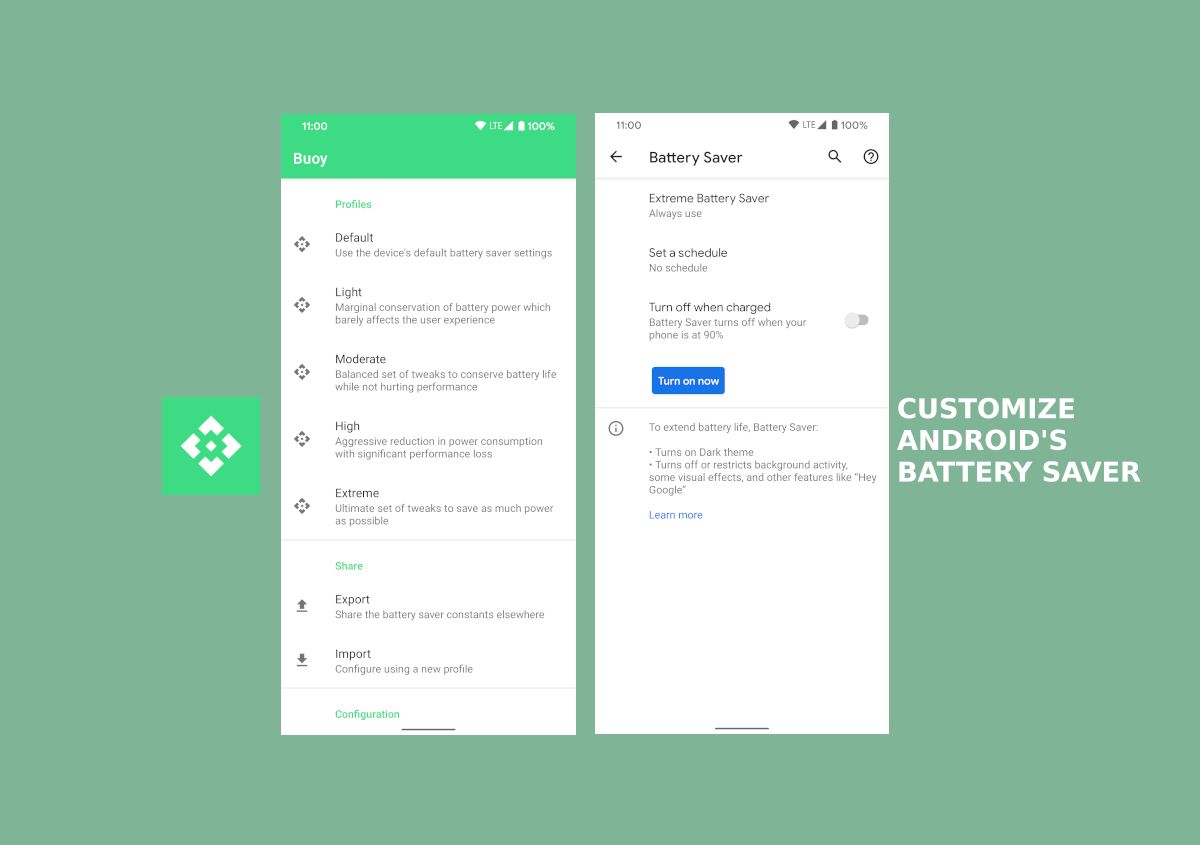
- “Ultra” or “Extreme” Battery Saver Modes: Many manufacturers offer more aggressive versions of Battery Saving Mode. These modes can dramatically extend battery life by disabling a wider range of features, sometimes including app access, and often presenting a simplified user interface. These are ideal for true emergencies but can severely limit functionality.
Understanding the Limitations and When NOT to Use It
It’s crucial to recognize that Battery Saving Mode is not a magical solution and does come with compromises:
- Reduced Performance: As discussed, expect your device to feel slower. This can be frustrating for demanding tasks like gaming, video editing, or even quick multitasking.
- Limited Functionality: Some features might be disabled or restricted, impacting your ability to use certain apps or receive timely notifications.
- Not a Substitute for Charging: Ultimately, Battery Saving Mode only prolongs the inevitable. You will still need to charge your device to replenish its power.
- Potential for Missed Important Information: If you rely on real-time updates for work, news, or critical communications, disabling background refresh might mean you miss out on important information.
Therefore, it’s generally not advisable to keep Battery Saving Mode permanently enabled unless you have very specific usage patterns and can tolerate the performance limitations. For most users, it’s best employed strategically.
Conclusion: Empowering Your Digital Life
In an age where our devices are extensions of ourselves, ensuring they have the power to keep up is paramount. Battery Saving Mode is a testament to the ingenuity of technology, offering a practical and accessible solution to the universal challenge of battery life. By understanding its inner workings, recognizing its benefits, and knowing when and how to engage it, you can significantly enhance your device’s endurance.
From proactively managing your battery on busy days to reactively salvaging power in critical moments, Battery Saving Mode empowers you to stay connected, productive, and in control of your digital life. It’s a simple yet powerful tool that, when used wisely, can transform the frustration of a low battery into a minor inconvenience, ensuring your devices are always ready when you are. Embrace the power of Battery Saving Mode and reclaim your digital freedom.
aViewFromTheCave is a participant in the Amazon Services LLC Associates Program, an affiliate advertising program designed to provide a means for sites to earn advertising fees by advertising and linking to Amazon.com. Amazon, the Amazon logo, AmazonSupply, and the AmazonSupply logo are trademarks of Amazon.com, Inc. or its affiliates. As an Amazon Associate we earn affiliate commissions from qualifying purchases.