
In the ever-evolving landscape of digital media, file formats are the fundamental building blocks that allow us to store, share, and consume content. From images and documents to audio and video, each file type serves a specific purpose and often comes with its own set of characteristics. Among the vast array of file extensions, some are more common and universally recognized than others. Today, we delve into a lesser-known but still relevant format: the WMZ file. While not as ubiquitous as a JPEG or MP3, understanding what a WMZ file is and how it functions is crucial for anyone navigating the intricacies of digital media, particularly within the Windows ecosystem.
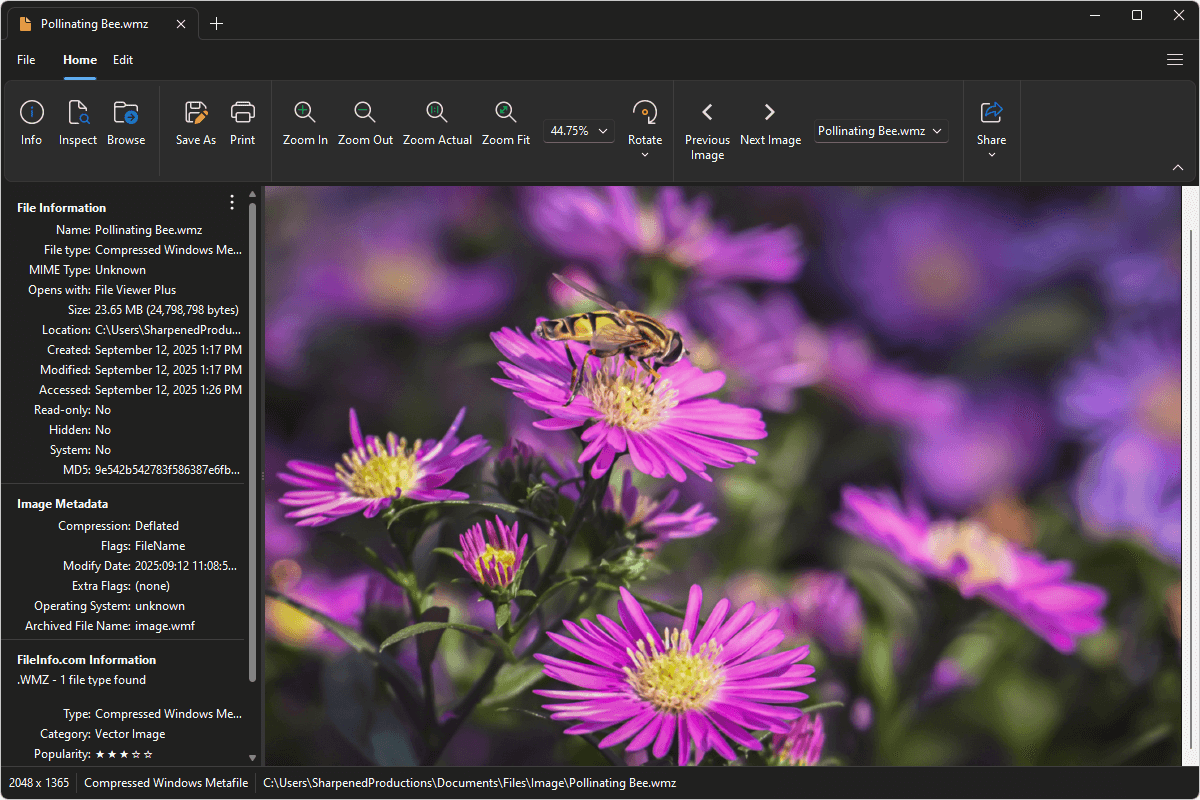
At its core, a WMZ file is an archive that contains Windows Media Player skin files. This might sound niche, but it relates directly to the customization and user experience of a popular media player. In the world of technology, even seemingly minor details like file formats can have a significant impact on how we interact with our devices and software. This article aims to demystify WMZ files, exploring their purpose, how they are created and used, and their place within the broader context of digital media management and user interface design.
The Genesis of WMZ Files: A Deep Dive into Windows Media Player Skins
Windows Media Player (WMP), a flagship application from Microsoft, has long offered users the ability to personalize its appearance through “skins.” These skins are essentially visual themes that alter the look and feel of the player’s interface, transforming it from a standard utilitarian design into something more aesthetically pleasing or unique. The WMZ file format is intrinsically linked to this customization feature.
Understanding Skin Files and Their Purpose
Before the advent of modern web technologies that allow for highly dynamic and customizable interfaces, applications often relied on more static methods for visual alteration. For Windows Media Player, skins provided this capability. A skin defines various elements of the player’s interface, including:
- Buttons: The appearance of playback controls like play, pause, stop, volume, and track seeking.
- Sliders: The visual representation of progress bars and volume controls.
- Window Elements: The title bar, borders, and background of the player window.
- Text and Icons: The fonts, colors, and graphical elements used for displaying track information, menus, and other labels.
The primary purpose of these skins, and by extension WMZ files, was to enhance user engagement and provide a personalized experience. Users could download and apply skins that matched their aesthetic preferences, complemented their desktop wallpapers, or even represented their favorite brands or themes. This ability to customize was a significant draw for many users in an era where software personalization options were more limited.
The Role of Compression: Why WMZ and Not Just WMP?
The “Z” in WMZ stands for “Zip,” indicating that these files are compressed archives. This is a crucial aspect of their functionality. When a user downloads a collection of skin elements, these are typically packaged into a single WMZ file. This offers several advantages:
- Reduced File Size: Compression significantly reduces the overall size of the skin files. This makes them quicker to download over slower internet connections, which was a more common concern in earlier internet days.
- Easier Distribution: Packaging multiple files into a single archive simplifies distribution and installation. Instead of managing numerous individual files, users only need to handle one WMZ file.
- Organization: A WMZ file keeps all the components of a specific skin neatly organized in one place, preventing clutter and ensuring that all necessary graphical assets and configuration files are present.
Essentially, a WMZ file is a container that holds all the necessary components for a Windows Media Player skin, bundled together in a compressed format for efficient storage and transfer.
Deconstructing a WMZ File: What’s Inside?
While users typically interact with WMZ files by simply double-clicking them to install the skin, understanding their internal structure reveals more about their technical underpinnings. As a ZIP archive, a WMZ file can be opened and inspected using standard file compression utilities.
The Components of a Windows Media Player Skin
When you unpack a WMZ file, you will typically find a collection of files that work in concert to define the skin’s appearance and behavior. The most important of these usually include:
- Skin Definition File (.SKIN): This is the central file that contains the actual script or code defining the skin. It specifies the layout of different UI elements, their properties (color, size, position), and how they should behave. This file acts as the blueprint for the entire skin.
- Image Files (.BMP, .PNG, .JPG): These files contain the actual graphical assets used to render the skin. This includes images for buttons, sliders, backgrounds, icons, and any other visual elements. The format of these images can vary, but bitmap (.BMP) was historically common for older skins.
- Configuration Files: There might be other configuration files that govern specific aspects of the skin, such as transparency settings, default behaviors, or compatibility information.
- Manifest Files: In more sophisticated skins, manifest files might be included to provide metadata about the skin, such as its author, version, and a description.
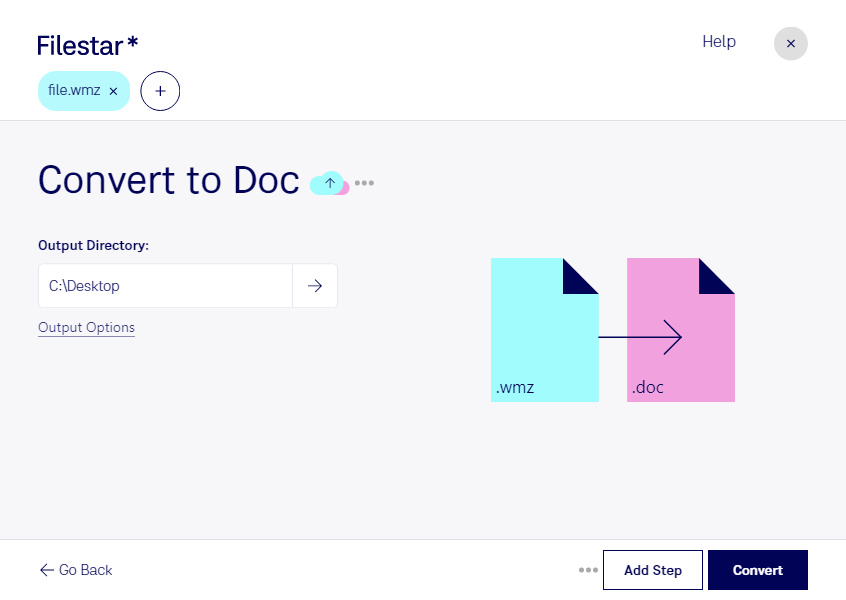
The complexity of a WMZ file can vary greatly. Simple skins might consist of a single .SKIN file and a few image files. More elaborate skins could have dozens or even hundreds of image assets and complex scripting within the .SKIN file to create dynamic effects or interactive elements.
How Windows Media Player Interprets WMZ Files
When a WMZ file is installed, Windows Media Player unpacks its contents into a designated folder within the player’s skin directory. The player then reads the .SKIN file to understand how to render the interface. It loads the specified image files for each UI element and applies the layout and behavioral rules defined in the script.
The .SKIN file itself is often written in a proprietary scripting language or a specialized markup language designed for Windows Media Player skins. This language allows developers to:
- Define Element Properties: Specify colors, transparency, font types, and sizes for text and graphical elements.
- Map Images to Elements: Link specific image files to particular UI controls (e.g., “this button image is for ‘play’ when not pressed”).
- Implement States and Transitions: Define how elements change appearance based on user interaction (e.g., a button changing color when hovered over or clicked) or player state (e.g., a progress bar filling up).
- Control Layout and Positioning: Precisely place each element on the player’s interface.
This intricate interplay between the compressed archive (WMZ), the definition file (.SKIN), and the graphical assets is what allows for the rich customization of Windows Media Player.
The Evolution and Relevance of WMZ Files in Today’s Tech Landscape
The prevalence of the WMZ file format is directly tied to the popularity and features of Windows Media Player. As technology has advanced and user preferences have shifted, the relevance of this specific file format has also evolved.
The Decline of Windows Media Player and its Impact on WMZ Files
In recent years, Windows Media Player has seen a decline in its prominence. Microsoft has introduced newer media players and playback technologies, such as the Windows Media Player Legacy app in Windows 11 and the evolving media playback capabilities within the Microsoft Store apps. This shift in Microsoft’s focus has naturally led to a decrease in the active development and use of WMP skins.
Consequently, the creation and distribution of new WMZ files have slowed considerably. For many users, the need to extensively customize their media player’s interface has diminished, replaced by a preference for sleek, minimalist designs or integrated streaming services. The rise of platforms like Spotify, Apple Music, and YouTube, which offer their own curated interfaces and extensive content libraries, has also reduced the reliance on desktop media players for daily music and video consumption.
Where WMZ Files Still Matter
Despite the declining trend, WMZ files are not entirely obsolete. They still hold relevance in several contexts:
- Legacy Systems and Users: Many individuals and organizations still use older versions of Windows or continue to prefer Windows Media Player for specific tasks or on legacy systems. For these users, WMZ files remain a viable way to personalize their media playback experience.
- Archived Content and Nostalgia: WMZ files represent a piece of digital history, reflecting a particular era of software customization and user interface design. Collectors of digital artifacts or those interested in the evolution of user interfaces might still encounter or seek out WMZ files.
- Niche Customization: While less common, there might still be a small community of users who enjoy creating or applying custom skins for Windows Media Player, perhaps for aesthetic reasons, to match a specific retro computing setup, or for artistic expression.
- Understanding File Compression: For those learning about file formats and compression techniques, examining the structure of a WMZ file can be a practical exercise in understanding how ZIP archives work and how they can be used to bundle various types of digital assets.
In essence, while WMZ files are no longer at the forefront of technological innovation, they persist as a testament to the customization capabilities of a once-dominant media player and serve as a reminder of the diverse ways users have interacted with their digital tools.

Conclusion: WMZ Files – A Niche in the Digital Archive
In conclusion, a WMZ file is a compressed archive specifically designed to package the components of a Windows Media Player skin. These skins allow users to personalize the visual appearance of the player, transforming its interface with custom buttons, backgrounds, and other graphical elements. The “Z” in WMZ signifies its ZIP compression, which facilitates efficient storage and distribution of the skin’s constituent files, primarily the .SKIN definition file and various image assets.
While the prominence of Windows Media Player has waned with the rise of newer media consumption platforms and Microsoft’s own evolving software ecosystem, WMZ files remain relevant for users of legacy systems, enthusiasts of digital history, and those who still appreciate the ability to deeply customize their desktop applications. They represent a specific, albeit niche, aspect of digital media technology and user interface design, offering a glimpse into a period when personalizing desktop software was a significant avenue for user expression and engagement. Understanding WMZ files, therefore, is not just about a single file extension; it’s about appreciating the intricate ways software has been designed to be tailored to individual preferences, even down to the visual themes of a media player.
aViewFromTheCave is a participant in the Amazon Services LLC Associates Program, an affiliate advertising program designed to provide a means for sites to earn advertising fees by advertising and linking to Amazon.com. Amazon, the Amazon logo, AmazonSupply, and the AmazonSupply logo are trademarks of Amazon.com, Inc. or its affiliates. As an Amazon Associate we earn affiliate commissions from qualifying purchases.