
In the rapidly evolving landscape of mobile technology, the “digital divide” is no longer just about access to the internet; it is about the usability of the hardware in our pockets. For the senior demographic, a smartphone is more than a luxury—it is a vital tool for social connectivity, health monitoring, and personal safety. However, selecting a “good” phone for a senior is not a one-size-fits-all endeavor. It requires a nuanced understanding of how hardware specifications and software interfaces intersect with the physical and cognitive needs of older users.
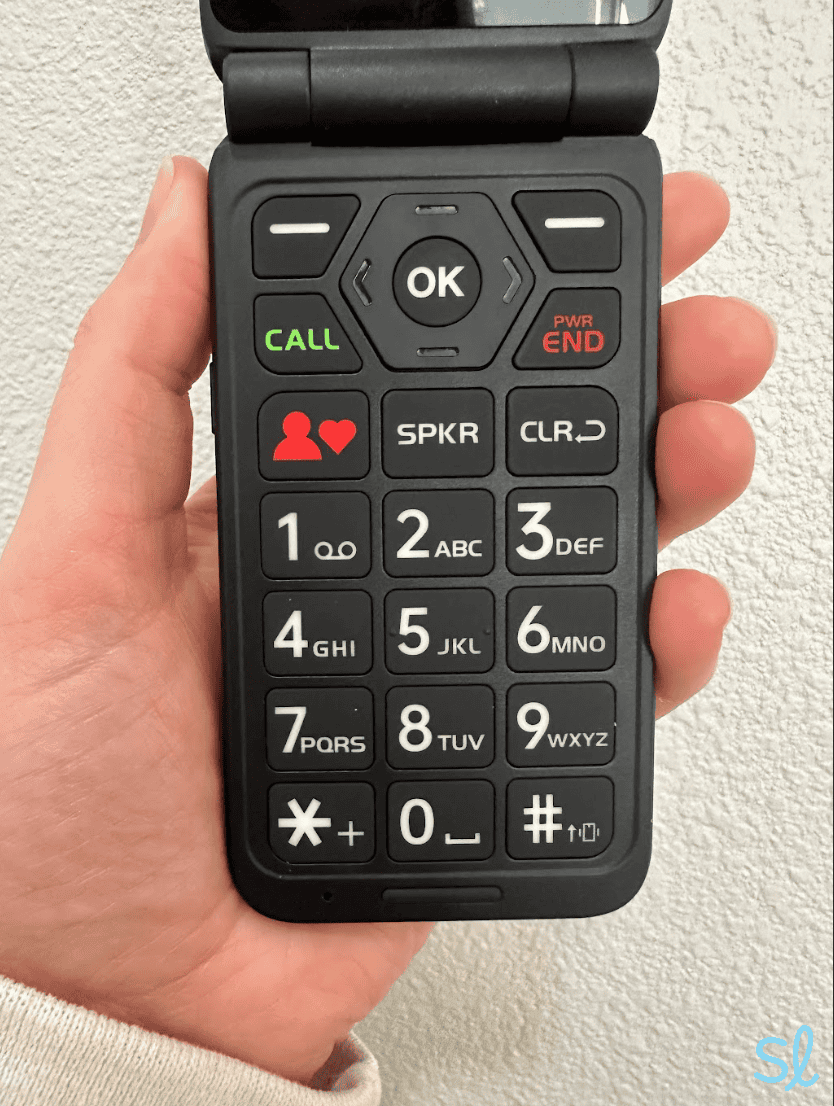
This guide explores the current technological landscape to identify the best mobile devices for seniors, focusing on accessibility features, intuitive design, and the technical ecosystems that provide the most seamless user experience.
Understanding the Unique Tech Requirements of the Senior Demographic
When evaluating technology for seniors, we must move beyond the marketing jargon of “simplicity” and look at specific technical benchmarks. A device that is too “basic” might lack essential security updates, while a flagship model might be overwhelmed by unnecessary bloatware. The ideal device sits at the intersection of powerful performance and streamlined accessibility.
Prioritizing Visibility and Display Clarity
As we age, visual acuity naturally declines, and sensitivity to glare increases. From a technical perspective, a good phone for a senior must feature a high-quality display. Organic Light Emitting Diode (OLED) screens are generally superior to standard LCDs because they offer higher contrast ratios, making text stand out more sharply against the background.
Furthermore, the “nit” count—a measure of brightness—is crucial. A phone with at least 800 to 1,000 nits of peak brightness ensures that the screen remains legible even in direct sunlight. Software features like “System-wide Large Text” and “Bold Text” are standard in modern OS environments, but the hardware must be large enough (typically a 6.1 to 6.7-inch screen) to accommodate these larger elements without excessive scrolling.
Audio Enhancement and Hearing Aid Compatibility
Digital audio quality is a critical tech spec often overlooked. For seniors with hearing impairments, the phone must support the M-Ratings and T-Ratings for hearing aid compatibility (HAC). Most modern iPhones and high-end Samsung devices meet the M3/T3 or M4/T4 standards.
Beyond hardware, software features like “Live Captions” on Android and “Live Listen” on iOS allow users to use their phones as assistive listening devices. These tools use the phone’s microphone to pick up ambient sound and stream it directly to Bluetooth-enabled hearing aids or earbuds, demonstrating how sophisticated tech can solve real-world biological challenges.
Ergonomics and Physical Design
The physical build of the phone—its industrial design—impacts usability. While glass-backed phones are aesthetically pleasing, they are often slippery and prone to shattering. For seniors, a phone with a matte finish or a high-quality polycarbonate frame offers a better grip. Additionally, the placement of physical buttons is vital. Devices with distinct, tactile volume and power buttons are easier to navigate by touch than those with flush or capacitive buttons.
The Battle of Ecosystems: iOS vs. Simplified Android
The most significant decision in selecting a phone is the operating system (OS). For seniors, the choice usually boils down to the curated experience of Apple’s iOS or the customizable nature of Google’s Android.
Apple’s Ecosystem: Reliability and Ease of Use
Apple has long been a leader in accessibility technology. The iPhone is often cited as the best phone for seniors because of its “Assistive Access” feature, introduced in iOS 17. This mode transforms the interface into a highly simplified version with large icons, high-contrast buttons, and a focused set of essential apps (Calls, Messages, Camera, Photos, and Music).
The technical advantage of iOS is its consistency. Because Apple controls both the hardware and the software, the experience is predictable. System updates are pushed simultaneously to all devices, ensuring that even older models remain secure against modern digital threats. For seniors, this means a lower learning curve and a reduced risk of technical glitches.
Android’s Flexibility: Custom Launchers and Budget Options
While iOS is standardized, Android offers diversity. For tech-savvy seniors or those on a budget, Android provides a range of hardware options from manufacturers like Samsung, Google, and Motorola. Samsung’s “Easy Mode” is a notable software feature that simplifies the home screen layout, increases font size, and adds a delay to the “touch and hold” function to prevent accidental clicks.
Furthermore, the Android ecosystem allows for “Custom Launchers.” Apps like BaldPhone or BIG Launcher can be installed on any Android device to replace the standard interface with one specifically designed for seniors, featuring massive buttons and simplified notification centers. This flexibility allows a standard mid-range phone to be “reskinned” into a senior-friendly powerhouse.
The Rise of Purpose-Built “Senior Phones”
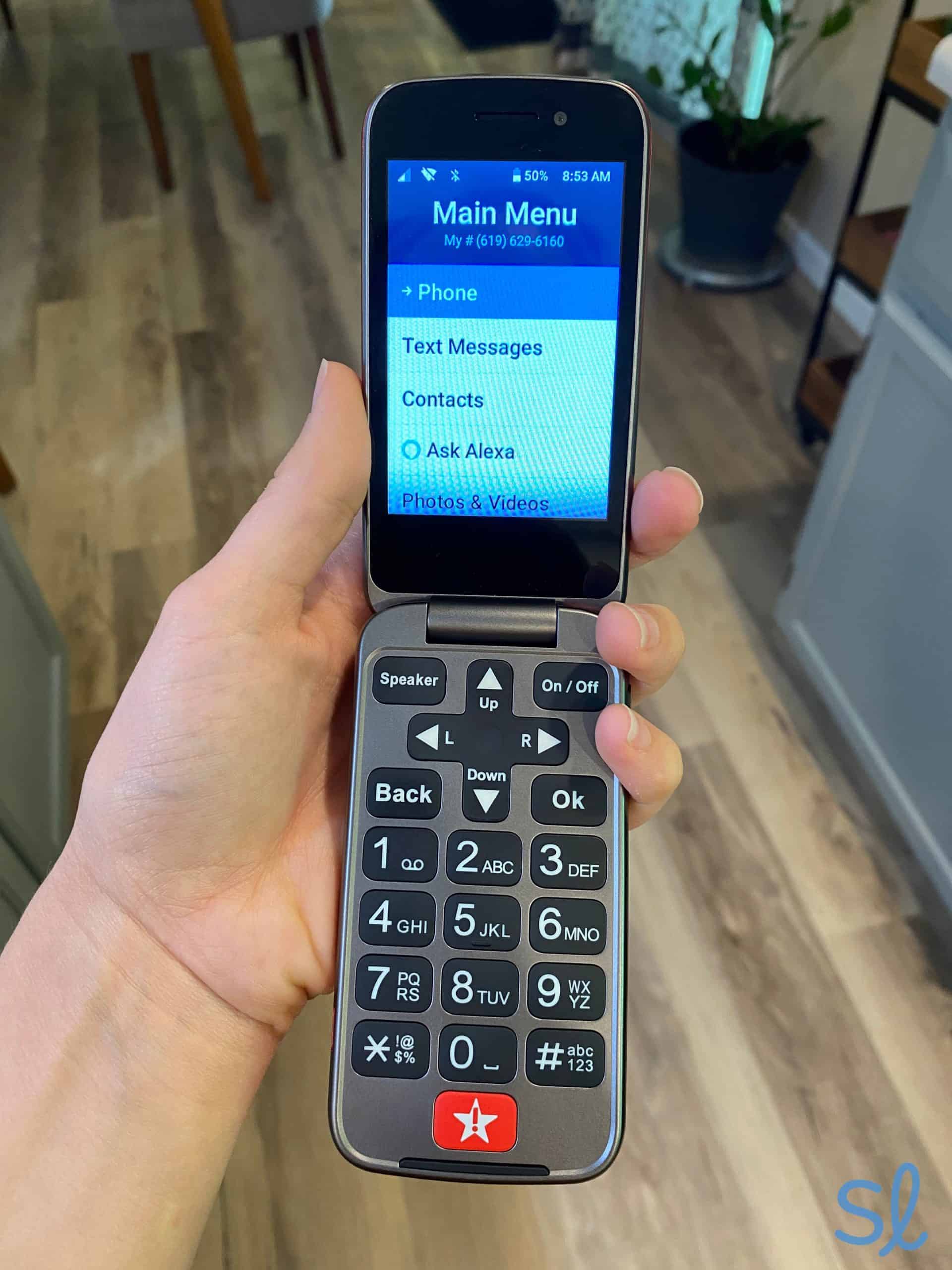
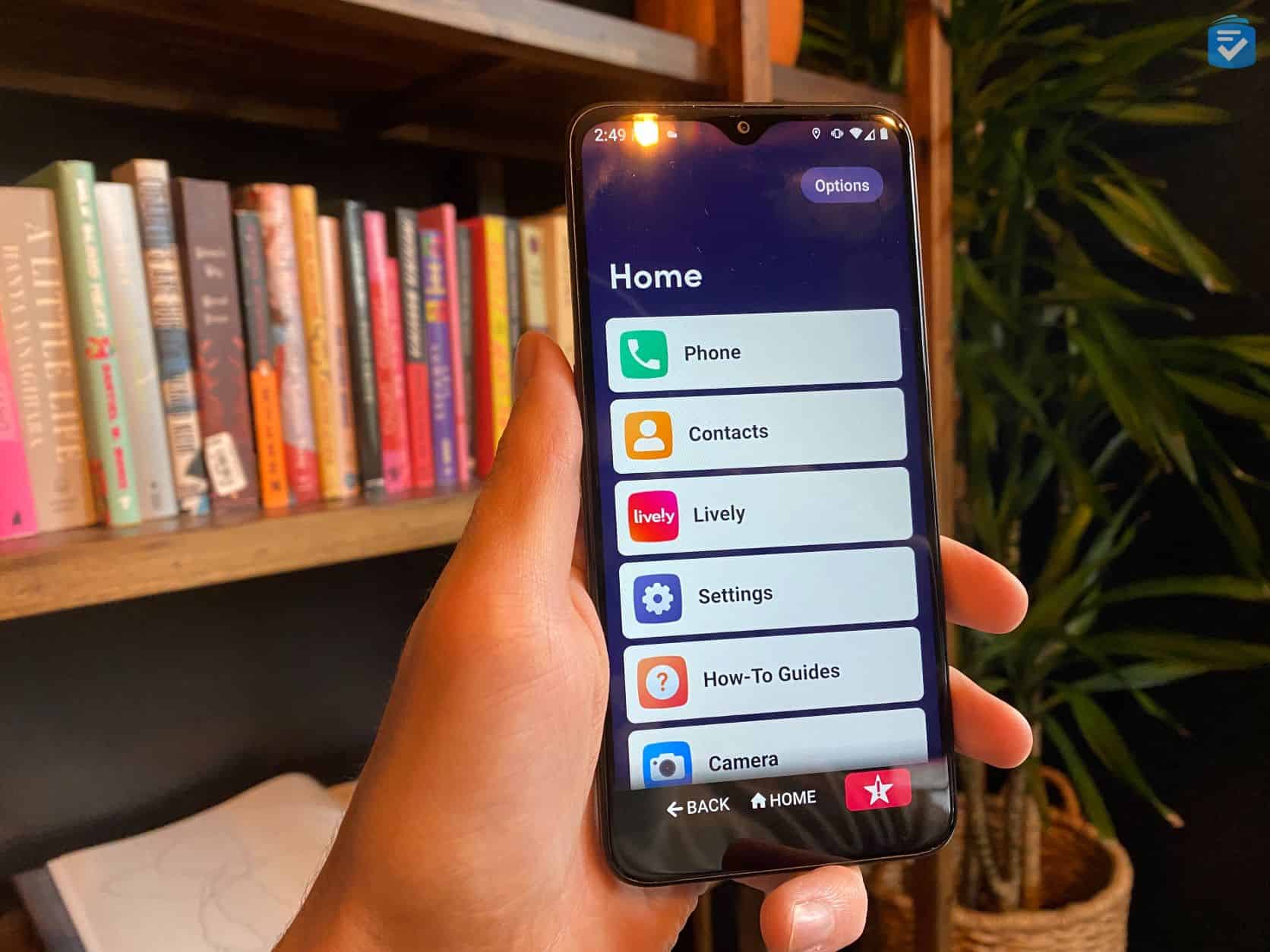
There is a niche market for devices designed exclusively for the elderly, such as the Jitterbug Flip2 or the Lively Smart. These devices often feature physical keyboards or simplified touchscreen interfaces with 24/7 access to urgent response agents. While these are excellent for users with significant cognitive or motor impairments, they often lag behind in terms of processing power and app availability. For most seniors, a mainstream smartphone configured correctly is a more future-proof investment.
Essential Tech Features for Safety and Health Monitoring
Modern smartphones have evolved into sophisticated health diagnostics tools. For the senior demographic, these features provide a “safety net” that can save lives in emergencies.
Emergency SOS and Fall Detection Integration
One of the most compelling reasons for a senior to carry a modern smartphone is the integration of “Fall Detection.” Using advanced accelerometers and gyroscopes, devices like the iPhone 14/15 and Google Pixel 7/8 can detect the specific impact pattern of a hard fall. If the user is unresponsive, the phone can automatically dial emergency services and notify designated contacts with the user’s GPS coordinates.
Location Sharing and Caregiver Connectivity
For families, the ability to stay connected is paramount. Both iOS (Find My) and Android (Google Maps Location Sharing) allow seniors to share their real-time location with trusted family members. This is an invaluable tool for seniors in the early stages of cognitive decline, providing peace of mind to caregivers without stripping the individual of their independence.
Biometrics: Secure and Simple Authentication
Password management is a significant pain point for users of all ages, but particularly for seniors. Technical solutions like biometric authentication—FaceID or ultrasonic fingerprint scanners—remove the need to remember complex alphanumeric strings. FaceID, in particular, is highly effective for seniors as it requires no manual dexterity; the user simply looks at the device to unlock it or authorize a payment.
Top Hardware Recommendations for the Modern Senior
Based on current technological trends and accessibility suites, three specific categories of hardware stand out as the best options for seniors today.
The Premium Choice: iPhone 15/16 Series
The standard iPhone (non-Pro) offers the best balance of weight, screen size, and longevity. With the transition to USB-C charging, seniors no longer have to worry about “proprietary” cables. The inclusion of the “Action Button” on newer models can be programmed as a one-touch shortcut to call a specific contact or open the flashlight, significantly reducing navigational friction.
The Practical Choice: Samsung Galaxy A-Series
For those who prefer the Android ecosystem, the Samsung Galaxy A54 or A35 offers high-end features at a mid-range price. These phones provide large, bright Super AMOLED screens and long-lasting battery life. Since seniors may forget to charge their devices daily, a phone with a 5,000mAh battery that can last two days is a significant technical advantage.
The Specialized Choice: RAZ Memory Cell Phone
For seniors with advanced dementia or significant cognitive challenges, the RAZ Memory Cell Phone is a unique piece of tech. It looks like a standard smartphone but features a single screen with pictures of contacts. There are no apps, no settings, and no notifications to confuse the user. It is a specialized tool that uses modern cellular technology to solve a very specific accessibility problem.
Bridging the Digital Divide: Setup and Maintenance Tips
The “best” phone is only as good as its configuration. To ensure a senior has a positive experience with their device, a technical “handover” process is essential.
Optimizing Settings for Low Vision and Motor Impairment
Upon unboxing, the first step should be a deep dive into the Accessibility settings. Increase the “Touch Accommodation” settings to ignore repeated touches, which is helpful for users with tremors. Enable “Speak Selection” so the phone reads text aloud, and turn on “LED Flash for Alerts” to provide a visual cue when the phone rings.
Essential Apps for Longevity and Mental Engagement
Technology should enhance life, not just sustain it. Installing apps like Magnifying Glass + Flashlight turns the phone’s high-resolution camera into a reading aid for menus or medication labels. Brain-training apps and video calling platforms like Zoom or FaceTime should be placed prominently on the home screen to encourage cognitive engagement and social interaction.
Cyber Security Education for Older Users
Finally, the tech discussion must include security. Seniors are often targets for phishing and “smishing” (SMS phishing) attacks. Setting up “Silence Unknown Callers” and utilizing built-in spam filters on Android can drastically reduce the risk of scams. Teaching the use of “Passkeys”—a newer, more secure alternative to passwords—can also help protect their digital identity with minimal effort.
In conclusion, a “good” phone for a senior is defined by its ability to adapt to the user’s specific needs. Whether it is through the streamlined simplicity of an iPhone, the customizability of a Samsung, or the safety features of a specialized device, the goal remains the same: using technology to foster independence, safety, and connection. As hardware continues to improve, the focus will increasingly shift from “adding features” to “refining accessibility,” ensuring that the digital world remains open to everyone, regardless of age.
aViewFromTheCave is a participant in the Amazon Services LLC Associates Program, an affiliate advertising program designed to provide a means for sites to earn advertising fees by advertising and linking to Amazon.com. Amazon, the Amazon logo, AmazonSupply, and the AmazonSupply logo are trademarks of Amazon.com, Inc. or its affiliates. As an Amazon Associate we earn affiliate commissions from qualifying purchases.