
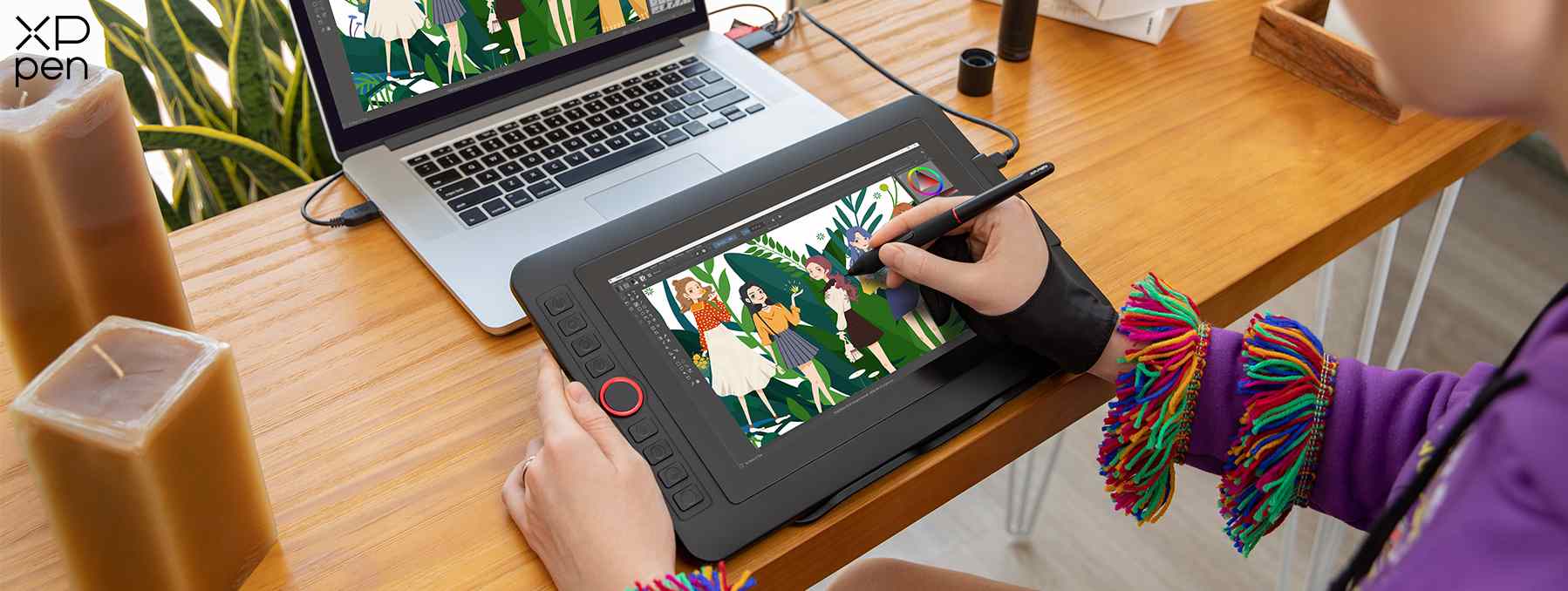
A drawing pad, often referred to as a graphics tablet, pen tablet, or digital drawing tablet, is an input device that allows users to hand-draw images, animations, and graphics with a special pen-like stylus, similar to drawing with a pen and paper. Unlike a mouse, which is designed for general navigation, a drawing pad offers a natural and intuitive interface for creative tasks, translating the nuances of hand movements, pressure, and tilt directly into digital input. It bridges the gap between traditional artistic mediums and the digital canvas, empowering artists, designers, illustrators, and even casual users to create with unprecedented precision and control.
The Evolution of Digital Art Tools
The concept of digital drawing has roots dating back to the mid-20th century, but the modern drawing pad as we know it began to solidify its presence in the late 20th and early 21st centuries. Early iterations were often cumbersome and lacked the responsiveness digital artists crave today. However, continuous advancements in sensor technology, stylus design, and software integration have transformed these devices from niche tools into indispensable components of any digital creative’s toolkit.
From Traditional to Digital
Historically, artists relied on physical mediums—charcoal, paint, pastels—to bring their visions to life. The advent of computers introduced new possibilities, but early digital art often felt sterile and disconnected from the organic flow of traditional methods. The mouse, while revolutionary for computing, proved inadequate for detailed drawing due to its lack of pressure sensitivity and ergonomic limitations for artistic expression. Drawing pads emerged as the solution, designed specifically to mimic the natural feel of drawing, painting, and sketching. This shift not only democratized art creation by reducing material costs but also introduced non-destructive editing, limitless color palettes, and instant sharing capabilities, fundamentally altering the landscape of visual communication.
The Core Concept of a Drawing Pad
At its heart, a drawing pad consists of a flat, pressure-sensitive surface and a specialized stylus. The surface, which can vary in size from a small coaster to a large desktop canvas, contains an electromagnetic grid or other sensor technology. When the stylus is brought into proximity or touches this surface, the grid detects its position. More advanced pads and styluses also detect the amount of pressure applied, the angle or tilt of the stylus, and sometimes even its rotation, feeding this data to a connected computer. This detailed input allows for variations in line thickness, opacity, brush size, and other parameters within compatible software, giving digital artists an expressive range previously exclusive to physical mediums.
How They Interact with Computers
Drawing pads function as peripheral input devices, much like a keyboard or mouse, but with specialized capabilities. They connect to a computer typically via USB, Bluetooth, or Wi-Fi. Once drivers are installed, the tablet’s active area maps directly to the computer’s display. Moving the stylus across the tablet surface translates to cursor movement on the screen. Pressing the stylus down activates a “click” or drawing action, with pressure sensitivity dictating the intensity of the stroke in applications like Adobe Photoshop, Corel Painter, Clip Studio Paint, or Krita. This seamless integration allows for precise manipulation of digital content, from intricate illustrations to complex 3D modeling.
Types of Drawing Pads and Their Technology
The market for drawing pads has diversified significantly, offering a range of options tailored to different needs, budgets, and professional requirements. These can broadly be categorized into three main types, each leveraging distinct technological approaches.
Graphics Tablets (Pen Tablets)
Graphics tablets, often called pen tablets, are the most common and entry-level form of drawing pad. They consist of a flat, opaque surface where the user draws, and the output is displayed on a separate computer monitor.
Connectivity and Stylus Technology
These tablets typically connect via USB-A, USB-C, or wirelessly via Bluetooth. The stylus technology is predominantly either Electromagnetic Resonance (EMR) or Active Stylus. EMR technology, pioneered by Wacom, is passive, meaning the stylus does not require batteries or charging. The tablet’s surface emits an electromagnetic field that powers the stylus, which then reflects a signal back to the tablet, indicating its position, pressure, and tilt. Active styluses, in contrast, contain a battery and communicate with the tablet via Bluetooth or proprietary radio frequencies, often allowing for additional features like programmable buttons.
Pressure Sensitivity and Tilt Recognition
A critical feature of graphics tablets is pressure sensitivity, measured in levels (e.g., 2048, 4096, 8192). This determines how many distinct levels of force the tablet can detect from the stylus tip, directly influencing the nuance of strokes in drawing software. Higher pressure levels mean finer control over line weight, opacity, and other dynamic brush properties. Tilt recognition allows the tablet to detect the angle at which the stylus is held, enabling effects like shading with the side of a virtual pencil, mimicking traditional art tools.
Pen Displays (Interactive Pen Displays)
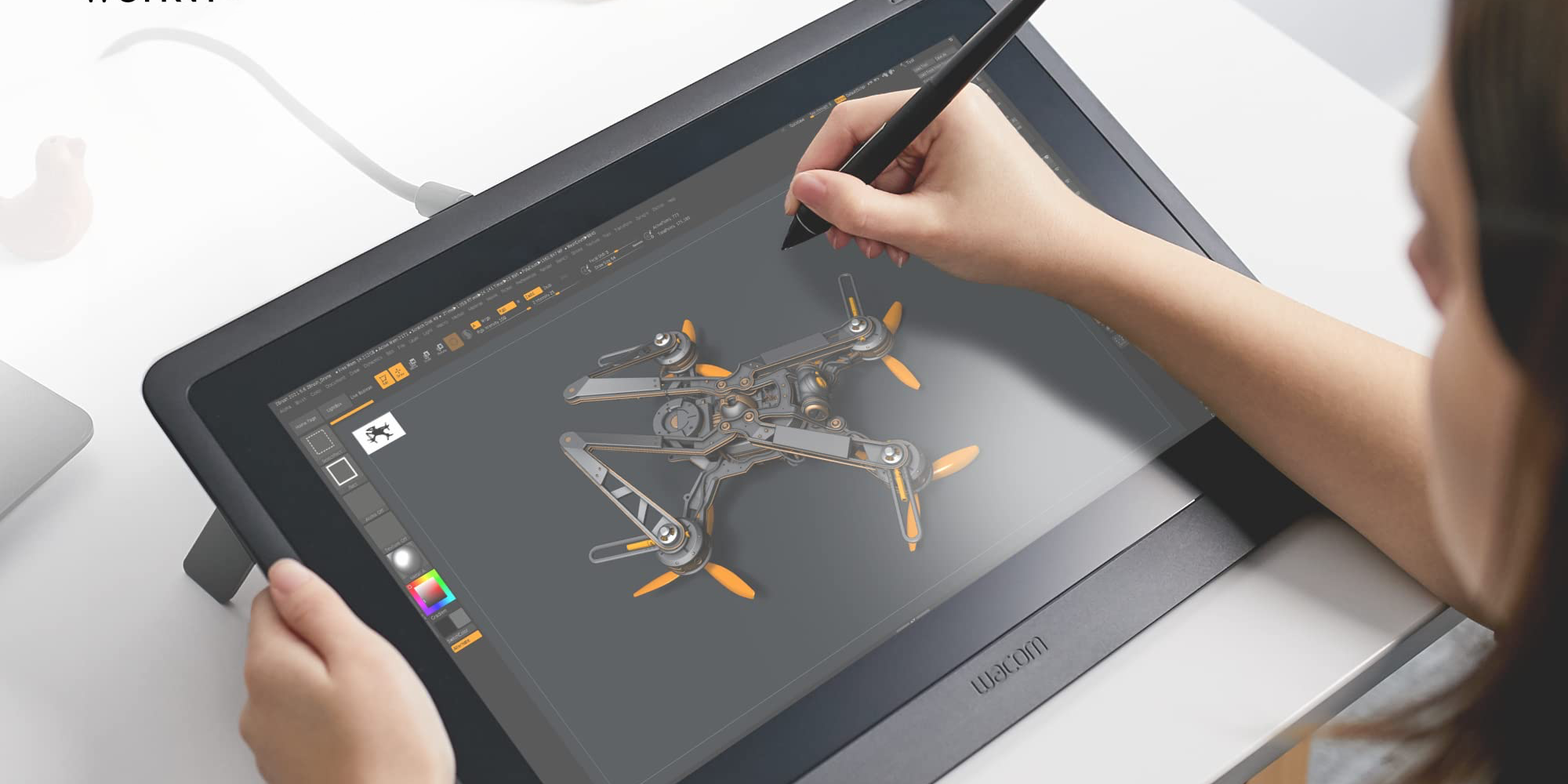
Pen displays integrate an LCD or LED screen directly into the drawing surface, allowing artists to draw directly onto the screen. This “pen-on-screen” experience offers a more intuitive and immersive workflow.
Integrated Screens and Visual Fidelity
These devices boast high-resolution screens (Full HD, 4K, etc.) with wide color gamuts to ensure accurate color representation, crucial for professional design and illustration. The underlying digitizer technology is similar to graphics tablets, but with the added complexity of optical bonding and specialized coatings to minimize parallax (the slight offset between the stylus tip and the on-screen cursor) and reduce glare. Some advanced displays feature etched glass surfaces to provide a tactile “paper-like” feel.
Advantages for Direct Drawing
The primary advantage of a pen display is the direct visual feedback. Artists can see their strokes appear precisely where the stylus touches, enhancing hand-eye coordination and mimicking the natural act of drawing on paper. This direct interaction can significantly speed up workflow and reduce the cognitive load associated with looking at one surface while drawing on another.
Standalone Pen Computers (Tablet Computers/iPads)
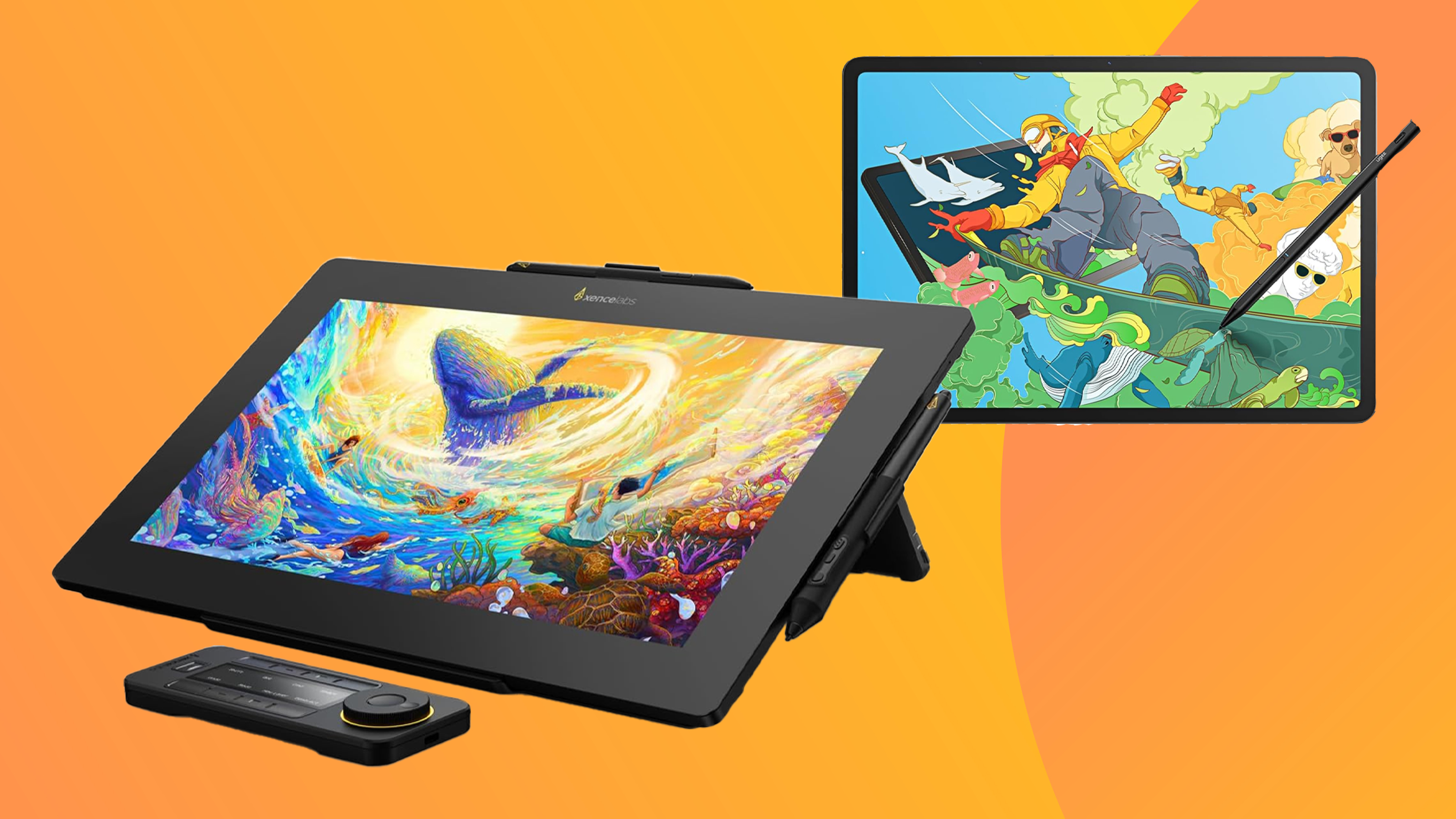
Standalone pen computers, such as the Apple iPad Pro with Apple Pencil, Microsoft Surface Pro, or Samsung Galaxy Tab series, are fully functional computers with integrated touchscreens and stylus support.
Operating Systems and Portability
These devices run full-fledged operating systems (iOS/iPadOS, Windows, Android) and possess their own processors, memory, and storage, making them truly portable and independent of a separate host computer. They offer the complete versatility of a tablet combined with the precision of a drawing device, capable of running professional-grade creative software natively.
Ecosystems and App Integration
The strength of standalone pen computers lies in their rich app ecosystems. For instance, the iPad Pro leverages apps like Procreate, Affinity Designer, and Adobe Fresco, optimized for touch and stylus input, providing a powerful mobile creative studio. These devices often feature advanced display technologies, powerful GPUs, and long battery life, making them ideal for artists who require mobility and a fully integrated creative solution.
Key Technological Features and Specifications
Understanding the technical specifications of a drawing pad is crucial for choosing the right device to match specific creative needs. These features directly impact performance, precision, and user experience.
Resolution and LPI (Lines Per Inch)
The resolution of a drawing tablet refers to its ability to detect the fine movements of the stylus. For graphics tablets, this is often measured in Lines Per Inch (LPI). A higher LPI (e.g., 5080 LPI) means the tablet can detect more distinct points per inch of stylus movement, resulting in smoother lines and more accurate reproduction of detail. For pen displays, resolution refers to the screen resolution (e.g., 1920×1080 or 3840×2160), impacting visual clarity.
Report Rate (RPS – Reports Per Second)
Also known as polling rate, the report rate indicates how many times per second the tablet reports the stylus’s position to the computer. A higher report rate (e.g., 200 RPS or more) results in less lag and a smoother, more responsive drawing experience, as the on-screen cursor keeps up more accurately with rapid stylus movements.
Pressure Levels and Tilt Recognition
As mentioned, pressure levels (e.g., 8192) dictate the range of force detectable by the tablet, directly influencing the expressiveness of strokes. Tilt recognition (measured in degrees, e.g., ±60°) allows the device to respond to the angle of the stylus, enabling realistic shading and brush dynamics. These features are fundamental for mimicking traditional art techniques digitally.
Express Keys and Touch Rings
Many drawing pads incorporate programmable Express Keys (physical buttons) and Touch Rings or Touch Strips on their bezels. These can be customized to perform various functions like undo/redo, zoom in/out, brush size adjustment, or switching tools. They significantly enhance workflow efficiency by reducing the need to constantly access menus or keyboard shortcuts.
Connectivity Options (Wired vs. Wireless)
Modern drawing pads offer both wired (USB-A, USB-C) and wireless (Bluetooth, proprietary 2.4GHz RF) connectivity. Wired connections provide reliable, lag-free performance and don’t require battery management for the tablet itself. Wireless options offer greater freedom of movement and a clutter-free workspace, albeit with the need to charge the tablet’s internal battery periodically. Some tablets offer both, allowing users to choose based on their current setup.
Software Compatibility
A drawing pad’s utility is intrinsically linked to its software compatibility. Drivers are typically available for major operating systems such as Windows and macOS. Increasingly, some tablets also support Android and Linux, expanding their versatility. Compatibility with popular creative applications like Adobe Creative Suite (Photoshop, Illustrator), Corel Painter, Clip Studio Paint, Autodesk Sketchbook, Krita, and Blender is standard, ensuring that artists can use their preferred tools.
The Impact on Digital Creation and Productivity
Drawing pads have revolutionized digital creation, making complex artistic tasks more accessible and efficient. Their technological sophistication translates directly into enhanced productivity and creative freedom across various domains.
Enhancing Workflow for Artists and Designers
For professional artists, illustrators, graphic designers, and animators, drawing pads are indispensable. They provide the precision needed for intricate line work, the control for nuanced shading, and the speed for iterative design. The ability to quickly experiment with colors, brushes, and layouts, combined with non-destructive editing, accelerates the creative process significantly. Moreover, features like express keys and radial menus can be tailored to individual workflows, further optimizing efficiency and reducing repetitive strain.
Applications Beyond Art
While primarily associated with art, drawing pads have found utility in numerous other fields. In education, they facilitate interactive whiteboards and allow educators to annotate documents or solve problems visually in real-time. For presentations, they enable dynamic markups and emphasize key points. In note-taking, especially for visual thinkers, they offer a flexible alternative to traditional pen and paper, allowing for diagrams, sketches, and handwritten notes to be seamlessly integrated into digital documents. They are also used in 3D modeling, CAD design, and even photo retouching, where fine control is paramount.
Future Trends and Innovations
The future of drawing pads promises further integration with emerging technologies. We can anticipate even greater pressure sensitivity levels, more advanced tilt and rotation detection, and improved haptic feedback to simulate the texture of various drawing surfaces. Eye-tracking technology could potentially enhance cursor control, while advancements in AI might offer intelligent brush suggestions or real-time stroke correction. Furthermore, continued improvements in wireless technology, battery life, and display advancements (such as flexible or transparent displays) will undoubtedly push the boundaries of what is possible, making digital creation even more intuitive, powerful, and immersive.
aViewFromTheCave is a participant in the Amazon Services LLC Associates Program, an affiliate advertising program designed to provide a means for sites to earn advertising fees by advertising and linking to Amazon.com. Amazon, the Amazon logo, AmazonSupply, and the AmazonSupply logo are trademarks of Amazon.com, Inc. or its affiliates. As an Amazon Associate we earn affiliate commissions from qualifying purchases.