
In the vast landscape of the internet, a browser serves as the essential gateway, the digital lens through which users access, navigate, and interact with the World Wide Web. Without it, the sprawling network of websites, applications, and information would remain an inaccessible jumble of code. Essentially, a web browser is a software application designed to retrieve, present, and traverse information resources on the World Wide Web. These resources, primarily in the form of webpages, often contain a mix of text, images, videos, and other multimedia content.
The term “browser” itself is a shortened form of “web browser,” though in common parlance, the “web” prefix is often dropped due to the ubiquity of its internet-facing function. From simple informational sites to complex web applications like online banking platforms or collaborative workspaces, browsers are the foundational tools that make modern digital life possible. Understanding what a browser is, how it functions, and the various examples available is fundamental for anyone engaging with the internet.
The Gateway to the World Wide Web
At its core, a browser is a client-side application that communicates with web servers to fetch content and then renders that content into a human-readable and interactive format. This seemingly simple process underpins nearly every online activity, from checking emails to streaming movies.
Defining the Modern Web Browser
A modern web browser is far more than a simple viewer for text and images. It’s a sophisticated piece of software capable of interpreting a multitude of web standards and technologies. When you type a web address (URL) into your browser’s address bar, you’re initiating a complex sequence of events:
- Request Initiation: The browser sends a request to a web server to retrieve the specified webpage.
- Server Response: The web server processes the request and sends back the webpage’s data, typically in HTML, CSS, and JavaScript formats.
- Rendering: The browser’s rendering engine interprets this code, laying out the content, applying styles, and executing scripts to display the webpage as intended.
- Interaction: Once displayed, the browser allows users to interact with the page, click links, fill out forms, play media, and execute client-side scripts.
This intricate dance occurs seamlessly, often within milliseconds, giving users the impression of direct access to information.
How Browsers Work: A Simplified Overview
The fundamental mechanism behind a browser’s operation relies on the client-server model. Your browser acts as the “client,” requesting information from “servers” — powerful computers that host websites.
- Client-Server Communication: When you enter a URL, the browser uses DNS (Domain Name System) to translate the human-readable domain name (e.g., example.com) into an IP address (e.g., 192.0.2.1). It then sends an HTTP/HTTPS request to the web server at that IP address.
- Rendering Engine: The core component of any browser is its rendering engine (also known as layout engine or browser engine). This engine is responsible for interpreting HTML (the structure), CSS (the style), and JavaScript (the interactivity) of a webpage. It calculates where everything should appear on the screen, draws the elements, and manages the execution of scripts. Popular rendering engines include Blink (used by Chrome, Edge, Opera), Gecko (Firefox), and WebKit (Safari).
- User Interface (UI): Beyond the rendering engine, browsers also provide a user interface: the address bar, navigation buttons (back, forward, refresh), tabs, bookmarks, and settings menus that users interact with directly.
Key Functions Beyond Basic Navigation
While navigating to websites is the primary function, modern browsers offer a rich set of features that enhance the user experience and productivity:
- Tabbed Browsing: Allows users to open multiple webpages within a single browser window.
- Bookmarks/Favorites: A way to save frequently visited or important webpages for quick access.
- History: Keeps a record of previously visited websites.
- Downloads Manager: Facilitates the downloading and management of files from the internet.
- Extensions/Add-ons: Small software modules that can be added to a browser to customize its functionality, add new features, or integrate with other services. Examples include ad blockers, password managers, and productivity tools.
- Privacy & Security Features: Tools like incognito/private browsing modes, cookie management, site permissions, and built-in phishing/malware protection.
A Panorama of Popular Browsers
The browser market is competitive, with several major players and niche alternatives vying for user attention. Each offers a slightly different philosophy regarding speed, privacy, features, and ecosystem integration.
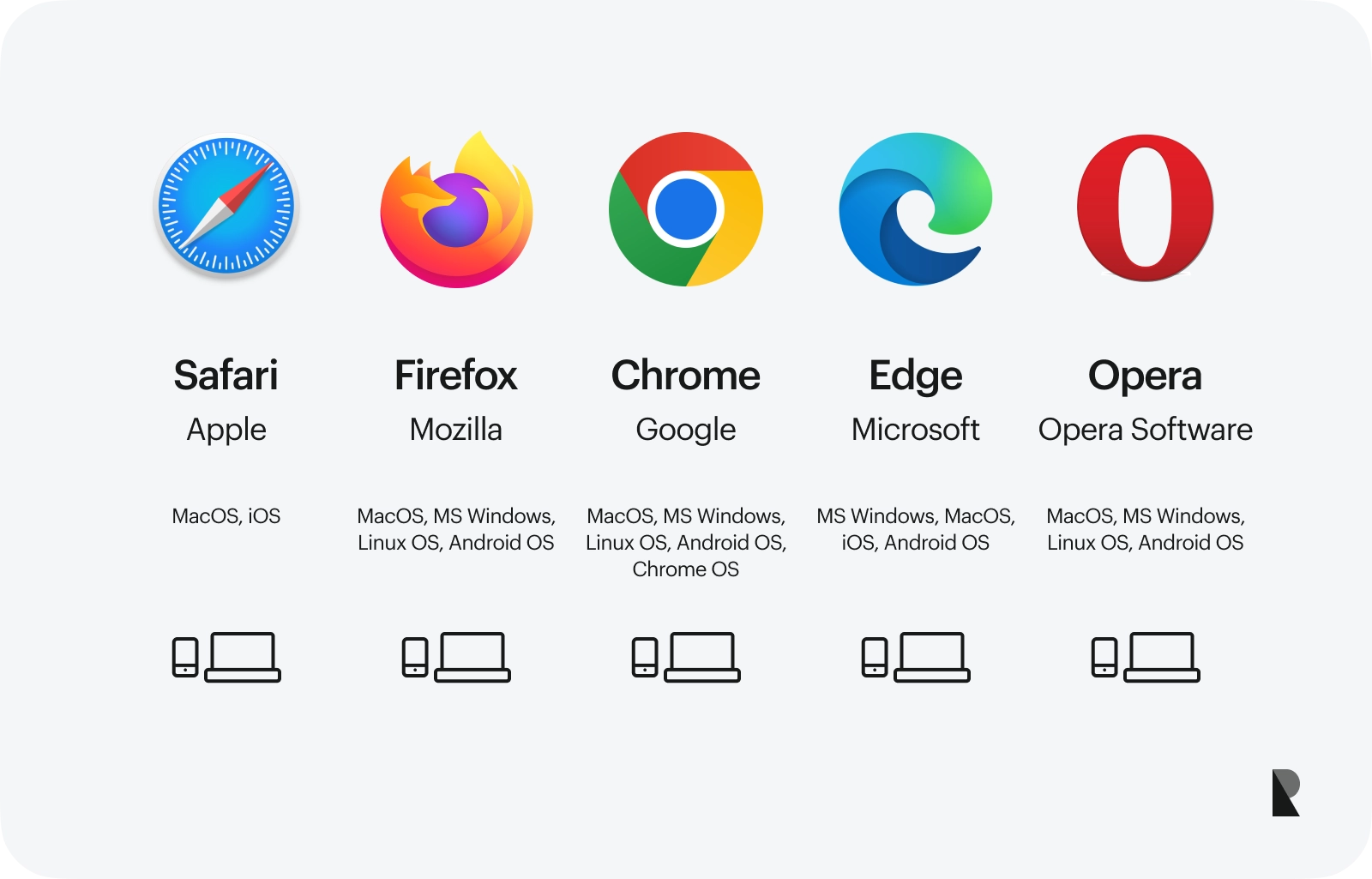
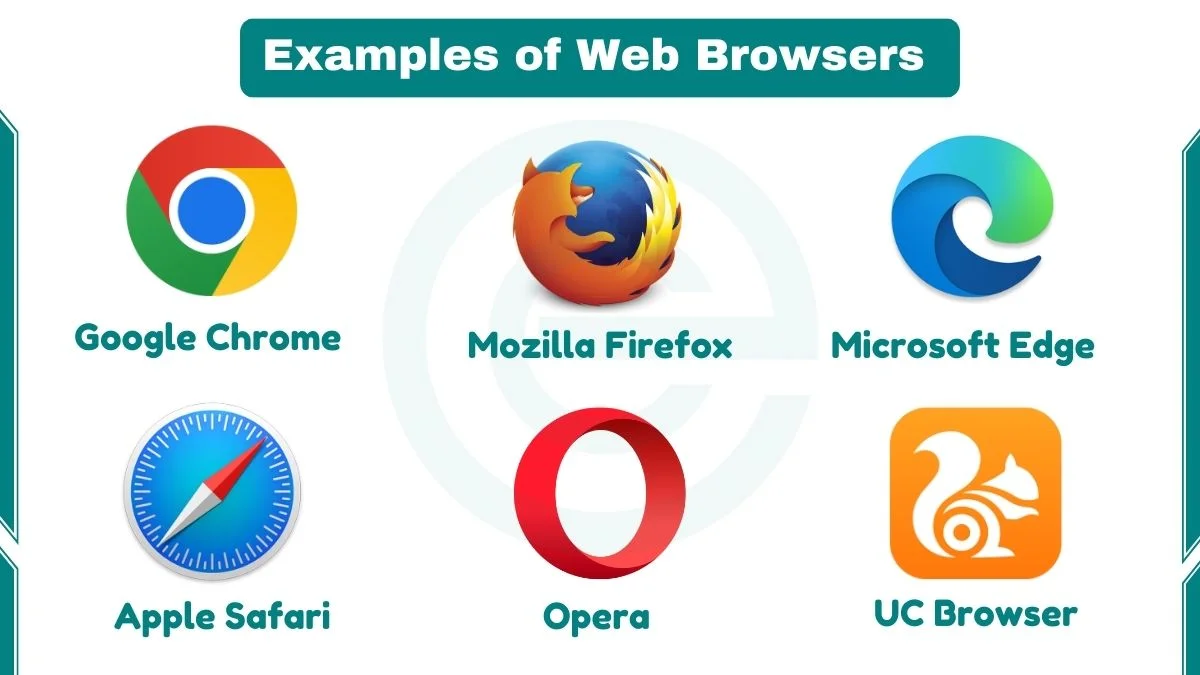
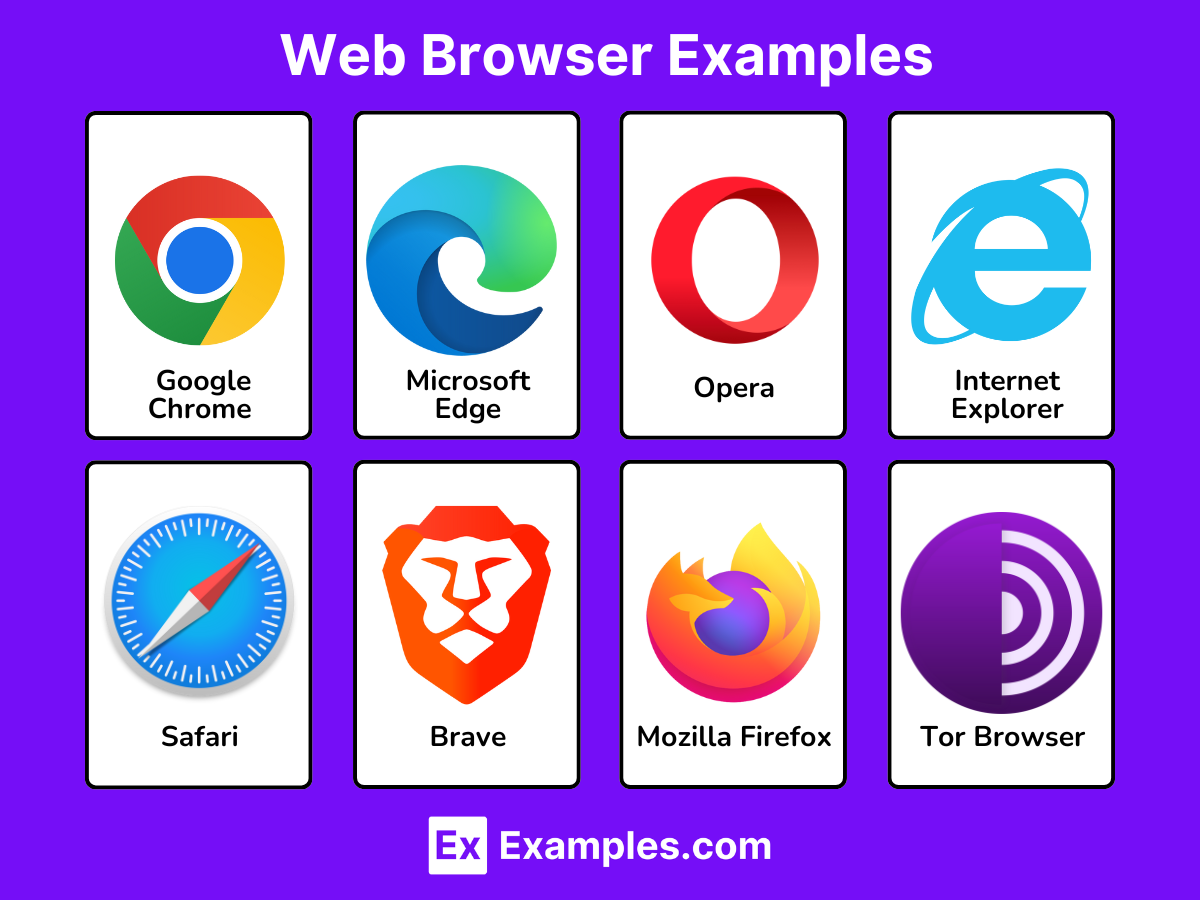
Google Chrome: The Dominant Player
Example: Google Chrome stands as the undisputed leader in the browser market share, largely due to its speed, vast extension ecosystem, and deep integration with Google services. Launched in 2008, Chrome quickly gained popularity for its minimalist interface and performance.
- Key Strengths: High speed, extensive Chrome Web Store offering thousands of extensions, seamless synchronization across devices with a Google account (bookmarks, history, passwords), and robust developer tools.
- Considerations: Its integration with Google’s services means it collects significant user data, which can be a privacy concern for some. It can also be resource-intensive, especially with many tabs open.
Mozilla Firefox: The Privacy Champion
Example: Mozilla Firefox, a long-standing open-source browser, is renowned for its commitment to user privacy and control. It has consistently positioned itself as an alternative to the Chromium-based browsers that dominate the market.
- Key Strengths: Strong privacy protections (Enhanced Tracking Protection by default), highly customizable interface, open-source development model, and a focus on independent web standards.
- Considerations: While significantly improved in recent years, it may not always match Chrome’s raw speed or extension library, though its add-on ecosystem is still very robust.
Microsoft Edge: The Reimagined Contender
Example: Microsoft Edge, initially released in 2015 as a successor to Internet Explorer, received a significant overhaul in 2020 when it switched to the Chromium engine. This move transformed it into a modern, fast, and highly compatible browser.
- Key Strengths: Excellent performance, low resource usage (especially on Windows), strong integration with Microsoft services (Outlook, Xbox, Bing AI features), and an increasing array of unique features like “Collections” and built-in tracking prevention. Compatible with Chrome Web Store extensions.
- Considerations: Its close ties to Microsoft’s ecosystem might deter users wary of single-vendor dependence, and some of its newer features can sometimes feel intrusive if not configured.
Apple Safari: The macOS and iOS Staple
Example: Apple Safari is the default browser for all Apple devices, including Macs, iPhones, and iPads. It’s optimized for performance and energy efficiency within the Apple ecosystem.
- Key Strengths: Exceptional energy efficiency (making it ideal for laptops), strong privacy features (Intelligent Tracking Prevention), seamless integration with Apple services (iCloud Keychain, Handoff), and a clean, minimalist interface.
- Considerations: Primarily limited to Apple hardware, which restricts its cross-platform usability for many users. Its extension ecosystem is smaller compared to Chrome or Firefox.
Brave and Opera: Niche Innovators
Example: Brave is a Chromium-based browser that prioritizes privacy and aims to reinvent the ad-supported web model by blocking all ads and trackers by default and offering a cryptocurrency-based reward system for viewing privacy-respecting ads.
Example: Opera, another long-standing browser, is known for its innovative features, including a built-in VPN, ad blocker, battery saver, and workspace organization tools. It also utilizes the Chromium engine.
- Key Strengths: (Brave) Extreme privacy, built-in crypto wallet, ad-free browsing. (Opera) Free VPN, resource efficiency, unique productivity features.
- Considerations: Both cater to specific user needs and have smaller market shares, which can sometimes mean less immediate support for new web standards compared to the giants.
Essential Browser Features and Technologies
The core functionality of any browser relies on a stack of technologies and features that have evolved significantly over time.
Rendering Engines: The Heart of Display
As mentioned, the rendering engine is crucial. Different engines interpret web standards slightly differently, leading to subtle variations in how a webpage appears or performs.
- Blink: Developed by Google, based on WebKit. Powers Chrome, Edge (since 2020), Opera, and many other Chromium-based browsers. Known for speed and compatibility with the latest web standards.
- Gecko: Developed by Mozilla for Firefox. Emphasizes open standards and user privacy.
- WebKit: Developed by Apple, used in Safari. Optimized for performance and power efficiency on Apple hardware.
Security Protocols: Protecting Your Digital Journey
Browsers are on the front lines of cybersecurity. They implement various protocols and features to protect users from threats:
- HTTPS (Hypertext Transfer Protocol Secure): Ensures encrypted communication between your browser and the web server, protecting data from eavesdropping and tampering. Browsers visibly indicate when a site uses HTTPS (e.g., a padlock icon).
- Sandboxing: Isolates different parts of the browser (like individual tabs or extensions) from each other and from the operating system, preventing malicious code from spreading.
- Anti-Phishing and Anti-Malware: Many browsers include built-in databases of known malicious websites and will warn users before they visit them.
- Same-Origin Policy: A critical security mechanism that prevents a document or script loaded from one origin from interacting with a resource from another origin.
Customization and Extensions: Tailoring Your Experience
The ability to customize a browser is a significant draw for many users. Extensions, also known as add-ons, are small programs that extend the functionality of the browser. They can range from productivity tools like note-takers and screenshot utilities to security tools like ad blockers and VPN clients. Browser stores (e.g., Chrome Web Store, Firefox Add-ons) offer thousands of options, allowing users to personalize their browsing environment to an unprecedented degree.
Privacy Settings: Taking Control of Your Data
With growing concerns over online privacy, browsers have increasingly offered sophisticated privacy controls. These include:
- Cookie Management: Allowing users to block, delete, or selectively manage third-party cookies, which are often used for tracking.
- Tracking Prevention: Features that block known trackers and fingerprinting attempts.
- Incognito/Private Browsing Modes: Sessions that do not save browsing history, cookies, site data, or information entered in forms.
- Do Not Track (DNT): A preference that can be sent to websites requesting them not to track your browsing activity, although compliance is voluntary for websites.
Beyond the Desktop: Browsers on Every Device
The concept of a browser has expanded far beyond the desktop computer. With the proliferation of mobile devices and interconnected technologies, browsers are now ubiquitous.
Mobile Browsing: On-the-Go Access
Mobile browsers are optimized for smaller screens, touch interfaces, and the unique constraints of mobile connectivity (e.g., data usage, battery life). Most desktop browsers have mobile versions (e.g., Chrome for Android/iOS, Safari for iOS, Firefox Mobile), offering syncing capabilities that allow users to seamlessly transition their browsing experience from one device to another. These mobile-first designs often include features like reader modes, simplified UIs, and efficient content loading.
Integrated Browsers: Apps and Consoles
Browsing functionality is also embedded within many other applications and devices. Most social media apps, for instance, have an in-app browser that opens links without forcing the user to leave the application. Smart TVs, gaming consoles, and even some smart home devices incorporate rudimentary browsing capabilities to access web-based content or services. While not full-featured web browsers, they demonstrate the pervasive nature of web connectivity.
The Future of Browsing: AI, Web3, and Immersive Experiences
The evolution of browsers continues at a rapid pace. Future trends point towards:
- AI Integration: Artificial intelligence is increasingly being built directly into browsers for tasks like content summarization, personalized recommendations, intelligent search, and even generating web content. Microsoft Edge’s Copilot integration is an early example.
- Web3 and Decentralization: As the concept of Web3 gains traction, browsers are exploring ways to interact with decentralized networks, blockchain technologies, and cryptocurrencies, potentially offering built-in crypto wallets and direct access to dApps (decentralized applications).
- Immersive Experiences: With advancements in virtual reality (VR) and augmented reality (AR), browsers may evolve to support more immersive web experiences, moving beyond 2D screens into spatial computing environments.
In essence, the browser remains a dynamic and critical piece of software, constantly adapting to new web technologies and user demands, cementing its role as the indispensable tool for navigating the digital world.
aViewFromTheCave is a participant in the Amazon Services LLC Associates Program, an affiliate advertising program designed to provide a means for sites to earn advertising fees by advertising and linking to Amazon.com. Amazon, the Amazon logo, AmazonSupply, and the AmazonSupply logo are trademarks of Amazon.com, Inc. or its affiliates. As an Amazon Associate we earn affiliate commissions from qualifying purchases.