
In the modern digital landscape, YouTube stands as the primary medium for global video consumption, serving billions of hours of content daily. For developers, videographers, and tech enthusiasts, understanding “what format” YouTube videos are requires moving beyond a simple file extension like .MP4. The reality is a complex interplay of containers, video compression standards (codecs), and adaptive bitrate streaming technologies.
When you upload a video to YouTube, you aren’t just placing a file on a server; you are triggering a massive cloud-based transcoding process. This article explores the technical architecture of YouTube’s video delivery, the recommended upload specifications, and the cutting-edge codecs that Google uses to balance high fidelity with bandwidth efficiency.

1. Containers vs. Codecs: The Technical Foundation
To answer what format YouTube videos are, we must first distinguish between a “container” and a “codec.” This distinction is the bedrock of digital media engineering.
What is a Video Container?
A container (or wrapper) is a file format that holds various types of data together. Think of it as a digital box. Inside this box, you’ll find the video stream, the audio stream, and metadata (such as subtitles, chapters, and technical tags). Common containers include MP4 (.mp4), QuickTime (.mov), WebM, and Matroska (.mkv).
While YouTube supports many containers for uploading, the platform’s internal architecture and its preferred delivery format lean heavily toward standardized wrappers that provide high compatibility across mobile devices, browsers, and smart TVs.
What is a Video Codec?
The codec (compression/decompression) is the actual mathematical algorithm used to shrink the video data. Since raw video files are enormous—potentially hundreds of gigabytes for a short 4K clip—codecs are essential for making video transmissible over the internet.
YouTube utilizes several key codecs:
- H.264 (AVC): The industry standard for compatibility.
- VP9: Google’s proprietary open-source codec designed for high-resolution efficiency.
- AV1: The next-generation codec offering superior compression for 4K and 8K streams.
2. YouTube’s Recommended Upload Specifications
While YouTube’s ingest servers can handle a wide variety of formats, there is a specific technical “Gold Standard” recommended for the highest quality processing. If you deviate from these, the platform’s transcoding engine may introduce artifacts or degrade the visual integrity of the content.
The Preferred Upload Format: MP4 and H.264
For most users and professional creators, YouTube recommends the MP4 container with the H.264 video codec.
Technically, the H.264 stream should use a High Profile setting with Progressive Scan (no interlacing). It also utilizes Chroma Subsampling at 4:2:0, which is the standard for web delivery, balancing color accuracy with data savings. By uploading in this format, you ensure that YouTube’s servers can quickly parse the file and generate various resolutions (from 144p to 4K) without compatibility errors.
Audio Standards: AAC-LC
Audio is just as critical as video. The technical standard for YouTube audio is the AAC-LC (Advanced Audio Coding – Low Complexity) codec. The recommended sample rate is either 48kHz or 96kHz, with a bitrate of 384 kbps or higher for stereo tracks. This ensures that the audio remains crisp even after YouTube applies its own secondary compression for streaming.
Resolution and Aspect Ratio
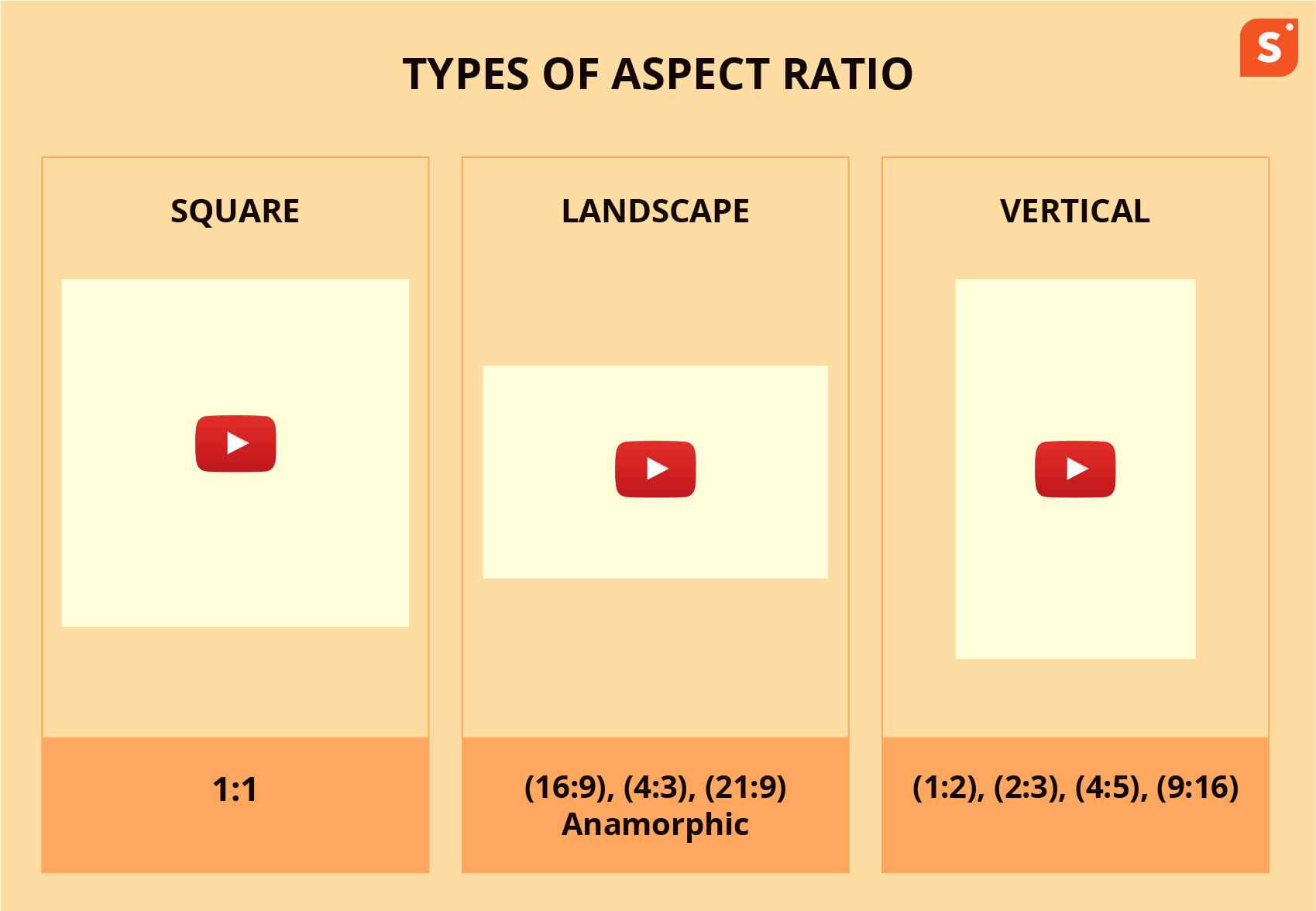
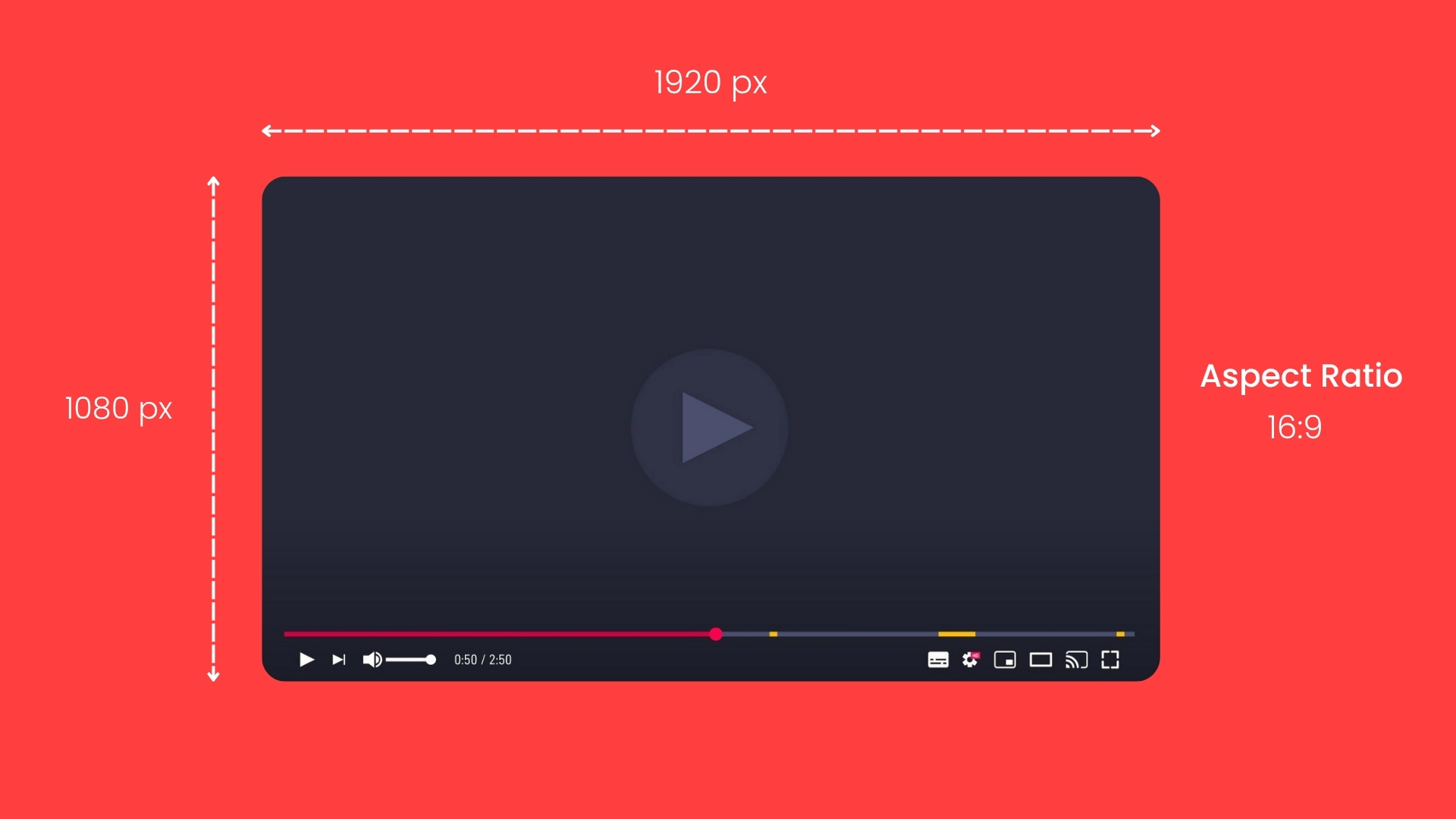
YouTube has moved strictly toward a 16:9 aspect ratio. While the platform can technically display vertical (9:16) or square (1:1) videos through its “Shorts” player or adaptive desktop player, the underlying technical framework is optimized for the 16:9 widescreen standard. The platform supports resolutions ranging from standard definition (360p) up to Ultra High Definition (4320p or 8K).
3. The Backend Tech: Transcoding and Multi-Format Delivery
One of the most common misconceptions is that YouTube plays back the exact file you uploaded. In reality, YouTube’s infrastructure creates dozens of new versions of your video. This process is known as Transcoding.
The Transcoding Pipeline
When a video is uploaded, YouTube’s “Transcoder” immediately creates a low-resolution version so the video can go live quickly. Simultaneously, it begins the heavy lifting of encoding higher resolutions (1080p, 4K) into multiple codecs.
YouTube uses a “ladder” approach to bitrate. A user on a slow 3G connection will receive a low-bitrate H.264 stream at 144p, while a user on a fiber-optic connection watching on a 4K monitor will receive a high-bitrate VP9 or AV1 stream.
The Rise of VP9 and AV1
For high-traffic videos and high resolutions (1440p and above), YouTube often ignores H.264 in favor of VP9. Developed by Google, VP9 allows for much higher detail at a lower bitrate than H.264.
More recently, YouTube has begun implementing AV1 (AOMedia Video 1). This is a royalty-free, highly advanced codec that provides roughly 30% better compression than VP9. If you right-click a YouTube video and select “Stats for nerds,” you can see exactly which codec is being served to your browser. High-end hardware with AV1 decoding capabilities will almost always get the AV1 stream, resulting in the best possible visual experience with minimal buffering.
Frame Rates and High Dynamic Range (HDR)
YouTube’s technical architecture supports frame rates up to 60fps (frames per second). For gamers and sports content, this provides a level of fluid motion that 24fps or 30fps cannot match.
Furthermore, YouTube supports HDR (High Dynamic Range). This requires videos to be uploaded using specific color spaces, primarily Rec. 2020 with PQ (Perceptual Quantizer) or HLG (Hybrid Log-Gamma). When an HDR video is uploaded, YouTube generates “Downconverted” Standard Dynamic Range (SDR) versions to ensure the video looks good on older monitors while popping with vibrant colors and deep contrast on HDR-certified displays.
4. Optimization for Modern Devices and Browsers
The “format” of a YouTube video also changes based on the device accessing it. This is managed through MPEG-DASH (Dynamic Adaptive Streaming over HTTP) and HLS (HTTP Live Streaming).
Adaptive Bitrate Streaming (ABS)
YouTube does not send a single, continuous file to your browser. Instead, it breaks the video into small chunks (usually 2–5 seconds long). The player on your phone or laptop constantly monitors your internet speed. If your bandwidth drops, the player requests the next chunk at a lower resolution/format. This is why a video might look blurry for a few seconds before snapping back into high definition.
Hardware Acceleration and Battery Life
From a hardware perspective, the choice of format is vital for battery life. Most modern mobile processors have “fixed-function hardware” designed specifically to decode H.264 and VP9. Because the decoding happens on a dedicated chip rather than the general CPU, your phone stays cool and the battery lasts longer. As AV1 gains more hardware support in newer smartphone chips (like those from Apple, Qualcomm, and MediaTek), YouTube is shifting its delivery format to prioritize this codec.
5. Technical Best Practices for Video Exports
To ensure your tech-focused content or high-end tutorials look their best, you must align your export settings in software like Adobe Premiere Pro, DaVinci Resolve, or Final Cut Pro with YouTube’s technical expectations.
- Bitrate Encoding: Use CBR (Constant Bitrate) or VBR, 2-Pass (Variable Bitrate). For 4K 60fps content, an upload bitrate of 53–68 Mbps is recommended.
- GOP (Group of Pictures): Set your GOP to half the frame rate (e.g., if you shoot at 30fps, your GOP should be 15). This helps the compression algorithm manage “I-frames” more effectively.
- Color Space: Stick to Rec. 709 for standard uploads. While the tech world is moving toward wider gamuts, Rec. 709 remains the most stable format for predictable color reproduction across different web browsers.
Conclusion
So, what format are YouTube videos? In the modern era, they are a sophisticated mosaic of technologies. While you should upload in MP4/H.264, the platform will ultimately serve the content as VP9 or AV1 wrapped in a WebM or MP4 container, delivered via MPEG-DASH.
Understanding these technical nuances allows creators and developers to optimize their workflows, ensuring that their content survives the transcoding process with its quality intact. As we push toward 8K resolution and more immersive HDR standards, YouTube’s reliance on open-source, high-efficiency codecs like AV1 will continue to define the future of digital video technology.
aViewFromTheCave is a participant in the Amazon Services LLC Associates Program, an affiliate advertising program designed to provide a means for sites to earn advertising fees by advertising and linking to Amazon.com. Amazon, the Amazon logo, AmazonSupply, and the AmazonSupply logo are trademarks of Amazon.com, Inc. or its affiliates. As an Amazon Associate we earn affiliate commissions from qualifying purchases.