
In the rapidly evolving landscape of mobile computing, the iPad has transitioned from a simple media consumption device into a powerhouse for productivity, creativity, and enterprise-level workflows. However, for many users, a recurring point of confusion arises when purchasing or upgrading their hardware: the concept of an “unlocked” device. While the term is frequently used in the context of smartphones, its application to the iPad ecosystem carries specific technical nuances that every tech-savvy consumer should understand.
To understand what an unlocked iPad means, one must look at the intersection of hardware capabilities, carrier restrictions, and digital security. At its core, an unlocked iPad is a cellular-capable model that is not restricted to a specific network provider, allowing the user to switch between different carriers at will. This guide explores the technical foundations of unlocked iPads, the benefits of carrier independence, and the critical distinction between network freedom and device security.
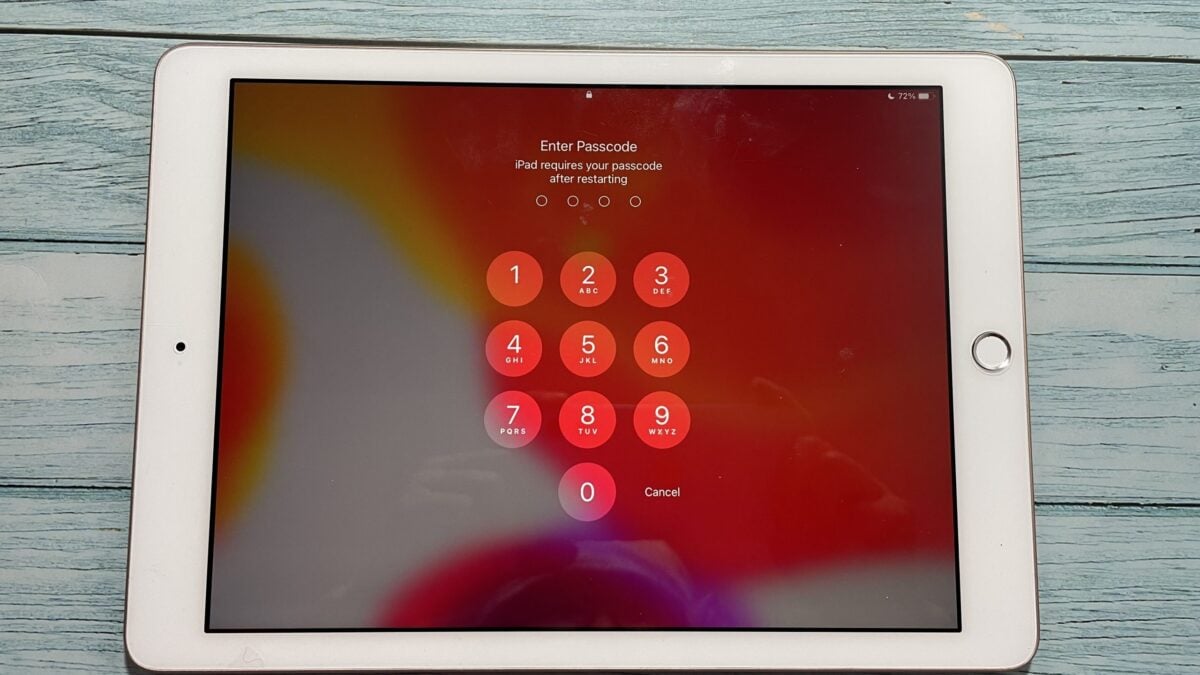
Defining the “Unlocked” Status in the Apple Ecosystem
The term “unlocked” primarily refers to the removal of software restrictions imposed by a cellular service provider. When an iPad is “locked,” its internal modem is programmed to accept only a SIM card (or eSIM profile) from the specific carrier that sold the device, usually as part of a subsidized contract or financing plan.
Software Unlocks vs. Carrier Unlocks
It is important to differentiate between a “carrier unlock” and “jailbreaking.” A carrier unlock is an official status granted by the provider or Apple, allowing the device’s baseband firmware to recognize various International Mobile Subscriber Identities (IMSI). In contrast, jailbreaking is a software exploit used to remove Apple’s operating system restrictions to install unauthorized apps. When we discuss an “unlocked iPad,” we are strictly referring to its ability to function across different cellular networks.
The Distinction Between Wi-Fi Only and Wi-Fi + Cellular Models
A common misconception is that all iPads can be “unlocked.” In reality, the concept only applies to “Wi-Fi + Cellular” models. If you own a Wi-Fi-only iPad, the device lacks the physical modem, antennas, and SIM tray required to connect to a cellular network. Consequently, Wi-Fi-only models are “unlocked” by default in the sense that they can connect to any wireless router, but they do not participate in the carrier-locking ecosystem. For the remainder of this discussion, “unlocked” refers exclusively to models equipped with cellular hardware.
The Technical Benefits of Owning an Unlocked iPad
Opting for an unlocked iPad provides a level of hardware versatility that locked devices cannot match. From a technical and functional standpoint, the benefits extend far beyond simple convenience; they touch upon financial efficiency and long-term utility.
Carrier Flexibility and International Travel
The most immediate advantage of an unlocked iPad is the ability to swap SIM cards seamlessly. For professionals who travel internationally, this is a game-changer. Instead of incurring exorbitant international roaming fees from a domestic provider, a user can land in a new country, purchase a local data-only SIM, and enjoy local rates.
Furthermore, within a single country, users can switch providers based on signal strength in specific areas. If a user moves to a location where Verizon has poor coverage but T-Mobile is excellent, an unlocked iPad allows for an instantaneous transition without needing to purchase new hardware.
Resale Value and Long-term Hardware Versatility
From a gadget lifecycle perspective, unlocked iPads hold their value significantly better than carrier-locked counterparts. When it comes time to upgrade to a newer model, an unlocked device appeals to a much broader pool of buyers. A buyer on AT&T can purchase your device just as easily as a buyer on Vodafone. Because the device is not tethered to a specific contract, it is viewed as “clean” hardware, often commanding a premium of 10% to 20% on the secondary market.
Avoiding Bloatware and Restrictive Service Contracts
While Apple is famous for preventing carriers from pre-installing “bloatware” (unwanted third-party apps) on iOS and iPadOS, carrier-locked devices are often tied to specific service contracts that may limit data speeds or tethering capabilities. An unlocked iPad, particularly one purchased directly from Apple, ensures that the user maintains complete control over their data plan choices, opting for prepaid or month-to-month arrangements that do not require long-term financial commitments.
Understanding Activation Lock vs. Network Lock
A frequent point of frustration for users buying used hardware is the confusion between a “Carrier Lock” and an “Activation Lock.” These are two entirely different technical hurdles, and understanding the difference is vital for digital security and successful device ownership.
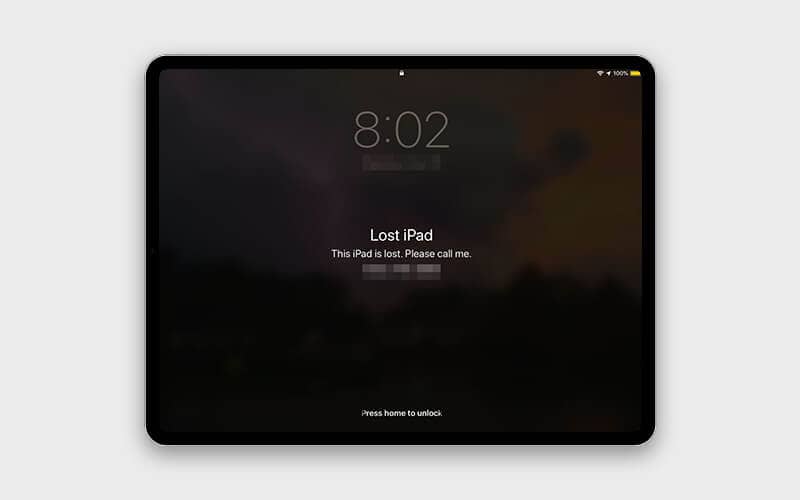
iCloud Activation Lock: The Security Layer
Activation Lock is a feature of Apple’s “Find My” service. It is designed to prevent anyone else from using your iPad if it’s ever lost or stolen. When Activation Lock is active, the device requires the original owner’s Apple ID and password to be used, even after a full factory reset.
An iPad can be carrier unlocked but still Activation Locked. If you buy a used iPad that is carrier-unlocked but is still tied to the previous owner’s iCloud account, the device is essentially a “brick”—it cannot be set up or used. Always ensure that the “Find My” feature is disabled before purchasing a pre-owned device.
How to Verify if an iPad is Carrier Unlocked
If you are unsure of your device’s status, iPadOS provides a simple way to check. By navigating to Settings > General > About, you can scroll down to the “Carrier Lock” section. If the device is unlocked, it will explicitly state “No SIM restrictions.” If it is locked, it will typically list the name of the specific carrier. This transparency in the software allows users to verify their device’s status without needing to call a service provider or visit a retail store.
How to Transition to an Unlocked iPad Experience
If you currently own a locked device or are looking to purchase a new one, there are specific protocols to follow to ensure you achieve the “unlocked” status.
Buying Directly from Apple vs. Third-Party Retailers
The simplest way to ensure an iPad is unlocked is to purchase it directly from an Apple Store or Apple.com. Apple sells all of its cellular iPads as unlocked devices, even if you choose a specific carrier during the checkout process for an eSIM activation.
Conversely, purchasing an iPad through a carrier (like AT&T, Verizon, or T-Mobile) often involves a “device payment plan.” In these instances, the carrier may lock the device to their network until the hardware is paid for in full. Once the financial obligation is met, the carrier is legally required (in many jurisdictions) to unlock the device upon request, though the process can sometimes be bureaucratic.
Requesting a Carrier Unlock for an Existing Device
If you have an iPad that is currently locked to a network, you can request an unlock if you meet certain criteria:
- The device must be fully paid off.
- The account associated with the device must be in good standing.
- The device must not have been reported as lost or stolen.
Once the carrier processes the request, they send a signal to Apple’s servers. The next time the iPad connects to the internet or is restarted, it receives the “unlock” command, and the “No SIM restrictions” status will appear in the settings.
Future-Proofing Your Tablet Strategy
As we look toward the future of tablet technology, the concept of “unlocked” is evolving from physical SIM cards to more sophisticated digital solutions.
The Shift Toward eSIM Technology
Modern iPads (including the latest iPad Pro and iPad Air models) utilize eSIM (embedded SIM) technology. This allows users to store multiple cellular profiles digitally on the device without needing a physical piece of plastic. An unlocked iPad with eSIM capabilities is the pinnacle of tech freedom; you can browse various data plans directly from the iPadOS Settings menu and activate a new plan in seconds. This eliminates the need to find a retail store or wait for a SIM card to arrive in the mail.
Security Implications of Unlocked Hardware
While an unlocked iPad offers freedom, it also places more responsibility on the user regarding digital security. Because the device can easily switch networks, users should be diligent about using secure connections. iPadOS offers robust security features, such as “Private Wi-Fi Address” and built-in support for VPNs, which should be utilized when hopping between different cellular providers or public hotspots.
Furthermore, the “unlocked” nature of the device makes it a high-value target for theft. Users should always keep “Find My iPad” enabled and use strong biometrics (Face ID or Touch ID) to protect their data. While the carrier doesn’t “own” the connection, the user’s data remains their most valuable asset.

Conclusion
Understanding what an unlocked iPad means is essential for anyone looking to maximize the utility of their tablet. It represents the difference between a device that is a tool of a service provider and a device that is a truly personal, versatile computer. By opting for an unlocked model, you gain the freedom to choose your network, the ability to travel without connectivity borders, and the assurance of higher long-term value. As cellular technology moves toward an eSIM-dominant future, the “unlocked” status will continue to be the gold standard for users who demand the most from their mobile hardware.
aViewFromTheCave is a participant in the Amazon Services LLC Associates Program, an affiliate advertising program designed to provide a means for sites to earn advertising fees by advertising and linking to Amazon.com. Amazon, the Amazon logo, AmazonSupply, and the AmazonSupply logo are trademarks of Amazon.com, Inc. or its affiliates. As an Amazon Associate we earn affiliate commissions from qualifying purchases.