
A red flashing light on a device isn’t just an aesthetic choice; it’s a universal signal of urgency, a digital siren demanding your immediate attention. In the ever-evolving landscape of technology, these blinking crimson indicators serve as crucial diagnostic tools, warning lights that prevent minor issues from escalating into catastrophic failures. Understanding what a red flashing light signifies across various technological domains is paramount for any user, from the novice consumer to the seasoned IT professional. This article will delve into the multifaceted meanings of red flashing lights within the realm of technology, exploring their implications for troubleshooting, system health, and ultimately, the longevity and performance of our digital companions.
The Spectrum of Red: From Minor Annoyances to Critical Failures
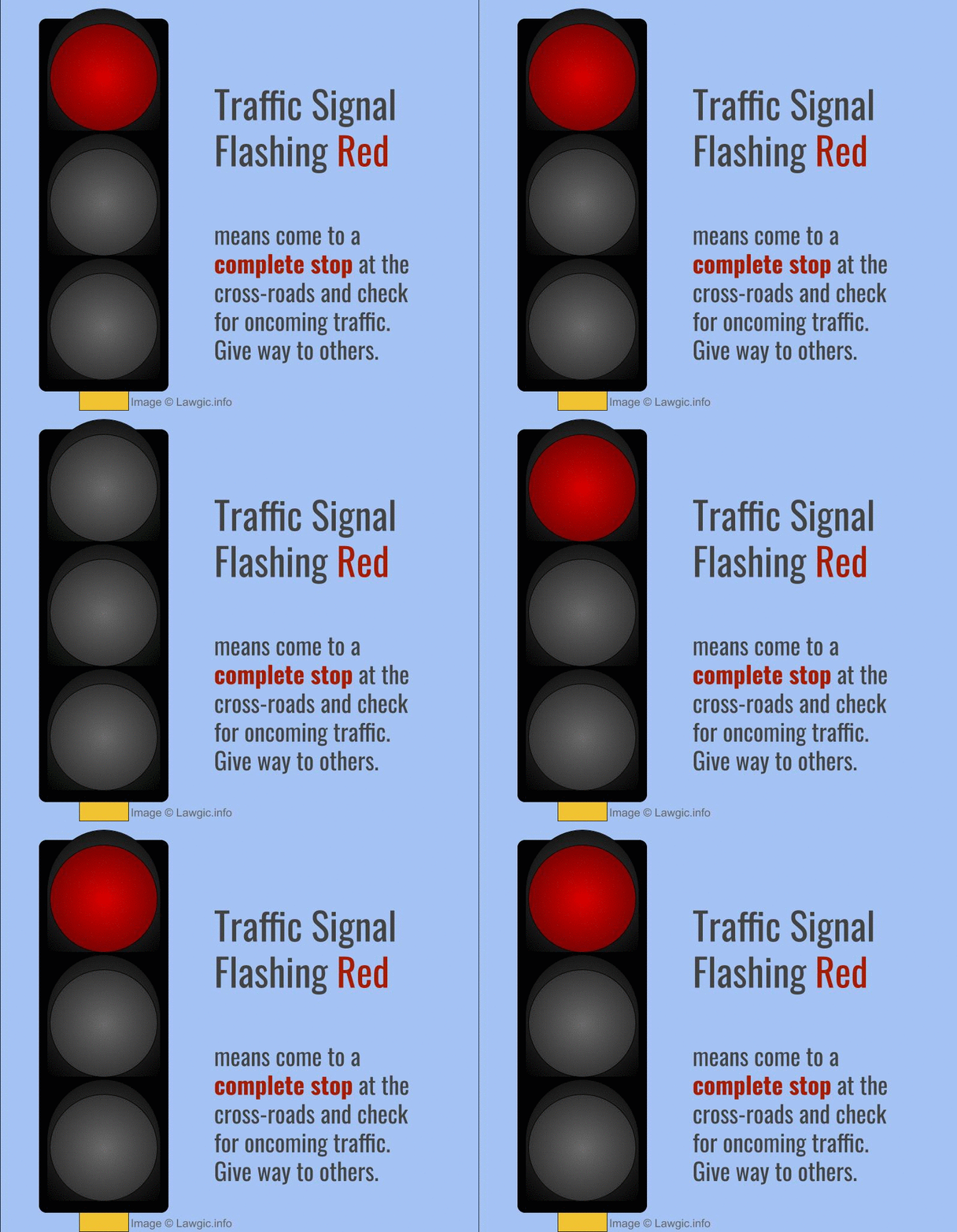
The color red, by its very nature, evokes a sense of warning, danger, or an imperative to stop. In technology, this inherent symbolism is amplified. A flashing red light is rarely a passive notification; it’s an active alert designed to be impossible to ignore. Its meaning, however, is not monolithic. It can range from a simple “low battery” reminder to a critical hardware malfunction that could render a device inoperable.
Low Power and Battery Status Indicators
One of the most common and least alarming meanings of a red flashing light is a low power or critically depleted battery. This is particularly prevalent in portable electronics such as laptops, smartphones, tablets, wireless headphones, and even remote controls.
The “Battery Critically Low” Beacon
When your device’s battery level drops to a predetermined threshold, often around 5-10%, the red flashing light will typically activate. This serves as a direct and immediate prompt to connect your device to a power source. Ignoring this warning can lead to unexpected shutdowns, data loss if the device powers off abruptly during an operation, and potentially a gradual degradation of battery health over time due to frequent deep discharges. The flashing nature emphasizes the urgency – the remaining power is insufficient for sustained operation.
Charging Status and Faults
Beyond simply indicating a low battery, a red flashing light can also denote issues with the charging process itself. For instance, if a device is plugged in and the red light is flashing, it could indicate:
- Incorrect Charger or Cable: The device may not be receiving adequate power due to an incompatible charger, a damaged cable, or a dirty charging port.
- Overheating During Charging: Some devices will flash a red light to signal that the battery or internal components are overheating during the charging cycle, a safety measure to prevent damage.
- Faulty Battery: In more severe cases, a continuously flashing red light during charging could point to a failing or damaged battery that is unable to accept a charge properly or poses a safety risk.
Understanding these nuances is crucial. A flashing red light while plugged in might prompt you to check your charger and cable, whereas a flashing red light when unplugged points more directly to the battery’s internal state.
System Malfunctions and Error Reporting
Beyond power management, red flashing lights are frequently employed to signal more profound system-level issues. These alerts often indicate that a critical component has failed, a configuration error has occurred, or the device is operating outside its designed parameters.
Hardware Failure Alerts
Many electronic devices incorporate self-diagnostic capabilities. When a crucial hardware component, such as a hard drive, memory module, or internal sensor, fails or reports an error, a red flashing light can be the primary visual cue.
The “Hard Drive Error” Blinker
In desktop computers and external storage devices, a flashing red light on or near the hard drive bay often signifies a read/write error, imminent failure, or a complete drive malfunction. This is a critical warning that necessitates immediate data backup and likely replacement of the drive. Ignoring this can lead to permanent data loss.
Memory (RAM) Issues
Similarly, some motherboards or individual RAM modules may feature small LEDs that flash red to indicate a problem with memory. This could be due to improperly seated RAM, faulty modules, or compatibility issues. Such a light often precedes a system boot failure or instability.
Network Interface Card (NIC) or Wi-Fi Adapter Problems
For networking equipment like routers, modems, or network cards in computers, a flashing red light can indicate a loss of internet connectivity, a faulty connection to the ISP, or an internal error within the networking hardware itself. This is a direct indicator that your internet access is compromised.
Critical System Errors and Overheating
Beyond specific component failures, red flashing lights can also signal broader system instability or critical operating conditions.
Overheating Warnings
Many high-performance devices, from gaming consoles to servers and even powerful laptops, will activate a red flashing light if their internal temperatures exceed safe operating limits. This is a protective measure to prevent permanent damage to sensitive components like the CPU or GPU. The flashing often corresponds with a reduction in performance or an automatic shutdown to allow the system to cool down.
Firmware or Bootloader Corruptions

In some devices, particularly embedded systems and single-board computers like Raspberry Pi, a flashing red light can indicate a corrupted bootloader or firmware. This means the device cannot even initiate its startup sequence correctly, often requiring a re-flashing of the operating system or firmware to restore functionality.
Security and Operational Status Indicators
In certain technological contexts, a red flashing light can also convey information about security status or operational modes that require user intervention or awareness.
Security Breaches and Intrusion Alerts
In network security appliances, surveillance systems, or even some smart home devices, a flashing red light can be configured to alert users to a potential security breach, unauthorized access attempt, or an anomaly detected by the security software. This requires immediate investigation of logs and security settings.
Intrusion Detection System (IDS) Warnings
Network security devices might flash red to indicate that their IDS has detected suspicious traffic patterns or potential malicious activity on the network. This warrants a prompt review of the network for any signs of compromise.
Unauthorized Access Attempts
Some smart locks or security systems might flash red if they detect multiple failed access attempts, indicating a possible brute-force attack or an unauthorized individual trying to gain entry.
Device Readiness and Error States in Specialized Equipment
In more specialized technological fields, red flashing lights have distinct meanings tied to operational readiness, diagnostic modes, or critical error states.
Industrial Control Systems (ICS) and Automation
In industrial settings, a flashing red light on a PLC (Programmable Logic Controller), HMI (Human-Machine Interface), or other control system components is a critical alert. It typically signifies a fault condition within the automated process, a safety interlock activation, or an emergency stop situation. These lights are often accompanied by audible alarms and require immediate attention from trained personnel to diagnose and resolve the issue safely.
Medical Devices and Scientific Instrumentation
In medical equipment, a flashing red light is an exceptionally serious indicator. It can signify a life-support system malfunction, a critical diagnostic error, or a deviation from safe operating parameters. The precise meaning will be detailed in the device’s manual, but it always implies a need for immediate action by qualified medical professionals.
Aerospace and Automotive Systems
In aviation and automotive industries, red flashing lights are part of intricate warning systems. In aircraft cockpits, these can signal anything from engine issues to hydraulic system failures. In cars, they might appear on the dashboard to indicate severe engine problems, brake system failures, or airbag malfunctions, often requiring the vehicle to be stopped immediately.
Troubleshooting and Resolution: Responding to the Red Light
Encountering a red flashing light on a piece of technology can be daunting, but it’s also an opportunity to address an issue before it becomes irreparable. The key lies in a systematic approach to diagnosis and resolution.
The First Step: Consult the Manual
The most crucial and often overlooked step when encountering a red flashing light is to consult the device’s user manual or manufacturer’s documentation. Each device and manufacturer will have specific codes and meanings associated with their warning lights. The manual will provide a definitive explanation and often offer specific troubleshooting steps. Many manuals are now available online, making this information easily accessible.
Systemic Diagnosis: Isolating the Problem
If a manual isn’t readily available or the flashing light is generic, a systematic approach to troubleshooting is necessary:
- Observe the Pattern: Is the light solid red, slowly flashing, or rapidly flashing? Does it blink in a specific sequence (e.g., three short flashes, one long flash)? These patterns can be diagnostic codes.
- Check Related Components: If the device is part of a larger system (e.g., a printer connected to a computer), check the status of all connected components and the communication links between them.
- Restart and Reset: Often, a simple power cycle (turning the device off and then back on) can resolve temporary glitches. For some devices, a hard reset or factory reset might be necessary, though this should be done with caution as it can erase settings.
- Check Connectivity: For network devices or peripherals, ensure all cables are securely connected and that network connections are stable.
- Monitor System Performance: If the red light is accompanied by performance degradation, note the specific symptoms (e.g., slowness, freezing, error messages).
Seeking Professional Help
If basic troubleshooting steps fail to resolve the issue, or if the red flashing light indicates a potentially serious hardware failure or security breach, it’s time to seek professional assistance. This could involve contacting the manufacturer’s support, taking the device to a qualified repair technician, or engaging with your IT department for business-critical systems. Attempting complex repairs without the necessary expertise can often exacerbate the problem.

Conclusion: Embracing the Red Light as a Diagnostic Tool
In the intricate world of technology, a red flashing light is more than just an indicator; it’s a vital communication channel. It serves as an early warning system, a diagnostic beacon, and a prompt for corrective action. By understanding the diverse meanings of these crimson alerts, from battery depletion to critical hardware failures and security concerns, users can move from a state of apprehension to proactive problem-solving. The ability to interpret and respond effectively to a flashing red light is a fundamental skill in navigating the modern technological landscape, ensuring the optimal performance, longevity, and security of our indispensable digital tools. Rather than fearing the red light, we should embrace it as a valuable partner in maintaining the health and functionality of our tech.
aViewFromTheCave is a participant in the Amazon Services LLC Associates Program, an affiliate advertising program designed to provide a means for sites to earn advertising fees by advertising and linking to Amazon.com. Amazon, the Amazon logo, AmazonSupply, and the AmazonSupply logo are trademarks of Amazon.com, Inc. or its affiliates. As an Amazon Associate we earn affiliate commissions from qualifying purchases.