
In the rapidly evolving landscape of digital transformation, the phrase “talking someone through it” has transcended its traditional origins in human-to-human mentorship. Today, it serves as the cornerstone of modern technical support, remote troubleshooting, and user onboarding. Whether you are an IT administrator guiding a remote employee through a complex software installation or a developer designing an AI-driven interface, the process of “talking someone through it” is the art of translating technical complexity into actionable, low-friction workflows.
As technology becomes more ubiquitous, the gap between sophisticated software features and user proficiency has widened. Bridging this gap requires a methodical approach to verbalizing technical processes, ensuring that the user achieves their objective without succumbing to technical fatigue.
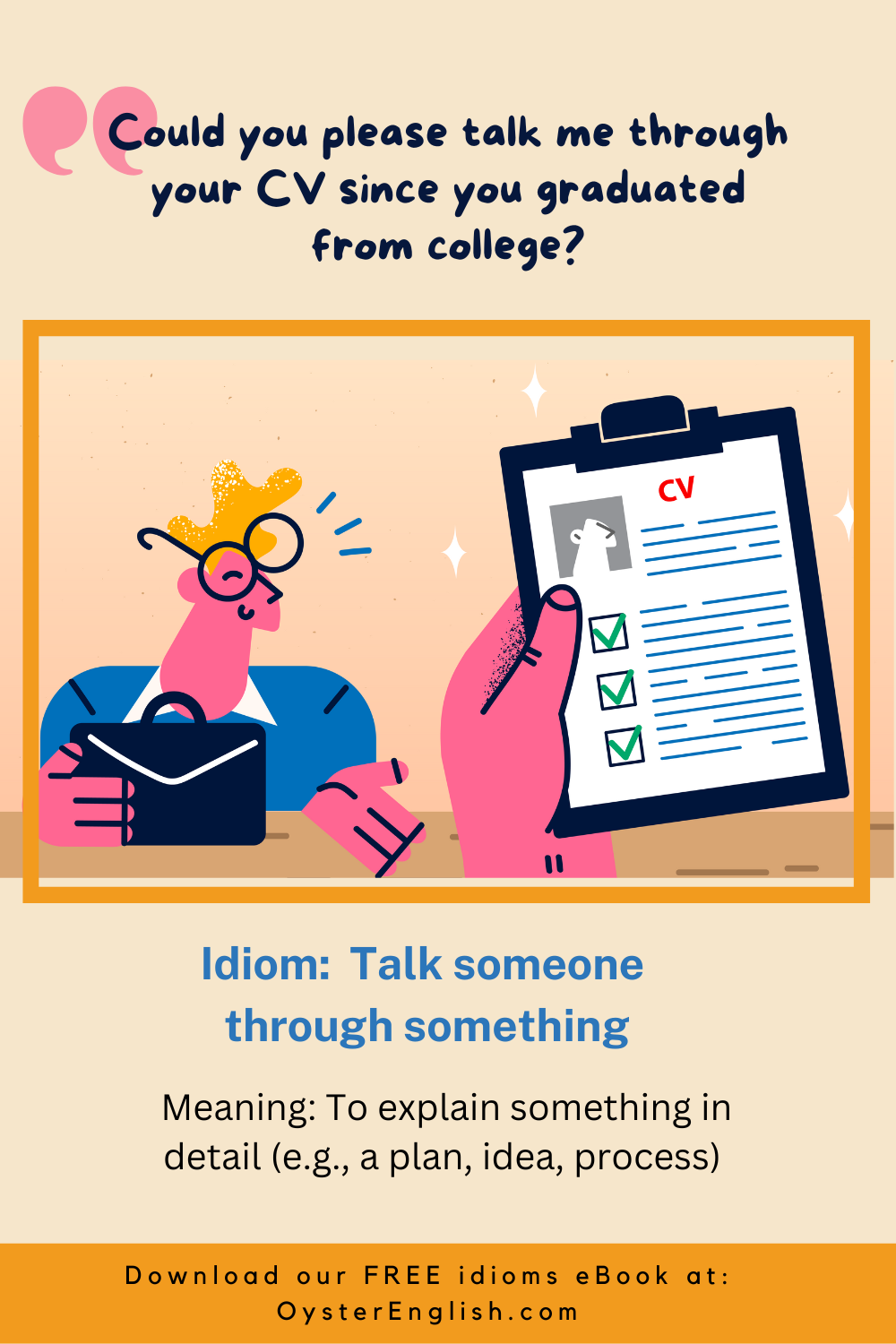
The Psychology of Remote Technical Guidance
When you talk a user through a technical process, you are essentially acting as an external processor. The user’s cognitive load is high because they are navigating unfamiliar interfaces or resolving system errors. Your role is to reduce that load by segmenting the information into manageable, linear steps.
Cognitive Load Management
Effective technical guidance relies on the “chunking” method. If you attempt to explain an entire API integration or a security configuration in a single breath, the user will experience cognitive overload. Instead, break the process into discrete, atomic actions. A successful instruction follows a strict cadence: define the state, explain the action, and verify the result. By confirming that the user is at the same starting point, you minimize the “drift” that occurs when an instruction is misinterpreted.
Establishing a Shared Mental Model
The most significant barrier in technical communication is the disparity between the expert’s knowledge and the user’s mental model. To talk someone through a technical hurdle, you must first establish a common vocabulary. Avoid industry jargon unless it is essential to the interface. For example, rather than instructing a user to “execute the command-line interface,” guide them to “open the terminal window where we will type the specific code provided.” This subtle linguistic shift grounds the instructions in the user’s immediate visual environment.
The Mechanics of Effective Instruction in Software and AI
The paradigm of technical support is shifting toward AI-assisted workflows and interactive digital adoption platforms. However, the core logic remains the same as manual guidance: it is about sequential validation.
Sequencing and Validation Cycles
When guiding a user through software configuration, every instruction must be followed by a validation trigger. “Click the Advanced Settings tab” must be immediately followed by “Do you see the blue box labeled ‘Configuration Profile’?” This creates a feedback loop that prevents errors from compounding. In the age of AI, these loops are often automated, but when humans perform the guiding, this dialogue is the primary safety mechanism against system misconfiguration.
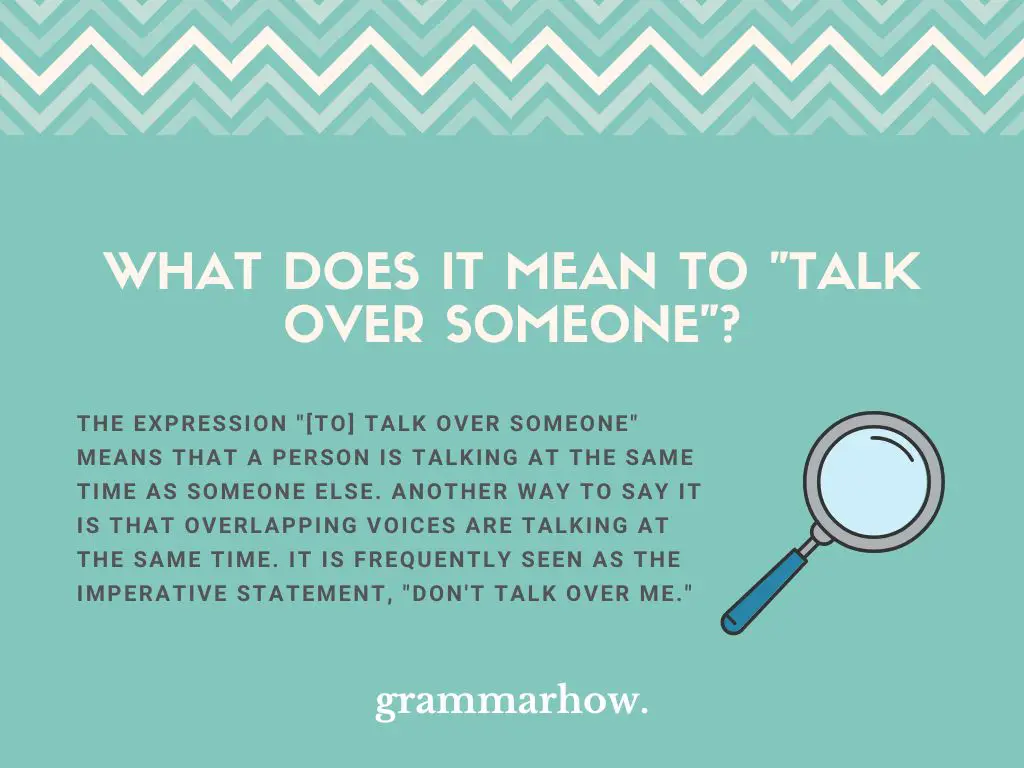
Troubleshooting as a Narrative
When a process goes wrong, the “talk-through” shifts from instruction to diagnostic inquiry. This requires a diagnostic narrative. Instead of asking “What is wrong?” (which often elicits a panicked or vague response), ask for the last successful state. “Where did the screen last behave as expected?” By walking the user backward through the process, you can identify the point of failure. This is not just a support technique; it is a fundamental aspect of digital security, as it helps identify exactly where a misconfiguration or breach occurred.
Leveraging Tools to Enhance the ‘Talk-Through’ Experience
Modern technology has provided a suite of tools that make talking someone through a technical process more efficient. These tools shift the burden from verbal description to collaborative action.
Screen Sharing and Co-Browsing
Screen sharing is the gold standard for remote technical guidance, but it is often misused. The most effective approach is to allow the user to maintain control of the input devices while you provide the narration. This is known as “active guidance.” When the user performs the actions themselves, they retain more information than when you take control of their screen and perform the actions for them. The goal is to build the user’s long-term digital competence, not just to solve the immediate ticket.
Digital Adoption Platforms (DAPs)
Interactive walkthroughs and overlay tools, such as Pendo or WalkMe, are effectively the digital version of talking someone through a process. These tools use pop-up prompts and animated pointers to guide the user in real-time. Designing these flows requires a deep understanding of the “talk-through” process. You are writing a script that must anticipate user hesitation and provide context-aware encouragement. The principles of a good DAP mirror the principles of a good technical support call: keep it short, be specific, and provide an exit strategy if the user gets stuck.
Scaling Human-Centric Support in an AI-Driven World
As Artificial Intelligence increasingly automates the “how-to” aspect of technology, the human element of talking someone through a crisis remains essential. AI can handle the routine documentation, but it often fails in edge cases or high-stress scenarios where the user feels overwhelmed.
The Role of Empathy in Technical Support
Technical frustration is a genuine emotional state that can impede logical reasoning. When someone is “stuck,” their ability to process complex technical commands decreases. Part of talking someone through it involves acknowledging the difficulty of the task. Phrases like “This part is notoriously tricky, so don’t worry if it takes a moment to load” serve a dual purpose: they validate the user’s experience and provide a moment of calm, allowing the user to refocus on the task at hand.
When to Escalate to Expert Presence
There is a limit to how much can be effectively communicated verbally. Knowing when to stop talking and start collaborating is a hallmark of an expert technician. If you find yourself repeating the same instruction three times without progress, the verbal method has reached its limit. This is the moment to transition to a visual demonstration or an automated diagnostic script. Effective support is not about proving that you can explain anything; it is about recognizing which modality will solve the user’s problem most efficiently.
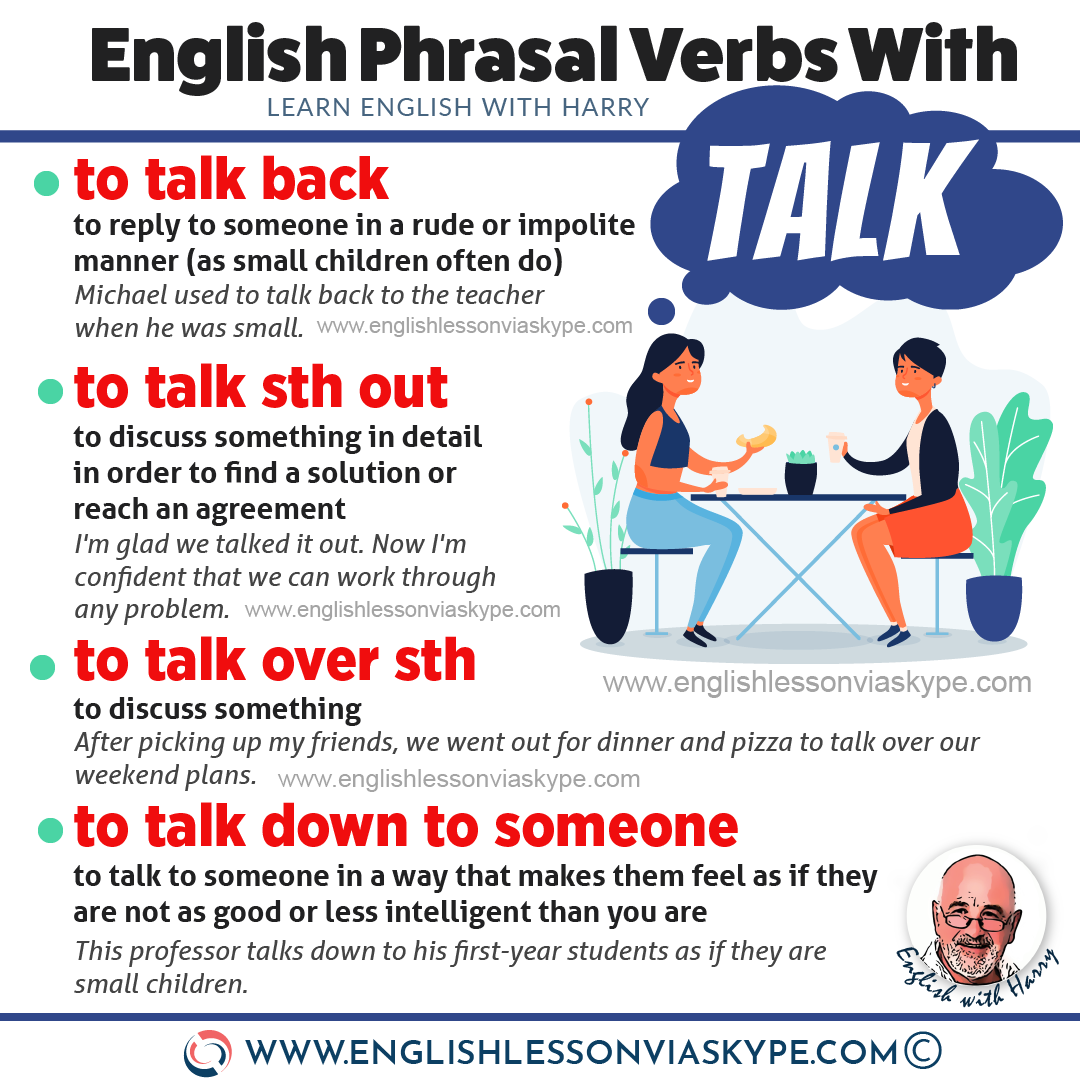
Future Trends: AR and Immersive Guidance
The future of “talking someone through it” lies in Augmented Reality. By overlaying visual cues onto the physical environment—such as highlighting a specific port on a server rack or a button on a complex piece of hardware—we are moving toward a frictionless guidance model. Even in these immersive environments, the requirement for clear, step-by-step verbal or contextual instruction remains. Technology may change the medium, but the requirement for clear, sequential guidance remains a pillar of IT success.
Ultimately, talking someone through a technical challenge is about empowerment. It is the bridge between a system that is functional but inaccessible and a system that is fully utilized. By mastering the balance of clear communication, cognitive load management, and the appropriate use of support tools, you ensure that technology serves its intended purpose: to simplify complex problems rather than create new ones. The expert guide is the one who transforms a user’s confusion into confidence, ensuring that once the call ends or the window closes, the user is better equipped to navigate the digital landscape on their own.
aViewFromTheCave is a participant in the Amazon Services LLC Associates Program, an affiliate advertising program designed to provide a means for sites to earn advertising fees by advertising and linking to Amazon.com. Amazon, the Amazon logo, AmazonSupply, and the AmazonSupply logo are trademarks of Amazon.com, Inc. or its affiliates. As an Amazon Associate we earn affiliate commissions from qualifying purchases.