
The modern landscape of digital security and emergency management relies heavily on the integration of mobile technology with government alert systems. For residents and professionals working within Region 6, the notification “Active WEA” can appear with little context, often causing confusion regarding its origin, purpose, and necessary response. Understanding what these Wireless Emergency Alerts (WEA) signify is critical for maintaining situational awareness and digital safety in an increasingly connected world.
Decoding the WEA Protocol and Regional Designation
The Wireless Emergency Alert (WEA) system is a foundational component of the nation’s emergency management infrastructure. It is a public safety system that allows authorized government alerting authorities to broadcast geographically targeted text-like messages to mobile devices. When you receive a notification stating that a WEA is active in “Region 6,” you are witnessing the intersection of cellular network topography and municipal emergency management.
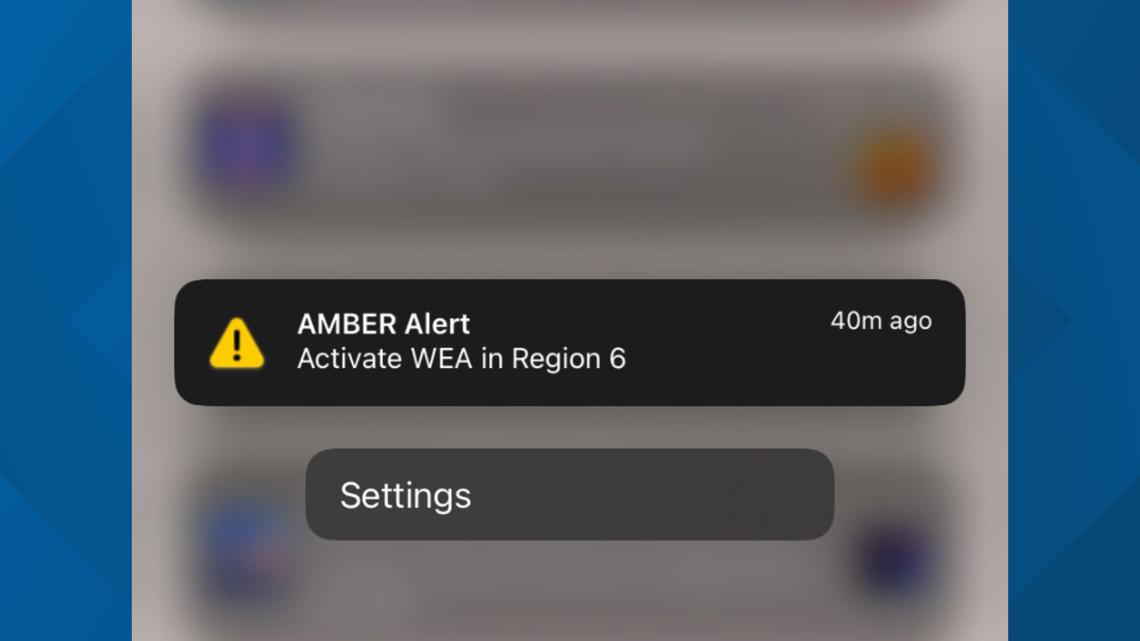
The Anatomy of a Wireless Emergency Alert
A WEA is not a standard SMS. Unlike a text message, which requires a cellular connection to a specific mobile number, a WEA is broadcast via cell towers to all devices within a specified geographic range that are capable of receiving them. These alerts are pushed through the Integrated Public Alert & Warning System (IPAWS), which is managed by the Federal Emergency Management Agency (FEMA). The technology is designed to bypass network congestion, ensuring that even if a cellular network is overloaded with standard traffic, the emergency alert will still be delivered.
Defining Region 6 Jurisdictions
The term “Region 6” is a standard classification used by various federal agencies, including FEMA. FEMA Region 6 comprises five states: Arkansas, Louisiana, New Mexico, Oklahoma, and Texas. When an alert specifies an active status in Region 6, it indicates that the notification is being disseminated across a portion of this specific multi-state cluster. Understanding this geographic grouping is vital for those who travel frequently across state lines, as the alert infrastructure is synchronized to maintain continuity across these borders.
How Mobile Device Architecture Processes Regional Alerts
The reception of a WEA is not dependent on a specific app; it is baked into the operating system of your smartphone. Whether you are utilizing an iOS or Android device, the hardware is pre-configured to communicate with the Cell Broadcast Service (CBS) infrastructure.
The Role of Cell Broadcast Technology
Cell broadcast is a one-to-many communication method. Unlike traditional SMS, which requires a handshake between a sender and a receiver, cell broadcast transmits information to all mobile devices connected to a specific tower. This is the primary reason why these alerts are so effective during mass emergencies—they do not suffer from the latency issues that standard messaging systems face. When an alert is labeled as “Active” in Region 6, it means the regional cellular base stations have been instructed by the local emergency management office to trigger the broadcast channel.
Configuration and User Settings
Users often ask why they might receive an alert while others in the same location do not. This usually boils down to device settings. Most smartphones include a section under “Notifications” or “Safety” labeled “Wireless Emergency Alerts.” Here, users can toggle specific categories of alerts, such as:
- Extreme Threats: Imminent threats to life or property.
- Severe Threats: Less severe, but still critical, warnings.
- AMBER Alerts: Notifications regarding missing children.
- Public Safety Messages: Official recommendations regarding safety actions.
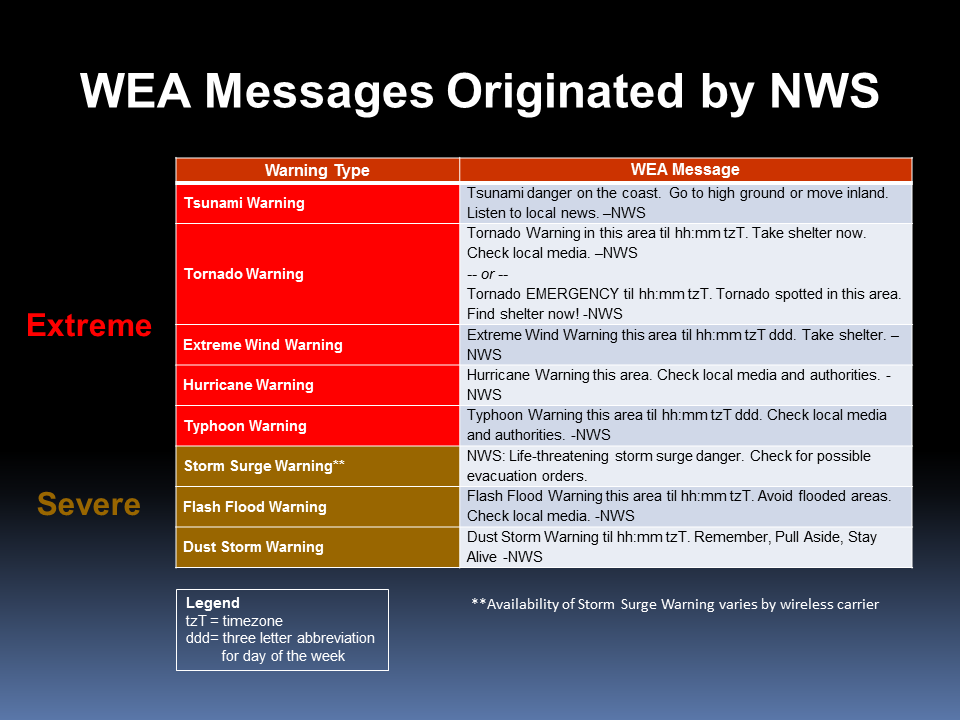
If a WEA is active in your area but your device remains silent, verify that the corresponding toggle is enabled in your software settings. Relying on these alerts is a fundamental layer of a personal digital safety strategy.
The Operational Logic Behind Regional Emergency Dispatch
The activation of a WEA is a controlled process initiated by authorized entities. It is not an automated system that reacts to every weather event or traffic jam. Instead, it involves human decision-makers who weigh the severity of the threat against the necessity of interrupting the public’s digital environment.
Authorization and Authentication
Before an alert is marked as “Active,” it must be authenticated. The authorization process prevents the misuse of the system. Federal and local authorities use digital certificates to ensure that only verified emergency management agencies can trigger a broadcast. This prevents “spoofing” or unauthorized actors from broadcasting false alarms through the cell network, which is a key pillar of modern digital security.
Trigger Criteria for Region 6
In the context of the states covered by Region 6, the most common triggers for active WEAs are climate-driven. Given the vulnerability of the Gulf Coast and the plains to severe weather, the system is frequently deployed for:
- Flash Flood Warnings: Immediate, life-threatening inundation.
- Tornado Warnings: Immediate risk to life in the localized path.
- Extreme Wind/Hurricane Warnings: Large-scale atmospheric threats.
When an alert specifies “Region 6,” it implies a tactical deployment of the system across a significant geographic span, often coordinated between state-level authorities and local municipal offices to ensure consistency in the warning message.
Cybersecurity and the Reliability of Public Safety Systems
In the digital age, users are rightfully skeptical of unsolicited messages. With the prevalence of phishing, SMS-based fraud, and malware distribution, understanding the legitimacy of a “WEA Active” notice is an essential skill.
Distinguishing WEA from SMS Phishing
It is impossible to spoof an official WEA through standard text messaging. An official WEA will never ask you to click a link, provide login credentials, or enter financial information. If a message appears on your screen claiming to be an emergency alert but directs you to a website or asks for a reply, it is a malicious attempt to compromise your digital security. Official WEAs are strictly informational, providing a brief summary of the threat and the recommended action—such as “Seek shelter immediately” or “Evacuate the area.”
Maintaining Device Integrity
The software that powers WEA reception is a protected part of the mobile OS kernel. Users should ensure their devices are regularly updated to the latest security patches provided by their manufacturer. These updates frequently include optimizations for emergency broadcast handling, ensuring that the system remains responsive to the regional updates pushed by FEMA and the FCC. By keeping your device updated, you ensure that you are not only protected by the alerts themselves but that your device is robust enough to handle the incoming data packets securely.
Moving Forward with Digital Awareness
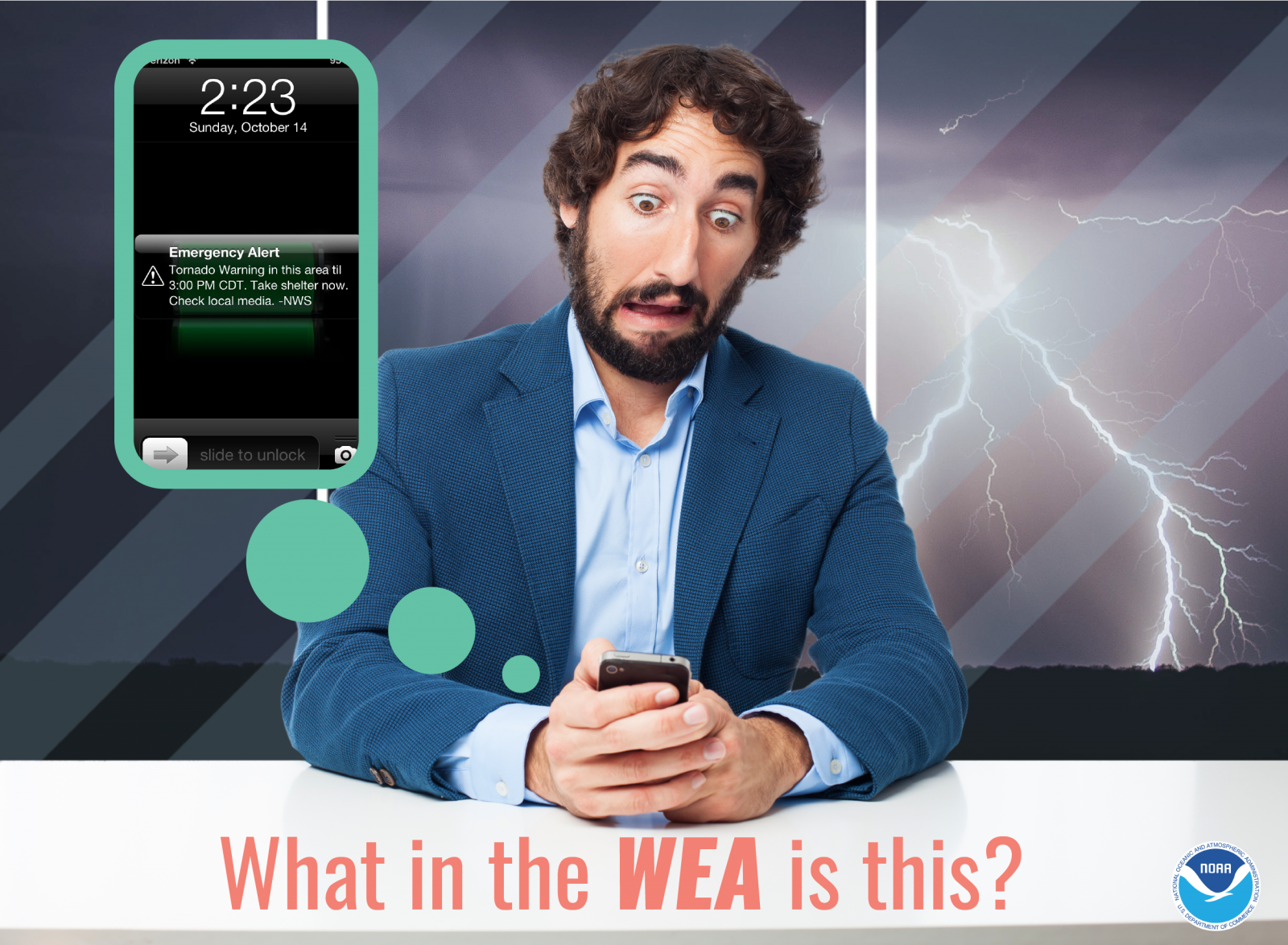
“Active WEA in Region 6” is a signal that the infrastructure of public safety is working in tandem with your mobile device to provide life-saving information. By understanding that this system operates independently of cellular traffic, is geographically mapped to the five-state FEMA Region 6, and is immune to the types of phishing tactics seen in standard messaging, you can respond to these alerts with confidence. As we continue to integrate more digital services into our daily lives, prioritizing the reliability and security of these emergency pathways remains a vital component of tech-literacy and personal safety. Stay informed, keep your notification settings enabled, and treat the WEA system as your most reliable source of information during regional emergencies.
aViewFromTheCave is a participant in the Amazon Services LLC Associates Program, an affiliate advertising program designed to provide a means for sites to earn advertising fees by advertising and linking to Amazon.com. Amazon, the Amazon logo, AmazonSupply, and the AmazonSupply logo are trademarks of Amazon.com, Inc. or its affiliates. As an Amazon Associate we earn affiliate commissions from qualifying purchases.