
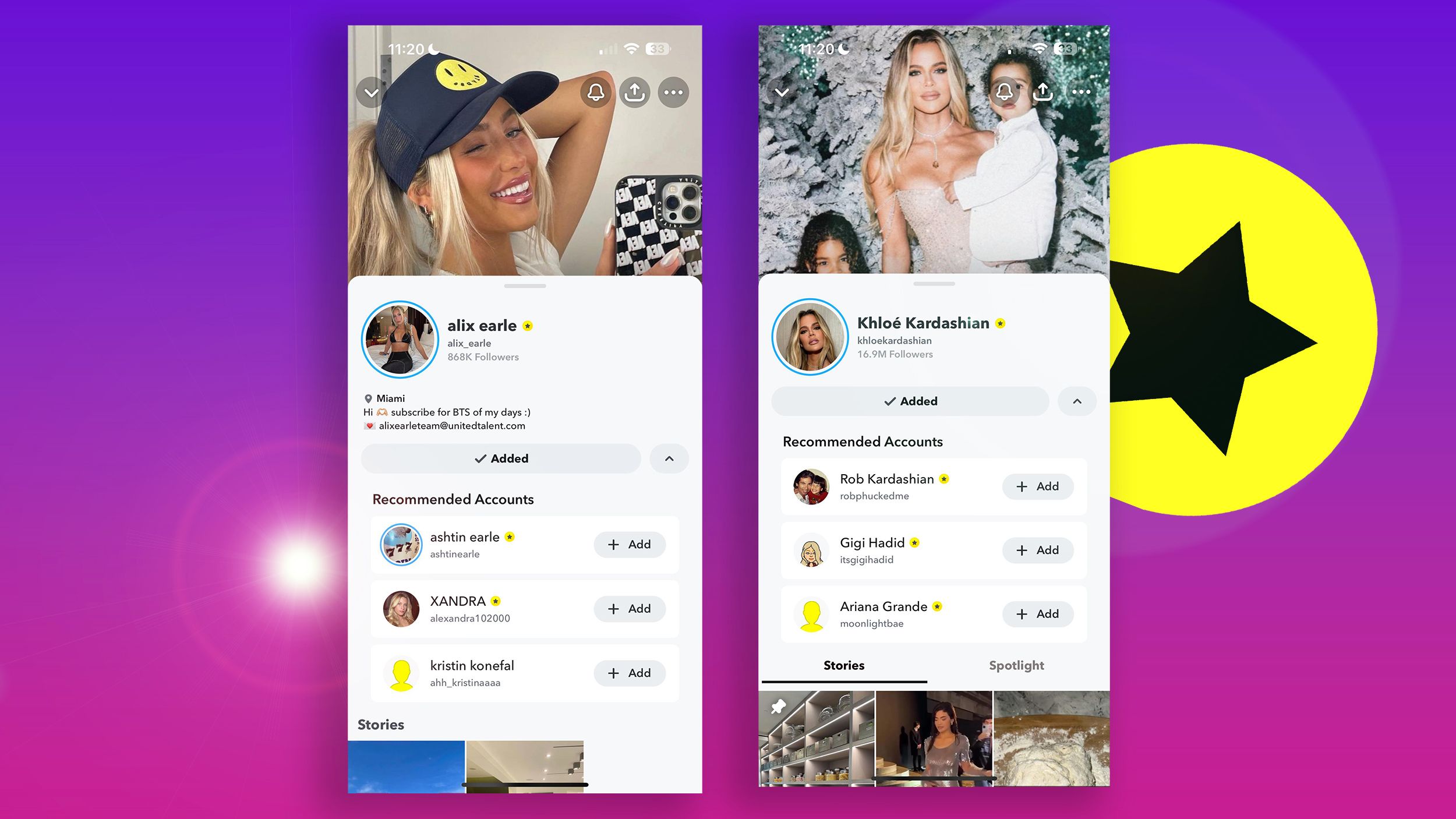
Snapchat has long utilized a complex system of visual cues, icons, and emojis to gamify communication and indicate the status of relationships between users. Among these various indicators, the yellow star is one of the most frequently asked about. When you navigate through your “Send To” screen or your chat list, seeing a yellow star next to a specific contact can be puzzling. Understanding what this symbol represents is essential for navigating the app’s social landscape and managing your interactions effectively.
Deciphering the Yellow Star: The Core Functionality
At its simplest level, a yellow star on Snapchat indicates that a friend has replayed your Snap within the last 24 hours. While the app has evolved significantly since its inception, the fundamental mechanic of the yellow star remains tied to the “Replay” feature.
How the Replay Feature Works
When you send a Snap to a friend, they have the option to view it once. If they choose to view it again—an action officially known as a “Replay”—Snapchat flags this interaction. The yellow star acts as a notification to you, the sender, that your content was engaging enough for the recipient to watch it a second time. It is a subtle metric of social validation within the platform’s ecosystem.
The Lifecycle of the Yellow Star
The yellow star is not a permanent fixture on a profile. It is a temporary indicator. Because the Replay feature is tied to a 24-hour window, the yellow star will typically disappear once the time threshold passes. It serves as a real-time feedback loop, letting you know that a specific piece of media resonated with the person on the other end.
The Broader Context: Snapchat’s Emoji and Icon System
To fully grasp the significance of the yellow star, it is necessary to look at how Snapchat communicates status through other visual signifiers. The platform relies heavily on a shorthand language of icons to help users manage their “Snapstreaks” and best friend rankings.
Differentiating Stars from Other Indicators
Users often confuse the yellow star with other status markers, such as the “Gold Heart,” the “Red Heart,” or the “Pink Hearts.”
- Gold Heart: This indicates that you and this person are “Besties”—you send the most Snaps to each other, and they send the most to you.
- Red Heart: This appears when you have been each other’s number one Best Friend for two weeks straight.
- Pink Hearts: This occurs after two months of being each other’s number one Best Friend.
Unlike these heart icons, which reflect the history and consistency of your communication, the yellow star is strictly functional and event-based. It is not an indicator of how “close” you are in the ranking, but rather a notification of a specific, recent behavior.
Why Visual Indicators Matter in Social Apps
Snapchat’s reliance on these icons is a masterclass in behavioral psychology. By providing visual feedback, the app encourages users to keep interacting. The yellow star provides a “dopamine hit”—a notification that someone cared enough about your content to watch it again. This encourages the user to continue sending high-quality, engaging, or funny Snaps, thereby increasing time spent within the application.
Navigating Snapchat’s Privacy and Settings
Understanding the yellow star also requires an awareness of how Snapchat manages privacy regarding replays. Over the years, the company has adjusted its policies to ensure users feel comfortable with their viewing habits.

Can You Stop Others from Seeing Your Replays?
As a recipient, it is important to know that when you replay a Snap, the sender will know. There is currently no “Incognito” mode for replaying Snaps. If you wish to avoid a yellow star appearing next to your name on your friend’s screen, you must resist the urge to use the Replay function. Once a Snap is opened, the clock starts, and if the replay button is pressed, the notification is generated automatically.
Managing Notifications and Settings
Snapchat allows users to customize their notifications, but the star icon is an integrated part of the interface’s UI. You cannot toggle off the star icon visibility for your friends. It is a native feature of the platform’s communication protocol. Users concerned about digital footprint or privacy should be mindful that their consumption of media on Snapchat is partially transparent to the creator of that media.
The Evolution of Engagement Metrics
The yellow star is a relic of an earlier version of Snapchat’s engagement metrics, yet it persists as a vital piece of the user experience. Its endurance suggests that simple, low-stakes data points are often more effective at maintaining user engagement than complex analytics.
Why “Replays” Still Matter
In an era of short-form video dominated by TikTok and Instagram Reels, the “replayability” of content is a key metric for success. On Snapchat, where Snaps disappear after viewing, a replay is the highest form of digital compliment. It indicates that the content was either missed the first time or, more importantly, was entertaining enough to warrant a second look.
The Psychological Impact of Social Feedback
The presence of the yellow star gamifies the act of content creation. When a user sees that star, they feel a sense of success. This feedback loop is what makes Snapchat more “sticky” than traditional messaging apps. While WhatsApp or iMessage focus on the text, Snapchat focuses on the experience of the media. The yellow star confirms that the experience was successful.
Troubleshooting: When the Yellow Star Doesn’t Appear
Occasionally, users may be confused if they believe a friend replayed a Snap but no star appears. There are several technical reasons for this, ranging from app updates to the specific way the media was consumed.
App Version Discrepancies
Snapchat frequently pushes updates that alter UI elements. While the yellow star has been a standard for a long time, minor bugs in cache or outdated versions of the app can sometimes prevent icons from rendering correctly. If you suspect your app is not displaying status icons, clearing your cache or checking for an update in the App Store or Google Play Store is a recommended first step.
Misinterpreting the “Replay” Mechanic
It is important to remember that not every viewing experience triggers a replay. If a user views a Snap within a Story, the yellow star mechanic does not apply in the same way. The star is specifically tied to direct, person-to-person Snaps. If you are tracking the engagement of your public Story posts, you should look toward your Story view counts and screenshot notifications rather than the yellow star indicator.
Screen Captures vs. Replays
Do not confuse the yellow star with the notification icon for a screenshot. If someone takes a screenshot of your Snap, you will receive a specific notification, and the icon will change to represent that activity. While both a replay and a screenshot are signals of high engagement, they trigger different alerts within the system. Understanding these distinctions helps in accurately interpreting the intent behind your friends’ interactions.

Conclusion: The Significance of the Symbol
The yellow star on Snapchat is a fundamental, albeit simple, tool that facilitates social interaction. It bridges the gap between sender and recipient by providing instant, transparent feedback regarding content consumption. By identifying which Snaps are replayed, users can better understand their audience and refine their content strategy, even in a casual, personal setting.
As Snapchat continues to integrate more features—such as augmented reality lenses, map-based sharing, and AI-driven content suggestions—these foundational symbols maintain the app’s identity as a social-first platform. Whether you are a casual user or a creator utilizing the platform for personal branding, recognizing the meaning behind the yellow star allows you to better appreciate the nuances of the Snapchat experience. It is a small icon that serves a large purpose: acknowledging that in the digital world, some things are worth watching more than once.
aViewFromTheCave is a participant in the Amazon Services LLC Associates Program, an affiliate advertising program designed to provide a means for sites to earn advertising fees by advertising and linking to Amazon.com. Amazon, the Amazon logo, AmazonSupply, and the AmazonSupply logo are trademarks of Amazon.com, Inc. or its affiliates. As an Amazon Associate we earn affiliate commissions from qualifying purchases.