
In an era where digital infrastructure serves as the central nervous system of both global commerce and personal life, the role of the computer technician has evolved far beyond simple “PC repair.” Today’s computer technicians are the front-line architects of digital stability, responsible for ensuring that the complex interplay of hardware, software, and networking remains seamless. As technology shifts toward cloud computing, artificial intelligence, and sophisticated cybersecurity protocols, the duties of these professionals have expanded, requiring a blend of traditional mechanical skill and high-level analytical prowess.
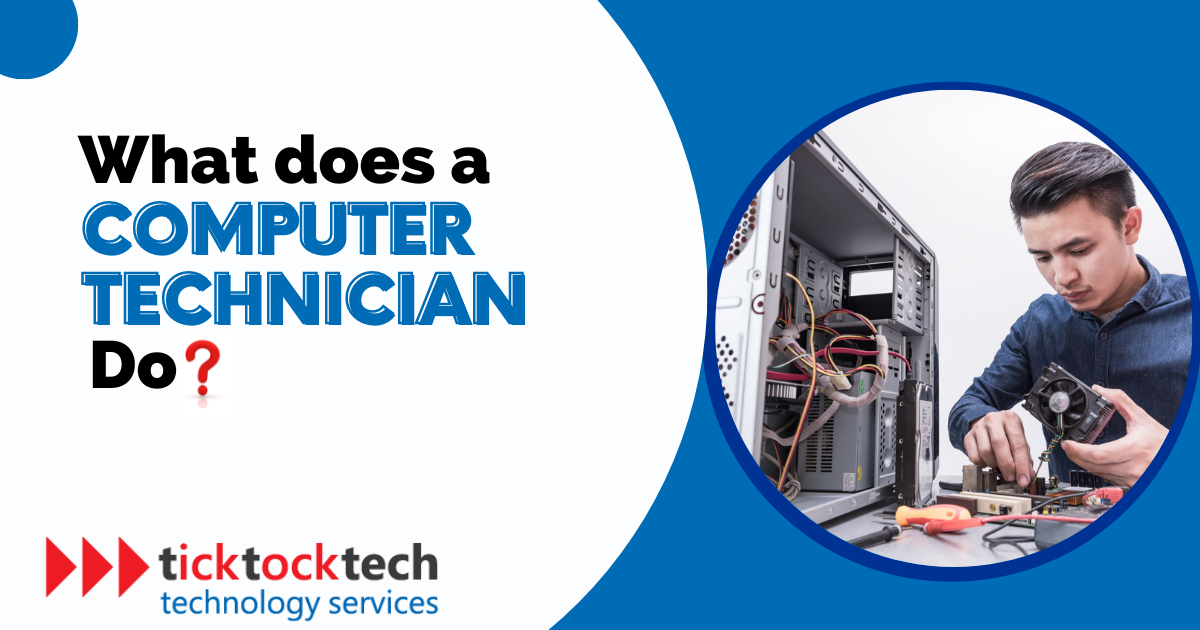
Understanding what a computer technician does requires a deep dive into the multifaceted layers of modern technology. From the physical components that power our machines to the invisible code that secures our data, the technician’s hand is visible in every successful interaction we have with our devices.
1. Core Technical Foundations: Hardware and Software Management
At its most fundamental level, a computer technician is responsible for the health and vitality of a machine’s physical and logical components. This dual focus ensures that the hardware can support the software and that the software is optimized to utilize the hardware efficiently.
Hardware Maintenance and Diagnostics
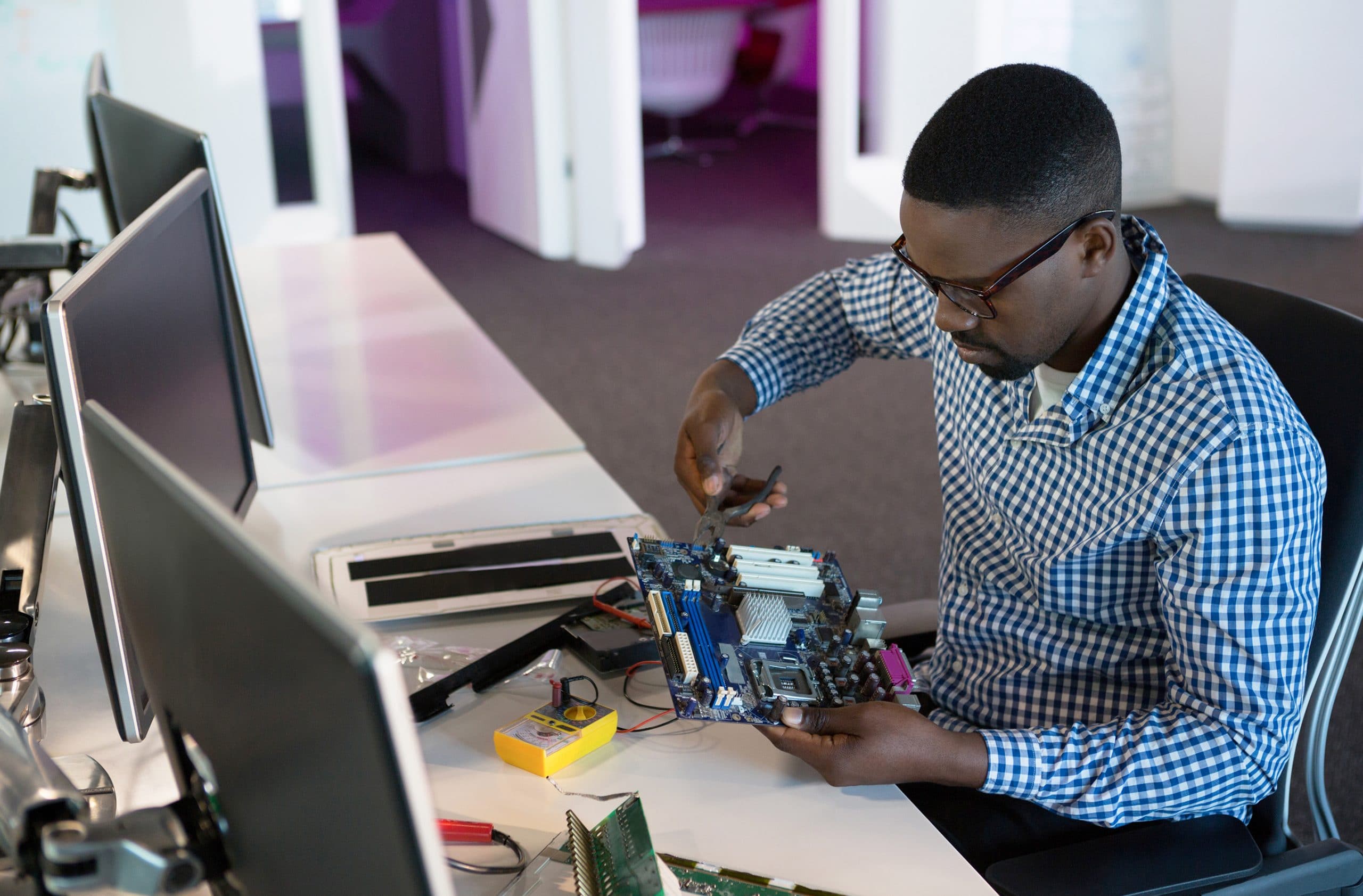
The physical aspect of a computer technician’s work involves the assembly, testing, and repair of hardware components. This includes the delicate task of installing Central Processing Units (CPUs), managing thermal paste application to prevent overheating, and configuring Random Access Memory (RAM) for optimal speeds. When a system fails to boot, the technician performs a “Power-On Self-Test” (POST) analysis to identify hardware failures. Whether it is replacing a swollen lithium-ion battery in a laptop or swapping out a failed Solid State Drive (SSD), the technician must possess the manual dexterity and diagnostic knowledge to handle sensitive circuitry without causing electrostatic discharge (ESD) damage.
Software Installation and OS Optimization
Beyond the physical, technicians manage the Operating System (OS)—the bridge between the user and the hardware. This involves more than just clicking “install.” A professional technician optimizes the OS by removing bloatware, configuring kernel settings for better performance, and ensuring that all device drivers are digitally signed and up to date. They are experts in various environments, including Windows, macOS, and Linux distributions. When an OS becomes corrupted, the technician is responsible for performing “clean installs” while maintaining the integrity of the user’s file structure and application settings.
Networking and Connectivity Solutions
In the modern tech world, a computer that isn’t connected to a network is often seen as limited. Technicians are tasked with setting up Local Area Networks (LAN) and ensuring stable Wireless (Wi-Fi) connectivity. This involves configuring routers, managing IP addresses (DHCP and Static), and troubleshooting DNS (Domain Name System) issues. They must understand the nuances of network protocols and be able to diagnose why a specific node in a network is experiencing high latency or packet loss.
2. The Frontline of Digital Security: Cybersecurity and Data Integrity
As cyber threats become more sophisticated, the role of the computer technician has merged with that of a security analyst. Technicians are often the first responders when a security breach occurs, and they are the primary architects of a user’s or company’s defense strategy.
Threat Detection and Malware Removal
One of the most critical tasks a technician performs is the identification and neutralization of malicious software. This includes viruses, ransomware, spyware, and rootkits. A technician does not simply run an antivirus scan; they perform deep-system audits to find hidden persistent threats in the registry or boot sectors. They stay updated on the latest “zero-day” vulnerabilities to ensure that the systems they manage are patched against the newest exploits.
Implementing Robust Data Encryption
Technicians ensure that data is protected both at rest and in transit. This involves configuring disk encryption (such as BitLocker or FileVault) to protect data in case of physical theft of the hardware. They also verify that software applications are using secure protocols like HTTPS and TLS for communication. By implementing these standards, technicians provide a layer of “Tech-level” security that prevents unauthorized access to sensitive information.
Backup Systems and Disaster Recovery
Data loss is perhaps the most significant risk in the digital age. A technician’s job is to ensure that even in the event of a total hardware failure or a catastrophic ransomware attack, data can be recovered. They design and maintain “3-2-1 backup strategies”—three copies of data, on two different media, with one copy off-site. This involves managing cloud backup synchronization, creating physical drive clones, and testing recovery procedures to ensure that the “Return to Operation” (RTO) time is minimized.
3. Specialized Technical Services in a Professional Environment
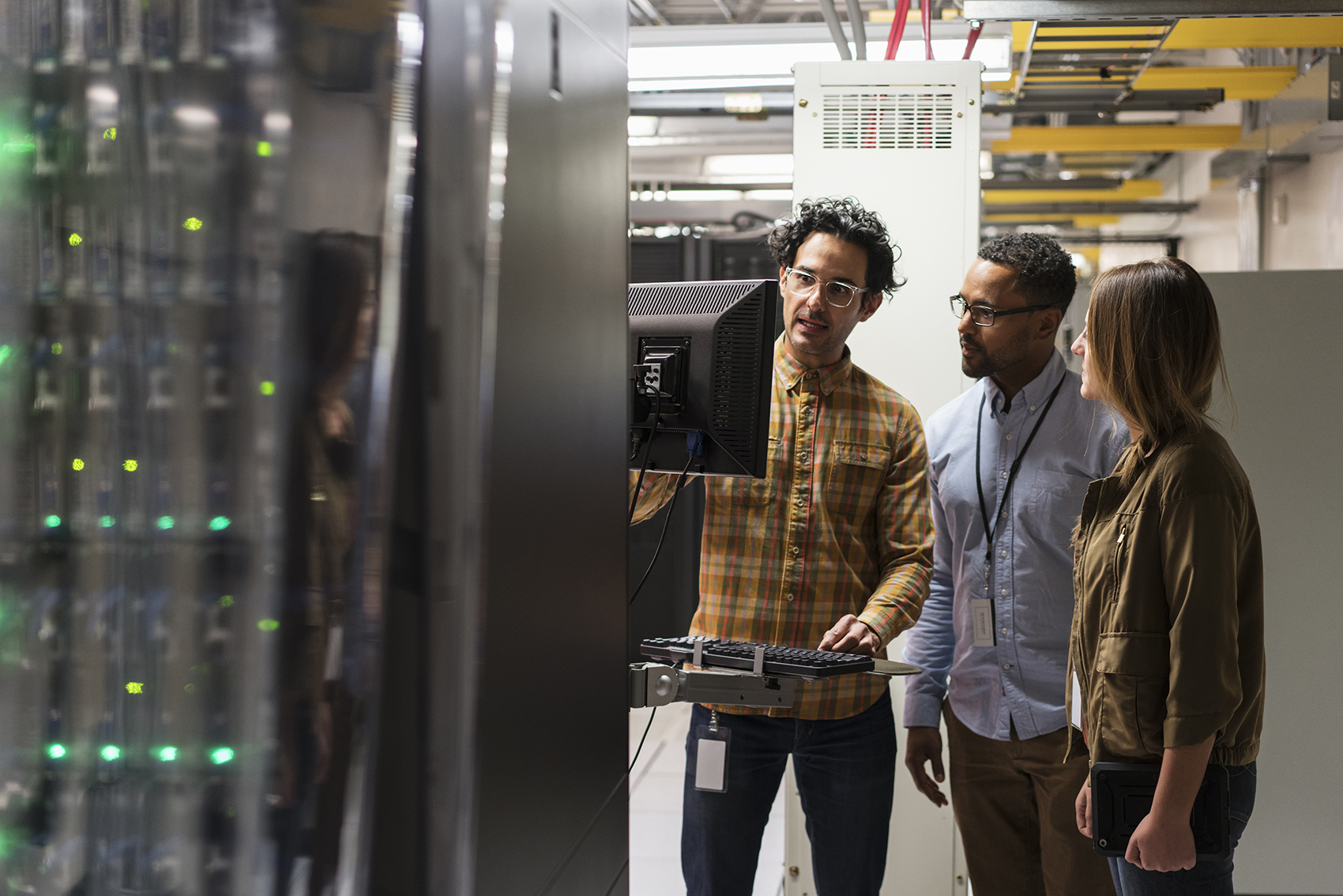
In corporate or high-performance settings, the computer technician’s role becomes even more specialized. They move beyond individual workstations to manage the broader ecosystem of enterprise technology.
Server Management and Cloud Integration
Modern technicians often bridge the gap between local hardware and the cloud. They manage on-site servers that handle file storage, print services, and user authentication (Active Directory). Furthermore, they facilitate the integration of cloud services like Microsoft 365 or Google Workspace. This requires an understanding of virtualization technology, where a single physical server runs multiple “Virtual Machines” (VMs) to maximize hardware efficiency.
Mobile Device Management (MDM)
With the rise of “Bring Your Own Device” (BYOD) policies, technicians now manage a fleet of smartphones and tablets alongside traditional computers. Using MDM software, they can remotely deploy security updates, wipe data from lost devices, and ensure that mobile apps comply with company security policies. This ensures a unified tech environment across all form factors.
Custom PC Building and Performance Tuning
For specialized industries—such as video editing, 3D rendering, or competitive gaming—standard off-the-shelf computers are often insufficient. Technicians in these niches build custom high-performance machines. This involves calculating power supply (PSU) requirements, choosing compatible motherboard chipsets, and even setting up custom liquid cooling loops. They may also perform “overclocking”—pushing hardware beyond its factory settings while maintaining thermal stability—to squeeze every bit of performance out of a system.
4. Troubleshooting and Remote Technical Assistance
A significant portion of a technician’s day is spent in “problem-solving mode.” This requires not just technical knowledge, but a logical, algorithmic approach to identifying the root cause of an issue.
The Logic of Troubleshooting
Technicians use a process of elimination. If a computer won’t connect to the internet, they check the physical cable, then the network adapter settings, then the router, then the Service Provider. This systematic approach allows them to solve complex problems that might seem insurmountable to the average user. They utilize diagnostic software tools that provide real-time telemetry on system health, such as temperature sensors, voltage monitors, and log analyzers.
Remote Assistance and Virtual Support
In our post-pandemic world, a computer technician often works remotely. Using secure “Remote Desktop Protocol” (RDP) or third-party tools, they can take control of a computer from thousands of miles away to fix software glitches, update drivers, or configure mail clients. This requires the technician to be an expert in virtual environments and to have the ability to guide users through physical tasks (like checking a cable) over the phone or via video chat.
5. The Future of the Profession: AI and the Internet of Things (IoT)
The role of the technician is not static; it is being reshaped by the same technologies they are hired to maintain. Artificial Intelligence and the explosion of connected devices are creating new frontiers for technical support.
Leveraging AI for Proactive Maintenance
Forward-thinking technicians are now using AI-driven tools to predict hardware failures before they happen. Machine learning algorithms can analyze hard drive vibrations or fan speed fluctuations to alert a technician that a part is likely to fail within the next week. This shifts the role from “reactive repair” to “proactive optimization,” significantly reducing downtime for businesses and individuals.
Navigating the IoT Ecosystem
Today’s technician is often asked to troubleshoot more than just computers. The “Internet of Things” means that printers, thermostats, security cameras, and even smart lightbulbs are now part of the local network. A computer technician must understand how these low-power devices interact with the main network and how to secure them, as IoT devices are often the weakest link in a digital security chain.
Conclusion
The question “what does a computer technician do?” yields a complex answer that spans from the microscopic level of silicon chips to the global level of cloud networking. They are the essential guardians of our digital lives. A technician is a mechanic, a security guard, a teacher, and a visionary all at once.
As software becomes more complex and hardware becomes more integrated, the need for skilled technicians only grows. They translate the “language of machines” into a seamless experience for the user. Whether they are reviving a laptop that had water spilled on it or defending a corporate network from a sophisticated cyber-attack, the computer technician remains the indispensable backbone of the modern technological world. In an age defined by digital transformation, they are the ones who ensure that the transformation remains functional, secure, and efficient.
aViewFromTheCave is a participant in the Amazon Services LLC Associates Program, an affiliate advertising program designed to provide a means for sites to earn advertising fees by advertising and linking to Amazon.com. Amazon, the Amazon logo, AmazonSupply, and the AmazonSupply logo are trademarks of Amazon.com, Inc. or its affiliates. As an Amazon Associate we earn affiliate commissions from qualifying purchases.