
In the world of technology, hardware longevity is often threatened not by software obsolescence or processing speed, but by the physical degradation of internal components. Among the most common yet preventable hazards to modern gadgets is battery corrosion. Whether it is a professional-grade DSLR camera, a legacy gaming console, or high-end wireless peripherals, the leakage of battery chemicals can compromise circuitry and render expensive tech useless.
Understanding what cleans battery corrosion—and how to apply those solutions safely—is a critical skill for any tech enthusiast or professional. This guide explores the chemistry of corrosion, the specific agents required to neutralize it, and the professional protocols for restoring digital devices to their peak operational state.

The Science of Seepage: Why Tech Gadgets Corrode
To effectively clean battery corrosion, one must first understand the enemy. Most consumer electronics rely on alkaline batteries. These batteries contain an electrolyte paste of potassium hydroxide, which is a highly caustic base. As batteries age or are subjected to thermal stress, the outer casing can rupture, allowing this alkaline material to leak and react with the oxygen in the air.
The Anatomy of an Alkaline Leak
When potassium hydroxide leaks, it reacts with carbon dioxide to form potassium carbonate. This is the white, crusty, or “fluffy” substance frequently found in battery compartments. While it looks like simple salt, it is highly conductive and corrosive. If left untreated, it will eat through the nickel-plating of battery terminals and eventually migrate toward the copper traces on a device’s Printed Circuit Board (PCB).
Impact on Circuitry and Connectivity
Corrosion introduces electrical resistance. In precision tech, even a slight increase in resistance can cause erratic behavior, data corruption, or a total failure to power on. Furthermore, because the leak is liquid in its initial stage, it can travel through capillary action into the tightest crevices of a gadget, damaging internal ribbon cables and micro-soldered joints.
The Master Toolkit: Choosing the Right Neutralizing Agents
Cleaning electronics requires a delicate balance between chemical effectiveness and component safety. You cannot simply scrub a motherboard with soap and water. Instead, the “Tech” approach focuses on neutralization and evaporation.
Mild Acids: The Secret to Neutralizing Alkaline
Because the leak from an alkaline battery is a base (high pH), the most effective cleaning agent is a mild acid (low pH).
- White Vinegar or Lemon Juice: These household staples are actually the most effective tools for neutralizing potassium hydroxide. The acid reacts with the base to neutralize it, turning the crusty buildup into a harmless salt and water solution that can be easily wiped away.
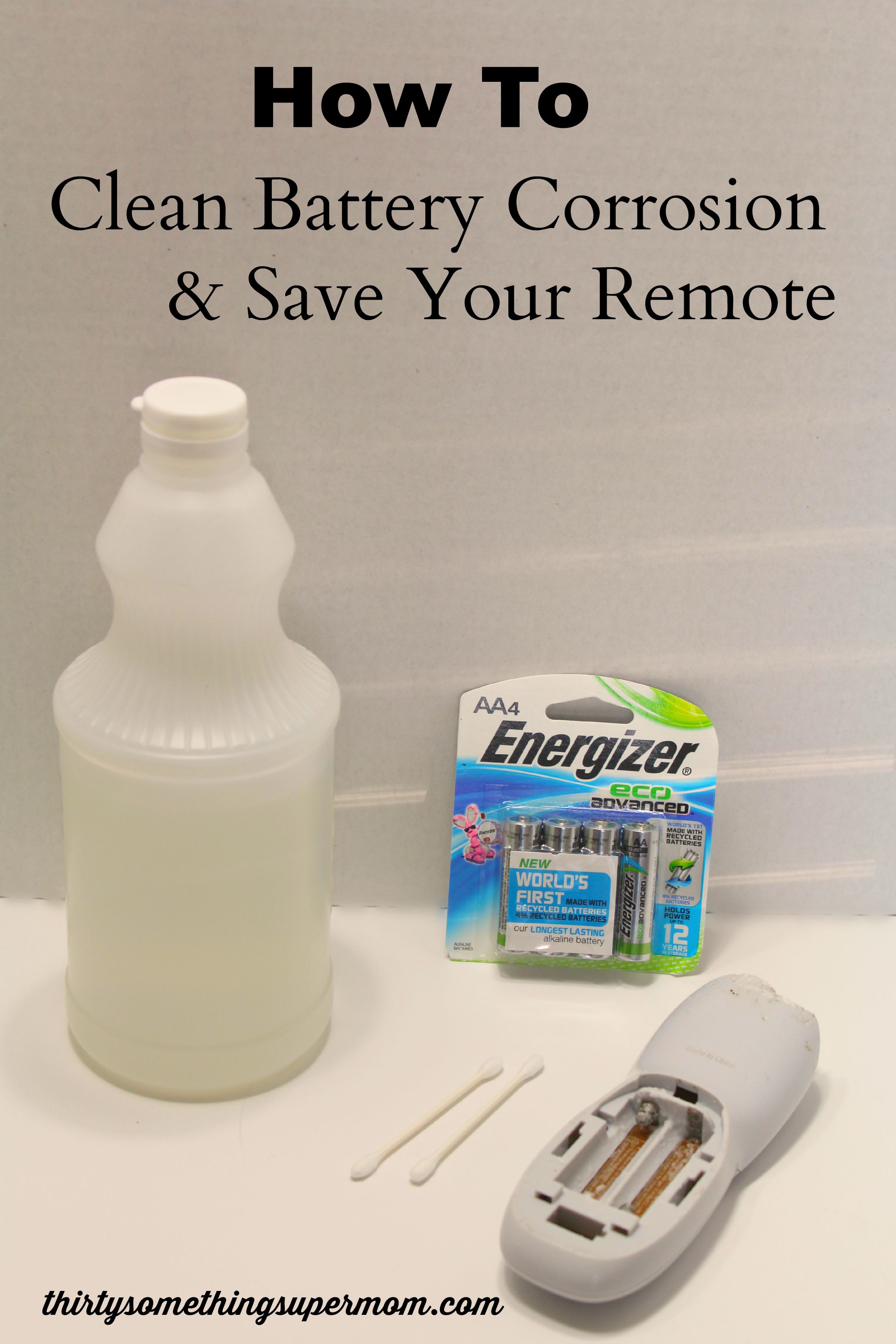
- Precision Application: It is vital not to drench the device. A professional technician uses a cotton swab (Q-tip) dipped sparingly in the acid to target only the affected areas.
Specialized Electronic Contact Cleaners
Once the initial corrosion is neutralized, the terminals must be cleaned of any residue.
- Isopropyl Alcohol (90% or higher): In the tech world, 99% anhydrous isopropyl alcohol is the gold standard. It dissolves oils and residual salts without introducing moisture that could cause further oxidation. Because it evaporates almost instantly, it is safe for high-density circuits.
- DeoxIT and Chemical Enhancers: For high-end audio gear or server components, professionals use specialized contact cleaners like DeoxIT. These chemicals are designed to remove oxidation and leave behind a microscopic protective layer that improves electrical conductivity.
Precision Mechanical Tools
Chemicals do the heavy lifting, but mechanical removal is often necessary for stubborn buildup.
- Fiberglass Pens: These are essential for the tech toolkit. They allow for the gentle abrasion of corrosion from delicate terminals without the risk of gouging the metal.
- Anti-Static Brushes: Using a standard plastic toothbrush can generate static electricity, which is the nemesis of modern microprocessors. ESD-safe (Electrostatic Discharge) brushes should always be used when working near a PCB.
A Professional Protocol for Cleaning Corroded Electronics
Restoring a device requires a systematic approach. Rushing the process can lead to short circuits if the device is powered on before the cleaning agents have fully evaporated.
Step 1: Safety and Preparation
Before opening any device, ensure you are wearing gloves and eye protection. Potassium hydroxide is a skin and eye irritant. In a tech-focused environment, also ensure you are working on an anti-static mat to prevent ESD damage to the very components you are trying to save.

Step 2: The Neutralization Phase
Apply a small amount of vinegar or lemon juice to a cotton swab. Rub it against the white corrosion. You may hear a slight sizzling sound—this is the chemical reaction of the acid neutralizing the base. Continue this process until the white crust has dissolved. If the corrosion has reached the PCB, use the smallest amount of liquid possible to avoid bridging contacts.
Step 3: Mechanical Removal and Polishing
Once the chemical reaction is complete, use an ESD-safe brush or a fiberglass pen to scrape away any remaining debris. If the nickel plating on the battery contacts has been eaten away, revealing the copper underneath, the contact may need to be polished to ensure a low-resistance connection.
Step 4: Final Rinse and Dry
Wipe the entire area with 99% isopropyl alcohol. This removes any residual acid (vinegar) and ensures the area is dry. Allow the device to air dry for at least 30 minutes. For complex electronics with multiple layers, using a can of compressed air can help dislodge any alcohol or debris trapped under surface-mount components.
Beyond the Surface: Dealing with Internal Circuit Damage
Sometimes, corrosion is not limited to the battery compartment. If a device was stored vertically, gravity might have pulled the corrosive liquid deep into the internal architecture.
Assessing Trace Integrity
Professional tech repair involves using a multimeter to check for continuity. If the corrosion has “eaten” through a copper trace on the PCB, the circuit is broken. Using a magnifying glass or a digital microscope, look for areas where the green solder mask has bubbled or turned black.
Using Conductive Pens for Minor Repairs
If a trace has been damaged but the overall board is still viable, a conductive silver pen can be used to “draw” a new path for electricity. This is a common practice in the restoration of vintage hardware and specialized industrial tech. However, for high-frequency circuits or power delivery rails, a proper jumper wire soldered with precision may be required.
Strategic Prevention: Future-Proofing Your Devices Against Corrosion
In the technology sector, prevention is always more cost-effective than repair. Implementing a proactive maintenance strategy can save thousands of dollars in hardware replacement costs.
Optimized Storage Practices
The primary cause of battery leaks is the “parasitic drain” that occurs when a device is turned off but the batteries are left inside. For any gadget that will not be used for more than 30 days—such as backup GPS units, specialized field sensors, or secondary input devices—the batteries should be removed entirely.
The Role of High-Quality Power Sources
Not all batteries are created equal. In professional settings, switching from standard alkaline batteries to Lithium-based AA/AAA batteries (like Energizer Ultimate Lithium) is a wise investment. Unlike alkaline cells, lithium batteries have a different chemistry that is far less prone to leaking, even under extreme temperatures. While more expensive upfront, they protect the “internal capital” of the device.
Utilizing Battery Sleeves and Corrosion Inhibitors
For mission-critical hardware, some tech professionals use thin plastic sleeves or apply a tiny amount of dielectric grease to the terminals. This creates a physical barrier that prevents leaked electrolyte from making direct contact with the metal terminals or the internal casing of the gadget.
Conclusion: The Value of Hardware Maintenance
As we move toward a more sustainable tech future, the ability to repair and maintain our existing gadgets is becoming a vital competency. Knowing what cleans battery corrosion is more than just a DIY hack; it is a professional methodology for extending the lifecycle of technology.
By employing the right chemistry—neutralizing bases with mild acids and finishing with high-purity alcohols—we can rescue high-value assets from the scrap heap. Whether you are a sysadmin managing a fleet of wireless devices or a hobbyist preserving a piece of computing history, the diligent application of these cleaning protocols ensures that your tech remains functional, reliable, and efficient for years to come.
aViewFromTheCave is a participant in the Amazon Services LLC Associates Program, an affiliate advertising program designed to provide a means for sites to earn advertising fees by advertising and linking to Amazon.com. Amazon, the Amazon logo, AmazonSupply, and the AmazonSupply logo are trademarks of Amazon.com, Inc. or its affiliates. As an Amazon Associate we earn affiliate commissions from qualifying purchases.