
Navigating the myriad of channels available on a satellite television service like Dish Network can sometimes feel like a complex endeavor, especially when you’re zeroing in on specific sports content. For enthusiasts eager to catch live games, analysis, and documentaries offered by CBS Sports, understanding the precise channel allocation and the technological nuances behind its delivery is paramount. This guide delves into the specifics of accessing CBS Sports on Dish, examining the underlying technology and advanced viewing options available to enhance your sports experience.
Pinpointing CBS Sports Network and Local CBS Affiliates on Dish
The quest to find “CBS Sports” on Dish Network often involves distinguishing between two primary entities: the dedicated 24/7 CBS Sports Network (CBSSN) and your local CBS affiliate. Each plays a distinct role in delivering sports content, often carrying different programming.
Identifying the Main CBS Sports Network Channel
CBS Sports Network is a premium sports channel broadcasting a wide array of live events, studio shows, documentaries, and daily news. It’s a staple for fans of college athletics (including football, basketball, and various Olympic sports), professional lacrosse, and a host of niche sports that might not find a home on major broadcast networks.
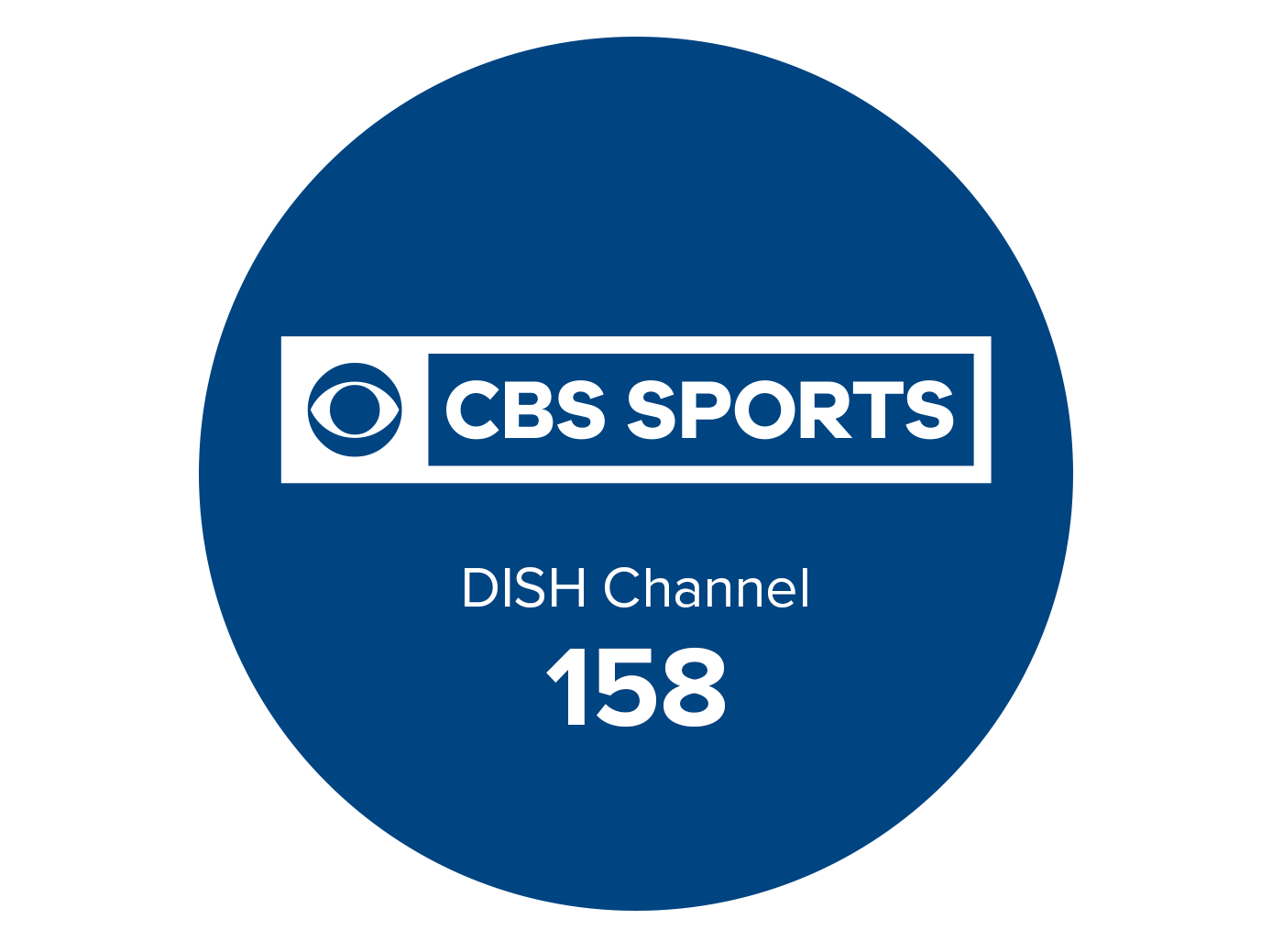
On Dish Network, CBS Sports Network is consistently found on Channel 158. This channel number typically remains constant across different geographical regions, provided your Dish programming package includes it. Most standard sports-tier packages or higher-tier bundles from Dish will include CBSSN. To verify its inclusion in your specific subscription, you can consult your Dish bill, check the online account portal, or use the electronic program guide (EPG) on your receiver. The EPG offers a quick way to scan channels and view upcoming programming, confirming both the channel number and content availability.
Locating Local CBS Affiliates for Regional Sports Broadcasts
Beyond the dedicated CBS Sports Network, your local CBS affiliate is crucial for accessing high-profile national sports events. These include major NFL games, marquee NCAA Men’s Basketball Tournament (March Madness) matchups, significant PGA Tour events, and select college football games that are part of the broader CBS Television Network’s programming.
Unlike CBSSN, the channel number for your local CBS affiliate is variable and geographically dependent. Dish Network, like other major television providers, carries local broadcast channels based on your billing address and designated market area (DMA). These channels are usually found in the lower channel ranges, often between channels 2 and 69, though exact numbers differ from city to city.
To find your specific local CBS channel:
- Consult your Dish Remote Control: Use the “Guide” button to bring up the EPG.
- Filter by Network: Many Dish remotes and EPG interfaces allow you to filter channels by network. Look for a CBS logo or type “CBS” into the search function.
- Check Dish’s Website or App: Log in to your Dish account online or via the MyDish app. Your personalized channel lineup will list your local affiliates.
- Dish Customer Service: If all else fails, a quick call to Dish customer support can provide you with your local CBS channel number.
It’s critical to remember that while your local CBS channel broadcasts major sporting events, its programming extends far beyond sports, encompassing news, primetime shows, and daytime programming. CBS Sports Network, by contrast, is a purely sports-focused channel operating 24/7.
The Technological Backbone: How Dish Network Delivers Sports
The seamless delivery of live sports, from a remote stadium to your living room, relies on a sophisticated chain of technologies. Dish Network’s satellite-based infrastructure plays a central role in this process, ensuring high-quality, reliable broadcasts.
Satellite Transmission: From Play to Pixel
At the core of Dish’s service are geostationary satellites orbiting Earth approximately 22,236 miles above the equator. These satellites act as giant relay stations. Broadcasters like CBS transmit their signals, including live sports feeds, up to these satellites (the “uplink”). The satellites then amplify and re-transmit these signals back down to Earth (the “downlink”), where they are captured by the parabolic dish antennas installed at subscribers’ homes.
This process involves several key technological components:
- Transponders: Each satellite carries multiple transponders, which are individual receiver/transmitter units. Each transponder is assigned a specific frequency band and bandwidth, capable of carrying multiple video and audio streams.
- MPEG Compression: Raw video data from live sports events is incredibly large. To efficiently transmit this data over satellite and maximize the number of channels per transponder, advanced video compression standards like MPEG-2 (for standard definition) and MPEG-4 H.264 (for high definition) are employed. This compression reduces file size significantly while aiming to preserve visual quality.
- Signal Processing and Error Correction: During transmission, signals can be subject to interference. Dish Network’s system incorporates advanced error correction coding to identify and rectify data errors, ensuring a clean and uninterrupted broadcast even under challenging atmospheric conditions.
- Encryption and Conditional Access: To protect content and manage subscriptions, signals are encrypted. Your Dish receiver contains a smart card and software that decrypts the signal only if your account is active and subscribed to the particular channel, enabling conditional access to content like CBS Sports Network.
Evolution of Sports Broadcast Quality
The technology behind satellite TV has continually evolved to meet consumer demands for higher quality.
- Standard Definition (SD) to High Definition (HD): Early satellite broadcasts were SD, offering resolutions like 480i. The widespread adoption of HD (720p, 1080i) revolutionized sports viewing, making details like player numbers, puck movements, and intricate plays far clearer. Dish Network heavily invested in HD infrastructure, dedicating satellite capacity to deliver a vast number of HD sports channels.
- 4K Ultra HD (UHD): While still emerging for live sports, Dish Network has capabilities for 4K UHD broadcasting, offering resolutions four times that of HD (2160p). This ultra-crisp detail is particularly impactful for large screen TVs, enhancing the immersive feel of a live game. The availability of 4K sports content is still somewhat limited but growing, often reserved for select marquee events.
- Low Latency Streaming: For live sports, minimizing latency (the delay between the live action and its appearance on your screen) is critical. Satellite broadcasting inherently has a slight delay due to the signal’s travel distance to space and back (known as “ping time”), but advancements in encoding and decoding technologies help keep this delay to a minimum, ensuring you’re watching events as close to real-time as possible.
Enhancing Your CBS Sports Experience with Dish Technology
Dish Network offers a suite of technological features and integrations designed to elevate the sports viewing experience, from recording capabilities to multi-platform access.
Leveraging the Dish Hopper DVR for Ultimate Control
The Dish Hopper DVR system is a cornerstone of Dish’s entertainment technology, offering unparalleled control over your sports viewing.
- Multi-Tuner Recording: The Hopper 3, for instance, boasts 16 tuners, allowing you to record up to 16 different programs simultaneously. This is a game-changer for sports fans trying to catch multiple concurrent games on different channels, including local CBS affiliates and CBS Sports Network.
- AutoHop™ and PrimeTime Anytime™: While often debated, features like AutoHop (which allows skipping commercials in recorded primetime shows) and PrimeTime Anytime (automatic recording of primetime content from major networks) can enhance the experience for non-live sports analysis or related programming.
- Sling Integration: Hopper’s built-in Sling technology allows subscribers to watch live and recorded TV on the go, using the Dish Anywhere app. This means you can stream CBS Sports Network or local CBS sports broadcasts to your smartphone, tablet, or laptop from virtually anywhere with an internet connection. This feature effectively turns your Hopper into a personal streaming server, extending your home TV experience beyond the living room.
- Instant Replay and Slow Motion: Standard DVR functionalities like pausing live TV, rewinding to catch a missed play, and utilizing slow-motion playback are invaluable for sports analysis and reliving critical moments.
Integrating Streaming Apps and Smart Devices
Modern TV viewing often involves a blend of traditional broadcast and streaming. Dish Network recognizes this, providing avenues for seamless integration.
- Dish Anywhere App: Beyond Sling integration with Hopper, the Dish Anywhere app provides direct access to live channels (including CBSSN and your local CBS affiliate, depending on your package) and on-demand content, all authenticated via your Dish subscription. This extends your viewing options to various smart devices like phones, tablets, and web browsers.
- CBS Sports App and Website: While separate from your Dish subscription, the official CBS Sports app and website often allow users to authenticate with their TV provider credentials (including Dish Network) to unlock premium content, live streams of events broadcast on CBSSN or the main CBS network, and additional on-demand features. This provides a complementary viewing experience, especially for personalized news feeds, fantasy sports integrations, and exclusive digital content.
- Smart TV Integration: Many smart TVs and streaming devices (e.g., Roku, Apple TV, Amazon Fire TV) support the Dish Anywhere app, allowing you to access your Dish content without needing to switch inputs to your satellite receiver, streamlining the user experience.
Troubleshooting and Advanced Connectivity
Even with robust technology, occasional hiccups can occur. Understanding basic troubleshooting and exploring advanced connectivity options ensures you maintain optimal access to your CBS Sports content.
Common Issues and Quick Fixes for Channel Access
- “Not Subscribed” Message: If you encounter this on Channel 158 (CBS Sports Network), first verify your Dish package includes it. If it should be included, a simple receiver reset (unplugging the receiver from power for 15 seconds and plugging it back in) can often re-sync your subscription data.
- Signal Loss/Weakness: This primarily affects local channels or any satellite-delivered content. Check for obstructions to your dish antenna (e.g., new tree growth, snow/ice buildup). Ensure all cable connections are secure. A “Check Switch” test in your receiver’s diagnostics menu can often identify signal strength issues. If persistent, professional dish alignment may be required.
- EPG Not Updating: If your program guide isn’t showing current or upcoming shows, your receiver might not be receiving guide data. A receiver reset or a manual guide data download (if available in your receiver’s settings) can resolve this.
- Dish Anywhere Login Issues: Ensure you’re using the correct Dish Network username and password. Sometimes, clearing the app’s cache or reinstalling it can fix persistent login problems.
Optimizing Network Connectivity for Streaming and On-Demand
While Dish Network’s primary delivery is via satellite, its supplementary features like Dish Anywhere and Hopper’s streaming capabilities rely heavily on your home internet connection.
- Bandwidth: Ensure your home internet provides sufficient bandwidth, especially for HD streaming. A minimum of 25 Mbps is generally recommended for smooth streaming, with higher speeds beneficial for multiple simultaneous users or 4K content.
- Wi-Fi Strength: For wireless connections to your Hopper or streaming devices, strong Wi-Fi signal strength is crucial. Consider using a Wi-Fi extender or mesh system in areas with weak signals. Ethernet connections are always preferable for stability and speed if feasible.
- Router Placement: Positioning your router centrally and away from obstructions can significantly improve Wi-Fi coverage and performance.
By understanding both the direct channel access points and the underlying technologies that power Dish Network’s sports delivery, you can ensure a reliable, high-quality, and highly customizable CBS Sports viewing experience.
aViewFromTheCave is a participant in the Amazon Services LLC Associates Program, an affiliate advertising program designed to provide a means for sites to earn advertising fees by advertising and linking to Amazon.com. Amazon, the Amazon logo, AmazonSupply, and the AmazonSupply logo are trademarks of Amazon.com, Inc. or its affiliates. As an Amazon Associate we earn affiliate commissions from qualifying purchases.