
In the modern digital workspace, the intersection of human physiology and high-performance technology has created a unique set of physical challenges. While we often celebrate the speed of a 100-word-per-minute typing speed or the precision of a high-DPI gaming mouse, there is a silent cost to this constant connectivity. Hand cramps, once associated primarily with manual labor or traditional handwriting, have become a prevalent issue for software developers, digital designers, and tech enthusiasts. Understanding what causes hand cramps in a tech-driven environment is essential for maintaining professional longevity and peak performance in an increasingly digital world.

The Ergonomics of Innovation: How Hardware Design Influences Hand Fatigue
The evolution of hardware has prioritized portability and aesthetic minimalism, sometimes at the expense of ergonomic health. As devices become thinner and more compact, the natural posture of the human hand is often compromised to accommodate sleek designs.
The Impact of Compact Laptop Keyboards and Shallow Travel
Modern laptops, especially “ultra-portables,” utilize scissor-switch or butterfly mechanisms that offer very shallow key travel. When a professional spends eight to ten hours a day “bottoming out” these keys—striking the hard frame of the laptop with every keystroke—the impact is absorbed directly by the small muscles and tendons in the fingers and palms. This repetitive impact leads to micro-trauma and muscular tightness. Unlike mechanical keyboards with tactile feedback that allows for a “floating” typing style, shallow keyboards force a high-tension posture that is a primary driver of hand cramping.
Peripheral Design: The Dilemma of the Gaming Mouse
In the tech industry, precision is currency. Whether you are navigating a complex 3D environment in CAD software or competing in high-stakes eSports, your mouse is your primary interface. However, the standard “claw grip” encouraged by many high-performance mice places the hand in a state of constant isometric tension. To achieve micro-adjustments in cursor movement, users subconsciously tighten their grip. This prolonged muscle contraction restricts blood flow and leads to the painful, involuntary spasms we recognize as cramps. The industry’s shift toward vertical mice and trackball alternatives is a direct response to this tech-induced physical strain.
Smartphone “Text Claw” and Mobile Interface Design
The “Always-On” culture means our hands are rarely at rest, even when we are away from our desks. The specific way we hold mobile devices—often supporting the weight of the phone with the pinky finger while the thumb performs rapid lateral movements—creates an anatomical imbalance. Mobile interfaces are designed for engagement, but the repetitive scrolling and swiping motions utilize a very limited range of motion, leading to “text claw.” This tech-centric cramp is a result of overworking the adductor pollicis (the muscle between the thumb and index finger), which is not designed for the thousands of micro-gestures required by modern social and professional apps.
Software-Induced Physical Stress: Coding, Designing, and Repetitive Motion
Beyond the physical hardware, the way we interact with software environments dictates our physical well-being. The specialized workflows of the tech industry demand specific types of repetitive motion that can trigger hand cramps.
The Micro-Motion Trap of High-Precision UI/UX Design
Graphic designers and UI/UX professionals operate in a world of pixels. Using a stylus or a high-sensitivity mouse to align elements requires extreme fine motor control. This level of precision requires the hand to stay in a fixed, rigid position for extended periods. When a designer is “in the zone,” they may not realize they have been holding a static, high-tension pose for over an hour. This static loading is a major cause of hand cramps, as it prevents the muscles from cycling through their natural contraction and relaxation phases.
Programming Marathons and the Syntax of Strain
Software development involves specific rhythmic patterns of typing that differ significantly from standard prose. The frequent use of modifier keys (Shift, Ctrl, Cmd, Alt) and specialized characters (brackets, braces, and pipes) often requires “finger gymnastics.” In long-form coding sessions, the constant stretching to reach distant keys on a standard QWERTY layout creates uneven strain. The “Emacs Pinky”—a term coined for the strain caused by frequent use of the Control key—is a classic example of how software-specific requirements can lead to chronic hand discomfort and cramping.
Gaming Mechanics and High Actions-Per-Minute (APM)
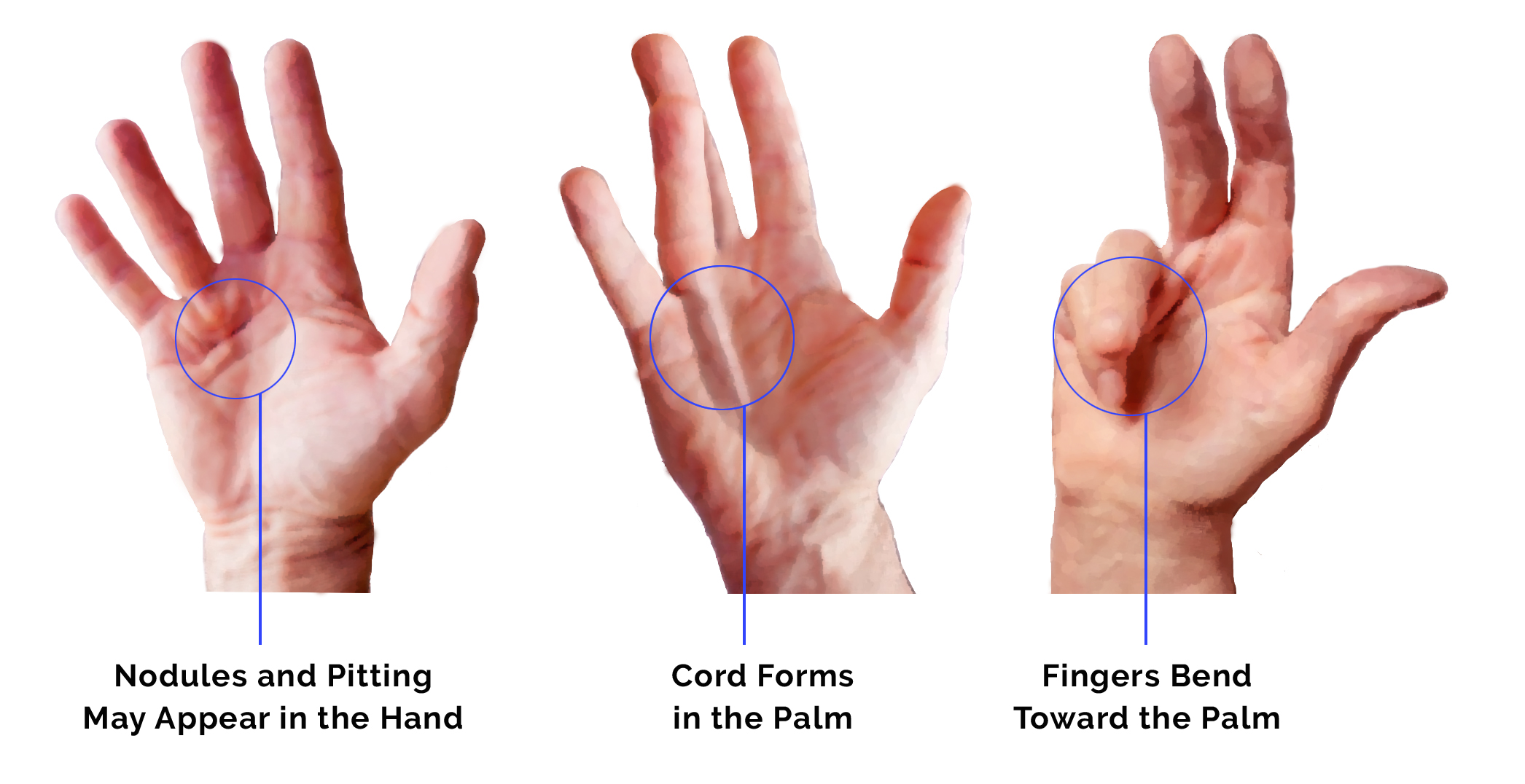
The gaming sector of the tech world pushes hand endurance to its absolute limit. Professional gamers often maintain over 300 actions per minute. This level of intensity causes rapid fatigue of the fast-twitch muscle fibers in the hands. Without proper recovery or tech-assisted support, these muscles become “locked” in a state of semi-contraction, leading to severe cramping. The technological cause here is the software’s demand for instantaneous response times, which forces the human operator to prioritize speed over physiological safety.
Technological Solutions to Repetitive Strain
While technology is often the cause of hand cramps, it also provides the most sophisticated solutions. The tech industry is currently undergoing a “wellness pivot,” integrating ergonomic science and AI to reduce the physical load on users.
AI-Driven Dictation and Voice-First Interfaces
One of the most effective ways to alleviate hand cramps is to remove the need for manual input entirely. Modern Large Language Models (LLMs) and advanced speech-to-text algorithms have reached a level of accuracy where “voice-coding” and dictation are viable alternatives to typing. By utilizing Natural Language Processing (NLP), professionals can draft documents, write emails, and even structure code using their voice. This technological shift allows the muscles in the hands to rest and recover without sacrificing productivity, effectively bypassing the primary cause of digital cramps.
Smart Wearables and Haptic Biofeedback
The latest generation of wearables is moving beyond heart rate tracking into the realm of ergonomic coaching. Smart sleeves and gloves equipped with electromyography (EMG) sensors can monitor the electrical activity in the hand muscles. When these sensors detect a level of tension that precedes a cramp, they can send haptic feedback (a gentle vibration) to the user’s wrist or phone. This “tech-cueing” alerts the professional to relax their grip or take a break before the physical spasm occurs, using data to prevent injury.
Software-Level Customization: Macros and Hotkeys
Sophisticated software users combat hand fatigue by optimizing their digital environment. By using macro-recorders and programmable HID (Human Interface Device) controllers, a single button press can replace a complex series of keystrokes. This reduces the total “mileage” a hand travels over the keyboard in a day. Stream decks and customizable shortcut pads allow professionals to move frequently used commands away from the keyboard and onto a more ergonomically friendly interface, distributing the physical workload across more muscle groups.
Building a Healthy Tech Stack: Strategies for Professional Longevity
To truly address what causes hand cramps in the tech space, professionals must treat their physical setup as an extension of their technical stack. Just as you would optimize a server for performance, you must optimize your workspace for ergonomic efficiency.
Investing in Mechanical Keyboards and Custom Layouts
The resurgence of mechanical keyboards is not just about the “clicky” sound; it is about the variable actuation forces and tactile feedback. Enthusiast-grade keyboards allow users to choose switches that require less force to press, significantly reducing the strain on the fingers. Furthermore, alternative layouts like Dvorak or Colemak are designed to keep the fingers on the “home row,” minimizing the long reaches that cause stretching and cramping. Transitioning to an ergonomic split keyboard—which allows the hands to remain at shoulder-width—is one of the most significant tech upgrades a professional can make for hand health.
Software-Level Reminders and Pomodoro Workflows
In a high-focus tech environment, the brain often ignores the body’s signals of distress until it is too late. Using “Break Reminders” or Pomodoro timer apps can force necessary intervals of rest. Some advanced apps actually lock the screen or disable input for 30 seconds every 20 minutes, forcing the user to perform a “micro-stretch.” These digital gatekeepers ensure that the repetitive motion cycle is broken regularly, allowing blood to circulate through the hands and preventing the chemical buildup that leads to cramping.
High-DPI Sensors and Surface Calibration
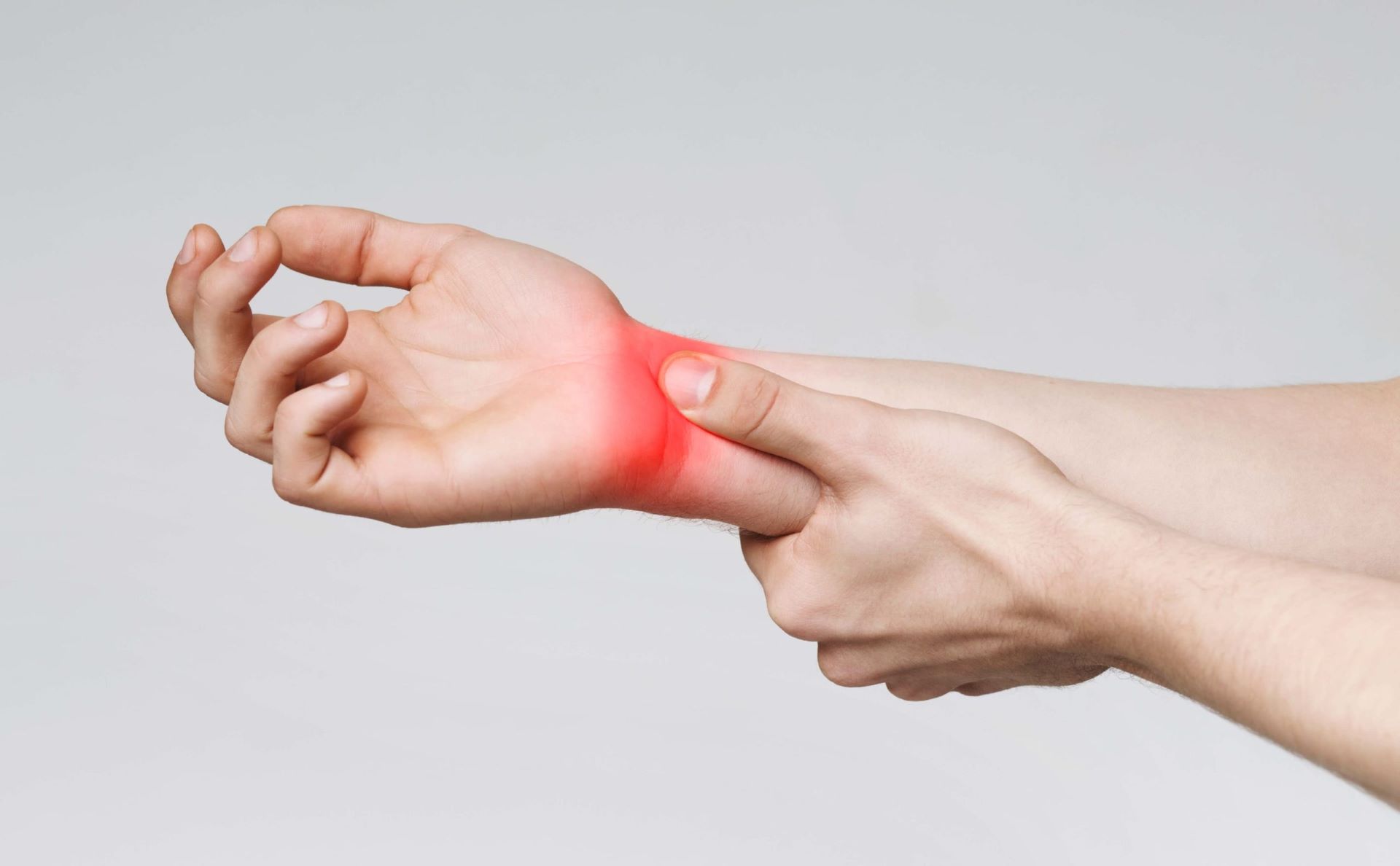
A subtle cause of hand cramps is “mouse jitter” or poor tracking, which causes the user to tense their hand to compensate for a jumpy cursor. Investing in high-quality sensors and premium mouse pads allows for smoother, more effortless movement. By increasing the DPI (dots per inch) settings, a user can move the cursor across dual-monitor setups with only a slight flick of the wrist, rather than large, sweeping arm movements. Proper surface calibration ensures that the technology is working with the user, rather than forcing the user to fight the hardware.
In conclusion, hand cramps in the modern era are a direct byproduct of our deep integration with technology. From the physical limitations of sleek hardware to the high-intensity demands of professional software, the digital world asks a great deal of our hands. However, by leveraging ergonomic hardware, AI-driven input methods, and smart workflow management, tech professionals can mitigate these risks. Addressing hand cramps is not just about comfort; it is about building a sustainable relationship with the tools that define our modern professional lives.
aViewFromTheCave is a participant in the Amazon Services LLC Associates Program, an affiliate advertising program designed to provide a means for sites to earn advertising fees by advertising and linking to Amazon.com. Amazon, the Amazon logo, AmazonSupply, and the AmazonSupply logo are trademarks of Amazon.com, Inc. or its affiliates. As an Amazon Associate we earn affiliate commissions from qualifying purchases.