
In the era of high-definition entertainment, the television is often the centerpiece of the modern home. Whether you own a cutting-edge OLED, a vibrant QLED, or a reliable LED-LCD panel, these devices represent significant financial and technological investments. However, as sleek as modern flat screens are, they are also magnets for dust, fingerprints, and airborne particles.
A common mistake many gadget owners make is treating their high-tech display like a traditional glass window. Using the wrong materials can lead to permanent micro-scratches, stripped anti-reflective coatings, or even moisture ingress that voids warranties. To maintain the visual fidelity of your 4K or 8K display, you must understand the specific chemistry and physics of your screen. This guide provides a comprehensive look at the tools, techniques, and technical reasons behind proper flat-screen maintenance.
Decoding Modern Display Surfaces: Why Your Flat Screen Requires Specialized Care
To understand why you can’t simply grab a bottle of glass cleaner and a paper towel, you must first understand what you are cleaning. Unlike the heavy, vacuum-sealed glass tubes of the 1990s (CRTs), modern flat screens are complex sandwiches of delicate polymers and liquid crystals.
The Evolution from CRT to OLED and LCD
The televisions of yesteryear featured thick glass faces that were virtually impervious to household chemicals. Modern displays, however, utilize organic light-emitting diodes (OLED) or liquid crystal layers filtered through polarizing films. These outer layers are often made of specialized plastics or ultra-thin glass treated with chemical vapor deposition. They are designed to be lightweight and to transmit light with 100% accuracy, but this makes them incredibly susceptible to chemical degradation.
The Vulnerability of Anti-Reflective Coatings
Most high-end tech displays are treated with an anti-reflective or anti-glare coating. These microscopic layers are engineered to reduce ambient light bounce-back, ensuring deep blacks and high contrast. Harsh chemicals—specifically ammonia or alcohol—act as solvents that can dissolve these coatings unevenly. Once the coating is compromised, the screen will appear cloudy or exhibit “rainbow” splotches that are impossible to repair. Proper cleaning isn’t just about aesthetics; it’s about preserving the structural integrity of the display’s optical filters.
The Essential Toolkit for Safe Screen Cleaning
When it comes to tech maintenance, less is almost always more. You do not need an arsenal of industrial chemicals to keep your screen pristine. In fact, the most effective tools are often the simplest.
Why Microfiber is Non-Negotiable
The gold standard for any screen cleaning is the microfiber cloth. Unlike paper towels or old t-shirts, which are made of cellulose fibers that can be surprisingly abrasive at a microscopic level, microfiber is composed of a blend of polyester and nylon. These synthetic fibers are split to be thinner than a human hair, creating a massive surface area that “grabs” dust and oils through an electrostatic charge rather than just pushing them around. When choosing a cloth, ensure it is a “fine-knit” microfiber specifically designed for optics or electronics, rather than the “plush” versions used for automotive detailing, which can trap larger debris that might scratch the screen.
The Role of Distilled Water
If your screen requires more than a dry dusting, the only liquid you truly need is distilled water. Tap water contains minerals—such as calcium, magnesium, and fluoride—that can leave behind white, chalky residues (hard water spots) once the water evaporates. Distilled water is stripped of these impurities, ensuring a streak-free finish. For tech enthusiasts, keeping a small spray bottle of distilled water in the media console is the safest way to tackle dried-on residue or accidental splashes.
Professional Electronic-Grade Cleaners
While distilled water is the safest bet, there are professional-grade screen cleaners available on the market. If you choose this route, verify that the product is “alcohol-free” and “ammonia-free.” These specialized solutions often contain surfactants that help break down skin oils (from fingerprints) more effectively than water alone. However, they should always be used sparingly and applied to the cloth, never the screen itself.
Step-by-Step Tutorial: How to Clean Your Screen Without Risking Damage

The process of cleaning a flat screen is as important as the materials used. Following a disciplined workflow ensures that you don’t accidentally damage the internal components of the TV.
Preparation and Powering Down
The first and most critical step is to turn off the television and, ideally, unplug it. There are two technical reasons for this. First, a dark screen makes it much easier to see dust and streaks that are invisible when the pixels are firing. Second, TVs generate heat during operation. If you apply a damp cloth to a warm screen, the liquid may evaporate too quickly, leaving behind streaks or “ghosting” marks. Allowing the panel to cool to room temperature ensures a uniform clean.
The Dry Dusting Phase
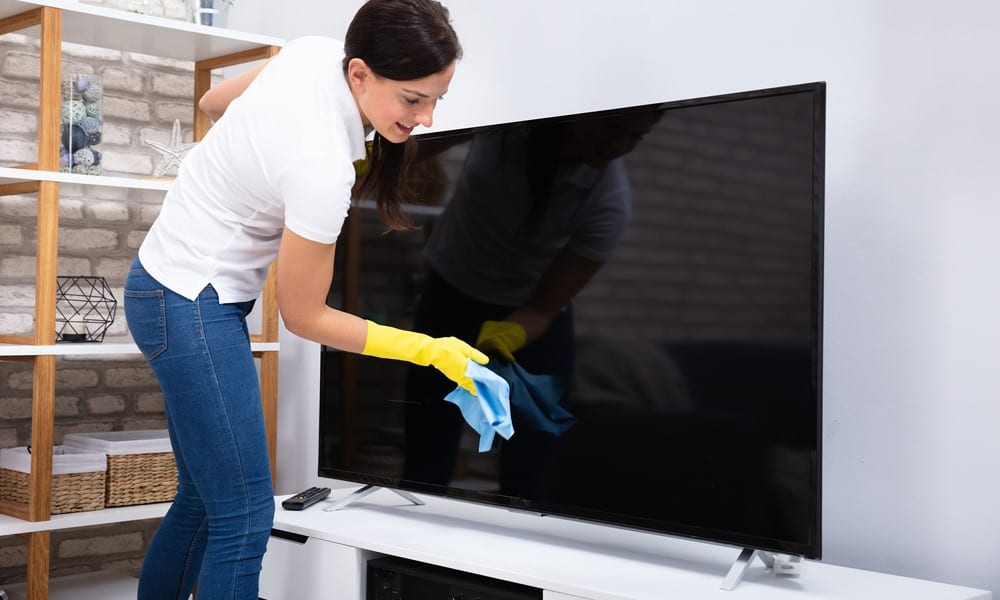
Always start with a dry microfiber cloth. In many cases, what looks like a dirty screen is simply a layer of settled dust. Using light, circular motions, wipe the entire surface of the screen. Do not press hard; modern panels are flexible, and excessive pressure can damage the alignment of the liquid crystals or the delicate OLED sub-pixels, leading to “dead pixels” or pressure spots. If the dust is gone and the screen looks clear, stop there.
Tackling Stubborn Smudges and Fingerprints
For oily fingerprints or localized spots, lightly dampen a corner of your microfiber cloth with distilled water. The cloth should be damp, not dripping. Gently wipe the affected area in a circular motion, followed immediately by the dry portion of the cloth to buff out any moisture. This prevents “wicking,” where liquid travels to the edge of the bezel and seeps into the internal circuitry—a leading cause of total hardware failure in flat-screen TVs.
Critical Hazards: What to Never Use on a Flat Screen
In the world of tech maintenance, knowing what not to do is often more important than the cleaning process itself. Many “life hacks” found online can actually destroy an expensive display in seconds.
Chemical Sabotage: Ammonia and Alcohol
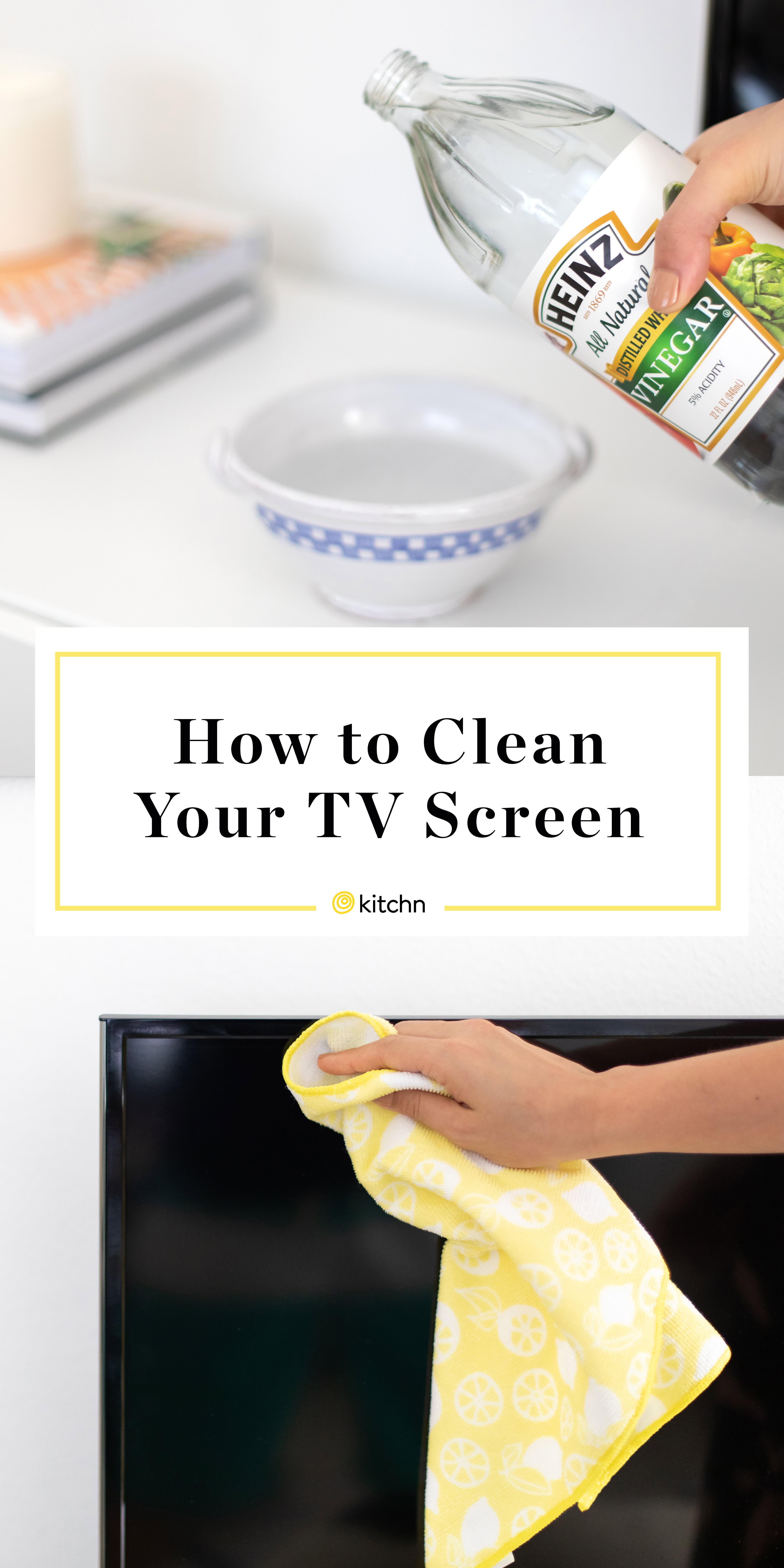
As mentioned previously, ammonia (found in most glass cleaners) and isopropyl alcohol are the enemies of modern displays. These substances are aggressive degreasers that can eat through the plasticizers in the screen’s outer layer. Over time, repeated use will make the screen brittle, yellowed, or prone to cracking. Even “natural” cleaners containing vinegar or citrus oils should be avoided, as their acidity can be just as damaging to delicate optical coatings.
Abrasive Traps: Paper Towels and Tissues
It is tempting to grab a paper towel for a quick spot-clean, but paper is made from wood pulp. Even the softest brand contains microscopic wood fibers that act like sandpaper on a plastic screen. Similarly, facial tissues often contain lotions or oils that will leave a greasy film on your display, making the problem worse while simultaneously adding micro-scratches.
The Dangers of Direct Spraying
Never spray any liquid—even distilled water—directly onto the screen. Gravity will pull the liquid down toward the bottom bezel. Modern TVs have very thin gaps between the screen and the frame, where the “ribbon cables” (the connectors that tell the pixels what to do) are located. A single drop of water entering this gap can cause a short circuit, resulting in permanent vertical lines across your display or a complete refusal to power on.
Maintaining Visual Fidelity for the Long Term
Cleaning is a reactive measure, but proactive maintenance can reduce the frequency with which you need to touch the screen, thereby extending the life of your hardware.
Environment and Dust Management
The best way to keep a screen clean is to manage the environment around it. Ensure that your home’s HVAC filters are changed regularly to reduce airborne particulates. Additionally, try to avoid placing your TV directly in the path of open windows or high-traffic entryways where dust and pollen are most prevalent. For high-end home theaters, using an air purifier in the room can significantly reduce the “static cling” that draws dust to the screen.
Handling Tips for Modern Gadgets
When adjusting the tilt of your TV or moving it to access cables, always handle the device by the outer bezels or the designated mounting points. Avoid placing your thumbs or fingers directly on the panel. The natural oils on human skin are slightly acidic and can be difficult to remove once they “set” under the heat of the screen’s operation. By treating your flat screen as the sensitive piece of technology it is, you ensure that your viewing experience remains crystal clear for years to come.
aViewFromTheCave is a participant in the Amazon Services LLC Associates Program, an affiliate advertising program designed to provide a means for sites to earn advertising fees by advertising and linking to Amazon.com. Amazon, the Amazon logo, AmazonSupply, and the AmazonSupply logo are trademarks of Amazon.com, Inc. or its affiliates. As an Amazon Associate we earn affiliate commissions from qualifying purchases.