
The landscape of financial transactions has undergone a profound transformation over the past decade, driven largely by rapid advancements in technology. Among these innovations, mobile payment systems like Apple Pay have emerged as game-changers, offering users unprecedented convenience and security. As these digital wallets become increasingly ubiquitous for retail purchases, a natural progression has been their integration into traditional banking services, most notably Automated Teller Machines (ATMs). The question “what ATMs take Apple Pay” is not just about identifying compatible machines; it delves into a significant technological shift that redefines how we interact with our money in the physical world. This article explores the technological underpinnings of this convergence, examining the evolution of ATMs, the mechanics of Apple Pay integration, and the future trajectory of cardless cash access.
The Technological Evolution of Automated Teller Machines
ATMs, since their inception, have been marvels of engineering, designed to automate basic banking functions and provide 24/7 cash access. However, their core functionality remained largely unchanged for decades, relying primarily on physical cards with magnetic stripes or EMV chips. The advent of mobile payment technology heralded a new era, pushing ATMs to evolve beyond these traditional interfaces.
From Card Readers to Contactless Interfaces
The journey of the ATM began with simple card readers that scanned magnetic stripes, authenticating users based on PINs linked to their accounts. This system, while revolutionary for its time, was prone to security vulnerabilities like skimming. The introduction of EMV (Europay, MasterCard, and Visa) chip technology significantly enhanced security by encrypting transaction data dynamically, making it much harder to clone cards. However, the fundamental interaction still required a physical card insertion.
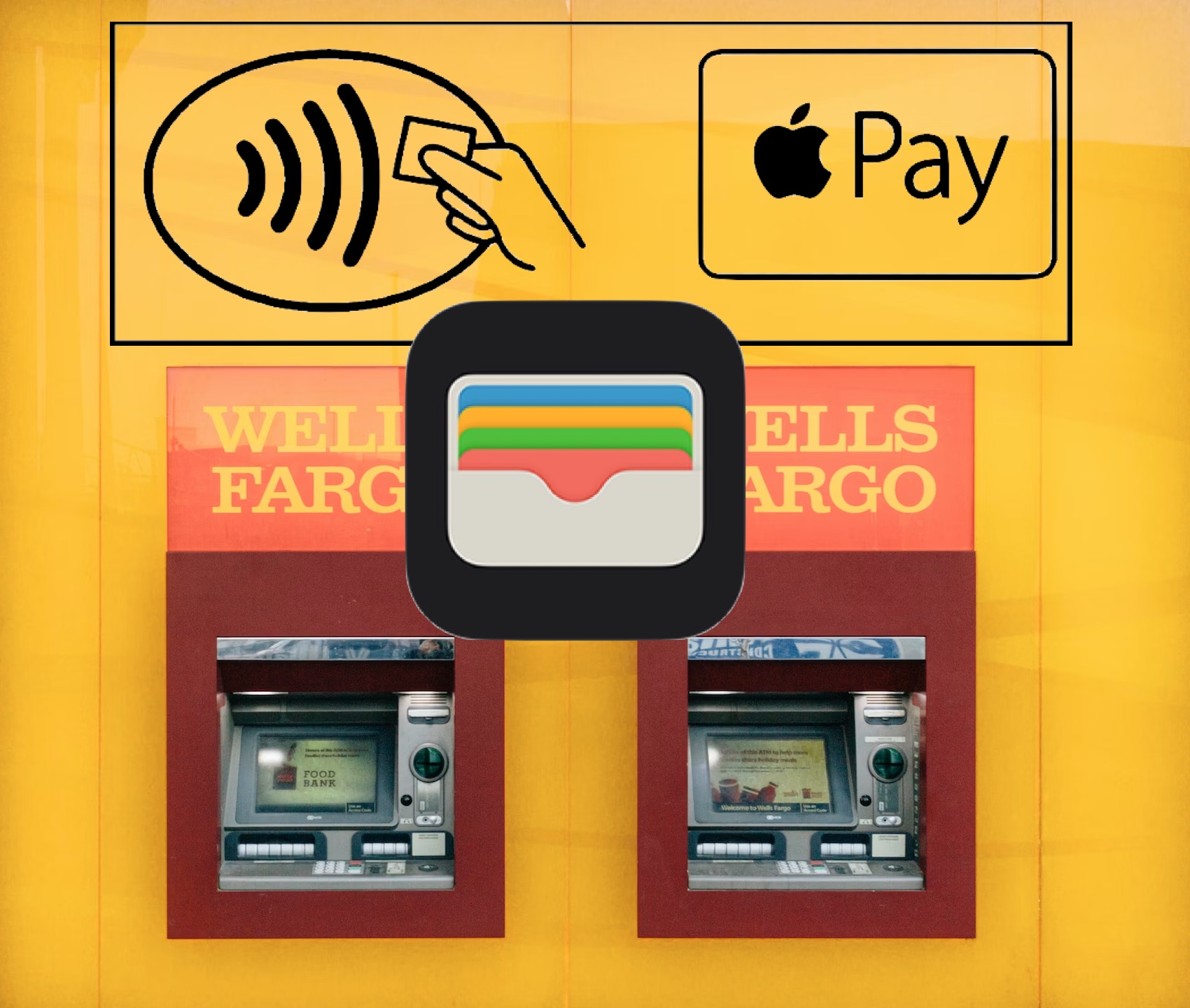
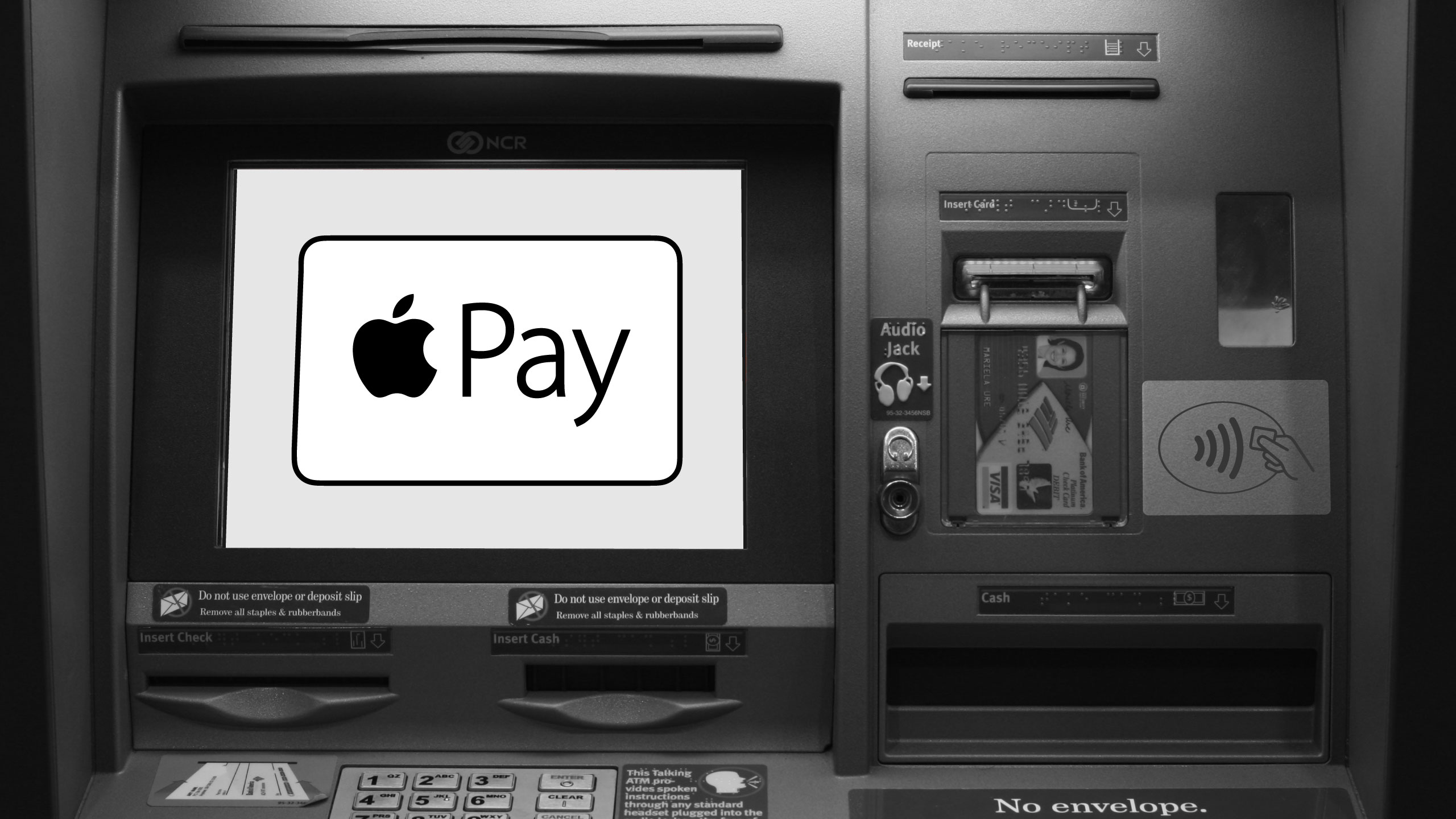
The real shift towards Apple Pay compatibility began with the adoption of Near Field Communication (NFC) technology at ATMs. NFC is a short-range wireless technology that allows two devices to communicate when they are brought within a few centimeters of each other. For ATMs, this means replacing the physical card slot with a contactless reader, identifiable by the universal contactless payment symbol (four curved lines). This technological upgrade is crucial because Apple Pay, and similar mobile wallets, operate predominantly through NFC, encrypting card information and transmitting it wirelessly. Banks investing in these NFC-enabled ATMs are not just offering a new convenience; they are modernizing their infrastructure to meet the demands of a digitally-forward consumer base, reducing wear and tear on card readers, and enhancing transactional security by minimizing physical interaction points.
The Shift Towards Digital Integration and Software Updates
Integrating Apple Pay into ATM functionality isn’t merely about adding an NFC reader; it requires significant backend software integration and robust digital infrastructure. ATM software, traditionally designed to interface with physical card data, needs to be updated to securely receive and process the encrypted tokens transmitted by Apple Pay. This involves:
-
Firmware Updates: The internal operating system of the ATM must be capable of recognizing and interpreting NFC signals.
-
Security Protocols: Enhanced encryption and authentication layers are necessary to validate the mobile payment token and link it to the correct bank account. This often involves real-time communication with the bank’s central servers.
-
User Interface Redesign: The ATM’s screen interface must be updated to guide users through the cardless withdrawal process, prompting them to tap their device and authorize the transaction on their phone.
-
API Integration: For a seamless experience, banks typically integrate their ATM networks with their mobile banking applications. This allows users to pre-stage withdrawals via their banking app, generating a QR code or confirming details before approaching the ATM, further streamlining the process and enhancing security.
This complex interplay of hardware upgrades and software overhauls underscores the significant technological investment banks have made to bring cardless ATM functionality to their customers. It’s a testament to the industry’s commitment to embracing digital transformation and providing versatile access to financial services.
Decoding Apple Pay’s Role in ATM Transactions
Apple Pay is not just a digital replica of your physical card; it’s a sophisticated payment system built on security and convenience. Its integration with ATMs leverages these core principles to offer a new way to access cash.
NFC Technology: The Backbone of Cardless Access
At the heart of Apple Pay’s functionality at ATMs is NFC technology. When a user holds their iPhone or Apple Watch near an NFC-enabled ATM reader, the devices establish a secure, short-range wireless connection. Instead of transmitting actual card numbers, Apple Pay uses a process called tokenization. Each time a card is added to Apple Pay, a unique Device Account Number (DAN) is assigned, encrypted, and stored securely on the device’s Secure Element chip. During a transaction, this DAN, along with a dynamic, single-use cryptogram, is transmitted to the ATM.
This tokenization is a critical security feature. Even if intercepted, the DAN and cryptogram are meaningless without the associated decryption keys, which are controlled by Apple and the issuing bank. The ATM then sends this tokenized data to the bank’s processing network, which decodes it, verifies the transaction, and authorizes the cash withdrawal. This entire process happens in milliseconds, providing a swift and highly secure alternative to traditional card usage.
Security Protocols and User Authentication
Security is paramount in any financial transaction, and Apple Pay excels in this domain. When using Apple Pay at an ATM, several layers of security are engaged:
-
Device Authentication: Before a transaction can even be initiated, the user must authenticate themselves on their Apple device using Face ID, Touch ID, or a passcode. This ensures that only the device owner can authorize payments.
-
Tokenization: As discussed, tokenization replaces sensitive card details with unique, encrypted tokens, rendering stolen data useless.
-
Dynamic Cryptograms: Each transaction generates a unique cryptogram, meaning even if a token were somehow captured, it couldn’t be reused for a fraudulent transaction.
-
No Card Information Stored on ATM: Unlike traditional card transactions where the ATM reads chip data, with Apple Pay, no sensitive card information is ever stored on the ATM itself, significantly reducing the risk of data breaches at the machine level.
-
Bank’s Backend Security: The bank’s existing fraud detection systems and security protocols continue to monitor and protect transactions, adding another layer of defense.
This multi-faceted security approach makes Apple Pay an incredibly secure method for withdrawing cash, arguably even more secure than using a physical card, which can be skimmed or lost. The convenience of not needing to carry a physical wallet, combined with these robust security features, positions Apple Pay as a preferred method for modern cash access.
Major Banks and Their Cardless ATM Strategies
The adoption of Apple Pay at ATMs has not been uniform across all financial institutions, but major banks in key markets, particularly the United States, have led the charge. Their strategies reflect a broader commitment to digital transformation and enhancing customer experience.
Early Adopters and Their Implementation
Several large banks recognized the potential of mobile payments early on and began integrating NFC capabilities into their ATM networks. Institutions like Bank of America, Wells Fargo, Chase, and PNC Bank were among the pioneers. Their early implementations often involved:
-
NFC Reader Deployment: Retrofitting existing ATMs with NFC hardware or deploying new ATMs with integrated contactless readers.
-
Software Overhauls: Updating their ATM operating systems to support tokenized transactions and interface with mobile wallet authentication.
-
Mobile Banking App Integration: Enhancing their native banking apps to allow users to initiate cardless transactions, often by pre-selecting withdrawal amounts and receiving a QR code or temporary access code, which could then be scanned or entered at the ATM in conjunction with Apple Pay’s NFC tap.
These banks actively promoted their cardless ATM features, educating customers on how to use Apple Pay for withdrawals, thereby driving adoption and demonstrating a forward-thinking approach to banking services.
The Rollout and Availability Landscape
While many major banks now support Apple Pay at their ATMs, the extent of this support can vary. Generally, newer ATM models and those in high-traffic urban areas are more likely to be NFC-enabled.
-
Bank of America: Has been a strong proponent of cardless ATMs, with a significant portion of their machines supporting Apple Pay and other mobile wallets.
-
Wells Fargo: Offers “Card-Free ATM Access” via their mobile app, which can be used in conjunction with Apple Pay at NFC-enabled ATMs.
-
Chase: Has invested heavily in upgrading its ATM network to support contactless transactions, allowing customers to use Apple Pay.
-
PNC Bank: Similarly, provides card-free access through both their mobile app and NFC-enabled ATMs.
-
Citibank: Many of Citibank’s ATMs are equipped with NFC readers, allowing for Apple Pay transactions.
It’s important for users to look for the contactless symbol on the ATM or check their bank’s website or mobile app for specific information on cardless ATM locations. While the technology is becoming more widespread, not every ATM, particularly older models or those from smaller credit unions, may have this capability. The trend, however, is clear: the industry is moving towards a future where physical cards are an option, not a necessity, for cash access.
How to Use Apple Pay at Compatible ATMs
Using Apple Pay at an ATM is a straightforward process, designed to be intuitive and secure. While specific steps might vary slightly between banks, the general procedure remains consistent.
A Step-by-Step Guide for Seamless Withdrawals
-
Locate a Compatible ATM: Look for the contactless symbol (four curved lines) on the ATM. Some banks also explicitly state “Cardless” or “Apple Pay” on the machine.
-
Activate Your Apple Pay Wallet: On your iPhone, either double-click the side button (for Face ID devices) or the Home button (for Touch ID devices) to bring up your default card in Apple Pay. For Apple Watch, double-click the side button.
-
Authenticate Your Device: Authenticate using Face ID, Touch ID, or your passcode. This is a critical security step.
-
Tap Your Device: Hold the top of your iPhone or the face of your Apple Watch near the contactless reader on the ATM. You should hear a chime or feel a vibration, and the ATM screen will usually indicate that it has recognized your device.
-
Enter Your PIN: The ATM will then prompt you to enter your debit card’s PIN directly on the ATM’s keypad, just as you would with a physical card. This adds another layer of security, ensuring that even if someone gained access to your device, they couldn’t complete the transaction without your PIN.
-
Select Transaction Type: Choose your desired transaction, such as “Withdrawal” or “Balance Inquiry,” and follow the on-screen prompts for the amount, account type (checking/savings), etc.
-
Complete Transaction: The ATM will dispense cash or provide the requested information. Remember to take your cash and receipt.
This process eliminates the need to carry or insert a physical card, reducing the risk of skimming or leaving your card behind. It combines the speed of contactless payments with the familiarity of ATM interactions.
Troubleshooting Common Issues
While generally reliable, users might encounter a few issues when using Apple Pay at ATMs:
-
ATM Not Responding: Ensure the ATM truly supports contactless payments. Look for the symbol. If it does, ensure your device is close enough to the reader (usually within 1-2 inches). Sometimes, a slight repositioning of the phone or watch can help.
-
Authentication Failure: Double-check that Face ID or Touch ID has successfully authenticated you on your device before tapping. If not, re-authenticate or use your passcode.
-
“Card Not Recognized” or “Transaction Failed”: This could be due to an issue with the ATM’s NFC reader, a temporary network glitch, or an issue with your bank’s system. Try another ATM or use your physical card as a fallback.
-
Incorrect PIN: Always ensure you’re entering the correct PIN for the debit card linked to the Apple Pay account you’re using. The ATM’s PIN pad is independent of your phone’s authentication.
-
Device Battery Low: Apple Pay requires sufficient battery power to operate. If your device is critically low, it might not function correctly.
In most cases, these issues are minor and easily resolved. The increasing reliability of NFC technology and robust banking systems means that Apple Pay at ATMs is becoming an increasingly smooth experience for users.
The Future of Cash Access: Beyond Physical Cards
The integration of Apple Pay into ATM services is just one step in the broader evolution of cash access. The trajectory points towards an even more digitized, secure, and personalized banking experience, fueled by continuous technological advancements.
Biometrics and Advanced Authentication
While current cardless ATM systems rely on device authentication (Face ID/Touch ID) and PINs, future iterations may incorporate more advanced biometric authentication directly at the ATM. Imagine ATMs equipped with facial recognition or advanced fingerprint scanners that can verify your identity without needing a separate device or a PIN. This would streamline the process even further and enhance security by leveraging unique biological identifiers. Some innovative banks are already experimenting with iris scans or palm vein recognition in their most advanced ATM prototypes. The challenge lies in standardization, privacy concerns, and the significant cost of rolling out such advanced hardware across entire networks. However, the technological capability is rapidly maturing, promising a future where your physical presence alone, verified biometrically, could be sufficient for cash withdrawals.

The Blurring Lines Between Digital and Physical Wallets
The ultimate vision for cash access, driven by mobile payment technology, is a world where the distinction between a digital and physical wallet virtually disappears. Your smartphone, or even your smartwatch, becomes the central hub for all financial interactions. This includes not just cash withdrawals but also deposits, check cashing, and even applying for loans directly through an ATM, all authenticated via your digital identity.
Further developments could include:
-
Personalized ATM Experiences: Based on your banking history and preferences stored securely in the cloud, ATMs could proactively suggest transactions, display personalized offers, or even guide you through complex services.
-
Voice Command Integration: Voice assistants could become integrated into ATMs, allowing users to initiate and complete transactions using natural language commands, enhancing accessibility for all users.
-
Enhanced Security Through AI: Artificial intelligence and machine learning algorithms will play an even greater role in real-time fraud detection, analyzing transaction patterns and flagging suspicious activities instantly, protecting both the bank and the consumer.
-
Seamless Integration with Wearables: Beyond phones and watches, future wearables like smart rings or augmented reality glasses could provide even more discreet and intuitive ways to interact with ATMs.
The shift towards Apple Pay-enabled ATMs is a clear indicator that the financial industry is embracing a future where technology makes banking more accessible, secure, and aligned with the digital lifestyles of consumers. As these technologies mature, the experience of accessing cash will continue to evolve, moving further away from the physical card and deeper into the realm of secure, personal, and interconnected digital interactions.
aViewFromTheCave is a participant in the Amazon Services LLC Associates Program, an affiliate advertising program designed to provide a means for sites to earn advertising fees by advertising and linking to Amazon.com. Amazon, the Amazon logo, AmazonSupply, and the AmazonSupply logo are trademarks of Amazon.com, Inc. or its affiliates. As an Amazon Associate we earn affiliate commissions from qualifying purchases.