
For decades, the question of which arm to wear a watch on was a simple matter of tradition and mechanical preservation. Conventional wisdom dictated that the watch belonged on the non-dominant hand—usually the left—to protect the delicate internal gears from the shocks of daily activity and to keep the dominant hand free for writing. However, as we transition deeper into the era of high-performance smartwatches and health-tracking wearables, the choice has shifted from a stylistic preference to a technical optimization strategy.
In the context of modern technology, your wrist is no longer just a display for time; it is a sophisticated data hub housing accelerometers, gyroscopes, photoplethysmography (PPG) sensors, and NFC chips. Choosing which arm to wear your device on now impacts everything from biometric accuracy to software ergonomics.
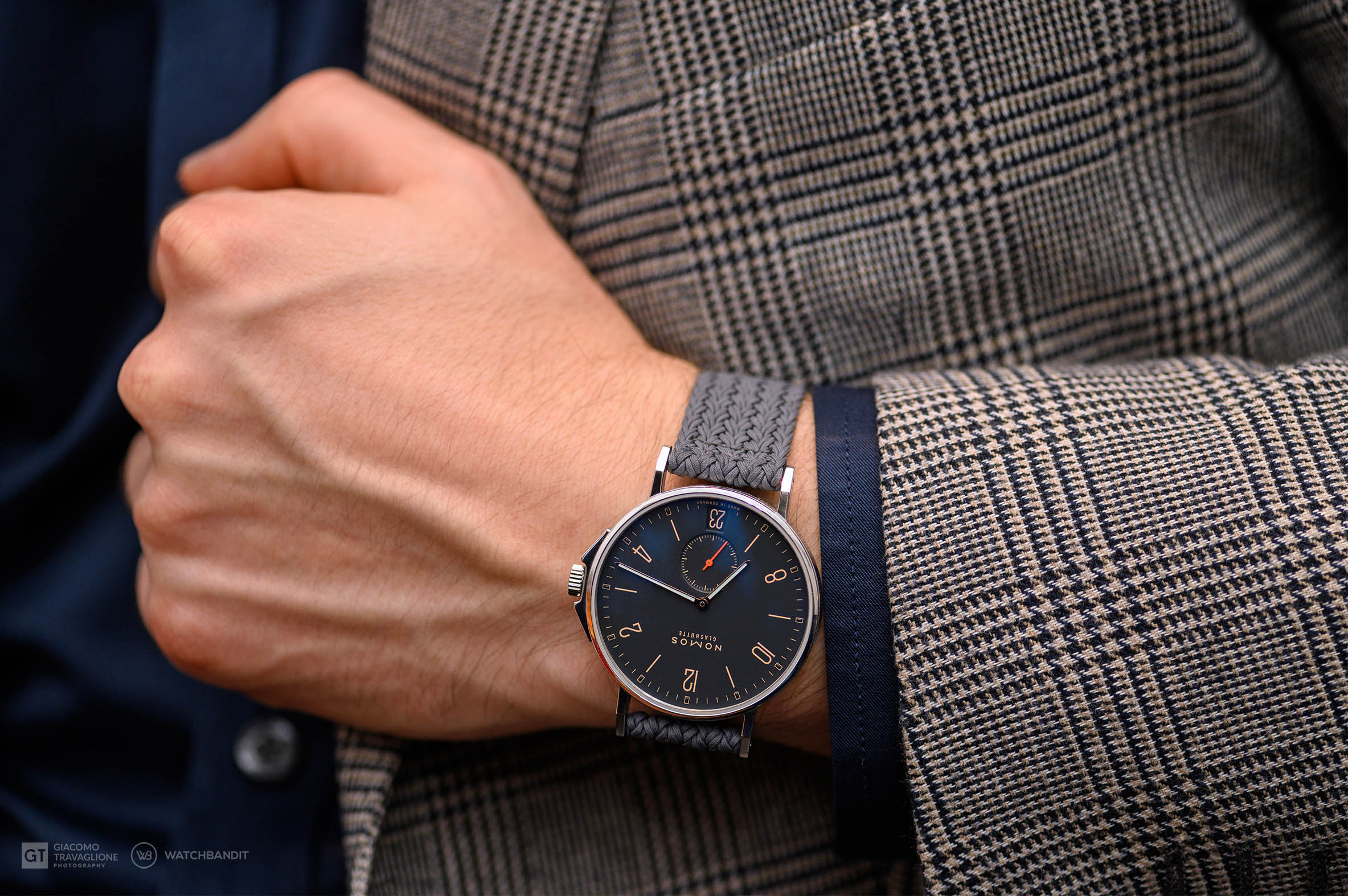
Engineering the Interface: Why Hand Dominance Affects Software UX
When technology companies like Apple, Samsung, and Garmin design their flagship wearables, they operate under specific assumptions regarding user interaction. The “User Experience” (UX) of a smartwatch is fundamentally different from a traditional timepiece because it requires active input—swiping, tapping, and rotating digital crowns.
Dominant vs. Non-Dominant Hand Interaction
The primary reason tech enthusiasts favor the non-dominant wrist is the “Active-Passive” dynamic. When you wear a watch on your non-dominant arm (the left for most people), your dominant hand is free to perform high-precision tasks on the touch screen. Trying to perform a precise swipe or select a small app icon using your non-dominant hand while your dominant arm is held still is counter-intuitive and often leads to “fat-finger” errors in software navigation.
Furthermore, the physical strain on the arm is a technical consideration. A dominant arm is frequently in motion—typing, using a mouse, or lifting objects. Keeping the device on the non-dominant arm allows for a more stable “viewing platform,” ensuring that the display remains steady when you raise your wrist to check a notification.
Crown Orientation and Physical Accessibility
Modern smartwatches are essentially wrist-bound computers with physical buttons that act as “home” keys or scroll wheels. Most devices are configured out-of-the-box for left-wrist wear, with the buttons facing the hand. However, a key technical feature of modern OS platforms (like watchOS or Wear OS) is the ability to “flip” the display orientation.
If you are a left-handed user, wearing the watch on your right wrist requires you to go into the software settings to invert the UI. If the software doesn’t support a 180-degree flip, the physical buttons may be awkward to reach, or your hand may block the screen while you are trying to interact with the crown. Tech-savvy users must ensure their device firmware supports “orientation parity” to maintain ergonomic efficiency.
Biometric Precision: Data Accuracy and Sensor Placement
The most compelling technical argument for choosing a specific arm lies in the realm of “Signal-to-Noise Ratio.” Smartwatches rely on light-based sensors to measure blood flow and motion sensors to track steps. The movement of your arm creates “noise” that can interfere with these readings.
Heart Rate Monitoring and Motion Artifacts
Optical heart rate sensors (PPG) work by shining green LED lights into the skin to detect changes in blood volume. The dominant arm is subject to significantly more muscle contraction and rapid movement than the non-dominant arm. These “motion artifacts” can cause the sensor to lose its lock on your pulse or provide inflated readings.
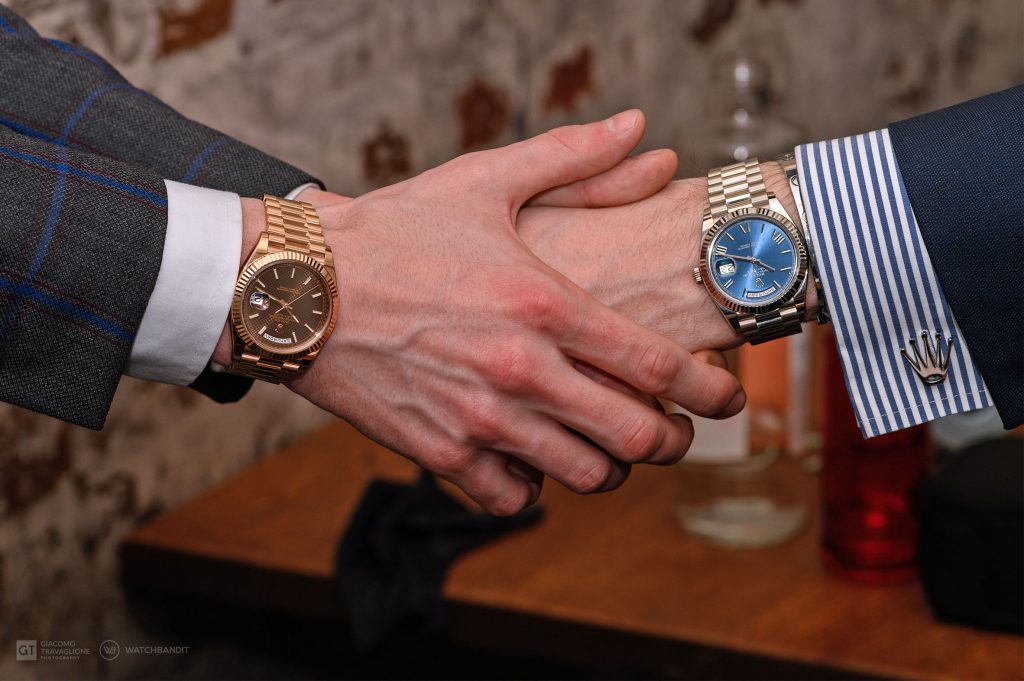
For users who rely on their tech for Zone 2 heart rate training or VO2 Max calculations, wearing the device on the non-dominant arm provides a cleaner data set. Because the non-dominant arm moves less aggressively, the sensor maintains better contact with the skin, leading to a more consistent “clean” signal for the device’s algorithms to process.
Advanced Metrics: ECG, Blood Oxygen, and Skin Temperature
For clinical-grade features like the Electrocardiogram (ECG) app, the “circuit” requires a specific path through the body. To take an ECG, you typically wear the watch on one arm and touch the digital crown with a finger from the opposite hand. The software is calibrated to expect this specific electrical path.
Similarly, skin temperature sensors and SpO2 (Blood Oxygen) monitors are highly sensitive to “perfusion”—the flow of blood through the tissue. If you wear your watch on your dominant arm and engage in high-impact activity, the resulting inflammation or increased blood flow to that limb can skew the baseline data. To maintain a “clean” digital twin of your health metrics, the non-dominant arm is the technically superior choice for sensor stability.
Digital Security and Contactless Integration
In our increasingly cashless and password-less society, the smartwatch has become a key authentication tool. The placement of the device on your wrist affects the speed and security of these digital handshakes.
NFC Payments and Ergonomic Positioning
Near Field Communication (NFC) allows for “tap-to-pay” functionality. The placement of the NFC antenna within the watch casing is usually optimized for a specific angle of approach. For right-handed individuals, wearing the watch on the left wrist allows them to reach across their body to tap a payment terminal while their right hand remains free to hold groceries or a smartphone.
However, in some geographic regions or transit systems (like Tokyo’s Suica system), card readers are positioned on the right side of the turnstile. In these specific tech ecosystems, wearing the watch on the right arm provides a significant increase in “transactional speed,” illustrating how local infrastructure can dictate the “correct” arm for wearable tech.
Proximity-Based Authentication
Many users now use their smartwatches to automatically unlock their MacBooks, PCs, or smart locks. This relies on Bluetooth Low Energy (BLE) and signal strength (RSSI). If your watch is on the wrist furthest from the sensor of the device you are trying to unlock, the signal may be slightly attenuated by your body mass. While modern tech is getting better at overcoming this, users seeking the lowest possible latency in “proximity unlocking” often find that wearing the watch on the arm closest to their workstation’s receiver provides a more seamless “zero-friction” experience.
The Future of “Dual-Wielding” and Context-Aware UI
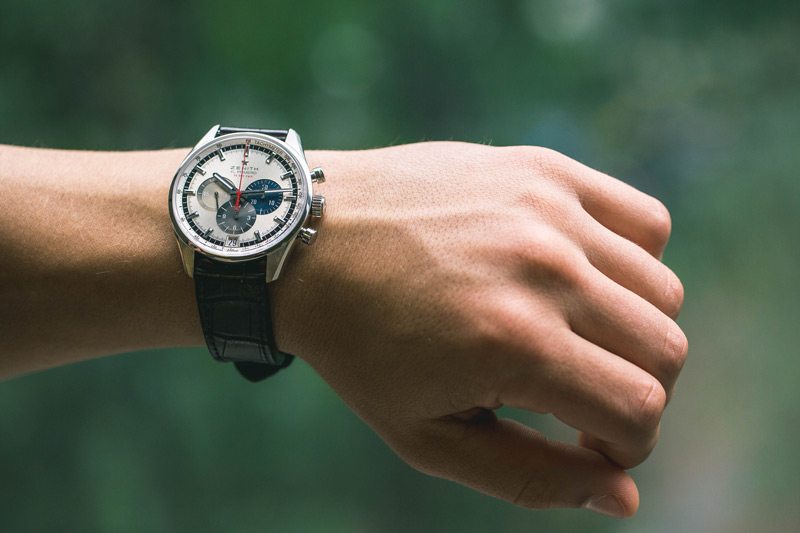
As we look toward the future of wearable technology, the binary choice of “left or right” may become obsolete. We are entering an era of “Dual-Wielding,” where users wear a functional smartwatch on one wrist and a specialized health tracker (like a Whoop strap or an Oura ring on the finger) or even a traditional mechanical watch on the other.
Cross-Device Synchronization
The next frontier in tech is the synchronization of data from multiple points on the body. If you wear a smartwatch on your left wrist and a fitness band on your right, the software must be intelligent enough to de-duplicate the data. Engineers are currently working on “sensor fusion” algorithms that can take motion data from both wrists to create a 3D map of the user’s movement, providing more accurate tracking for sports like tennis, golf, or weightlifting.
Adaptive Software Orientations
We are also seeing the emergence of context-aware UIs. Future iterations of watchOS and Android Wear may use the built-in cameras or sensors to automatically detect which arm the watch is on and flip the screen orientation accordingly, without the user ever touching a setting. This “auto-detect” tech will rely on machine learning models that analyze the specific swing patterns of the arm to determine if it is the dominant or non-dominant limb.
In conclusion, while the choice of which arm to wear your watch on began as a matter of etiquette, it has evolved into a critical decision for data integrity and user experience. For the modern tech user, the non-dominant arm remains the gold standard for maximizing sensor accuracy and software ease-of-use. However, as NFC infrastructure and “dual-wearable” trends evolve, the “correct” wrist will increasingly be defined by your specific digital ecosystem and the technical demands of the hardware you carry.
aViewFromTheCave is a participant in the Amazon Services LLC Associates Program, an affiliate advertising program designed to provide a means for sites to earn advertising fees by advertising and linking to Amazon.com. Amazon, the Amazon logo, AmazonSupply, and the AmazonSupply logo are trademarks of Amazon.com, Inc. or its affiliates. As an Amazon Associate we earn affiliate commissions from qualifying purchases.