
In the vast expanse of the internet, a web browser serves as your primary vehicle for exploration. It is the software application installed on your computer, tablet, or smartphone that translates code from servers into the visual layouts, interactive elements, and multimedia content we recognize as websites. While many users stick to the pre-installed option on their operating system, understanding the nuances between different browsers can significantly enhance your digital efficiency, privacy, and overall experience.
The Engine Behind the Experience
At its core, every browser relies on a “rendering engine”—the software component that takes the HTML, CSS, and JavaScript from a website and paints it onto your screen. Because these engines differ, the way a website functions or looks can vary slightly depending on which browser you use.
Chromium vs. Gecko vs. WebKit
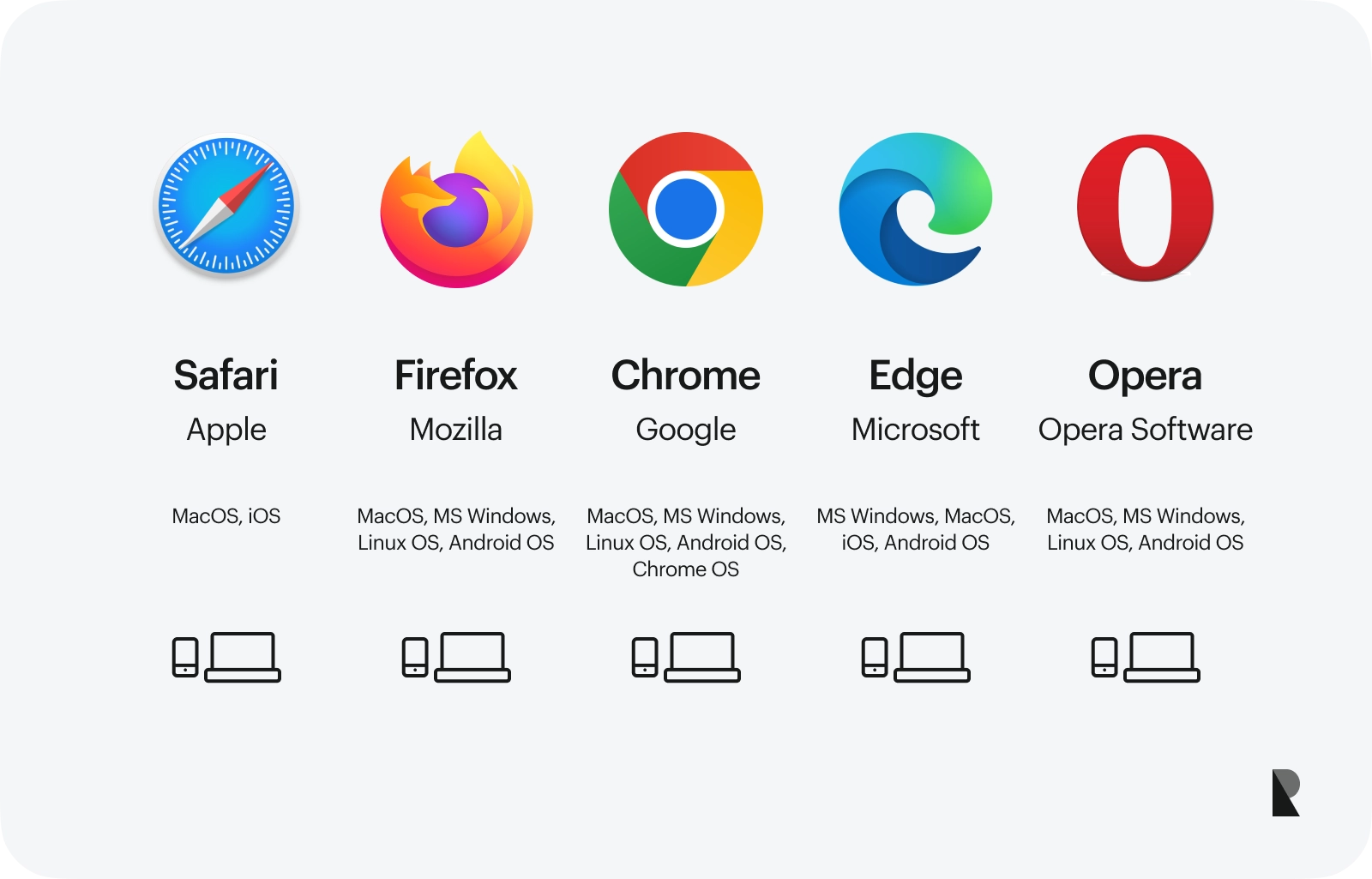
Most modern browsers are built upon a small handful of foundational engines. Chromium, an open-source project managed largely by Google, powers not only Chrome but also Microsoft Edge, Brave, Opera, and Vivaldi. Because they share this underlying architecture, they often exhibit similar performance characteristics and compatibility.
In contrast, Mozilla Firefox utilizes the “Gecko” engine, which is developed independently. This independence is a cornerstone of web diversity, ensuring that the internet is not entirely dictated by a single code base. Finally, Apple’s Safari relies on the “WebKit” engine. Optimized specifically for the macOS and iOS ecosystem, Safari is engineered for maximum battery efficiency and hardware integration on Apple devices.
Major Market Players and Their Unique Value Propositions
Choosing a browser is no longer just about which one opens a page the fastest; it is about which ecosystem aligns with your workflow and security requirements.
Google Chrome: The Industry Standard
Google Chrome remains the most widely used browser globally. Its dominance stems from its speed, massive extension library, and seamless synchronization across devices via a Google Account. Chrome excels in web application performance, making it the preferred choice for those who live in Google Workspace—Docs, Sheets, and Drive. However, its resource consumption, specifically regarding RAM usage, is a frequent point of contention for power users with many tabs open simultaneously.
Microsoft Edge: The Productivity Powerhouse
Formerly Internet Explorer, Edge has undergone a radical transformation. Built on the Chromium engine, it maintains full compatibility with Chrome extensions while offering unique features like “Vertical Tabs” for better organization and a built-in “Sidebar” for multitasking. Its deep integration with the Windows operating system makes it arguably the most efficient choice for professional environments that prioritize integration with Microsoft 365.
Mozilla Firefox: The Privacy-First Advocate
Firefox is unique because it is managed by a non-profit organization, the Mozilla Foundation. This gives it a distinct advantage in terms of user trust; it is not incentivized to track your behavior for advertising revenue. With a suite of built-in anti-tracking tools and a commitment to open web standards, Firefox is the browser of choice for users who demand transparency and a customizable interface that can be modified extensively through themes and robust extensions.
Apple Safari: The Efficiency King
For those invested in the Apple ecosystem, Safari is difficult to beat. Because it is tightly integrated into the macOS and iOS kernels, it manages power consumption better than any third-party browser. If you find your laptop battery draining quickly, switching to Safari can provide measurable improvements. Furthermore, its focus on “Intelligent Tracking Prevention” provides a high level of privacy without the need for manual configuration.
Niche Browsers and Enhanced Privacy Tools
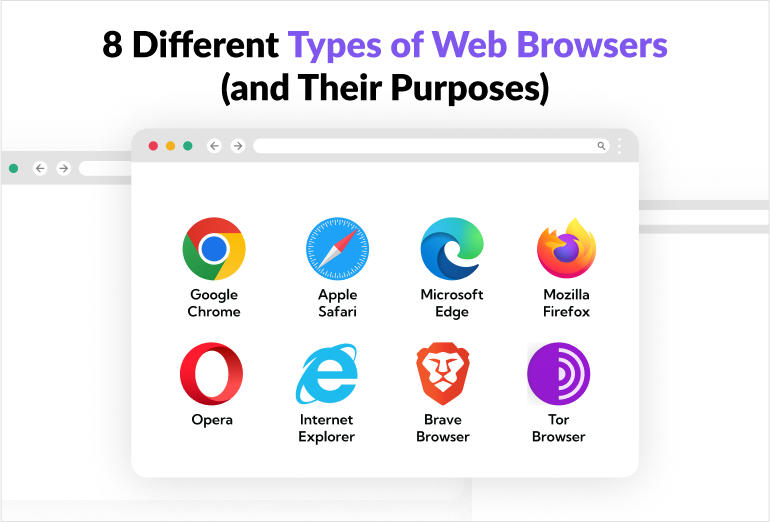
Beyond the “Big Four,” a new wave of browsers has emerged, focusing on specialized needs such as extreme privacy, cryptographic integration, or enhanced productivity.
Brave: The Crypto-Native Privacy Browser
Brave is built for the user who wants privacy by default. It automatically blocks ads and trackers, which results in faster page load times because the browser isn’t wasting resources downloading unwanted scripts. It also features a unique “Brave Rewards” system, allowing users to earn tokens for viewing privacy-respecting ads, bridging the gap between ad-supported browsing and user compensation.
Vivaldi: The Power User’s Dream
Vivaldi was created for those who feel that modern browsers have become too minimalist. It offers an unprecedented level of customization. You can place your tabs on any side of the screen, create custom keyboard shortcuts for every action, use split-screen tab views, and manage complex workspaces. It is the ultimate tool for those who want their browser to function like a personalized operating system.
Tor Browser: The Frontier of Anonymity
While not for daily surfing, the Tor browser is essential for those who require complete anonymity. It routes your traffic through a series of encrypted volunteer nodes worldwide, making it nearly impossible to trace your physical location or browsing habits back to your ISP. While this process is slow, it provides a layer of security and access that standard browsers simply cannot match.
How to Choose the Right Browser for Your Needs
Selecting the “best” browser depends entirely on your specific priorities. There is no one-size-fits-all solution, but you can narrow your search by identifying which category you fall into.
Prioritizing Security and Privacy
If your primary concern is preventing data harvesting, Firefox and Brave are the leaders. Firefox offers excellent configuration settings for those who like to tinker, while Brave provides a “set it and forget it” approach to blocking trackers. Both browsers ensure that your digital footprint remains as small as possible.
Optimizing for Workflow and Performance
If your day involves managing dozens of tabs, complex web applications, and constant project management, look toward Microsoft Edge or Vivaldi. These browsers provide the organizational tools—such as tab grouping, workspaces, and side panels—that prevent the chaos of an overflowing browser window.
Seeking Device Synergy
If you are deeply integrated into the Apple or Google ecosystems, the default browsers (Safari and Chrome, respectively) will always offer the most frictionless experience. The ability to switch seamlessly between your phone, tablet, and desktop without losing your history, passwords, or bookmarks is a powerful productivity advantage that third-party browsers struggle to match.
The Future of Browser Technology
The landscape of web browsing is not static. We are currently seeing a shift toward “AI-integrated” browsing, where artificial intelligence assists in summarizing long articles, drafting emails within text fields, and organizing information on the fly. Microsoft’s integration of Copilot into Edge and the experimental AI features appearing in Chrome signal that the browser is evolving from a mere window into a proactive personal assistant.
Furthermore, as web standards evolve, the gap between browsers continues to narrow. The W3C (World Wide Web Consortium) works tirelessly to ensure that as new technologies like WebAssembly or advanced graphics APIs appear, they are implemented consistently across all major platforms. This ensures that whether you are on a smartphone or a high-end desktop, the web remains a universal space.
Ultimately, you are not tethered to a single browser. Most power users maintain two or three: one for daily work, one for privacy-sensitive tasks, and one for testing or specific web apps. By experimenting with these different platforms, you can curate a digital environment that feels faster, cleaner, and more aligned with your personal values. The browser is the lens through which you see the digital world; ensuring that lens is clear, secure, and well-organized is one of the most important steps in optimizing your online life.
aViewFromTheCave is a participant in the Amazon Services LLC Associates Program, an affiliate advertising program designed to provide a means for sites to earn advertising fees by advertising and linking to Amazon.com. Amazon, the Amazon logo, AmazonSupply, and the AmazonSupply logo are trademarks of Amazon.com, Inc. or its affiliates. As an Amazon Associate we earn affiliate commissions from qualifying purchases.