
The landscape of home entertainment has undergone a radical transformation over the last decade. The era of scheduled linear programming delivered via coaxial cable or satellite dish is rapidly being eclipsed by a more flexible, data-driven model. Watching TV online—once a niche activity characterized by low-resolution clips and frequent buffering—has evolved into a sophisticated ecosystem of high-definition streams, complex delivery protocols, and intelligent hardware. To master the art of online television, one must understand the underlying technology, the hardware required for an optimal experience, and the software frameworks that make global content accessible at the touch of a button.

The Architecture of Digital Broadcasting: How Streaming Works
At its core, watching TV online is an exercise in data management. Unlike traditional broadcasting, which sends a constant signal to all receivers simultaneously, online TV utilizes “unicast” or “multicast” delivery over the internet. This shift requires a robust infrastructure to ensure that high-bitrate video reaches the end user without interruption.
Over-the-Top (OTT) vs. Internet Protocol TV (IPTV)
While the terms are often used interchangeably, they represent different technical approaches. IPTV usually refers to television services delivered over a managed, private network, often provided by an Internet Service Provider (ISP). Because the ISP controls the network from end to end, they can guarantee a specific Quality of Service (QoS).
In contrast, OTT (Over-the-Top) services—such as Netflix, Hulu, or YouTube TV—deliver content over the “public” internet. The provider has no control over the user’s local network or the various hops the data takes across the global web. To compensate for this, OTT providers use Adaptive Bitrate Streaming (ABS). This technology detects the user’s bandwidth and CPU capacity in real-time, switching between different video qualities (e.g., 720p, 1080p, 4K) to prevent the stream from stopping entirely.
Content Delivery Networks (CDNs) and Latency
To minimize latency—the delay between the data being sent and received—streaming services utilize Content Delivery Networks (CDNs). These are geographically distributed groups of servers that store copies of content closer to the end user. When you press play on a show in London, the data isn’t traveling from a server in California; it is likely being served from a data center a few miles away. This reduces “ping” and ensures that the high-bandwidth requirements of 4K HDR content are met consistently.
The Role of Video Codecs
The high-definition video files we watch are far too large to be streamed in their raw form. They must be compressed. Codecs (Compression/Decompression) like H.264 (AVC), H.265 (HEVC), and the newer AV1 are the invisible workhorses of online TV. HEVC, for instance, allows for 4K streaming at half the bitrate of previous standards, making it possible for users with modest internet speeds to enjoy ultra-high-definition content.
The Hardware Ecosystem: Choosing the Right Interface
While you can watch TV online on almost any device with a screen, the hardware you choose dictates the quality of the “lean-back” experience. The hardware must be capable of decoding modern video formats and supporting the latest security protocols.
Dedicated Streaming Media Players
Devices like the Roku Ultra, Apple TV 4K, and Amazon Fire TV Stick are purpose-built for online television. These devices feature dedicated System-on-a-Chip (SoC) architectures optimized for video playback. They often support advanced features like Dolby Vision and Dolby Atmos, which require significant processing power to sync metadata with the video and audio tracks in real-time.
Smart TVs and Integrated Operating Systems
Most modern televisions come with integrated “Smart” platforms like LG’s webOS, Samsung’s Tizen, or Sony’s Google TV. The advantage here is simplicity; there is no need for extra cables or remotes. However, from a tech perspective, internal TV processors are often less powerful than those in dedicated streaming boxes. Over time, as apps become more resource-intensive, internal hardware may struggle, leading to sluggish interfaces—a phenomenon known as “planned obsolescence” in the tech world.
Mobile and Desktop Environments
For the “on-the-go” viewer, smartphones and tablets offer incredible pixel density and HDR support (particularly OLED screens). Desktops and laptops provide the most flexibility, allowing users to use web browsers or dedicated applications. However, browsers often limit streaming resolution (for example, many browsers limit Netflix to 1080p unless specific extensions or native apps are used) due to Digital Rights Management (DRM) restrictions like Widevine or FairPlay.
Navigating the Software Layers: Platforms and Protocols
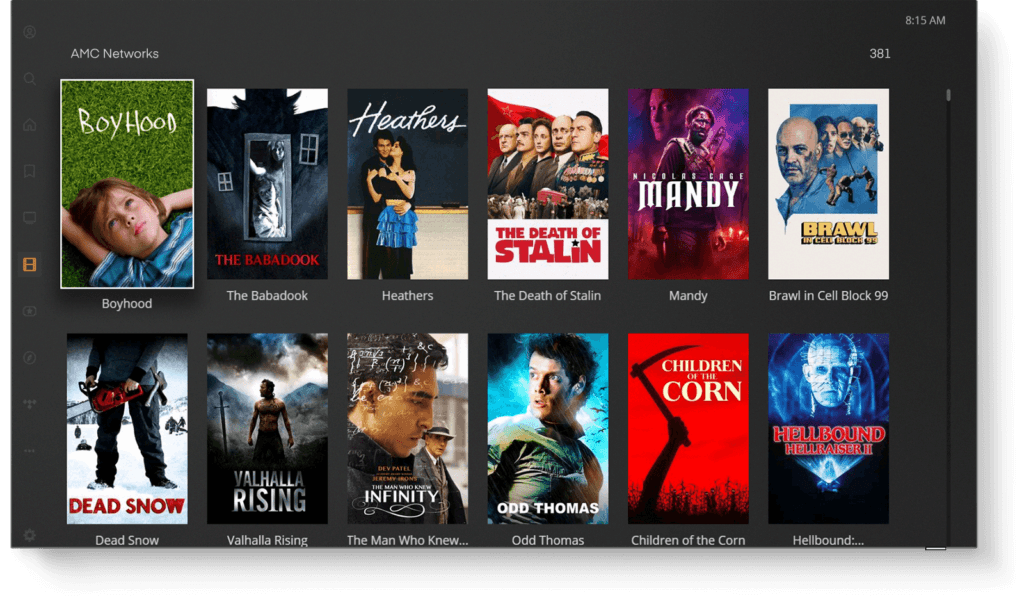
Watching TV online involves navigating a fragmented landscape of software. The “software stack” includes the operating system, the streaming application, and the DRM layer that protects the content.
The Rise of FAST Channels
A significant trend in online TV is the growth of Free Ad-supported Streaming TV (FAST). Platforms like Pluto TV, Tubi, and Samsung TV Plus replicate the traditional channel-surfing experience. Technically, these platforms use “server-side ad insertion” (SSAI). Instead of the app stopping to load a commercial—which can lead to buffering—the advertisement is stitched directly into the video stream at the server level, creating a seamless, broadcast-quality transition.
Virtual Multichannel Video Programming Distributors (vMVPDs)
For those looking to replace their cable box entirely, vMVPDs like YouTube TV, Fubo, and Sling TV offer live “linear” channels over the internet. These services face the greatest technical challenge: live latency. Because live sports and news must be encoded and distributed in real-time, there is often a 30-to-60-second delay compared to traditional cable. Engineers are currently working on Low-Latency HLS (LL-HLS) and WebRTC protocols to bring this delay down to sub-second levels.
Digital Rights Management (DRM)
To prevent unauthorized copying, almost all premium online TV content is encrypted. DRM systems like Google’s Widevine, Apple’s FairPlay, and Microsoft’s PlayReady ensure that only authorized devices can decrypt and play the video. If your device doesn’t meet the security level required (e.g., Widevine L1), the service may downgrade your resolution to standard definition (SD) regardless of your internet speed.
Optimizing Network Performance for High-Definition Streams
The bottleneck for most people when watching TV online is not the service itself, but the local network. A 4K stream requires a consistent 25 Mbps, but that bandwidth must be “clean”—free from interference and congestion.
Wi-Fi 6 and 6E
The introduction of Wi-Fi 6 (802.11ax) and 6E has been a game-changer for online TV. By utilizing the 6GHz band, these routers reduce interference from neighboring networks and household appliances. Technologies like MU-MIMO (Multi-User, Multiple Input, Multiple Output) allow the router to talk to multiple devices at once, ensuring that your TV doesn’t lose bandwidth when someone else in the house starts a download.
The Case for Ethernet
Despite the convenience of Wi-Fi, a wired Ethernet connection remains the gold standard for watching TV online. A physical Cat6 cable eliminates signal drops and provides the lowest possible latency. For enthusiasts running high-bitrate media servers like Plex or Jellyfin—where bitrates can exceed 100 Mbps for “Remux” files—wired connections are almost a requirement.
Virtual Private Networks (VPNs) and Digital Security
Security-conscious viewers often use VPNs to encrypt their traffic. While a VPN can protect your data from ISP snooping, it can also impact streaming performance. Selecting a VPN that uses the WireGuard protocol is essential for TV, as it offers much higher throughput and lower overhead than older protocols like OpenVPN. Furthermore, VPNs are often used to bypass geo-restrictions, though streaming platforms constantly update their “IP blacklists” to block known VPN server addresses.
The Future of TV: AI, Personalization, and Beyond
As we look toward the next decade, the tech behind watching TV online will become increasingly invisible and intelligent. The integration of Artificial Intelligence (AI) is already changing how we discover and consume content.
AI-Driven Recommendation Engines
The “What should I watch?” dilemma is being solved by sophisticated machine learning models. These algorithms analyze viewing habits, time of day, and even the “mood” of the content to suggest titles. In the future, generative AI may even be used to create personalized recaps of shows you’ve missed or to upscale older, low-resolution content to 4K in real-time on your local hardware.
Interactive and Shoppable Video
Emerging tech is allowing for “object-based broadcasting.” This means the video stream isn’t just a flat file; it contains metadata that identifies objects on the screen. Imagine watching a sports game and being able to click on a player to see their real-time stats or watching a cooking show and clicking on a pan to buy it. This requires high-level synchronization between the video player and external databases, a feat made possible by the low latency of 5G and fiber-optic internet.
The Convergence of Gaming and TV
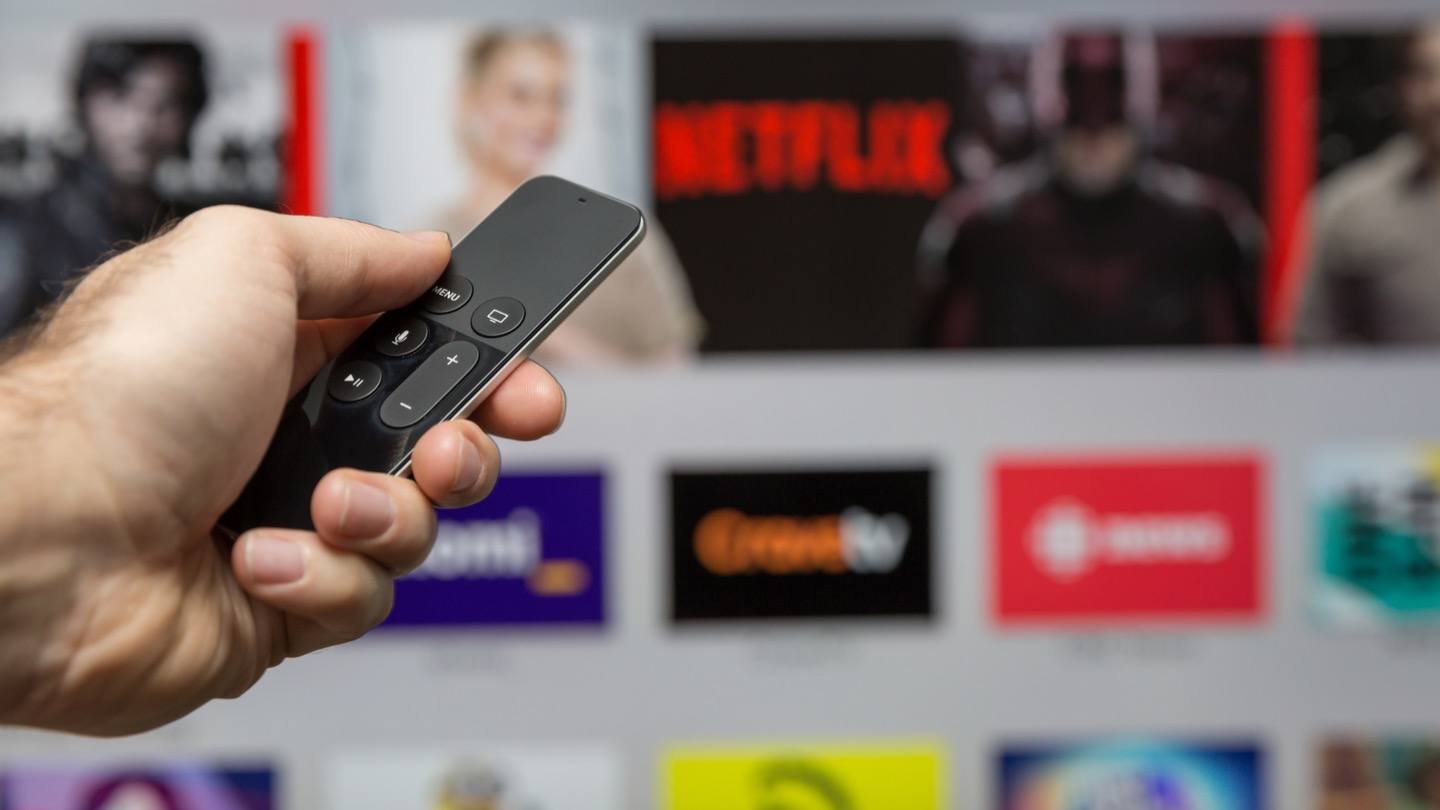
We are seeing a blurring of the lines between watching and playing. Platforms like Netflix are already integrating games into their apps. Cloud gaming technology allows users to stream high-end interactive experiences just like they stream a movie. As processing power shifts from the home console to the cloud, your TV becomes a thin client—a screen that simply displays the results of powerful computations happening miles away.
In summary, watching TV online is a multifaceted technological achievement. It relies on a delicate balance of efficient compression, global distribution networks, specialized hardware, and robust security protocols. By understanding these technical components, viewers can optimize their setups, troubleshoot performance issues, and fully embrace the future of digital entertainment. The transition from the “idiot box” to the “intelligent stream” is complete, and the possibilities for what comes next are limited only by the bandwidth of our imaginations.
aViewFromTheCave is a participant in the Amazon Services LLC Associates Program, an affiliate advertising program designed to provide a means for sites to earn advertising fees by advertising and linking to Amazon.com. Amazon, the Amazon logo, AmazonSupply, and the AmazonSupply logo are trademarks of Amazon.com, Inc. or its affiliates. As an Amazon Associate we earn affiliate commissions from qualifying purchases.