
The evolution of home entertainment has transitioned from linear broadcasting to a sophisticated ecosystem of on-demand streaming. At the center of this digital shift is Amazon Prime Video, a platform that has grown from a secondary retail perk into a powerhouse of high-bitrate content and original programming. While watching on a smartphone or laptop is convenient for commuters, the definitive experience remains the living room television. Achieving a seamless integration of Prime Video on your TV involves understanding the intersection of hardware capabilities, software ecosystems, and network optimization.
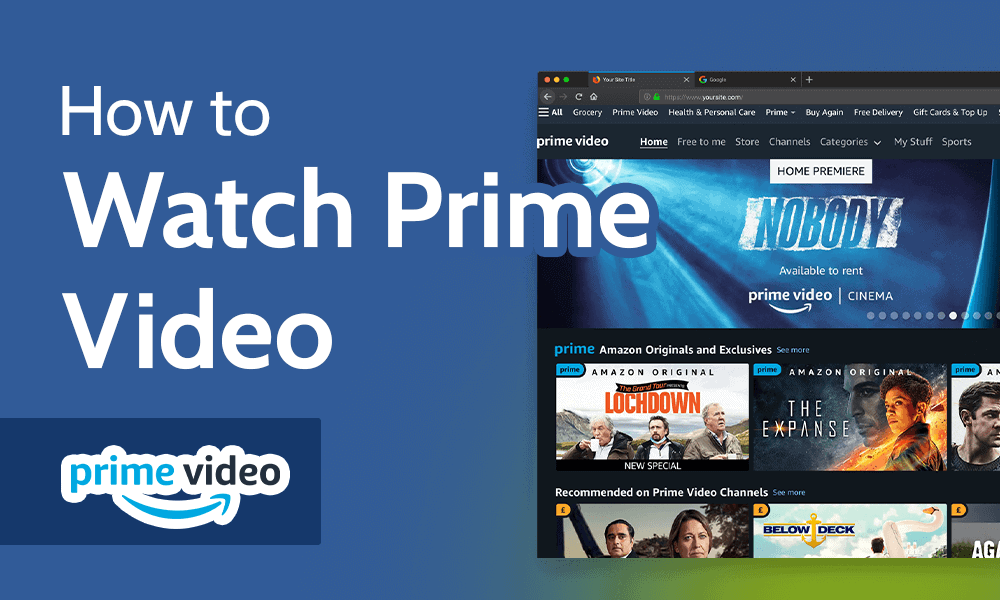
Whether you are utilizing the native capabilities of a modern Smart TV or extending the life of an older display with external hardware, the technical process requires a nuanced approach to ensure maximum resolution and stability.
Understanding Hardware Compatibility and the Ecosystem
The first step in bringing Prime Video to the big screen is identifying the hardware architecture of your display. Modern televisions are no longer just monitors; they are specialized computers running dedicated operating systems designed for media consumption.
Integrated Smart TV Platforms
Most televisions manufactured within the last five years come equipped with integrated app environments. Samsung’s Tizen, LG’s webOS, and various iterations of Android TV or Google TV represent the majority of the market. On these devices, the Prime Video application is often pre-installed or available via a dedicated app store.
From a technical standpoint, using the built-in app is the most streamlined method because it eliminates the need for extra cables and remote controls. However, the performance of these internal apps is heavily dependent on the TV’s onboard processor. High-end OLED and QLED models typically feature powerful chipsets capable of decoding 4K HDR10+ streams with ease, whereas budget-friendly models may experience UI lag or slower buffering speeds.
Dedicated Streaming Gadgets
For users with older “dumb” TVs or those who find their Smart TV’s interface cumbersome, external streaming devices offer a significant performance upgrade. Gadgets such as the Amazon Fire TV Stick, Roku, Apple TV 4K, and Chromecast with Google TV act as the primary compute module, delegating the TV to serve simply as a display.
The Fire TV ecosystem, in particular, offers the tightest integration with Prime Video. Because Amazon develops both the hardware and the software, the interface is optimized for speed and voice search via Alexa. For enthusiasts demanding the highest fidelity, the Apple TV 4K or Nvidia Shield Pro provides superior processing power, which can lead to better frame rate matching and more efficient HEVC (High Efficiency Video Coding) decoding.
Gaming Consoles as Media Hubs
The PlayStation 5 and Xbox Series X/S are not just gaming machines; they are robust media centers. Using a console to watch Prime Video is an excellent choice for users who already have these devices connected to their primary home theater setup. These consoles possess massive overhead in terms of CPU and GPU power, ensuring that the application runs smoothly without the stuttering often found in low-power streaming sticks.
Software Setup and Device Authentication
Once the hardware is connected via HDMI (preferably using an HDMI 2.0 or 2.1 cable for 4K support), the focus shifts to the software handshake. Modern streaming apps have moved away from tedious on-screen keyboard entries in favor of more streamlined authentication methods.
The Registration Process
When you first launch the Prime Video app on your TV, you will be prompted to “Sign In.” In most cases, the app will generate a unique six-digit registration code. Rather than typing your password using a TV remote, you can visit the Amazon website on a laptop or smartphone and enter the code. This “second-screen” authentication is not only faster but more secure, as it leverages the saved credentials on your primary device.
Alternatively, many modern apps now provide a QR code. Scanning this with a smartphone camera instantly links the TV to your Amazon account, bypassing the need for manual code entry entirely. This process registers the specific hardware ID of your TV or streaming stick with your account, allowing for personalized recommendations and watch-list syncing.
Navigating the UI and User Profiles
Prime Video supports multiple user profiles, a critical feature for households with diverse viewing habits. Tech-savvy users should ensure that each family member has a dedicated profile to prevent the algorithm from mixing genres. From a technical perspective, these profiles also manage individual “Continue Watching” metadata, which is stored in the cloud and synced across all devices. If you start a movie on your TV, the timestamp is saved, allowing you to resume exactly where you left off on a tablet or phone.
Optimizing Network Performance for 4K and Beyond

A common frustration when watching Prime on TV is the sudden drop in resolution or frequent buffering. This is rarely a fault of the app itself but rather a limitation of the local network environment. Streaming high-definition and Ultra HD content requires significant sustained bandwidth.
Bandwidth Requirements
For a standard High Definition (1080p) stream, a stable connection of at least 5 Mbps is required. However, if you are viewing Prime’s “UHD” (4K) content, the requirements jump to 25 Mbps. It is important to note that these figures represent the available bandwidth for that specific device, not the total speed provided by your ISP. If other devices on the network are gaming or downloading large files, the TV’s bitrate will be throttled to prevent a total crash.
Wired vs. Wireless Connections
While Wi-Fi 6 and 6E have significantly improved wireless stability, a hardwired Ethernet connection remains the gold standard for streaming. Most high-end TVs and streaming boxes (like the Apple TV or Fire TV Cube) feature an RJ45 Ethernet port. Using a Cat6 cable directly from your router to the TV eliminates latency spikes and interference from other household electronics.
If a wired connection isn’t feasible, ensure your TV is connected to the 5GHz band of your router rather than the 2.4GHz band. While 2.4GHz has a longer range, it is prone to congestion and offers lower data throughput. 5GHz provides the necessary speed for 4K HDR streaming without the “staircase” effect of fluctuating resolutions.
Audio Tech and Surround Sound
The visual experience is only half of the equation. To truly watch Prime on TV as intended, one must configure the audio output. Amazon Prime Video supports advanced audio codecs including Dolby Digital Plus and, for select titles, Dolby Atmos.
To utilize these, ensure your TV is connected to a soundbar or A/V receiver via the HDMI eARC (Enhanced Audio Return Channel) port. This protocol allows for the transmission of uncompressed, high-bitrate audio data from the TV app back to the sound system. In the Prime Video settings menu, ensure that “Best” or “Original” audio quality is selected to allow the hardware to handle the bitstream decoding.
Advanced Troubleshooting and Maintenance
Even with the best hardware, software glitches can occur. Understanding how to troubleshoot the Prime Video app can save time and prevent the need for a factory reset.
Clearing Cache and Data
On Android-based systems (including Fire TV and Sony TVs), the Prime Video app stores temporary data to speed up loading times. Over time, this cache can become corrupted. Navigating to the device’s “Application Management” settings and selecting “Clear Cache” can often resolve issues where the app fails to launch or becomes unresponsive.
Firmware and App Updates
Developers frequently release patches to improve security and add support for new video formats. While most TVs handle updates automatically, it is good practice to manually check for firmware updates in the system settings. A TV running outdated firmware may lack the necessary DRM (Digital Rights Management) certificates to play the latest 4K content, resulting in a playback error.
Managing Device Limits
Amazon Prime Video has a technical limit on how many devices can stream simultaneously from a single account (typically three devices at once, with no more than two streaming the same title). If you encounter an error stating that you have reached your device limit, you can manage your “Registered Devices” through the Amazon website. Removing old smartphones or unused tablets ensures that your primary TV always has the “clearance” to initiate a stream.
Privacy and Security in the Streaming Age
As TVs become more integrated with our personal data, digital security becomes paramount. When you watch Prime on TV, you are interacting with a device that knows your viewing habits and has access to your Amazon account details.
Parental Controls and Purchase PINs
To prevent unauthorized purchases (especially for “rent or buy” titles), it is essential to set up a Prime Video PIN. This is a software-level lock that requires a four-digit code before any financial transaction is processed or before age-restricted content is viewed. This can be configured in the “Account Settings” section of the Prime Video website and will propagate to your TV app immediately.
Data Privacy Settings
Many Smart TV manufacturers collect “Automatic Content Recognition” (ACR) data to track what you watch. Users concerned with privacy should dive into the TV’s system settings to disable these tracking features. While this doesn’t affect the Prime Video app’s functionality, it prevents the hardware manufacturer from building a secondary profile of your viewing habits.
By focusing on high-quality hardware, ensuring a robust network backbone, and maintaining the software environment, watching Prime on TV transforms from a simple utility into a premium cinematic experience. The convergence of these technologies allows for a level of immersion that was once reserved for high-end theaters, now accessible with just a few clicks of a remote.
aViewFromTheCave is a participant in the Amazon Services LLC Associates Program, an affiliate advertising program designed to provide a means for sites to earn advertising fees by advertising and linking to Amazon.com. Amazon, the Amazon logo, AmazonSupply, and the AmazonSupply logo are trademarks of Amazon.com, Inc. or its affiliates. As an Amazon Associate we earn affiliate commissions from qualifying purchases.