
In today’s digital economy, gift cards offer a versatile and convenient way to manage spending, provide gifts, or utilize promotional funds. Among these, the American Express (Amex) gift card holds a prominent place, known for its broad acceptance. However, navigating its use on specific platforms like Amazon, the world’s largest online retailer, can sometimes present unique challenges and opportunities. This article, firmly rooted in the principles of personal finance and financial tools, aims to demystify the process, providing a comprehensive guide for optimizing your Amex gift card experience on Amazon. We will explore the nuances of these financial instruments, offering insights and practical steps to ensure a smooth and successful transaction every time.
Understanding Your Amex Gift Card: A Financial Tool Primer
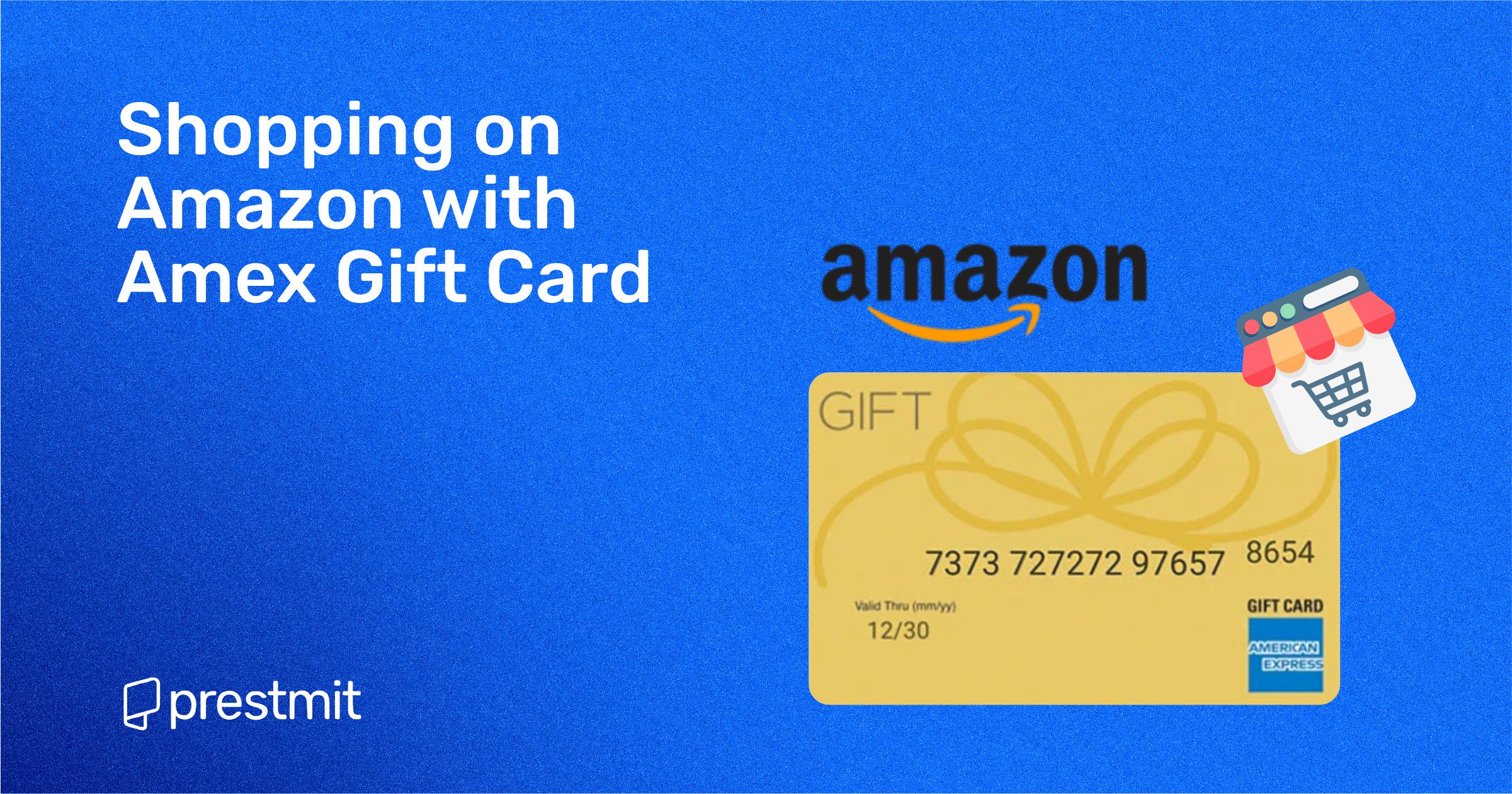
Before diving into the mechanics of purchasing on Amazon, it’s crucial to understand the nature of your Amex gift card. Unlike a traditional credit or debit card linked to a bank account, an Amex gift card is a prepaid financial instrument with a fixed balance. Grasping its characteristics is the first step towards effective utilization.
Distinguishing Amex Gift Cards from Credit Cards
While Amex gift cards bear the American Express logo and can be processed similarly to a credit card at many merchants, they are fundamentally different. A credit card offers a line of credit, while a gift card holds a specific, pre-loaded monetary value. This distinction is vital when it comes to billing addresses, partial payments, and potential transaction declines. Gift cards typically do not require PINs for online transactions, relying instead on the card number, expiration date, and security code (CID).
Activating and Checking Your Balance
Most Amex gift cards come pre-activated, especially if purchased directly from American Express or a reputable retailer. However, it’s always wise to verify. Activation instructions are usually provided on the card or its packaging. The most critical step before any purchase is checking your card’s balance. Attempting a transaction with insufficient funds is a common reason for declines. You can typically check your Amex gift card balance online by visiting the official American Express gift card website and entering your card details. This proactive step ensures you know exactly how much purchasing power you have available.
Understanding Card Limitations and Fees
Amex gift cards are generally not reloadable and come with an expiration date, though the funds typically do not expire for at least five years from the purchase date, depending on local regulations. Some cards may also be subject to inactivity fees after a certain period. Be mindful of these terms to maximize your card’s value. Importantly, Amex gift cards are often treated as credit cards for online transactions, which means they cannot typically be directly added to your “Amazon Gift Card Balance” in the same way you might add a traditional Amazon gift card code. This distinction is key to navigating Amazon’s payment system effectively.
Step-by-Step Guide: Using Your Amex Gift Card on Amazon
The process of using an Amex gift card on Amazon is straightforward once you understand how Amazon’s payment system interacts with prepaid cards. Think of your Amex gift card as a temporary credit card, complete with a card number, expiration date, and a security code.
Adding Your Amex Gift Card as a Payment Method
The first step is to add your gift card to your Amazon account during the checkout process or beforehand in your payment settings.
- Proceed to Checkout: Once you’ve selected your desired items and are ready to purchase, proceed to the checkout page.
- Select Payment Method: On the payment selection screen, choose “Add a payment method.”
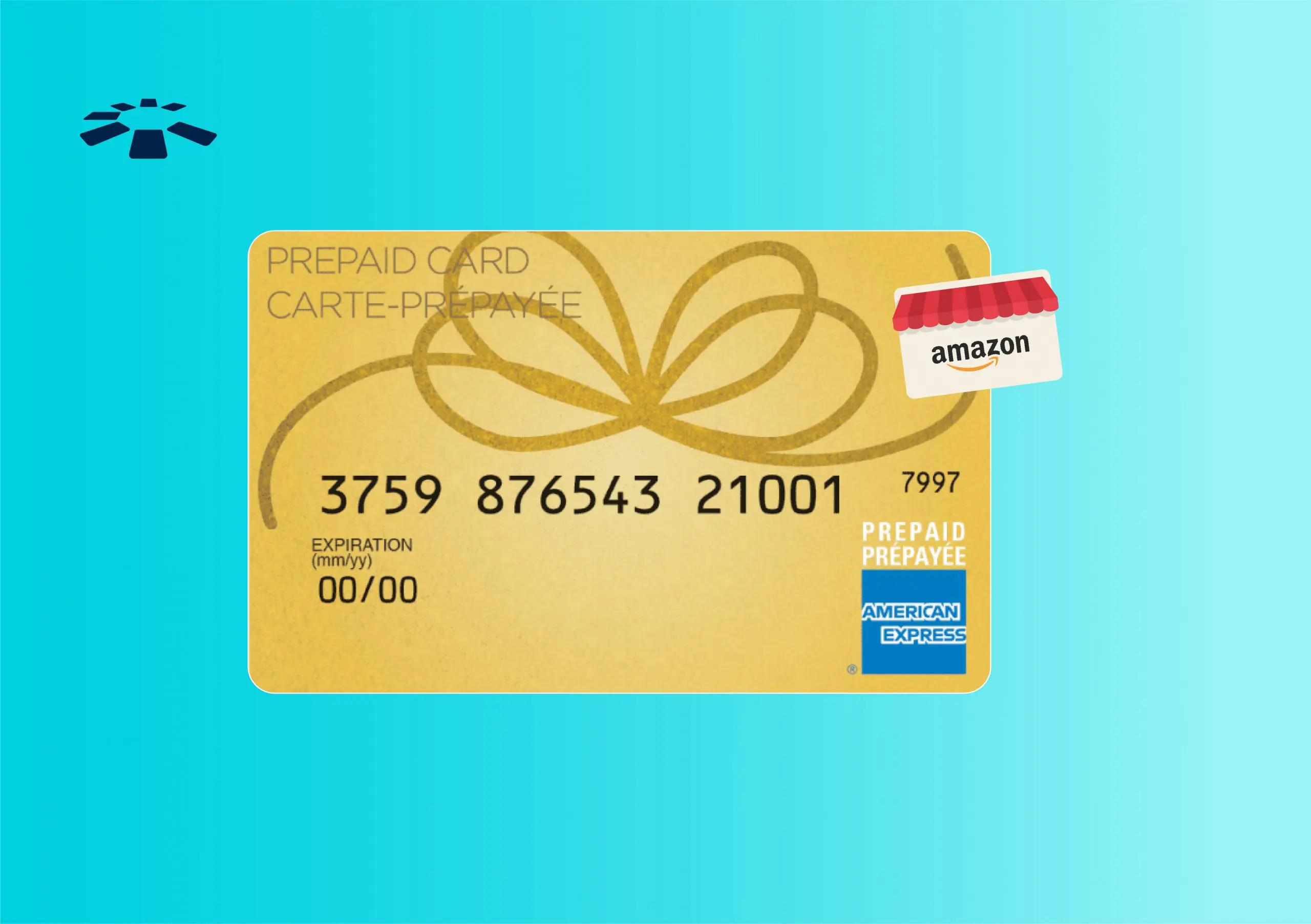
- Enter Card Details: Select the option to add a new credit or debit card. Here, you will enter the 15-digit card number from your Amex gift card, its expiration date, and the 4-digit security code (CID) typically found on the front of the card, above the card number.
- Billing Address: This is a crucial step for many prepaid cards. For the billing address, you generally have two options:
- Your Own Address: In most cases, you can use your personal billing address. While the gift card isn’t linked to a specific individual’s bank account, Amazon’s system often requires a billing address for verification purposes. Using your own registered Amazon address is usually the simplest approach.
- Registering the Gift Card: Some Amex gift cards can be registered with a specific billing address on the Amex gift card website. If you encounter issues using your own address, consider registering the gift card with your address on the Amex site first. This step helps the card issuer verify the address during the transaction.
Navigating Insufficient Funds and Partial Payments
One of the most common challenges with gift cards is making a purchase that exceeds the card’s balance. Amazon’s system allows for partial payments in certain scenarios, which can be immensely helpful.
- Split Payments at Checkout: If your order total is greater than your Amex gift card balance, Amazon usually allows you to split the payment. You can apply the full balance of your Amex gift card to a portion of the purchase, and then pay the remaining balance using another valid payment method (e.g., a personal credit card, debit card, or Amazon gift card balance). The system will prompt you to select a second payment method if the first one doesn’t cover the full amount.
- Using Small Balances with Amazon Gift Card Top-Up: For very small remaining balances on an Amex gift card that are difficult to spend directly, an ingenious workaround exists. You can use your Amex gift card to purchase an Amazon e-gift card or to “reload” your Amazon Gift Card Balance.
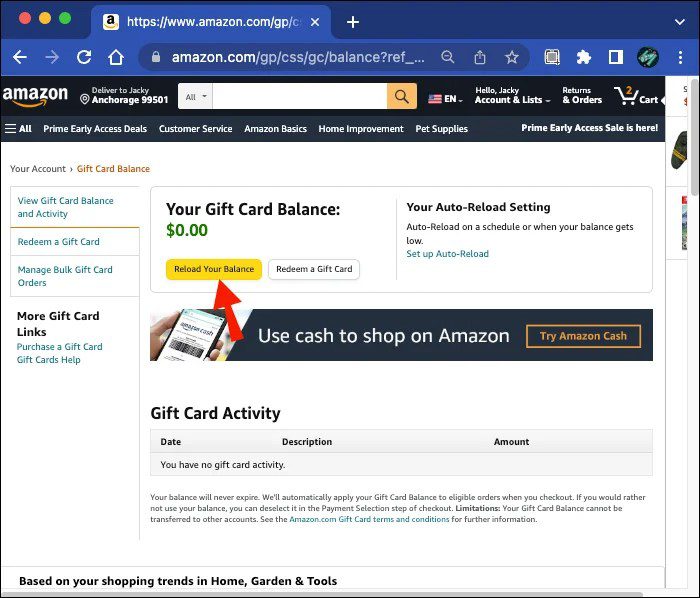
- Reload Your Balance: Go to Amazon’s “Reload Your Balance” page. Enter the exact remaining balance of your Amex gift card as the amount you wish to add. Use your Amex gift card as the payment method. This effectively transfers the remaining funds onto your Amazon account, making them easily usable for future purchases without worrying about small, leftover gift card balances. This method is particularly useful for consolidating funds.
Troubleshooting Common Issues and Maximizing Value
Even with careful planning, issues can arise. Knowing how to troubleshoot and how to get the most out of your Amex gift card can save you time and potential frustration, reinforcing sound financial management principles.
Resolving Declined Transactions
A declined transaction can be frustrating. Here are the most common reasons and their solutions:
- Insufficient Funds: This is the most frequent culprit. Always check your balance before attempting a purchase. If the balance is less than the order total, use the split payment option or the Amazon Gift Card Balance reload method.
- Incorrect Card Details: Double-check the card number, expiration date, and the 4-digit CID. Even a single digit error can cause a decline.
- Billing Address Mismatch: While often flexible, some systems might be sensitive to the billing address. As discussed, try using your own address first. If that fails, ensure your Amex gift card is registered to your billing address on the Amex gift card website.
- Temporary Authorization Holds: Sometimes, a small authorization hold might be placed on the card, temporarily reducing the available balance. This is rare with gift cards but can happen. Wait a short while, or check your balance again.
- Card Not Activated: Though less common for Amex gift cards, ensure your card has been properly activated if required.
Strategies for Consolidating Small Balances
Having multiple gift cards with small, lingering balances can be inefficient. The Amazon Gift Card Balance reload trick is your best friend here.
- Step-by-Step Reload:
- Visit the Amazon “Reload Your Balance” page.
- Carefully check the exact balance on your Amex gift card.
- Enter this precise amount into the “Reload Your Balance” field on Amazon.
- Select “Add a new debit or credit card” and input your Amex gift card details.
- Complete the purchase. The funds will be transferred to your Amazon account balance, effectively consolidating your small gift card balance into usable Amazon credit. Repeat this for any other small gift card balances you wish to consolidate.
Leveraging Remaining Funds and Understanding Expiry
Don’t let valuable funds expire or go unused. Proactive management is key.
- Monitor Expiration Dates: While Amex gift card funds usually don’t expire quickly, the card itself has an expiration date. Make sure to use the funds or transfer them to your Amazon balance before the card expires to avoid any issues.
- Gift Card Registry: For larger gift card collections, consider using a simple spreadsheet or a gift card tracking app to monitor balances and expiry dates. This is a sound personal finance practice for managing various financial tools.
- Future Purchases: By loading funds onto your Amazon balance, you effectively convert your Amex gift card into Amazon credit, giving you more flexibility and time to make future purchases without worrying about the gift card’s specific limitations. This strategy is particularly useful when you don’t have an immediate purchase in mind but want to secure the funds.
Advanced Tips for Financial Savvy Shoppers
Beyond the basic mechanics, a few advanced strategies can enhance your financial management when dealing with gift cards and online purchases. These tips delve deeper into optimizing your spending and securing your financial transactions.
Security Best Practices for Online Payments
Protecting your financial information is paramount, even with gift cards.
- Secure Connections: Always ensure you are on a secure website (look for “https://” in the URL) when making purchases or entering card details.
- Phishing Awareness: Be wary of unsolicited emails or messages asking for your gift card details. Amazon and Amex will never ask for this information via unverified channels.
- Card Disposal: Once an Amex gift card is fully depleted, consider shredding it to prevent any potential misuse of the card number or security code, although the funds are gone.
- Transaction Monitoring: While gift cards don’t have traditional statements, keep a record of your purchases and check your balance frequently after transactions to ensure accuracy and prevent unauthorized use.
Budgeting with Gift Cards
Gift cards can be powerful budgeting tools when used strategically.
- Allocated Spending: Use gift cards for specific categories of spending. For instance, an Amex gift card could be designated solely for discretionary purchases on Amazon, helping to prevent overspending from your primary bank accounts.
- Controlling Impulse Buys: Knowing you have a fixed amount on a gift card can encourage more mindful purchasing decisions, as you’re limited to the funds available. This aligns with effective personal finance strategies for expenditure control.
- Emergency Fund Supplement (Small Scale): While not a true emergency fund, having a loaded Amazon balance from gift cards can cover small, unexpected necessities that can be purchased online, freeing up funds in your primary accounts.
When to Consider Other Payment Methods
While Amex gift cards are versatile, there are situations where other payment methods might be more advantageous from a financial perspective.
- Large Purchases: For very large purchases, using a credit card that offers rewards, purchase protection, or extended warranties might be more beneficial. The points or cashback earned can offset a portion of the cost.
- Recurring Subscriptions: Gift cards are generally not ideal for recurring subscriptions (like Amazon Prime if not paid annually, or other digital services) as they have finite balances and may expire. A linked bank account or credit card is more suitable for continuous services.
- Return Policies: Understand that returns made on items purchased with a gift card typically result in a credit back to the original payment method, which means the funds would go back onto the Amex gift card. If the card has expired or you’ve discarded it, this can complicate receiving your refund. Always retain your gift card until you are certain you won’t need to return any items purchased with it.
Conclusion
Using your Amex gift card on Amazon doesn’t have to be a daunting task. By treating it as a distinct financial instrument and understanding Amazon’s payment ecosystem, you can seamlessly integrate it into your online shopping habits. From correctly entering card details and navigating billing addresses to effectively managing insufficient funds through split payments or the shrewd Amazon Gift Card Balance reload strategy, each step contributes to a smoother transaction experience. By embracing these insights and troubleshooting tips, you not only ensure successful purchases but also refine your broader personal finance skills, leveraging prepaid financial tools to their fullest potential. Happy shopping, and may your financial transactions always be effortless and efficient.
aViewFromTheCave is a participant in the Amazon Services LLC Associates Program, an affiliate advertising program designed to provide a means for sites to earn advertising fees by advertising and linking to Amazon.com. Amazon, the Amazon logo, AmazonSupply, and the AmazonSupply logo are trademarks of Amazon.com, Inc. or its affiliates. As an Amazon Associate we earn affiliate commissions from qualifying purchases.