
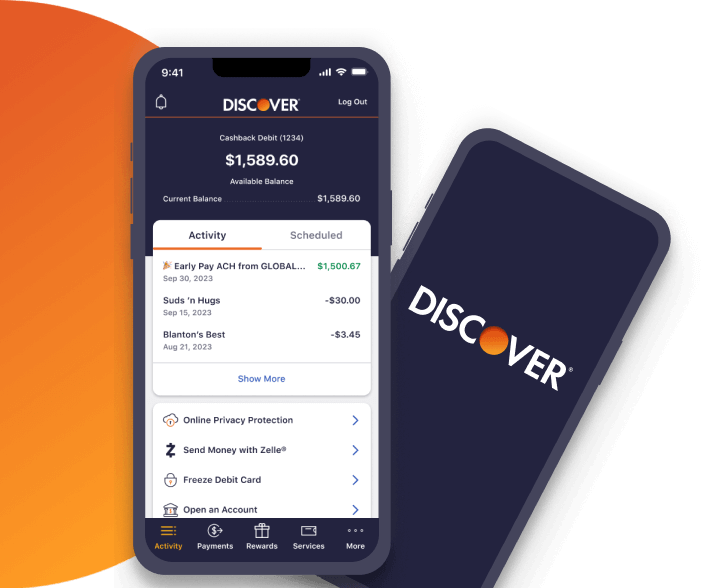
In an increasingly digital world, the way we interact with our financial institutions has undergone a profound transformation. Gone are the days when physically retrieving your credit card was the sole method for recalling its details. Today, mobile applications serve as powerful portals to our financial lives, offering unprecedented convenience and a suite of tools for managing accounts, monitoring spending, and even accessing sensitive information like your card number. Discover, a leading innovator in the financial services sector, provides a robust mobile application designed to empower its cardmembers with comprehensive control. This article delves into the specifics of how to safely and efficiently access your Discover card number through its dedicated app, exploring the underlying technological advancements that make this possible and the critical security considerations involved.
The Evolving Landscape of Digital Card Management
The transition from a reliance on physical cards to digital interfaces for managing financial details represents a significant leap forward in personal finance technology. This evolution isn’t merely about convenience; it’s a multifaceted development driven by advancements in mobile technology, enhanced security protocols, and a growing consumer demand for instant access and control.
The Shift from Physical to Digital Access
For decades, the physical plastic card was the undisputed king of transactions and account management. If you needed your card number, expiration date, or security code, you reached for your wallet. However, the rise of smartphones and sophisticated mobile applications has fundamentally altered this paradigm. Financial institutions, including Discover, have invested heavily in developing intuitive and secure apps that allow users to perform a wide array of banking functions directly from their mobile devices. This digital shift means that your card details are no longer confined to a piece of plastic but are securely stored and accessible within a powerful digital ecosystem, ready when you need them for online purchases, subscription updates, or bill payments.
Enhanced Security and Convenience: A Dual Benefit
One might initially assume that making sensitive information like a card number digitally accessible could introduce security vulnerabilities. However, modern banking apps are engineered with multiple layers of security designed to protect user data far more robustly than simply carrying a physical card. Features like multi-factor authentication, biometric logins (fingerprint or facial recognition), and advanced encryption protocols ensure that access is restricted to authorized users. This stringent security framework works in tandem with the unparalleled convenience of instant access. Whether you’ve left your wallet at home, need to update an online subscription, or are making a purchase where the physical card isn’t present, the ability to securely retrieve your card details from the app is an invaluable asset, blending seamless usability with fortified protection.
Why You Might Need Your Card Number Digitally
There are numerous scenarios where needing your full card number, expiration date, and CVV (Card Verification Value) digitally can be incredibly useful. Perhaps you’re making an online purchase and your physical card is not immediately at hand. Or you might be updating payment information for streaming services, utility bills, or e-commerce platforms. Furthermore, in an age where digital wallets and mobile payments are prevalent, occasionally a merchant or a specific online portal might still require the manual entry of card details. The Discover app empowers you to quickly and securely retrieve this information, ensuring you can complete transactions without interruption or delay, embodying the ultimate blend of accessibility and security in financial technology.
A Step-by-Step Guide: Viewing Your Discover Card Number in the App
Accessing your full Discover card number, expiration date, and CVV through the mobile app is a straightforward process designed with user experience and security in mind. By following a few simple steps, you can retrieve these details whenever necessary.
Ensuring App Readiness: Updates and Login Credentials
Before attempting to access your card details, ensure your Discover mobile app is up-to-date. Regular updates often include security enhancements and performance improvements, providing the most secure and efficient user experience. You can typically check for updates in your device’s app store (Apple App Store for iOS or Google Play Store for Android). Once updated, you’ll need your login credentials: your User ID and Password. If you’ve forgotten them, the app provides options for recovery. For enhanced security and quicker access, many users opt to enable biometric login (fingerprint or facial recognition) if their device supports it, streamlining the authentication process without compromising safety.
Navigating to Your Account Dashboard
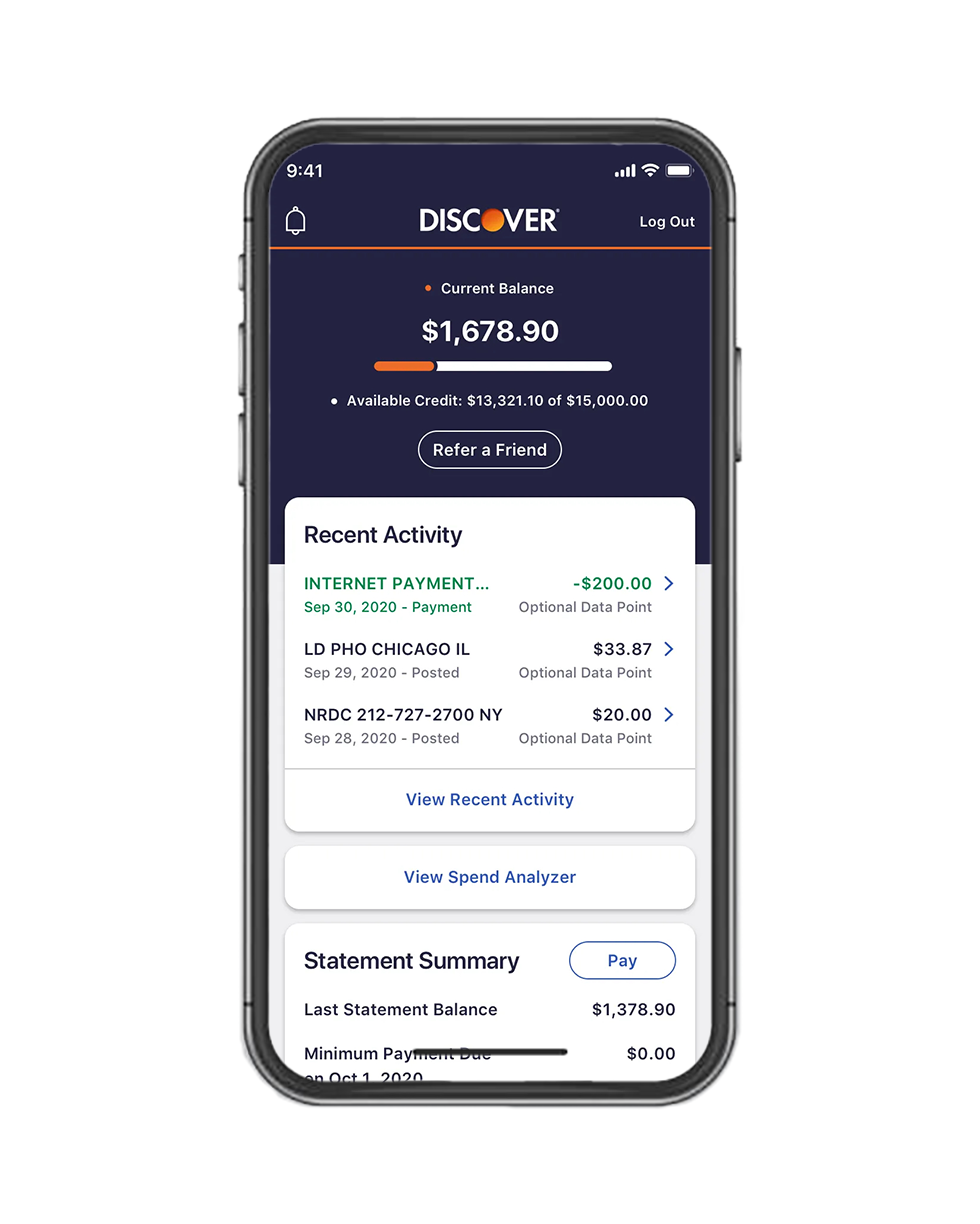
Upon successfully logging into the Discover app, you will typically land on your account dashboard. This screen provides an overview of your accounts, including your Discover card balance, recent transactions, and available credit. From here, you’ll need to select the specific Discover card for which you wish to view the details, especially if you have multiple Discover accounts. Tapping on the relevant card will take you to its dedicated summary page, offering more detailed information and management options specific to that card.
Locating the “View Card Number” Feature
Once on your card’s summary page, look for an option that explicitly allows you to “View Card Number,” “Show Card Details,” or similar phrasing. This feature is often prominently displayed or located within a “Manage Card” or “Card Services” section. Discover’s app interface is designed for intuitive navigation, so this option should be relatively easy to spot. The exact placement might vary slightly with app updates, but it is generally a key function within the card management section. Clicking on this option initiates the next crucial security step.
Understanding Verification Protocols
To protect your sensitive financial information, Discover employs robust verification protocols before displaying your full card number. This is a critical security measure to ensure that only the authorized cardmember can access these details, even if someone else has gained unauthorized access to your phone or app after initial login. You will likely be prompted to enter your debit card PIN, your login password again, or use biometric authentication (fingerprint or facial scan). This additional layer of security acts as a gatekeeper, verifying your identity one more time before revealing the full card number, expiration date, and CVV. Once successfully verified, the app will display all the necessary card details on your screen.
Copying and Utilizing Your Digital Card Details
After successful verification, your full 16-digit card number, expiration date (MM/YY), and the 3-digit CVV (security code) will be clearly visible on your screen. At this point, many apps, including Discover’s, offer a convenient “copy” button next to each piece of information. This feature allows you to copy the details to your device’s clipboard with a single tap, making it easy to paste them into online forms for purchases or updates without manual transcription, minimizing errors and speeding up the process. Remember, once copied, be mindful of where you paste this information and avoid leaving it in unsecured locations. It’s always best practice to use these details immediately and clear your clipboard afterward if possible, especially on shared devices.
Beyond the Number: Advanced Features for Digital Card Security
Accessing your card number is just one facet of the robust digital security features integrated into the Discover app. Beyond merely displaying information, the app empowers users with proactive tools to protect their accounts and mitigate potential fraud.
Understanding Discover’s Freeze It® Feature
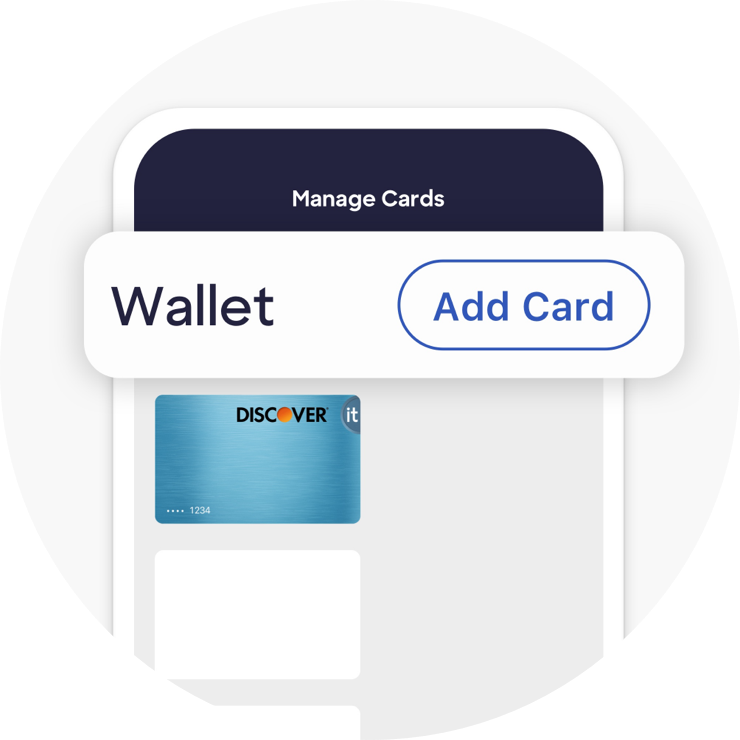
One of Discover’s standout security innovations is the “Freeze It®” feature. This allows cardmembers to instantly “freeze” their account from within the app. When your account is frozen, new purchases, cash advances, and balance transfers are declined, effectively shutting down unauthorized activity if your card is lost or stolen. Importantly, essential activities like automatic bill payments, returns, and credits will still process, ensuring crucial services aren’t disrupted. This feature provides an unparalleled level of immediate control, giving you peace of mind that your card cannot be used fraudulently until you “unfreeze” it, all with a simple tap in the app.
Setting Up Transaction Alerts and Notifications
Proactive monitoring is a cornerstone of digital financial security. The Discover app allows you to customize transaction alerts and notifications. You can opt to receive alerts via text or email for specific types of transactions—for example, purchases over a certain amount, international transactions, or ATM withdrawals. These real-time notifications empower you to immediately identify and question any unfamiliar or suspicious activity on your account, significantly reducing the window of opportunity for fraudsters and enabling swift action if your card details have been compromised.
Virtual Card Numbers for Enhanced Online Safety
While the Discover app allows you to view your primary card number, Discover also offers virtual card numbers for enhanced online security. A virtual card number is a unique, temporary card number linked to your actual account but is different from your physical card number. You can generate these numbers for specific online purchases or subscriptions. If a merchant’s database is breached, only the virtual card number is exposed, not your actual one, limiting potential damage. This feature adds an extra layer of protection, isolating your real card information from online vendors and providing peace of mind when shopping on unfamiliar websites.
Reporting Fraud and Unauthorized Activity
In the unfortunate event that you notice unauthorized activity on your account, the Discover app provides direct and efficient channels for reporting fraud. You can often initiate a dispute or report suspicious transactions directly through the app, often leading you to the necessary forms or providing direct contact options for Discover’s fraud department. This streamlined process ensures that you can take immediate action, and Discover can begin investigating and protecting your account without delay, minimizing your liability and stress.
Best Practices for Digital Card Security
While the Discover app is designed with robust security features, the ultimate responsibility for protecting your financial information also rests with you. Adhering to best practices for digital security is paramount.
Safeguarding Your Mobile Device and App Access
Your mobile device is the primary gateway to your digital financial life. Therefore, securing it is the first line of defense. Always use a strong passcode, PIN, or biometric security (fingerprint/face ID) to lock your phone. Avoid leaving your device unattended in public places. Ensure your Discover app is always logged out when not in use, especially if your device is shared. Regularly review the permissions granted to the app on your phone to ensure they are appropriate and necessary for its function.
The Importance of Strong, Unique Passwords
Your Discover account password is a critical barrier against unauthorized access. Create strong, unique passwords that combine uppercase and lowercase letters, numbers, and symbols. Avoid using easily guessable information like birthdays, pet names, or common words. Crucially, do not reuse passwords across multiple online accounts. If one service is compromised, a unique password for your Discover account means it remains secure. Consider using a reputable password manager to securely store and generate complex passwords.
Vigilance Against Phishing and Social Engineering
Phishing attacks and social engineering tactics are common methods used by fraudsters to trick individuals into revealing sensitive information. Be extremely wary of unsolicited emails, text messages, or phone calls claiming to be from Discover that ask for your personal or account details. Discover will never ask for your full card number, CVV, or password via email or text. Always verify the sender and, if in doubt, navigate directly to the Discover website or app to log in rather than clicking on links in suspicious communications.
Public Wi-Fi Risks and Secure Browsing
Public Wi-Fi networks (e.g., at coffee shops, airports) are inherently less secure than private, password-protected networks. Avoid accessing sensitive financial information, including logging into your Discover app or viewing card details, when connected to public Wi-Fi. These networks can be vulnerable to eavesdropping by malicious actors. If you must conduct financial transactions on the go, use your mobile data connection, which is generally more secure, or a Virtual Private Network (VPN) for an encrypted connection.
Troubleshooting Common Access Issues and Support Channels
Even with the most advanced technology, users might occasionally encounter issues. Knowing how to troubleshoot and where to find support is crucial for a seamless experience.
App Freezes and Performance Glitches
Occasionally, mobile apps can experience freezes, crashes, or general performance glitches. If your Discover app isn’t responding or you’re unable to access features, try these common troubleshooting steps:
-
Restart the app: Close the app completely and reopen it.
-
Restart your device: A full device restart can resolve many temporary software issues.
-
Check for updates: Ensure your app and device operating system are both updated to their latest versions.
-
Clear cache (Android): On Android devices, you can try clearing the app’s cache in your device settings.
If issues persist, reinstalling the app might be necessary (ensure you have your login credentials ready).
Forgotten Passwords and Account Recovery
Forgetting your Discover app password is a common occurrence. The app provides a clear “Forgot User ID” or “Forgot Password” link on the login screen. Following these prompts will guide you through a secure account recovery process, which typically involves verifying your identity through methods like sending a code to your registered email or phone number, or answering security questions. It’s essential to have access to your registered contact methods for a smooth recovery.
When to Contact Discover Customer Service
While many issues can be resolved independently, there are times when direct assistance from Discover customer service is warranted. You should contact them if:
-
You cannot log in or recover your account despite following the app’s procedures.
-
You suspect unauthorized activity or fraud on your account.
-
You have a persistent technical issue with the app that troubleshooting doesn’t resolve.
-
You need clarification on a transaction or statement item.
Discover’s customer service channels are typically available through phone, secure messaging within the app/website, and sometimes online chat, ensuring you can get personalized assistance when needed.
Utilizing In-App Help and FAQ Resources
The Discover app and website often feature comprehensive help sections, FAQs (Frequently Asked Questions), and knowledge bases. Before reaching out to customer service, explore these resources. They are designed to address common questions and provide step-by-step instructions for various app functionalities, including how to view your card number, manage account settings, and understand specific features. Utilizing these self-service options can often provide quick solutions to your queries without the need for direct contact.
In conclusion, accessing your Discover card number through the mobile app is a testament to the power and security of modern digital banking. By understanding the technological underpinnings, following the step-by-step process, and adhering to best security practices, you can leverage this feature with confidence, ensuring that your financial information is both readily accessible and robustly protected in the digital age.
aViewFromTheCave is a participant in the Amazon Services LLC Associates Program, an affiliate advertising program designed to provide a means for sites to earn advertising fees by advertising and linking to Amazon.com. Amazon, the Amazon logo, AmazonSupply, and the AmazonSupply logo are trademarks of Amazon.com, Inc. or its affiliates. As an Amazon Associate we earn affiliate commissions from qualifying purchases.