
The modern automotive cockpit has evolved from a simple mechanical interface into a sophisticated hub of integrated technology. At the heart of this digital transformation is the infotainment system, a complex marriage of software and hardware designed to keep drivers connected and entertained. Among the most popular features of these systems is SiriusXM satellite radio. However, like any advanced digital technology—ranging from smartphones to high-end servers—satellite radio receivers can occasionally suffer from software hangs, signal synchronization errors, or “dead” subscription data.
Understanding how to reset your SiriusXM radio is not just about pushing buttons; it is about understanding the digital communication between your vehicle’s hardware and the satellite constellation orbiting the Earth. This guide provides a deep dive into the technical methodologies for troubleshooting and resetting your in-car satellite radio system to ensure peak performance.
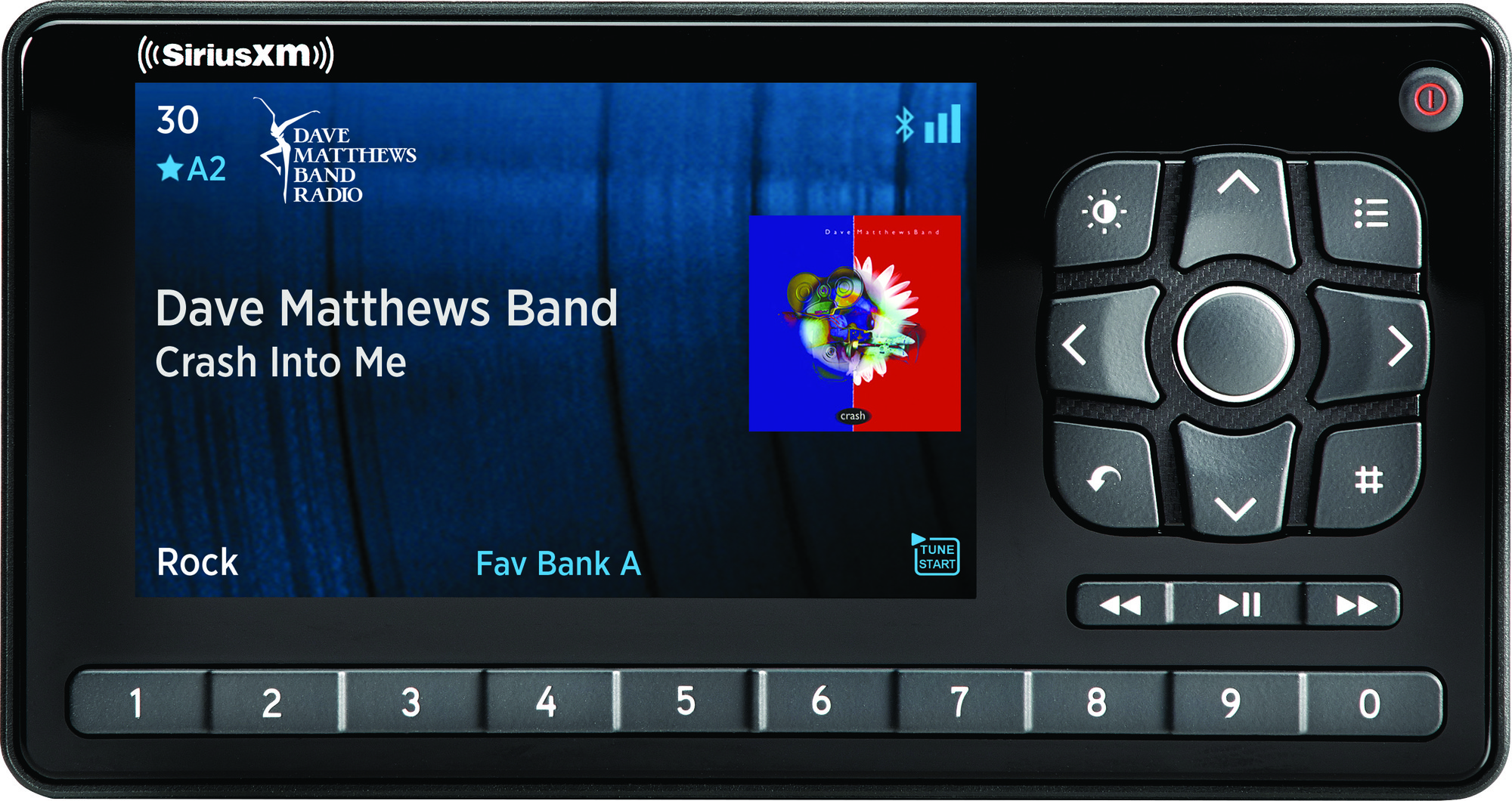
Understanding the Digital Architecture of Satellite Radio Systems
Before diving into the reset procedures, it is essential to understand the technology at play. SiriusXM operates via a network of high-powered satellites in geostationary and elliptical orbits. These satellites beam digital data packets to a specialized receiver integrated into your car’s head unit.
The Intersection of Hardware and Satellite Signal
The hardware in your vehicle consists of a dedicated tuner module and a low-profile antenna (often a “shark fin” or a “puck”). The tuner is responsible for decoding encrypted digital signals and converting them into high-fidelity audio. This process requires a continuous handshake between the receiver and the satellite. If this handshake is interrupted by a software glitch or a physical blockage, the system may enter an “Updating” loop or display “No Signal,” even when the sky is clear.
Common Software Glitches in Modern Infotainment Units
Most contemporary vehicles use complex Operating Systems (OS) like QNX, Linux, or Android Automotive to run their infotainment displays. These systems manage multiple background tasks, from navigation to vehicle diagnostics. Memory leaks or conflicting data packets from the SiriusXM stream can cause the audio module to hang. In tech terms, the “application” layer of the radio crashes while the OS remains functional. Recognizing whether the issue is a “software hang” or a “signal loss” is the first step in effective troubleshooting.
The Soft Reset: Resolving Minor Software Anomalies
A soft reset is the least invasive way to clear the system’s temporary cache and restart the SiriusXM application without losing your saved presets or configuration settings. This is usually the first line of defense when the interface becomes unresponsive or certain channels fail to load.
Identifying the “Frozen” Interface
You may need a soft reset if your screen is stuck on a specific song title, if the volume controls for the satellite radio are non-responsive, or if the “Channel Up/Down” buttons cease to function. This indicates that the infotainment system’s middleware—the layer that connects the hardware to the user interface—has encountered an exception it cannot resolve.
Steps for a Standard Soft Reboot
Most modern vehicles do not have a dedicated “Reset” button for the radio. Instead, manufacturers program specific button combinations to trigger a system reboot.
- For many Ford (Sync) and Chrysler (Uconnect) systems: Simultaneously holding the Power button and the “Next Track” or “Tune Up” button for 5 to 10 seconds will force the unit to restart.
- For Tesla and Volvo (Android-based): Holding the scroll wheels on the steering wheel or the home button below the screen for several seconds initiates a full computer reboot.
- The Power Cycle Method: If your vehicle doesn’t have a known button shortcut, the “Tech Sleep” method is effective. Turn off the engine, open the driver’s door to kill the accessory power, and wait at least three minutes. This allows the capacitors in the radio module to discharge, clearing volatile memory.
Performing a Hard Reset and Signal Refresh
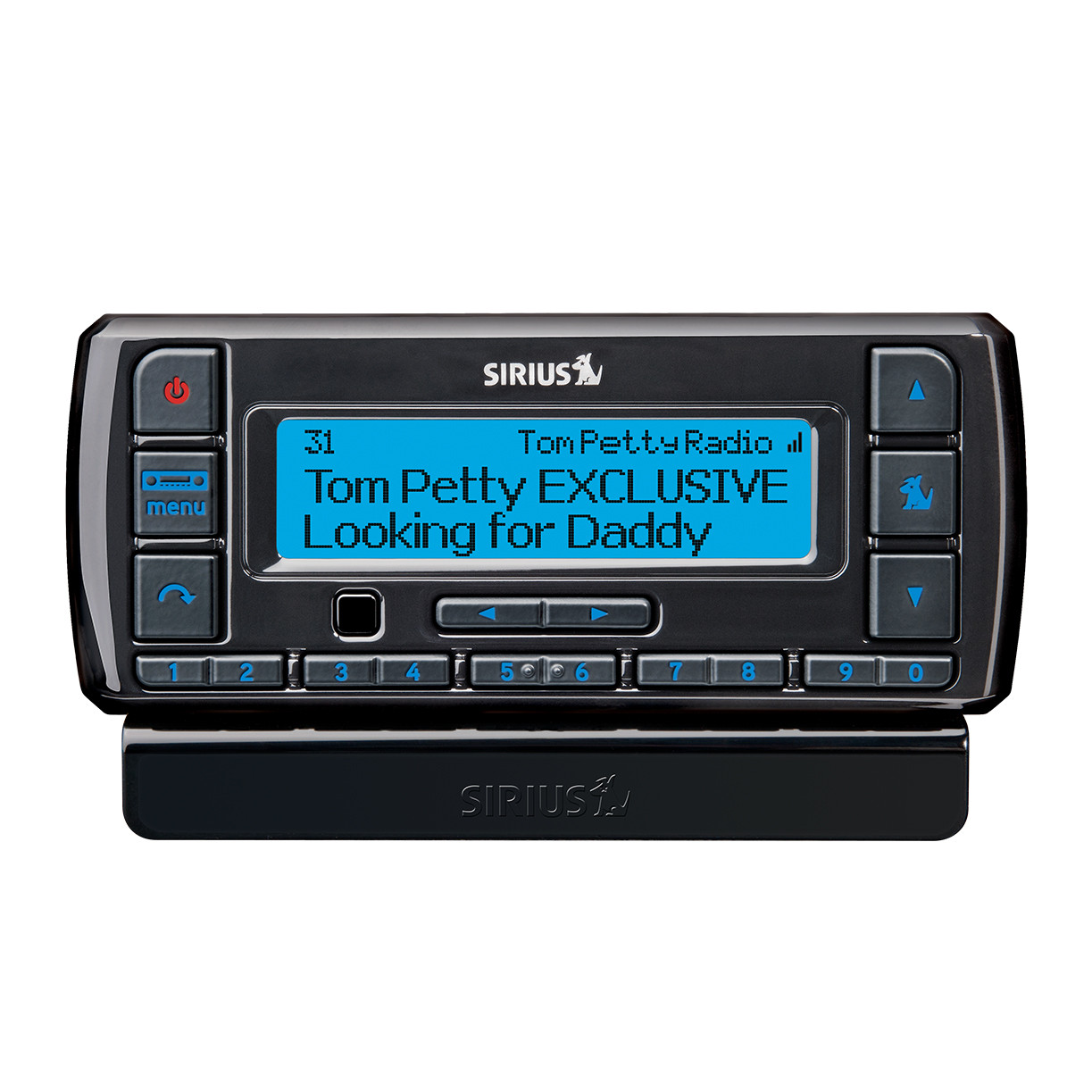
When a soft reset fails to restore functionality, the issue likely resides in the authorization data stored within the receiver. This requires a “Signal Refresh,” a technical process where SiriusXM re-broadcasts the activation packet specifically to your Radio ID.
Utilizing the SiriusXM Online Activation Portal
Every SiriusXM tuner has a unique Electronic Serial Number (ESN) or Radio ID (RID). To perform a digital refresh, you must first retrieve this ID by tuning to Channel 0. Once you have the code, you can use the SiriusXM “Refresh” web portal or mobile app.
When you trigger a refresh, the satellite network sends a targeted command to your vehicle. For this to work, your car must be parked with a clear, unobstructed view of the southern sky. The receiver catches the “Authorized” packet, overwrites the corrupted subscription data, and restores the channel lineup.
Forced Hardware Resets via Battery Disconnection or Fuse Pulling
In extreme cases where the software is completely locked or the “internal logic” of the tuner module is corrupted, a hard power cycle is required. This involves physical intervention:
- Locating the Radio Fuse: Consult your vehicle’s manual to find the fuse box. Removing the fuse labeled “Audio,” “Radio,” or “Infotainment” for 60 seconds completely severs the power to the unit.
- Battery Disconnect: If the fuse is inaccessible, disconnecting the negative terminal of the 12V car battery for 5 to 10 minutes will reset all electronic control units (ECUs) in the vehicle. While effective, be aware that this may reset other vehicle settings like clock time and seat memory.
Troubleshooting Persistent Connectivity and Subscription Sync Issues
If resets and refreshes do not solve the problem, the issue might be deeper than a simple software bug. It could involve the firmware of the head unit or physical degradation of the hardware.
Firmware Updates and Manufacturer Compatibility
Infotainment systems are frequently updated to patch bugs and improve compatibility with satellite streaming protocols. If your SiriusXM radio frequently drops out or displays “Loading” indefinitely, check for Over-the-Air (OTA) updates in your vehicle’s settings menu. Many manufacturers (such as BMW, GM, and Hyundai) now allow you to update the system via Wi-Fi. A firmware update often contains the latest codecs and decryption keys required for the receiver to communicate efficiently with the satellites.
Addressing Antenna Failures and Hardware Degradation
From a technical standpoint, the antenna is the most vulnerable part of the system. It is exposed to the elements and can suffer from water ingress or cable fraying. If your radio shows “Check Antenna” or “Antenna Error,” no amount of software resetting will fix the problem. You can diagnose this using a multimeter to check for continuity in the coaxial cable leading to the tuner. Additionally, signal “masking” caused by aftermarket roof racks or heavy window tinting (which may contain metallic particles) can interfere with the 2.3 GHz frequency used by satellite radio.
The Future of In-Car Entertainment: Beyond the Physical Receiver
As we look toward the future of automotive technology, the traditional “reset” may become a thing of the past as hardware-based receivers transition to cloud-based integration.
The Shift Toward App-Based Integration (SXM 360L)
The latest iteration of satellite radio tech is SiriusXM 360L. This hybrid platform combines traditional satellite delivery with LTE/5G cellular data. The advantage of this architecture is its self-healing nature. If the satellite signal is blocked by a tunnel or building, the system seamlessly switches to a digital stream. Resetting these systems often involves clearing the “App Cache” within the vehicle’s settings, similar to how one would troubleshoot an app on a smartphone.
Digital Security and User Data Privacy in Car Audio
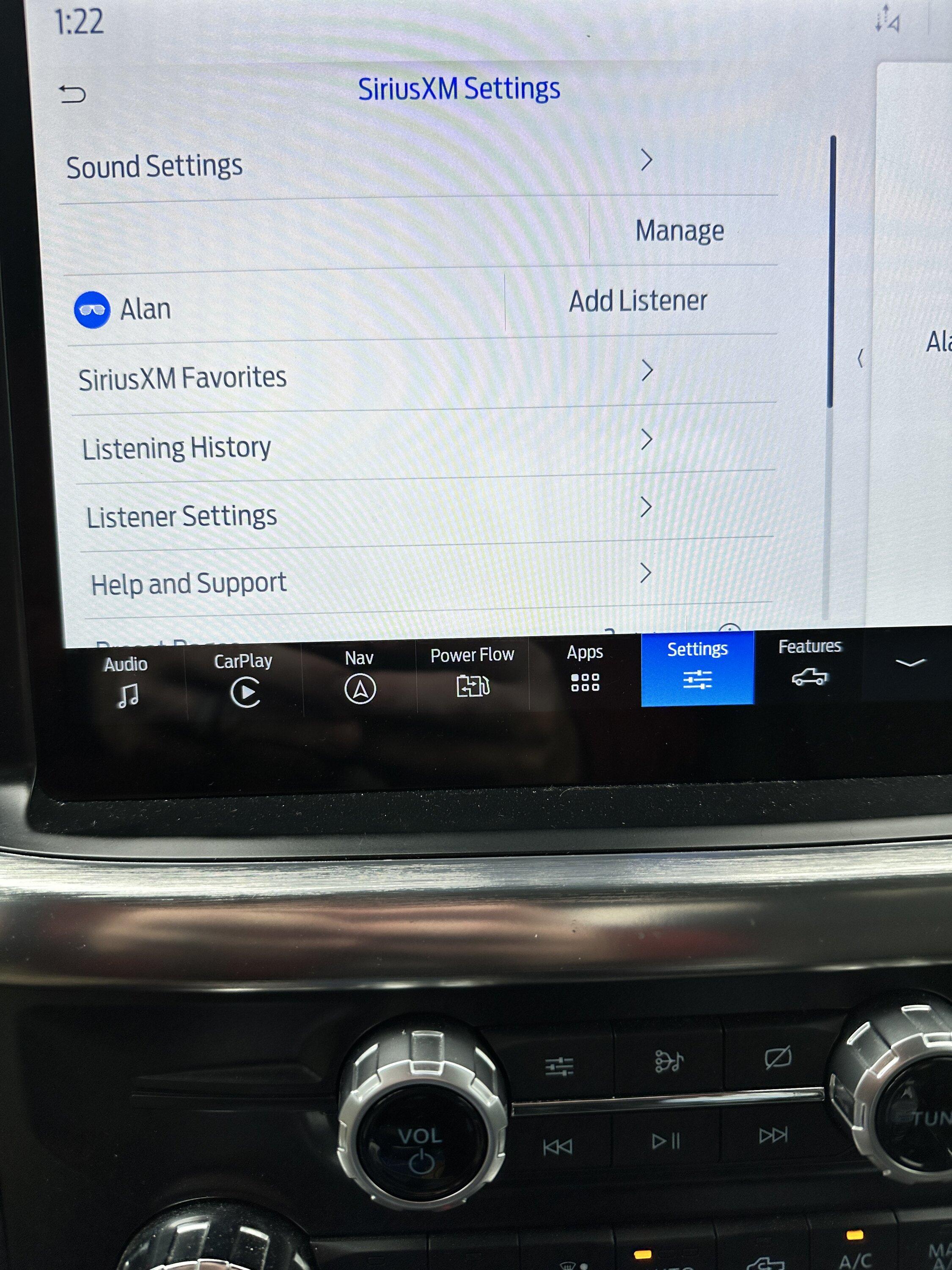
As vehicles become more connected, the security of the data being transmitted to your radio becomes paramount. Modern resets now often include a “Factory Data Reset” option that clears your Radio ID, location history, and personal presets. This is an essential step for tech-savvy users when selling a vehicle or returning a lease. Ensuring that your digital footprint is wiped from the infotainment system’s flash storage is a critical aspect of modern digital hygiene.
In conclusion, resetting a SiriusXM radio in a modern car is a multi-layered process that ranges from simple button combinations to sophisticated cloud-based signal refreshes. By understanding the underlying technology—from the satellite handshake to the infotainment OS—drivers can effectively troubleshoot their systems and maintain a seamless digital audio experience. As automotive tech continues to advance, the ability to manage and reset these complex systems will remain an essential skill for the modern driver.
aViewFromTheCave is a participant in the Amazon Services LLC Associates Program, an affiliate advertising program designed to provide a means for sites to earn advertising fees by advertising and linking to Amazon.com. Amazon, the Amazon logo, AmazonSupply, and the AmazonSupply logo are trademarks of Amazon.com, Inc. or its affiliates. As an Amazon Associate we earn affiliate commissions from qualifying purchases.