
In the modern digital landscape, the physical wallet is rapidly becoming a secondary accessory. The iPhone has evolved from a mere communication tool into a centralized hub for identity and commerce. At the heart of this transformation is Apple Pay, a sophisticated integration of hardware and software designed to make financial transactions faster, more secure, and inherently more convenient. Understanding how to pay on an iPhone is no longer just about convenience; it is about leveraging a complex ecosystem of Near Field Communication (NFC), biometric security, and encrypted tokenization to protect your digital footprint.
The Infrastructure of the Digital Wallet
To understand how to pay with an iPhone, one must first understand the Wallet app. Unlike a standard third-party application, the Wallet app is a system-level integration that interacts directly with the iPhone’s internal hardware. It serves as the digital container for credit cards, debit cards, transit passes, and even state-issued identification.
Setting Up Your Digital Cards
The transition to a cashless experience begins with the digitization of physical assets. To add a card, users navigate to the Wallet app or the “Wallet & Apple Pay” section within the iOS Settings menu. By utilizing the iPhone’s camera, the software identifies the card’s details—including the 16-digit number and expiration date—using Optical Character Recognition (OCR). Once the bank verifies the card through a secondary authentication method, such as an SMS code or a mobile banking app confirmation, the card is “provisioned” onto the device.
The Role of the Secure Element
A common misconception is that the iPhone stores your actual credit card number. From a technical and security standpoint, this is incorrect. Apple utilizes a dedicated chip called the “Secure Element.” This is an industry-standard, certified chip designed to store payment information securely. When a card is added, a unique Device Account Number is assigned, encrypted, and stored within the Secure Element. This number is isolated from the rest of the iOS operating system and is never uploaded to Apple’s servers or backed up to iCloud. This hardware-level isolation is what makes the iPhone one of the most secure payment devices currently available.
Making Payments in the Physical World
The most visible application of the iPhone’s payment capabilities is at the point of sale (POS). Whether you are at a grocery store, a boutique, or a transit kiosk, the process relies on the seamless marriage of NFC technology and biometric authentication.
Navigating NFC and Point of Sale Terminals
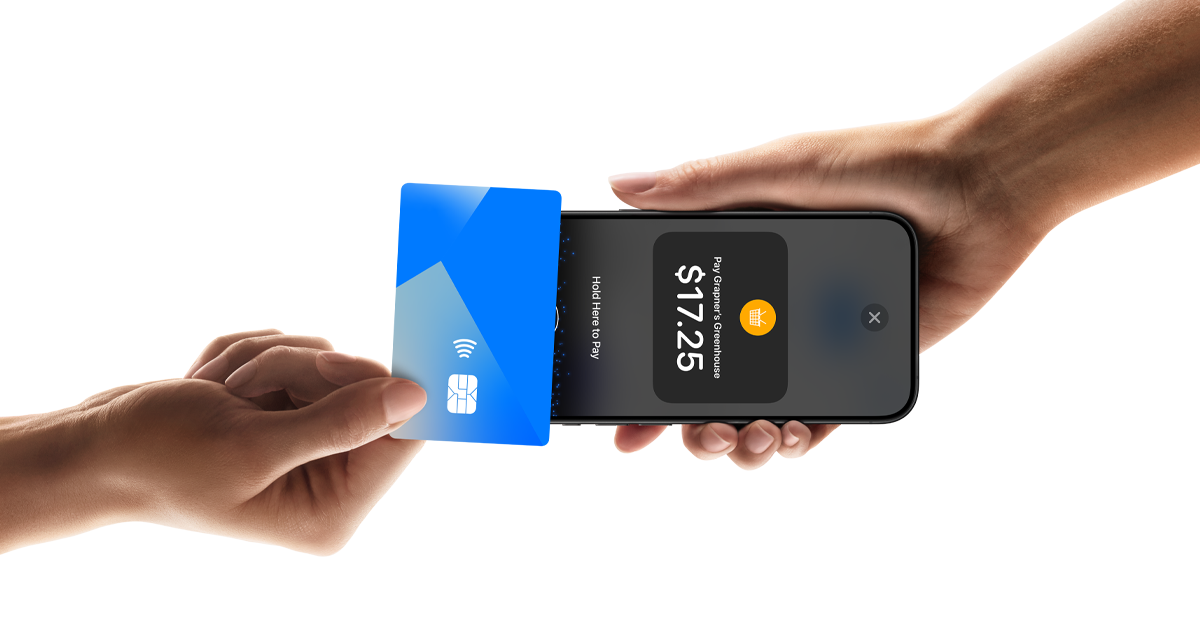
Near Field Communication (NFC) is the wireless protocol that allows the iPhone to communicate with a payment terminal over very short distances—usually less than four centimeters. When you hold your iPhone near a contactless reader, the device automatically detects the electromagnetic field and triggers the payment interface. You do not need to wake your phone or open an app manually if the “Express Mode” or “Double-Click” features are enabled.
Biometric Authentication: Face ID and Touch ID
Security is the cornerstone of the Apple Pay experience. Every transaction must be authorized by the user. On modern iPhones, this is accomplished via Face ID. By double-clicking the side button, the TrueDepth camera system projects and analyzes over 30,000 invisible dots to create a depth map of your face. Once authenticated, the Secure Element releases the payment token to the NFC controller. For older models or the iPhone SE, Touch ID serves the same purpose, utilizing a capacitive touch sensor to verify a fingerprint. This ensures that even if a device is lost or stolen, unauthorized users cannot make purchases.
Apple Pay for Transit and Commuting
In many global metropolises, the iPhone has replaced physical transit cards. Through a feature called “Express Transit Mode,” users can pay for rides without even needing to wake or unlock their device. The iPhone communicates with the turnstile or bus reader instantly, deducting the fare from the designated card. This specific tech implementation highlights the iPhone’s ability to handle low-latency transactions in high-traffic environments.
Digital Commerce: Paying in Apps and on the Web

The utility of paying with an iPhone extends far beyond physical stores. It has revolutionized the “check-out” experience within the mobile software ecosystem, removing the friction of manual data entry.
One-Tap Checkout in Third-Party Apps
When shopping in apps like Etsy, Uber, or Starbucks, users are often presented with an “Apple Pay” button. Selecting this option eliminates the need to fill out long forms with billing and shipping addresses. The iPhone provides this information to the app via an encrypted handshake. The app receives only the information necessary to fulfill the order, while the payment details remain masked behind a dynamic security code.
Safari and the Desktop-to-Mobile Link
Apple has extended its payment architecture to the Safari web browser. When browsing on a Mac, users can initiate a purchase and use their iPhone to authorize the payment via Handoff technology. This creates a cohesive ecosystem where the iPhone acts as a security key for all digital transactions across a user’s hardware suite. This cross-device functionality is a prime example of how software integration can simplify complex financial interactions.
Managing Subscriptions and the App Store
Payments for digital goods—such as iCloud storage, Apple Music, or third-party subscriptions—are handled through the Apple ID. Within the “Media & Purchases” section of the iPhone settings, users can manage their primary and fallback payment methods. This centralized management system allows for a “set it and forget it” approach to digital life, though it requires users to be diligent about reviewing recurring charges within the “Subscriptions” menu.
The Peer-to-Peer Ecosystem: Apple Cash
Beyond commercial transactions, the iPhone facilitates personal financial exchanges through Apple Cash. This feature transforms the Messages app into a platform for sending and receiving money, directly competing with dedicated apps like Venmo or PayPal.
Sending Money via iMessage
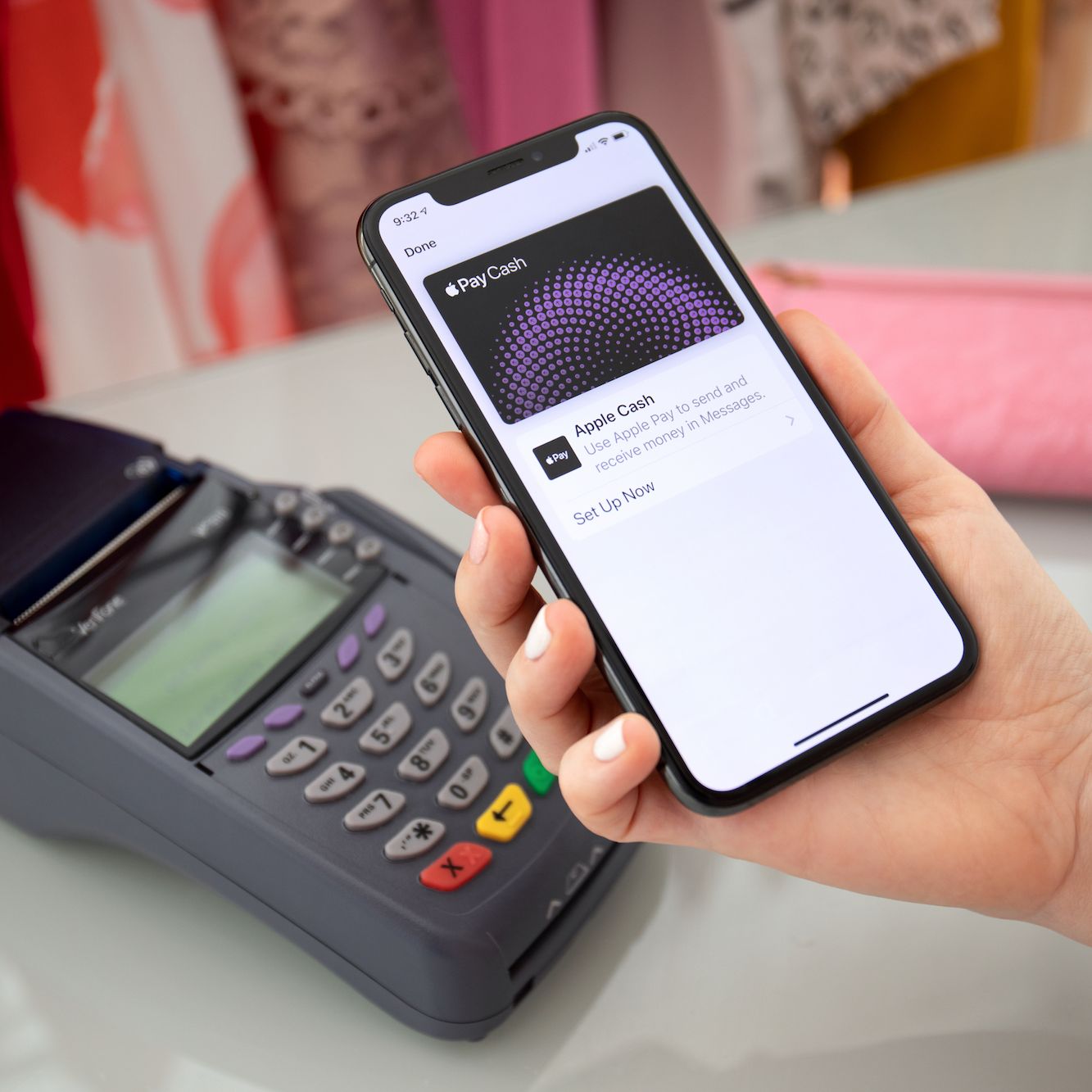
Integrated directly into the iMessage app tray, Apple Cash allows users to send money as easily as sending a text. When you receive money, it is stored on a virtual “Apple Cash” card in your Wallet. This balance can be used to make purchases via Apple Pay, sent to others, or transferred to a traditional bank account. From a technical perspective, this is handled through a partnership with Green Dot Bank, but the user experience remains entirely within the Apple-designed interface.
The Apple Card Integration
For those looking for a more hardware-centric financial tool, the Apple Card represents the pinnacle of the iPhone’s payment tech. While it exists as a physical titanium card, it is “born” in the iPhone. The software provides real-time interest calculations, spending breakdowns categorized by machine learning, and an interface that encourages financial transparency. The Apple Card uses the same Secure Element and tokenization protocols as other cards but offers a deeper level of software integration, such as “Daily Cash” rewards deposited directly into the Apple Cash account.
Security Protocols and Privacy Standards
In an era of frequent data breaches, the technical security of the iPhone’s payment system is its most compelling feature. Apple’s approach to privacy ensures that the company does not know what you bought, where you bought it, or how much you paid.
Tokenization: The Death of the Static Card Number
Every time you use your iPhone to pay, it generates a “Dynamic Security Code.” Unlike the static 3-digit CVV on the back of a physical card, this code changes for every single transaction. Even if a hacker were to intercept the data from a merchant’s terminal, the information would be useless for future transactions. This process, known as tokenization, is the industry gold standard for preventing point-of-sale fraud.
Find My and Remote Security
If an iPhone is lost, the “Find My” ecosystem provides a critical safety net. Users can log into iCloud from any device and put their iPhone into “Lost Mode.” This immediately suspends Apple Pay capabilities on the device, even if it is offline. Because the payment data is stored in the Secure Element and not the general storage, it remains inaccessible to anyone who might find the phone. Furthermore, because every transaction requires Face ID or Touch ID, the risk of fraudulent use is statistically negligible.
Privacy First Design
Unlike many payment processors that monetize user data for advertising, Apple’s business model in the payment space is built on hardware and service fees. The iPhone does not keep a history of your transactions that can be traced back to you in a way that creates a marketing profile. Your latest purchases are visible in the Wallet app for your own records, but that data stays on-device and is not transmitted to Apple’s central servers for analysis. This commitment to privacy-by-design is a fundamental aspect of the iPhone’s value proposition in the tech market.
aViewFromTheCave is a participant in the Amazon Services LLC Associates Program, an affiliate advertising program designed to provide a means for sites to earn advertising fees by advertising and linking to Amazon.com. Amazon, the Amazon logo, AmazonSupply, and the AmazonSupply logo are trademarks of Amazon.com, Inc. or its affiliates. As an Amazon Associate we earn affiliate commissions from qualifying purchases.