
The landscape of home entertainment has undergone a seismic shift over the last decade. The transition from traditional linear cable to Over-The-Top (OTT) streaming services has redefined how we consume media. At the forefront of this digital revolution is YouTube TV, Google’s premier live television service. Unlike the clunky set-top boxes of the past, YouTube TV operates entirely within the cloud, offering a sophisticated software-driven approach to live broadcasts.
Navigating the transition to a cord-cutting lifestyle requires a foundational understanding of the hardware, software, and networking requirements involved. This guide provides a comprehensive technical breakdown of how to acquire, set up, and optimize YouTube TV for a seamless viewing experience.
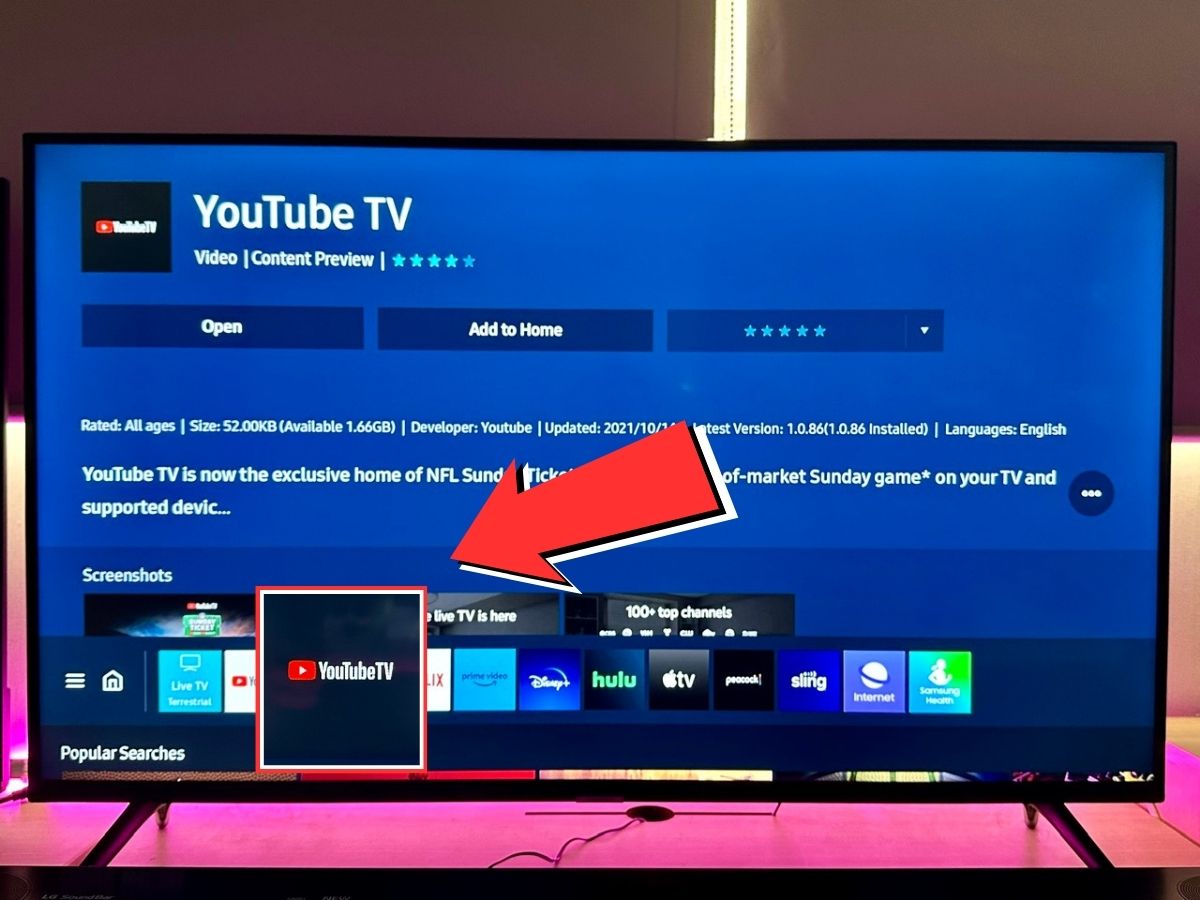
Understanding the Technical Infrastructure and Requirements
Before initiating the subscription process, it is essential to ensure that your local technological ecosystem is compatible with the platform’s demands. YouTube TV is not merely an app; it is a data-intensive service that relies on robust hardware and high-speed connectivity.
Supported Devices and Operating Systems
YouTube TV is designed for cross-platform compatibility, but the quality of the experience often depends on the processing power of the host device. The service is compatible with:
- Streaming Media Players: Google Chromecast (with Google TV), Roku (Ultra, Stick, and Express models), Amazon Fire TV sticks, and Apple TV (4th Gen or 4K).
- Smart TV Platforms: Native apps are available for Samsung (2016+), LG (2016+), Vizio SmartCast, and Android TV/Google TV-enabled displays.
- Gaming Consoles: PlayStation 4/5 and Xbox One/Series X/S.
- Mobile and Web: iOS and Android mobile devices, as well as modern web browsers like Chrome, Firefox, and Safari.
Network Bandwidth and Stability
Because YouTube TV streams high-definition (HD) and 4K content, network integrity is paramount. For a single 1080p stream, a minimum of 7 Mbps is required. However, for a stable household environment where multiple devices are active, a 100 Mbps connection or higher is recommended. To minimize latency and “buffer bloat,” users should ideally utilize a 5GHz Wi-Fi band or, for maximum stability, a hardwired Ethernet connection via a Cat6 cable.
The Step-by-Step Technical Setup Guide
Once you have verified your hardware compatibility, the process of “getting” YouTube TV involves a series of software authentications and account configurations.
Account Creation and Regional Verification
YouTube TV is tied directly to the Google ecosystem. To begin, navigate to the YouTube TV website or download the app on your mobile device.
- Sign-In: Log in using a standard Google Account. It is recommended to use a primary account that has Two-Factor Authentication (2FA) enabled for security.
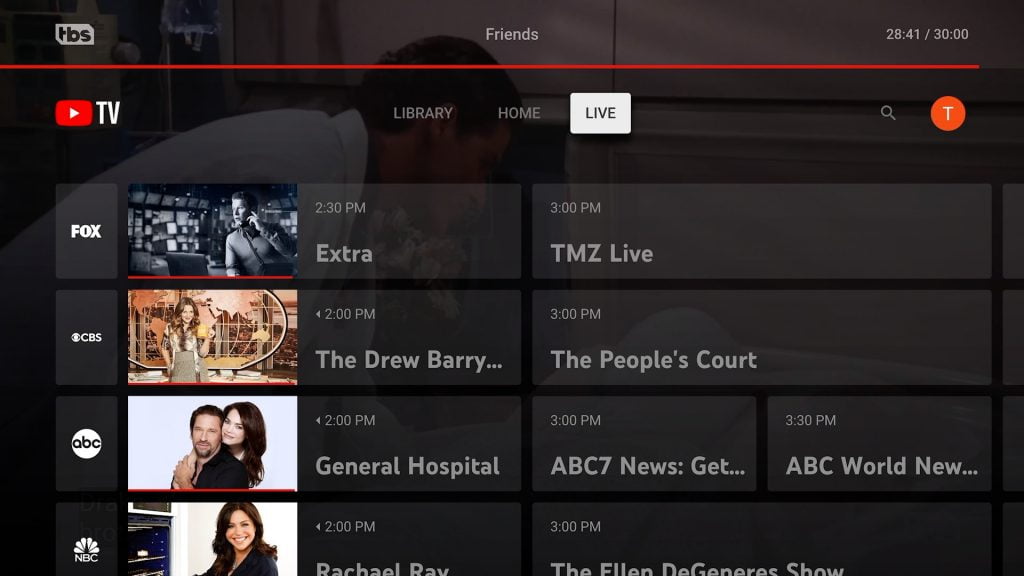
- Location Permissions: This is a critical technical step. YouTube TV uses your IP address and device GPS to determine your “Home Area.” This dictates which local network affiliates (ABC, NBC, CBS, FOX) you receive. You must permit the app to access your location during the initial handshake to ensure the correct regional metadata is assigned to your profile.
App Installation and Device Authentication
After securing a subscription, the next step is deploying the software to your primary viewing devices.
- The “tv.youtube.com/start” Protocol: When you open the YouTube TV app on a smart TV or console for the first time, it will generate an alphanumeric code. You must then go to the specified URL on a smartphone or PC that is already logged into your Google account. Entering this code creates a secure token exchange, linking the hardware to your subscription without the need to type complex passwords using a remote control.
- Profile Customization: Once authenticated, the software allows for the creation of up to six individual profiles. Each profile maintains its own algorithmic recommendations and DVR library, utilizing Google’s machine-learning filters to curate content based on individual viewing habits.
Exploring Advanced Features and Software Tools
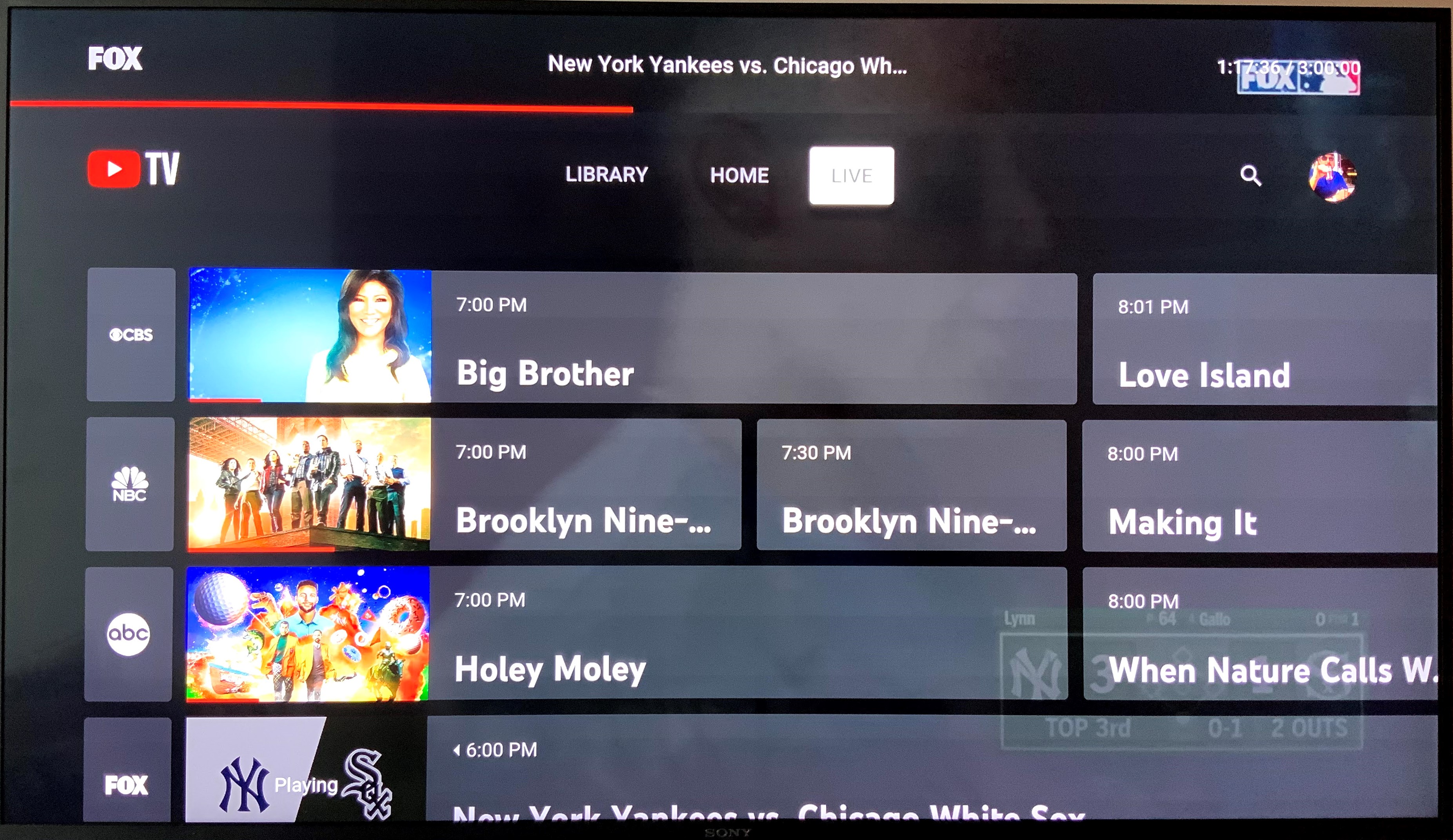
The true value of YouTube TV lies in its software-side innovations, which far exceed the capabilities of traditional digital video recorders (DVRs).
Cloud DVR: Infinite Scaling
Unlike hardware-based DVRs that are limited by physical hard drive space (e.g., 500GB or 1TB), YouTube TV utilizes Google’s massive data centers to offer “Unlimited Cloud DVR.”
- Storage Logic: When you “add” a show to your library, you aren’t actually downloading a file. Instead, the system flags that broadcast in the cloud.
- Persistence: Recordings are kept for nine months. Because the storage is server-side, you can initiate a recording on your phone and immediately watch it on your TV without any file transfer latency.
Multiview and 4K Plus Integration
For power users and sports enthusiasts, YouTube TV has introduced “Multiview.” This feature leverages server-side stitching, allowing the app to stream four different live feeds simultaneously within a single window. This is a significant technical feat, as it manages four distinct streams without requiring four times the bandwidth from the user’s home network; the “stitching” happens on Google’s servers before it reaches your router.
Furthermore, the “4K Plus” add-on enables Ultra-High-Definition (UHD) streaming for select content. This tech-tier also unlocks “Offline Disks,” allowing mobile users to download DVR content for viewing without an active internet connection—a vital feature for commuters and travelers.
Digital Security and Privacy in the Streaming Ecosystem
As with any service integrated into a Google account, security and data privacy are foundational components of the setup process.
Securing Your Google Ecosystem
Because your YouTube TV subscription is linked to your Google identity, it contains sensitive information, including payment methods and viewing history. Users should audit their “Google Home” settings to ensure that only authorized devices have access. Implementing a “Security Key” or using the Google Authenticator app adds a hardware-based layer of protection against unauthorized access to your streaming profile.
Managing Family Groups and Data Permissions
YouTube TV allows for “Family Sharing,” where the primary subscriber can invite five other members. Technically, this is managed via the Google Family Link infrastructure.
- Privacy Isolation: Even though the billing is centralized, each family member’s viewing data, search history, and DVR library are kept strictly isolated.
- Location Check-ins: To prevent password sharing outside of a household, the software requires devices to “check in” from the home network periodically. This geo-fencing technology ensures the service remains compliant with regional broadcasting licenses.
The Future of Cloud-Based Television
Getting YouTube TV is more than just a transition in how you pay for television; it is an entry into an evolving AI-integrated ecosystem.
AI-Driven Personalization and Search
YouTube TV leverages Google’s Search AI to provide a superior discovery engine. Users can use voice commands via Google Assistant to find content by actor, genre, or even specific sports teams. The “Key Plays” feature uses computer vision to identify pivotal moments in a game, allowing latecomers to watch a generated highlight reel before jumping into the live broadcast.
Integration with Smart Home Environments
As the Internet of Things (IoT) expands, YouTube TV serves as a central media hub. It integrates natively with Google Nest Hub displays and can be controlled via voice commands (e.g., “Hey Google, play ESPN on the Living Room TV”). This level of interconnectivity represents the pinnacle of current smart-home tech, where software, hardware, and network protocols converge to create a frictionless user experience.
In conclusion, getting YouTube TV is a straightforward process of account integration and app deployment, but the technology powering it is incredibly complex. By ensuring your hardware is optimized, your network is stable, and your security protocols are robust, you can fully leverage one of the most advanced streaming platforms currently available in the digital marketplace. Moving to this cloud-based model not only simplifies the physical footprint of your home theater but also provides a scalable, intelligent way to engage with live media.
aViewFromTheCave is a participant in the Amazon Services LLC Associates Program, an affiliate advertising program designed to provide a means for sites to earn advertising fees by advertising and linking to Amazon.com. Amazon, the Amazon logo, AmazonSupply, and the AmazonSupply logo are trademarks of Amazon.com, Inc. or its affiliates. As an Amazon Associate we earn affiliate commissions from qualifying purchases.