
In the landscape of modern personal finance, a debit card is an indispensable tool. It provides immediate access to your funds, facilitating everyday transactions from grocery shopping to online purchases. For Chase account holders, understanding the process of obtaining a new debit card, whether due to loss, damage, expiration, or security concerns, is crucial for maintaining seamless financial operations. This comprehensive guide will walk you through every step, ensuring you can quickly and efficiently replace your Chase debit card, alongside vital considerations for security and financial well-being.
Understanding When You Need a New Debit Card
While seemingly straightforward, the reasons for needing a new debit card can vary significantly. Recognizing these scenarios promptly ensures you take the appropriate action to protect your finances and maintain uninterrupted access to your money.
Lost or Stolen Cards: Immediate Action Required
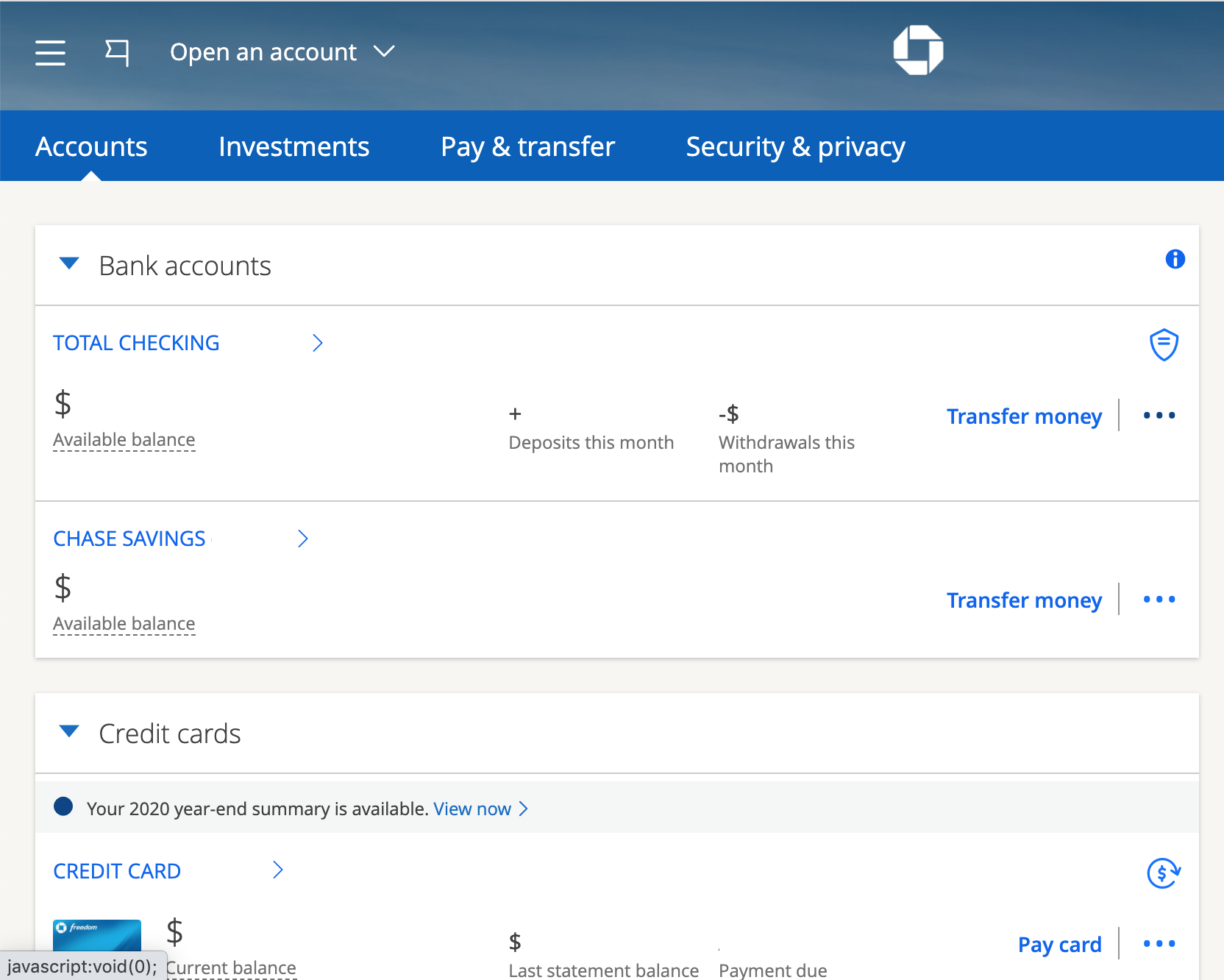
Perhaps the most urgent scenario, a lost or stolen debit card demands immediate attention. Every moment your card is unaccounted for, there’s a risk of unauthorized transactions. Financial institutions like Chase have robust systems in place to mitigate this, but your proactive response is the first line of defense. Upon realizing your card is missing, the priority is to report it to Chase immediately. This action typically involves blocking the old card to prevent any further use and initiating the request for a new one. The faster you act, the lower the risk of financial loss.
Expired Cards: Proactive Replacement
Unlike a lost or stolen card, an expired debit card is a predictable event. Debit cards, like credit cards, come with an expiration date printed on the front. This date serves several purposes, including updating security features and refreshing the physical card itself. Most banks, including Chase, are proactive in this scenario. They often automatically mail a new card to your address of record before the old one expires. However, it’s wise to be aware of your card’s expiration date and confirm with Chase if a replacement hasn’t arrived a few weeks prior to expiration, especially if you’ve recently moved.
Damaged or Malfunctioning Cards
Physical wear and tear can render a debit card unusable. A cracked card, a demagnetized strip, or a faulty EMV chip can prevent successful transactions. While seemingly minor, a malfunctioning card can be a significant inconvenience, particularly when you’re reliant on it for purchases. In such cases, requesting a new card is essential. It’s not a security issue, but a functional one, making the process typically less urgent than reporting a lost or stolen card, though still important for daily convenience.
Security Concerns or Suspected Fraud
Even if your card hasn’t been physically lost or stolen, you might need a new one if you suspect your account information has been compromised. This could stem from a data breach at a retailer where you used your card, or if you notice unusual activity on your bank statements. In these situations, even if the fraudulent activity is resolved, obtaining a new card with a new number is a crucial step to prevent future unauthorized transactions and give you peace of mind. It acts as a complete reset for your card’s security profile.
Step-by-Step Guide to Requesting a New Chase Debit Card
Chase provides several convenient methods to request a new debit card, catering to different preferences and urgency levels. Understanding these options will help you choose the most efficient path for your situation.
Online Banking: The Most Convenient Method
For many, Chase’s online banking platform is the quickest and most straightforward way to order a replacement debit card. This method offers control and transparency, allowing you to manage the request from the comfort of your home or on the go.
-
Log In: Access your Chase Online account through a secure web browser or the Chase Mobile app.
-
Navigate to Account Services: Once logged in, locate the “Customer Service” or “Account Services” section. This might be found under a specific account, a general service menu, or by searching within the platform.
-
Select “Replace Debit Card”: Look for an option related to “Debit Card Services,” “Replace Card,” “Report Lost/Stolen Card,” or similar wording.
-
Confirm Details: The system will likely ask you to confirm your mailing address and the reason for the replacement (e.g., lost, stolen, damaged, expired). If reporting a lost or stolen card, the system will automatically block the old card.
-
Submit Request: Review all information and submit your request. You should receive a confirmation message or email.
This method is ideal for non-urgent replacements (damaged, expired) and for immediately reporting lost/stolen cards outside of bank operating hours.
Via Phone: Speaking with a Representative
If you prefer speaking directly with someone, or if your situation requires immediate human assistance (e.g., complex fraud concerns), calling Chase customer service is an excellent option.
-
Locate the Number: The primary customer service number for Chase is typically found on the back of your existing debit card (if you still have it), on your bank statements, or on the official Chase website. For lost/stolen cards, there’s often a dedicated 24/7 hotline.
-
Verify Your Identity: Be prepared to answer security questions to verify your identity. This might include your account number, Social Security Number, mother’s maiden name, or other personal identifiers.
-
Explain Your Need: Clearly state that you need a new debit card and the reason why.
-
Confirm Mailing Address: The representative will confirm your mailing address for the new card’s delivery.
-
Follow Instructions: They will guide you through any additional steps and provide an estimated delivery timeline.
Calling is particularly vital for lost or stolen cards, as a representative can immediately place a block and guide you through subsequent security steps.
In-Person: Visiting a Chase Branch
For those who prefer face-to-face interaction or need a card more quickly, visiting a local Chase branch is a viable option.
-
Find a Branch: Use the Chase website or app to locate the nearest branch.
-
Bring Identification: Make sure to bring valid government-issued identification (e.g., driver’s license, passport). This is crucial for identity verification.
-
Speak with a Banker: Explain your need for a new debit card.
-
Instant Issue (If Available): Many Chase branches offer “instant issue” debit cards. This means they can print a new, activated card for you on the spot, complete with your name. This is an incredible advantage if you need immediate access to a physical card. Ask if this service is available when you arrive.
-
Confirm Details: The banker will confirm your account details and mailing address if a card needs to be mailed.
Visiting a branch is invaluable for urgent replacements where you need a card immediately, or if you have complex questions best answered in person.
Automatic Renewal for Expired Cards
As mentioned, Chase generally handles expired cards proactively. You usually don’t need to request a new card for an upcoming expiration. A replacement card is typically mailed to your address of record several weeks before the old one expires. If you haven’t received it within that timeframe, or if your address has changed, then you would follow one of the above methods to ensure you receive your new card.

What to Expect After Requesting Your New Card
Once you’ve made your request, a few more steps are involved before your new debit card is fully functional. Knowing what to expect will help you prepare and avoid any disruptions.
Delivery Timeline and Tracking
Standard debit card replacements typically arrive within 5-7 business days via postal mail. If you’ve requested expedited shipping (which may incur a fee), it could arrive sooner. Chase usually doesn’t provide specific tracking numbers for standard debit card mailings due to the nature of postal service, but you can always check your online account or call customer service for updates on the order status. If you don’t receive your card within the estimated timeframe, contact Chase immediately.
Activating Your New Debit Card
For security reasons, your new debit card will arrive inactive. You must activate it before you can use it for transactions.
-
Online: Log into your Chase Online account, navigate to “Account Services” or “Card Services,” and look for an “Activate Card” option.
-
By Phone: Call the activation number provided on the sticker affixed to your new card, or the main customer service number. You’ll typically enter your card number and verify your identity.
-
At a Chase ATM: Insert your new card into a Chase ATM, enter your PIN (if you’ve set one), and complete a transaction (like a balance inquiry) to activate it.
Activation is a critical step to ensure your card is ready for use and to confirm its safe delivery to you.
Setting Up Your PIN
When you receive a new card, you might also be prompted to set up a new Personal Identification Number (PIN). For security, Chase typically does not mail your PIN with your card. You’ll often be given the option to select your PIN during the activation process online or via phone. You can also change your PIN at any Chase ATM or by calling customer service. Choose a PIN that is easy for you to remember but difficult for others to guess (avoid birthdays, consecutive numbers, etc.).
Updating Recurring Payments
This is a crucial but often overlooked step. If your old debit card was linked to any recurring payments – such as subscriptions, utility bills, or online services – you must update these accounts with your new debit card number and expiration date. Failure to do so will result in declined payments, potential service interruptions, and late fees. Make a list of all services linked to your old card and update them promptly after activating your new one.
Important Security Considerations with Your New Card
Obtaining a new debit card is an opportune moment to reinforce your financial security practices. The fight against fraud is ongoing, and vigilance is your best defense.
Protecting Your Card Information
Never share your full debit card number, expiration date, or CVV code with anyone you don’t implicitly trust. Be wary of phishing attempts via email or text messages that ask for this information. Only enter your card details on secure, encrypted websites (look for “https://” in the URL and a padlock icon). When using physical terminals, always shield your PIN entry. Memorize your PIN rather than writing it down.
Monitoring Your Account for Fraud
Make it a habit to regularly review your Chase account statements and transaction history, either through online banking or the mobile app. Look for any unfamiliar transactions, no matter how small. Fraudsters often test small transactions first to see if a card is active before attempting larger ones. Utilize Chase’s alert features, which can notify you via text or email about transactions exceeding a certain amount, international purchases, or even every purchase.
Understanding Chase’s Fraud Protection Policies
Chase, like all reputable financial institutions, offers robust fraud protection. Familiarize yourself with their policies. Generally, you have zero liability for unauthorized transactions if you report them promptly. This means you won’t be held responsible for fraudulent charges you didn’t make. However, timely reporting is key. Understanding these protections empowers you to act swiftly and confidently if fraud occurs.
Maximizing the Value of Your Chase Debit Card
A debit card is more than just a piece of plastic for withdrawing cash; it’s a powerful financial management tool.
Utilizing Chase Debit Card Features
Chase offers various features designed to enhance your debit card experience and help you manage your money:
-
Spending Limits: You can often set daily spending limits for your debit card through online banking or by contacting customer service, which can be a useful budgeting tool.
-
Transaction Alerts: Customize alerts for specific transaction types or amounts to stay informed about your spending.
-
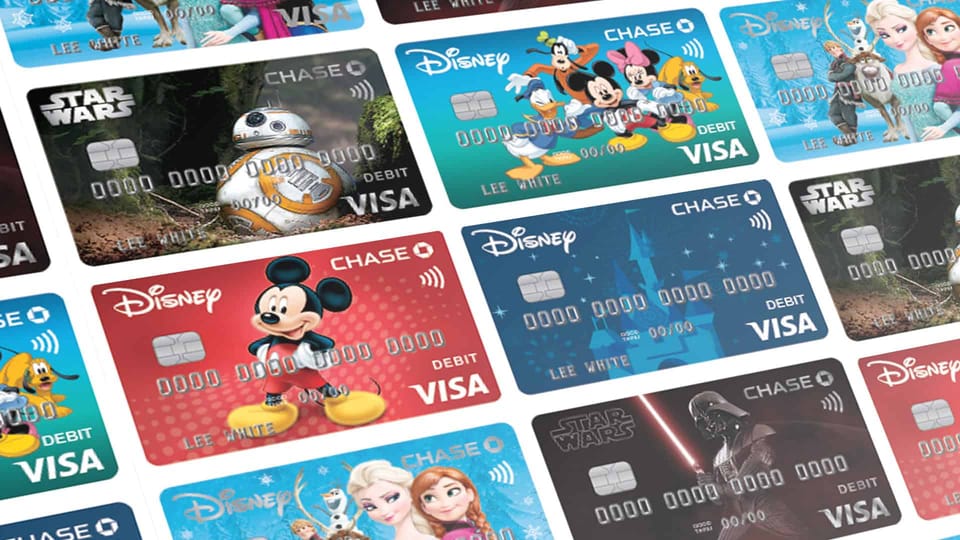
Tap-to-Pay (Contactless Payments): Many Chase debit cards are equipped with tap-to-pay technology, offering a quick and secure way to make purchases without swiping or inserting your card.
-
Digital Wallet Integration: Link your Chase debit card to digital wallets like Apple Pay, Google Pay, or Samsung Pay for added convenience and security.
Avoiding Common Debit Card Pitfalls
While highly convenient, debit cards also come with potential drawbacks if not managed wisely:
-
Overspending: Unlike credit cards, debit cards draw directly from your checking account. This means you can overdraw your account if you spend more than you have, leading to overdraft fees. Monitor your balance closely.
-
ATM Fees: While using Chase ATMs is free, using out-of-network ATMs often incurs fees from both the ATM operator and Chase. Plan your cash withdrawals to use in-network machines.
-
Limited Fraud Protection (compared to credit cards): While Chase offers good debit card fraud protection, credit cards generally provide stronger protections and consumer rights under federal law, particularly for disputed purchases. For large online purchases, a credit card might offer an extra layer of security.
By understanding the process of obtaining a new Chase debit card, remaining vigilant about security, and utilizing the features available, you can ensure your financial life remains secure, accessible, and well-managed. Your debit card is a gateway to your funds; manage it wisely, and it will serve you well.
aViewFromTheCave is a participant in the Amazon Services LLC Associates Program, an affiliate advertising program designed to provide a means for sites to earn advertising fees by advertising and linking to Amazon.com. Amazon, the Amazon logo, AmazonSupply, and the AmazonSupply logo are trademarks of Amazon.com, Inc. or its affiliates. As an Amazon Associate we earn affiliate commissions from qualifying purchases.