
The Cash App Card, often referred to as the Cash Card, has emerged as a significant financial tool in the modern digital economy. Far more than just a piece of plastic, it functions as a customizable debit card directly linked to your Cash App balance, enabling users to manage and spend their funds with flexibility and control. For individuals seeking to streamline their personal finances, access digital funds in physical retail environments, or simply diversify their financial tools, understanding the process of acquiring and utilizing a Cash App Card is a crucial step. This guide delves into the specifics of obtaining this card, its financial implications, and how it can be strategically integrated into your personal finance framework.
Understanding the Cash App Card as a Financial Instrument
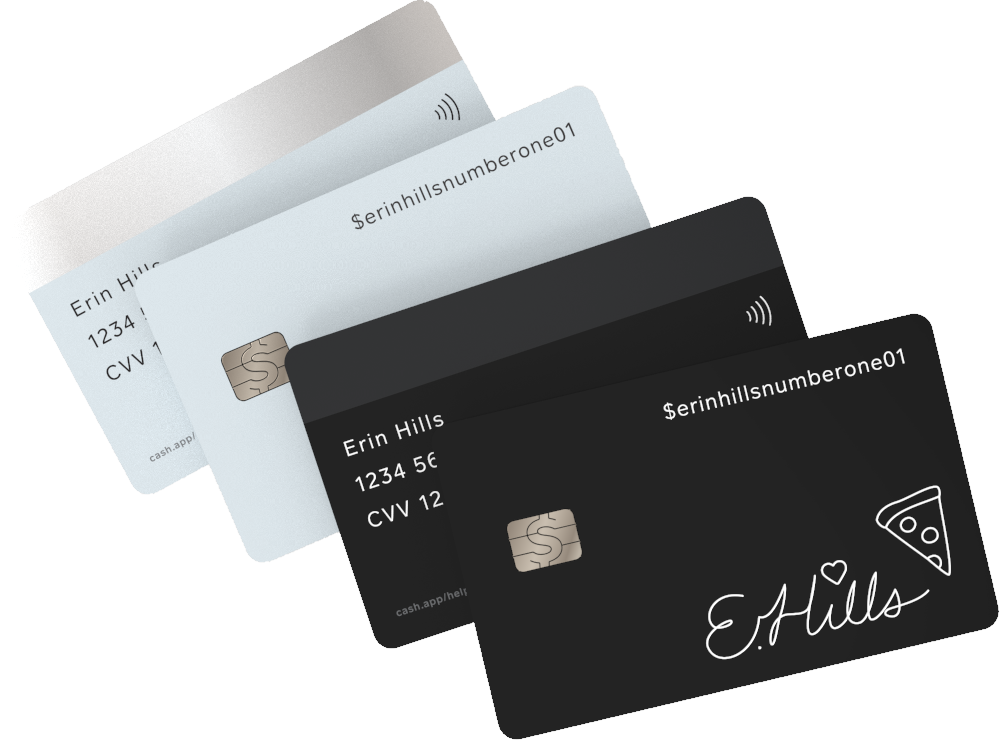
At its core, the Cash App Card is a Visa debit card that draws funds directly from your Cash App balance. This immediate link provides real-time access to your money, bridging the gap between digital funds and everyday spending. For many, it represents a convenient alternative or supplement to traditional banking debit cards, offering unique features tailored to a digitally-native user base.
What is the Cash App Card?
The Cash App Card is a free, customizable debit card issued by Sutton Bank, an FDIC member, in partnership with Cash App. It allows users to make purchases online, in stores, and withdraw cash from ATMs, wherever Visa is accepted. Unlike a credit card, it only permits spending funds that are already available in your Cash App account, making it a responsible tool for managing liquid assets without incurring debt. This direct link to your balance fosters a sense of real-time budgeting and expenditure control, aligning perfectly with prudent personal finance practices.
Key Benefits for Personal Finance
Integrating the Cash App Card into your financial routine offers several compelling advantages, particularly for those focused on efficient money management:
- Spending Control: By linking directly to your Cash App balance, the card naturally limits your spending to available funds, making it an excellent tool for budgeting and avoiding overdrafts. This inherent constraint can be invaluable for maintaining financial discipline.
- Accessibility to Digital Funds: It transforms your digital Cash App balance into a universally accepted form of payment, eliminating the need to transfer funds to a traditional bank account before spending. This enhances financial fluidity and convenience.
- Direct Deposit Integration: The Cash App Card facilitates direct deposit of paychecks, tax refunds, and other government payments directly into your Cash App account. This feature positions Cash App as a primary banking alternative for some users, centralizing income and expenditure in one platform.
- Customization and Personalization: The ability to design your card with unique colors, stamps, and even glow-in-the-dark features adds a layer of personalization that can make managing your money feel more engaging and tailored to your individual style. While seemingly aesthetic, this can foster a stronger connection to one’s financial tools.
Essential Steps to Acquire Your Card
Obtaining a Cash App Card is a straightforward process designed for digital convenience. However, it requires adherence to specific eligibility criteria and a clear understanding of the in-app navigation.
Fulfilling Eligibility Requirements
Before initiating the order for a Cash App Card, ensure you meet the fundamental criteria established by Cash App for responsible financial access:
- Age Requirement: You must be at least 13 years old to apply for a Cash App Card. For users under 18, a parent or legal guardian must authorize the card through their own Cash App account. This parental oversight ensures responsible financial engagement for minors.
- Verified Cash App Account: Your Cash App account needs to be verified. This typically involves providing your full legal name, date of birth, and the last four digits of your Social Security Number (SSN). Verification is a crucial step for compliance with financial regulations (like KYC – Know Your Customer) and to unlock full app functionality, including higher sending/receiving limits and card ordering.
- Active Cash App Balance: While not strictly a prerequisite for ordering the card, having an active balance or regular transactions within Cash App demonstrates engagement and readiness to utilize the card for its intended purpose.
Navigating the Cash App for Ordering
Once your account is verified, ordering the card is an intuitive process within the Cash App interface:
- Open the Cash App: Launch the application on your smartphone or tablet.
- Access the Card Tab: On the main screen, locate and tap the “Cash Card” tab. This icon typically resembles a debit card and is usually found near the bottom of the screen.
- Initiate Order: If you haven’t ordered a card before, you’ll see an option to “Get Free Cash Card” or “Order Card.” Tap this to begin the process.
- Confirm Shipping Information: The app will prompt you to confirm your mailing address. Ensure this address is accurate and secure, as your physical card will be delivered there. Double-checking this detail prevents delays and ensures the secure delivery of your financial tool.
- Review and Confirm: Before finalizing, you’ll have an opportunity to review your order details. Once confirmed, the order is placed, and you’ll typically receive your card within 5-10 business days.
Personalizing Your Card
Cash App offers a unique opportunity to personalize your card, allowing you to choose from various designs, colors, and even add custom drawings or “Boosts” to its appearance. While purely aesthetic, this customization can enhance your connection to your financial tools and make your card distinct. During the ordering process, you’ll be guided through these personalization options. This feature is a subtle way to integrate personal identity with financial management.
Activating and Maximizing Your Card’s Financial Utility
Receiving your physical Cash App Card is just the beginning. The next crucial steps involve activation and understanding how to leverage its features for optimal financial utility.
Seamless Activation Process
Upon arrival, your Cash App Card will need to be activated before you can use it for transactions. This simple process securely links the physical card to your digital account:
- Locate Card Details: Find the CVV number and expiration date printed on your new Cash App Card.
- Open Cash App: Navigate back to the “Cash Card” tab within the app.
- Tap “Activate Cash Card”: You’ll see an option to activate your newly arrived card.
- Enter Details: Follow the prompts to enter the CVV and expiration date from your physical card. This step verifies that you are the legitimate holder of the card.
- Set PIN (Optional but Recommended): You may also be prompted to set a Personal Identification Number (PIN). This PIN is essential for in-store purchases and ATM withdrawals, adding a layer of security to your transactions. Choose a memorable but secure PIN that isn’t easily guessed.
Spending and Transaction Management
Once activated, your Cash App Card is ready for use. It operates like any standard Visa debit card:
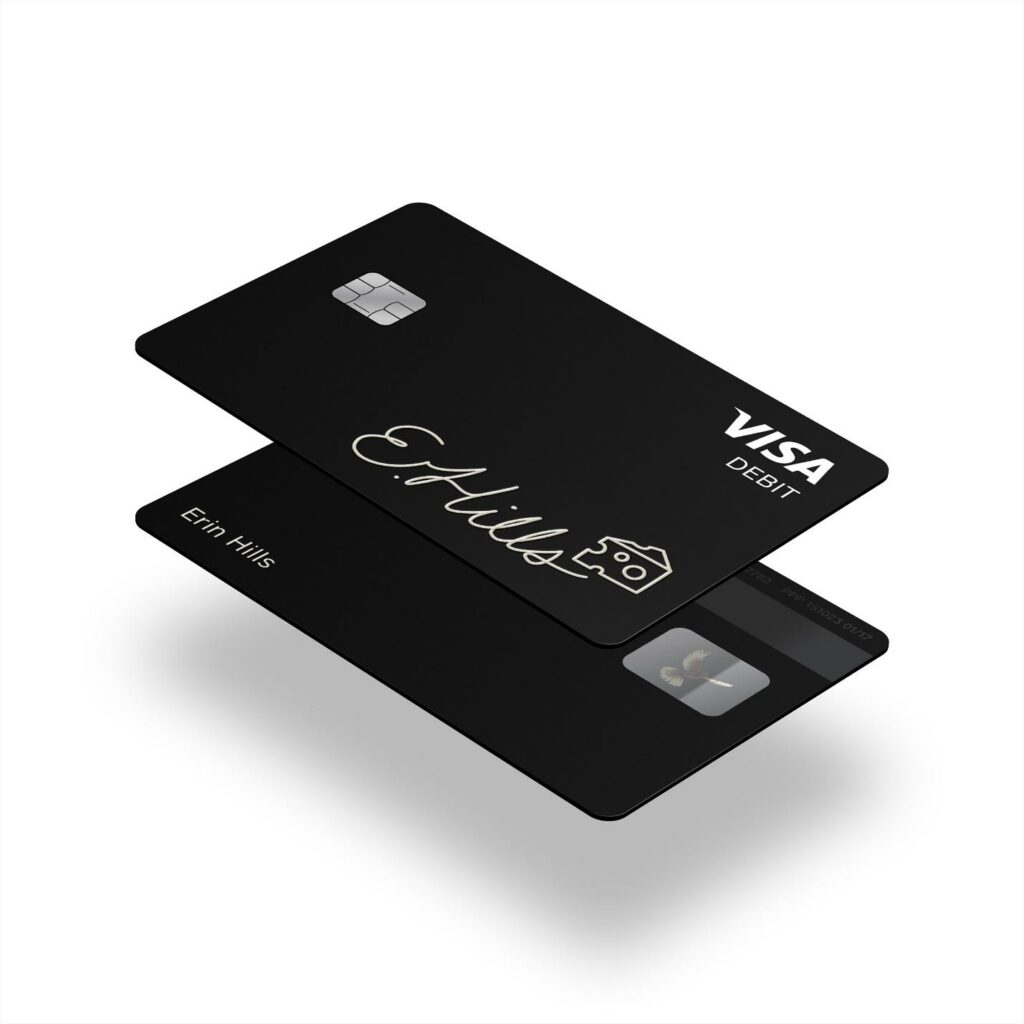
- In-Store Purchases: Swipe, insert, or tap your card at point-of-sale terminals. For chip readers, you’ll typically enter your PIN.
- Online Purchases: Use the card number, expiration date, and CVV for online transactions, just as you would with any other debit or credit card.
- ATM Withdrawals: You can withdraw cash from ATMs that accept Visa. Be aware that Cash App may charge a fee for ATM withdrawals if you don’t have at least $300 in direct deposits per month. This highlights the importance of understanding fee structures for cost-effective financial management.
Leveraging Cash App Boosts for Savings
One of the most compelling financial advantages of the Cash App Card is the “Boosts” feature. Boosts are instant discounts or rewards that can be applied to specific purchases when you use your Cash App Card.
- How Boosts Work: You select a desired Boost within the Cash App before making a purchase. For example, you might activate a Boost for 10% off at a specific coffee shop or a certain percentage off an online retailer. When you use your Cash App Card at that merchant, the discount is applied instantly.
- Strategic Savings: By strategically activating Boosts relevant to your regular spending habits, you can realize genuine savings over time. This turns your debit card into a proactive tool for reducing expenditure on everyday items, effectively enhancing your personal financial efficiency.
Strategic Financial Management with Your Cash App Card
Beyond basic spending, the Cash App Card, combined with the broader Cash App ecosystem, offers tools that support more strategic financial management.
Direct Deposit Integration
As mentioned, the ability to set up direct deposit into your Cash App account is a significant feature. This allows you to route your paychecks, government benefits, or other recurring income directly to your Cash App balance.
- Streamlined Income Management: For individuals who prefer managing their primary funds digitally or who may not have a traditional bank account, direct deposit into Cash App provides a streamlined method for receiving and accessing income.
- Faster Access to Funds: Some users report receiving direct deposits up to two days earlier than with traditional banks, offering quicker access to their earnings. This can be critical for managing cash flow and timely bill payments.
Budgeting and Expense Tracking
While Cash App doesn’t offer sophisticated budgeting software, its integrated nature provides a basic framework for tracking expenses:
- Transaction History: Every purchase made with your Cash App Card is recorded in your in-app transaction history. Regularly reviewing this history allows you to monitor your spending patterns and identify areas for potential savings.
- Visualizing Spending: The simple, clear layout of transactions can help users gain a quick overview of where their money is going, facilitating more conscious spending decisions. For those new to budgeting, this straightforward approach can be less intimidating than complex financial software.
Security Measures for Your Funds
Protecting your financial assets is paramount. Cash App implements several security features for your card and account:
- In-App Card Control: You can instantly pause your Cash App Card directly from the app if it’s lost or stolen, preventing unauthorized transactions. This immediate control is a critical feature for mitigating financial risk.
- PIN and Fingerprint Lock: Access to the Cash App itself can be secured with a PIN or biometric authentication (fingerprint/Face ID), adding an extra layer of protection to your funds and personal information.
- Fraud Protection: Cash App employs fraud detection systems to monitor unusual activity and help protect your account from unauthorized use.
- FDIC Insurance: Funds held in your Cash App account are often eligible for FDIC pass-through insurance when held at Sutton Bank, up to the maximum legal limit. This offers reassurance that your deposits are protected, similar to a traditional bank account.
Considerations and Best Practices for Optimal Use
To maximize the benefits of your Cash App Card and ensure a smooth financial experience, it’s essential to be aware of potential limitations and adopt best practices.
Understanding Limits and Fees
Like most financial products, the Cash App Card comes with certain limits and potential fees:
- Spending Limits: There are daily, weekly, and monthly spending limits for card transactions. These limits are typically high enough for most daily use but are important to be aware of for larger purchases.
- ATM Withdrawal Limits: Cash withdrawals from ATMs also have daily and weekly limits.
- ATM Fees: While Cash App doesn’t always charge an ATM fee, some ATM operators do. As noted, if you receive less than $300 in direct deposits per month, Cash App will charge a $2 fee for ATM withdrawals. Always check the ATM screen for potential third-party fees before confirming a withdrawal.
Customer Support for Financial Queries
Should you encounter any issues or have questions regarding your Cash App Card or account, prompt access to customer support is vital.
- In-App Support: The quickest way to get assistance is often through the in-app support feature.
- Contact Options: Cash App provides various contact methods, including email and social media, for more complex issues. Understanding how to reach support effectively ensures that any financial discrepancies or concerns can be addressed swiftly.

Maintaining Financial Security
Proactive measures are key to protecting your funds:
- Regular Monitoring: Periodically review your transaction history for any unauthorized activity.
- Secure Your Phone: Keep your mobile device secure with strong passwords or biometrics, as your Cash App account is tied to your phone.
- Beware of Scams: Be vigilant against phishing attempts and scams that try to trick you into revealing your account details. Cash App will never ask for your PIN or full sign-in code outside of the app.
- Keep Your App Updated: Ensure your Cash App is always updated to the latest version to benefit from the newest security enhancements.
The Cash App Card serves as a powerful and convenient financial tool, offering flexibility, control, and unique features for managing personal funds in the digital age. By understanding the process of acquisition, activation, and strategic utilization, users can effectively integrate it into their financial ecosystem, enhancing their spending efficiency and overall money management capabilities.
aViewFromTheCave is a participant in the Amazon Services LLC Associates Program, an affiliate advertising program designed to provide a means for sites to earn advertising fees by advertising and linking to Amazon.com. Amazon, the Amazon logo, AmazonSupply, and the AmazonSupply logo are trademarks of Amazon.com, Inc. or its affiliates. As an Amazon Associate we earn affiliate commissions from qualifying purchases.