
In the digital economy, efficient payment collection is paramount for managing personal finances, optimizing online income streams, and streamlining business operations. The ability to quickly and easily receive money can significantly impact a freelancer’s cash flow, a small business’s revenue cycle, or an individual’s ability to manage shared expenses. PayPal, as a ubiquitous financial tool, offers several mechanisms for requesting and receiving funds, with the “PayPal link” – specifically the PayPal.Me link – standing out as a uniquely versatile and user-friendly option. Understanding how to locate and leverage this financial asset is crucial for anyone engaging in online transactions.
Understanding Your PayPal.Me Link for Financial Transactions
The PayPal.Me link represents a powerful simplification in the often-complex world of online money transfers. It transforms the process of sending money into a single, shareable URL, making it an indispensable tool for financial convenience and efficiency.
What is a PayPal.Me Link?
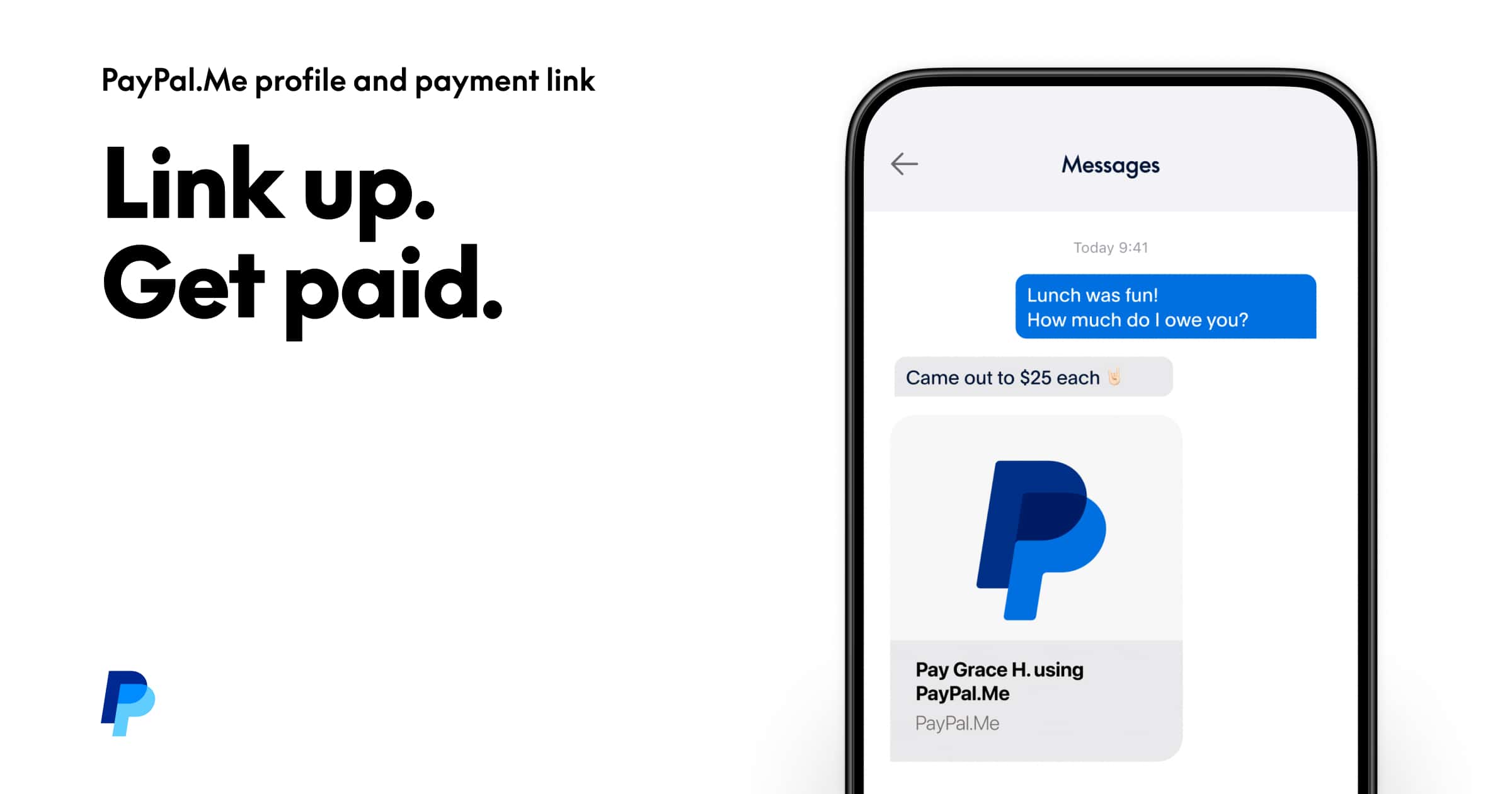
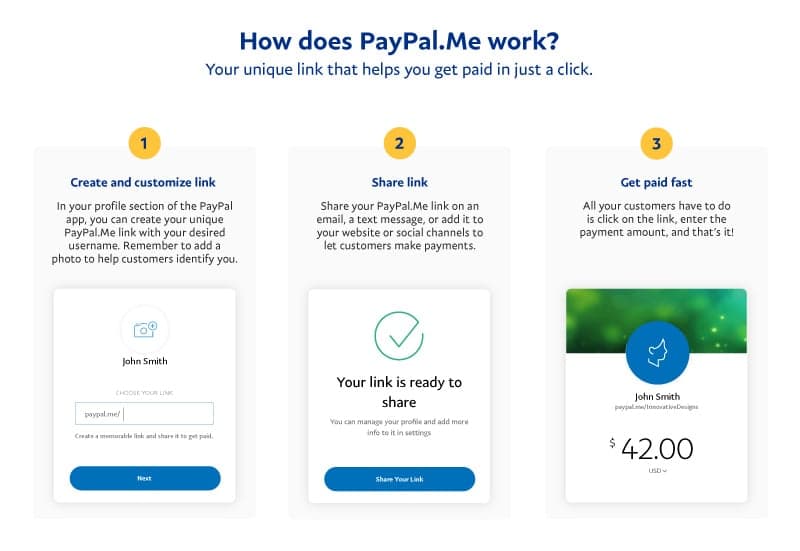
A PayPal.Me link is a personalized, unique URL that allows anyone to send you money directly to your PayPal account with just a few clicks. Instead of exchanging bank account numbers, email addresses, or phone numbers, you simply share your custom link. When someone clicks on it, they are taken to a secure PayPal page where they can enter the amount they wish to send and complete the payment. This eliminates several steps typically involved in requesting or receiving funds, reducing friction and potential for error in financial transactions. It acts as your public-facing payment portal, simplifying collections for everything from freelance work to splitting dinner bills.
Why Your PayPal.Me Link is a Financial Asset
For individuals and businesses alike, the PayPal.Me link is more than just a convenience; it’s a strategic financial asset. Its primary value lies in its ability to accelerate and simplify payment collection, directly impacting cash flow and operational efficiency. For those generating online income, whether through freelancing, e-commerce, or a side hustle, a readily accessible payment link means fewer abandoned transactions and quicker access to earned funds. It projects a professional image by offering a straightforward payment method, which can build trust with clients and customers. Furthermore, by making it easier for others to pay you, it effectively removes a common barrier to transaction completion, directly contributing to your financial health and revenue generation efforts. It centralizes your payment requests, allowing you to track incoming funds more systematically.
Locating Your Personal PayPal.Me Link
Accessing your PayPal.Me link is a straightforward process, whether you prefer using a desktop browser or the mobile application. Ensuring your link is set up and easily accessible is the first step toward leveraging this financial tool effectively.
Via the PayPal Website
To find your PayPal.Me link using a web browser:
- Log In: Navigate to the official PayPal website (paypal.com) and log into your account using your credentials.
- Access Money Section: Once logged in, look for the “Send & Request” tab or a similar navigation option that pertains to sending and receiving money. In some interfaces, this might be under a broader “Summary” or “Wallet” section, with a link specifically for PayPal.Me.
- Find PayPal.Me: Search for an option clearly labeled “PayPal.Me” or “Get your PayPal.Me link.” This is often prominently displayed as a tool for requesting money.
- Create or View Link: If you haven’t created one before, you’ll be prompted to set up your personalized link. You’ll typically choose a unique username that will form your PayPal.Me URL (e.g.,
paypal.me/YourNameOrBusiness). If you have already created one, your existing link will be displayed, allowing you to copy it directly. - Manage Settings: From this page, you can also manage settings related to your link, such as adding a profile picture or a brief description, further professionalizing your payment portal.
Using the PayPal Mobile App
For those who manage their finances on the go, the PayPal mobile app offers an equally simple way to find your link:
- Open the App: Launch the PayPal app on your smartphone or tablet and log in.
- Navigate to “Request”: Look for the “Request” or “Send & Request” icon, usually located at the bottom of the screen or within the main menu.
- Select PayPal.Me: Within the request options, you should see “PayPal.Me” or “Share your PayPal.Me link.” Tap on this option.
- View or Create Link: Your existing PayPal.Me link will be displayed, ready for copying and sharing. If you haven’t set one up, the app will guide you through the quick creation process, allowing you to customize your unique URL.
- Quick Share Options: The mobile app often provides direct sharing options to send your link via text message, email, or social media, making immediate payment requests incredibly convenient for side hustles or on-the-spot transactions.
Customizing Your Link for Professionalism
Beyond simply locating your link, customizing it is a strategic financial decision, especially for businesses and freelancers. A custom link like paypal.me/YourBusinessName or paypal.me/YourFreelanceService offers several advantages:
- Brand Reinforcement: It ties your payment method directly to your professional identity, enhancing brand recognition and trust.
- Memorability: A customized, easy-to-remember link is simpler for clients and customers to recall and use, reducing payment friction.
- Professionalism: It signals a degree of legitimacy and organization, which can be particularly beneficial when dealing with new clients or partners.
Ensure your chosen custom name is professional, relevant to your work, and easy to type. This small step significantly elevates the perception and usability of your payment collection system.
Strategic Uses of Your PayPal Link for Income and Business
The versatility of the PayPal.Me link makes it an invaluable asset across a wide spectrum of financial activities, from professional income generation to personal financial management. Its simplicity directly translates into improved financial efficiency.
Facilitating Freelance Payments and Services
For freelancers, consultants, and independent contractors, the PayPal.Me link is a cornerstone of efficient payment collection. Instead of drafting formal invoices for every small project or initial deposit, freelancers can embed their PayPal.Me link directly into their proposals, email signatures, social media profiles, or personal websites. This streamlines the payment process for clients, especially those making small, quick payments or down payments. It also allows for rapid payment for services rendered, significantly improving cash flow—a critical factor for self-employed individuals. By providing a clear, immediate payment option, freelancers can minimize delays and focus more on their craft and less on payment chasing.
Boosting Online Sales and E-commerce
Even for small-scale e-commerce ventures or individuals selling goods through social media platforms (like Facebook Marketplace or Instagram), the PayPal.Me link simplifies transactions. Instead of requiring buyers to navigate complex shopping carts or provide sensitive financial details, sellers can simply share their PayPal.Me link. This is particularly useful for direct messages or comments where a quick payment link can convert interest into a sale without losing momentum. For businesses operating without a full e-commerce website, it serves as a straightforward payment gateway, allowing them to collect funds securely and efficiently, thereby boosting sales conversions and reducing cart abandonment risks.
Managing Side Hustle Payments
The rise of the gig economy means more individuals are pursuing side hustles, from dog walking and tutoring to crafting and online content creation. For these informal income streams, a PayPal.Me link is ideal. It provides a professional yet easy way to collect payments without the overhead of formal invoicing. A tutor can share their link with students, a pet sitter with clients, or a crafter with buyers directly. This immediate payment option makes managing multiple small income sources far more manageable and ensures prompt compensation for time and effort invested in these supplementary financial activities.
Simplifying Personal Reimbursements and Gifting
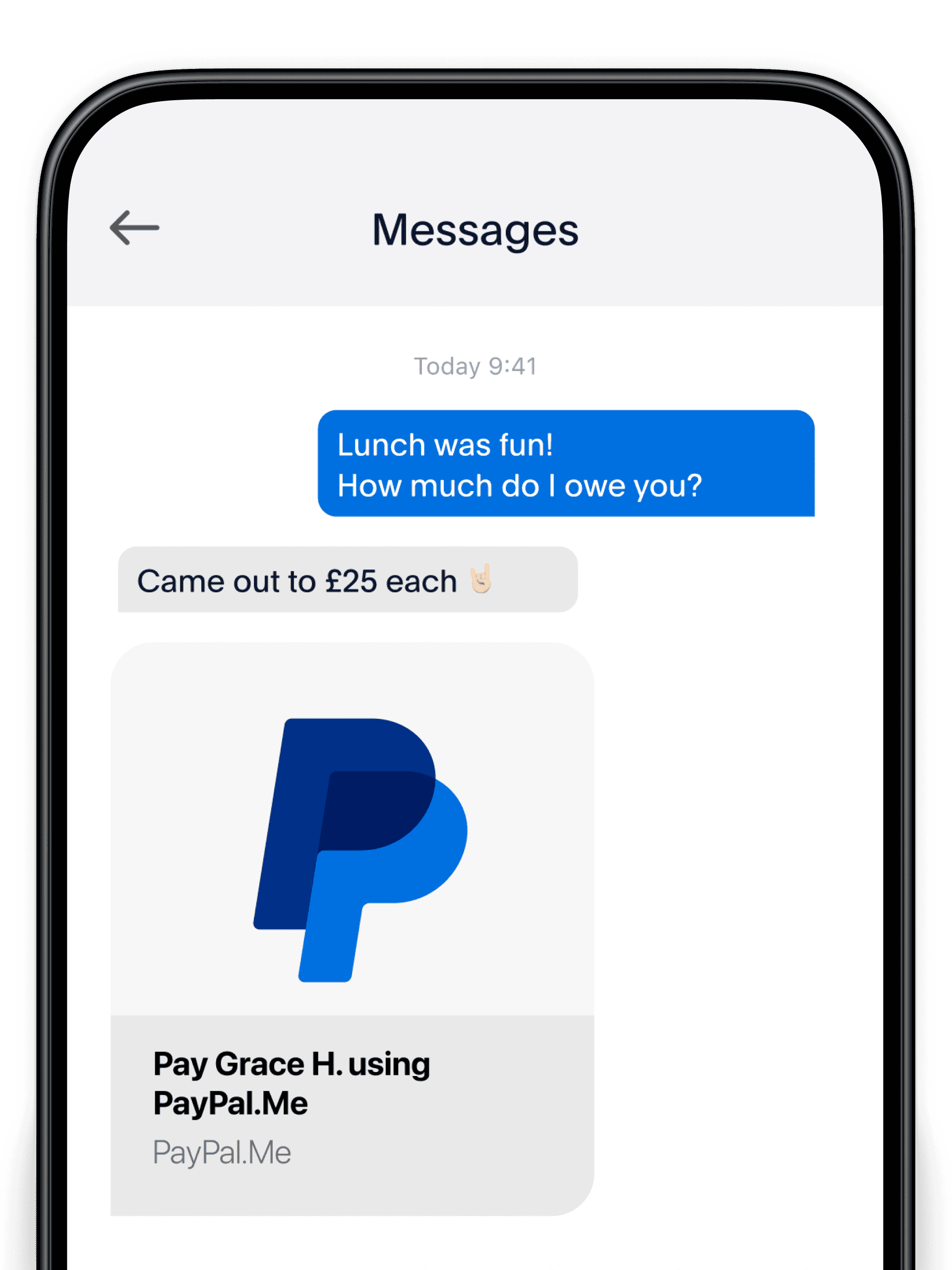
While the focus is often on business and income, the PayPal.Me link also excels in personal financial management. Splitting bills with friends, collecting money for group gifts, or receiving reimbursements for shared expenses (like travel or household supplies) becomes effortless. Instead of needing cash or separate banking apps, a single link streamlines the process, ensuring all parties can easily contribute or pay back without hassle. This demonstrates the link’s utility across the full spectrum of financial interactions, both professional and personal.
Best Practices for Sharing and Security
While the PayPal.Me link offers immense convenience for financial transactions, it’s crucial to adhere to best practices for sharing and security to protect your funds and maintain a professional financial image.
Clear Communication with Senders
When sharing your PayPal.Me link, always communicate clearly with the sender regarding the specific amount you are requesting and the purpose of the payment. For business transactions, this means specifying the invoice number, service rendered, or product purchased. This clarity prevents misunderstandings, ensures accurate financial record-keeping for both parties, and helps the sender correctly categorize the payment (e.g., “goods and services” versus “friends and family”), which has implications for fees and buyer protection. Clear communication is key to maintaining trust and efficiency in financial dealings.
Awareness of Fees and Transaction Limits
It’s vital to understand the fee structure associated with PayPal transactions. Payments sent as “friends and family” typically incur no fees for the sender or recipient within the same country if funded by a bank account or PayPal balance. However, payments for “goods and services” or international transactions often involve fees, usually paid by the recipient, which are deducted from the received amount. Always factor these potential fees into your pricing or payment expectations. Additionally, be aware of any transaction limits imposed by PayPal on your account, especially for new or unverified accounts, as these can impact your ability to receive large sums. Understanding these financial nuances prevents unexpected deductions or payment failures.
Protecting Your Account Information
Your PayPal.Me link is designed to be shared, but your PayPal login credentials (username and password) are strictly private. Never share your password with anyone, regardless of how official or urgent a request may seem. Be wary of phishing attempts or suspicious links that mimic PayPal’s login page. Always ensure you are on the official PayPal website or app before entering your details. While your PayPal.Me link is a safe way to receive money, safeguarding your overall account security is paramount to protecting your financial assets and personal data.
Beyond PayPal.Me: Other Ways to Request Money
While the PayPal.Me link is exceptionally convenient, PayPal offers a robust suite of other features for requesting money, catering to different financial needs and transaction complexities. Understanding these alternatives ensures you can choose the most appropriate tool for any given financial scenario.
Direct Invoicing for Businesses
For businesses requiring more formal financial documentation and detailed transaction records, PayPal’s invoicing system is an invaluable tool. You can create professional invoices directly within your PayPal account, customizing them with your business logo, itemized lists of services or products, quantities, prices, taxes, and terms. These invoices can then be sent via email to clients, who can pay directly through a secure link embedded in the invoice. This method is ideal for recurring clients, larger projects, or situations where detailed financial tracking is essential for accounting and tax purposes, providing a more structured approach than a simple PayPal.Me link.
Requesting Money via Email or Phone Number
For less formal requests or when you don’t have a PayPal.Me link set up, PayPal allows you to send a direct money request to someone’s email address or phone number. This feature is accessible from the “Send & Request” section of your PayPal account. You simply enter the recipient’s email or phone number, specify the amount, and add a note about the purpose of the request. PayPal then sends a notification to the recipient, prompting them to log in and fulfill the request. This is particularly useful for one-off payments, splitting costs with friends, or when the recipient may not be familiar with PayPal.Me links, offering a direct yet informal financial request mechanism.
Integrating PayPal Buttons for Websites
For established e-commerce sites, non-profit organizations collecting donations, or businesses with dedicated product pages, integrating PayPal payment buttons provides a seamless user experience. PayPal offers various button types, including “Buy Now,” “Add to Cart,” “Donate,” and “Subscribe.” These buttons can be easily generated from your PayPal business account and embedded directly into your website’s HTML code. When customers click these buttons, they are securely directed to PayPal to complete their purchase or donation. This method offers a professional, integrated payment solution that can handle higher volumes of transactions and provide a smooth checkout process, directly impacting your online revenue and financial contributions.
aViewFromTheCave is a participant in the Amazon Services LLC Associates Program, an affiliate advertising program designed to provide a means for sites to earn advertising fees by advertising and linking to Amazon.com. Amazon, the Amazon logo, AmazonSupply, and the AmazonSupply logo are trademarks of Amazon.com, Inc. or its affiliates. As an Amazon Associate we earn affiliate commissions from qualifying purchases.