
Filing taxes has evolved dramatically from manual calculations and paper forms to sophisticated software solutions that simplify the entire process. Among these, TurboTax stands out as a pioneering digital tool, empowering millions to navigate the complexities of tax season with remarkable ease. This guide delves into the technical intricacies and user-friendly functionalities of TurboTax, offering a comprehensive tutorial on how to leverage this powerful software for accurate and efficient tax filing. From initial setup to the final e-submission, we’ll explore the digital pathways TurboTax offers, ensuring users can confidently utilize its features within the vibrant landscape of modern technology.

Getting Started with TurboTax: Initial Setup and Platform Navigation
Embarking on your tax filing journey with TurboTax begins with understanding its various digital offerings and establishing a secure access point. The initial setup is crucial for tailoring the software experience to your specific needs and safeguarding your sensitive financial information.
Choosing the Right TurboTax Product
TurboTax provides a diverse ecosystem of products, each designed to cater to different levels of tax complexity and user preferences. The primary distinction lies between its online platform and desktop software, further segmented into editions like Free, Deluxe, Premier, and Self-Employed.
The online platform offers unparalleled accessibility, allowing users to prepare and file their taxes from any device with an internet connection. It’s ideal for those who prefer cloud-based convenience and automatic updates. Different online editions progressively unlock more features: “Free” often covers basic 1040 forms; “Deluxe” caters to homeowners and those with itemized deductions; “Premier” is for investors and rental property owners; and “Self-Employed” is tailored for freelancers and small business owners. Understanding the nuances of each online edition ensures you select the software version that aligns with your income sources and deduction opportunities, thereby preventing unnecessary upgrades or missed features.
The desktop software (available for Windows and Mac) provides a robust, locally installed application. This option appeals to users who prefer to work offline, manage multiple returns (e.g., for family members), or simply favor the tangible ownership of a software license. While it requires installation, the desktop version often offers greater flexibility in terms of data storage and specific reporting functionalities. Both platforms are engineered with intuitive interfaces, but discerning which delivery method best suits your technical comfort and filing requirements is the foundational step.
Account Creation and Secure Login
Once you’ve selected your preferred TurboTax product, establishing a secure user account is paramount. For online versions, this involves creating a unique username and a strong, complex password. Given the sensitive nature of tax data, TurboTax rigorously enforces digital security protocols. Activating two-factor authentication (2FA) is highly recommended. This technological safeguard adds an extra layer of protection, typically by requiring a code sent to your mobile device in addition to your password, significantly mitigating the risk of unauthorized access even if your password is compromised. For desktop users, while direct account creation might be less prominent initially, linking your software to a TurboTax online account is often necessary for e-filing and accessing certain features, requiring similar security considerations. Always ensure you are accessing TurboTax through official channels to avoid phishing scams.
Importing Data Electronically
One of TurboTax’s most lauded technological advantages is its ability to seamlessly import financial data. This feature dramatically reduces manual data entry, minimizes errors, and streamlines the preparation process.
The most common import is for W-2 forms. By simply entering your employer’s Employer Identification Number (EIN) or accessing your payroll provider, TurboTax can often fetch your W-2 data directly. Similarly, many financial institutions – banks, brokerages, and mortgage lenders – are integrated with TurboTax, allowing you to import 1099s, 1098s, and other investment statements with a few clicks. This digital handshake between your financial providers and the tax software is a testament to modern API integrations. If you’ve used TurboTax in previous years, the software can also intelligently import most of your prior year’s data, including personal information, carryover losses, and recurring deductions, saving considerable time and ensuring consistency. While this automation is powerful, always review imported data for accuracy against your physical or digital documents.
Navigating the Digital Filing Process: A Step-by-Step Tutorial
With your account set up and initial data imported, the core of the TurboTax experience begins: the guided digital interview process that takes you through every section of your tax return.
Inputting Personal and Financial Information
TurboTax initiates the filing process by prompting you for fundamental personal information, such as your name, Social Security Number, date of birth, and filing status. This structured data entry ensures all required fields are populated correctly. The software then progresses to income sources, guiding you to input details from various tax forms. This could range from entering additional W-2 information that wasn’t imported, to manually inputting details from 1099-NEC for freelance income, or 1099-INT for interest earned. The interface is designed to be highly intuitive, with clear prompts and explanations for each field, making complex tax jargon accessible to the average user. Its modular design means you only see sections relevant to your situation, reducing information overload.
Understanding the Interview Process
The true genius of TurboTax lies in its dynamic “interview” process. Rather than presenting you with intimidating tax forms, the software engages you in a series of plain-language questions. This AI-driven questionnaire adapts in real-time based on your answers. For example, if you indicate you own a home, it will subsequently ask about mortgage interest and property taxes. If you report self-employment income, it will then delve into business expenses and deductions.
This adaptive questioning ensures that no potential deduction or credit is overlooked, guiding you through every relevant section of the tax code without requiring you to be a tax expert. The software effectively translates complex IRS rules into actionable questions, making the filing process feel like a conversation rather than a chore. Each step is accompanied by explanatory text and links to IRS guidelines, allowing users to understand the “why” behind each question.
Reviewing Your Return Electronically
Before final submission, TurboTax provides robust tools for electronically reviewing your return. This critical phase allows you to meticulously examine all entered data and calculated figures. The software performs automated error checks, flagging common mistakes or omissions that could lead to delays or rejections from the IRS. It looks for inconsistencies, missing information, and potential data entry errors.
Beyond basic error checking, some TurboTax editions offer an “Audit Risk Assessment” feature, providing an estimate of your audit risk based on your inputs and comparing them to national averages. While not a guarantee, this technological insight can help users identify areas that might warrant closer scrutiny or additional documentation. The review section typically presents a summary of your return, allowing you to easily navigate back to specific sections for corrections or clarifications. This digital self-audit ensures that your submission is as accurate and complete as possible before it leaves your computer.
Leveraging TurboTax’s Advanced Features for Optimization
Beyond basic filing, TurboTax offers an array of advanced technological features designed to optimize your tax position, identify savings, and handle more complex financial scenarios.
Exploring Deductions and Credits Through Software Prompts
One of the primary benefits of using a sophisticated tax software like TurboTax is its ability to uncover potential deductions and credits you might otherwise miss. As you input your financial data, the software intelligently cross-references your information with thousands of tax laws. Its algorithms are designed to identify opportunities for tax savings based on your unique circumstances. For instance, if you mention charitable contributions, it will guide you through the process of itemizing deductions. If you have children, it will prompt you about child tax credits or dependent care credits. This proactive guidance transforms the daunting task of finding deductions into a structured, question-and-answer process, ensuring you claim every penny you’re entitled to. The software acts as an intelligent assistant, making smart suggestions based on your profile.
Handling Complex Scenarios
For users with more intricate financial lives, TurboTax’s modular design proves invaluable. It doesn’t shy away from complex scenarios but instead provides dedicated sections and guided interviews for them. Investment income, for example, is handled through specific modules that allow you to import or manually enter transactions from brokerage statements, calculating capital gains and losses accurately. Self-employment income, including business expenses, depreciation, and home office deductions, is managed through tailored sections that mimic Schedule C. Similarly, rental properties, foreign income, or even stock options have dedicated digital pathways within the software, simplifying what would otherwise be a labyrinthine process of IRS forms and calculations. The software breaks down these complex areas into manageable, step-by-step questions, ensuring accuracy without requiring deep tax knowledge.
Utilizing Live Support and Expert Review
While TurboTax is designed for self-service, it acknowledges that users might encounter questions or require expert assurance. Many editions offer integrated live support options, allowing users to connect with tax experts (CPAs or EAs) via chat or phone directly within the application. This blend of self-service software and human expertise provides a powerful safety net. For an additional fee, TurboTax also offers an “Expert Review” service where a tax professional reviews your entire return before you file, providing peace of mind and catching any overlooked details. This technological integration of professional human oversight within a digital platform exemplifies the evolving nature of personal finance software, offering a hybrid approach to tax preparation.
The Final Steps: E-Filing and Digital Record Keeping
Completing your return with TurboTax culminates in the secure electronic submission to the tax authorities and the crucial task of digital record keeping.
The E-Filing Process: Secure Transmission to the IRS
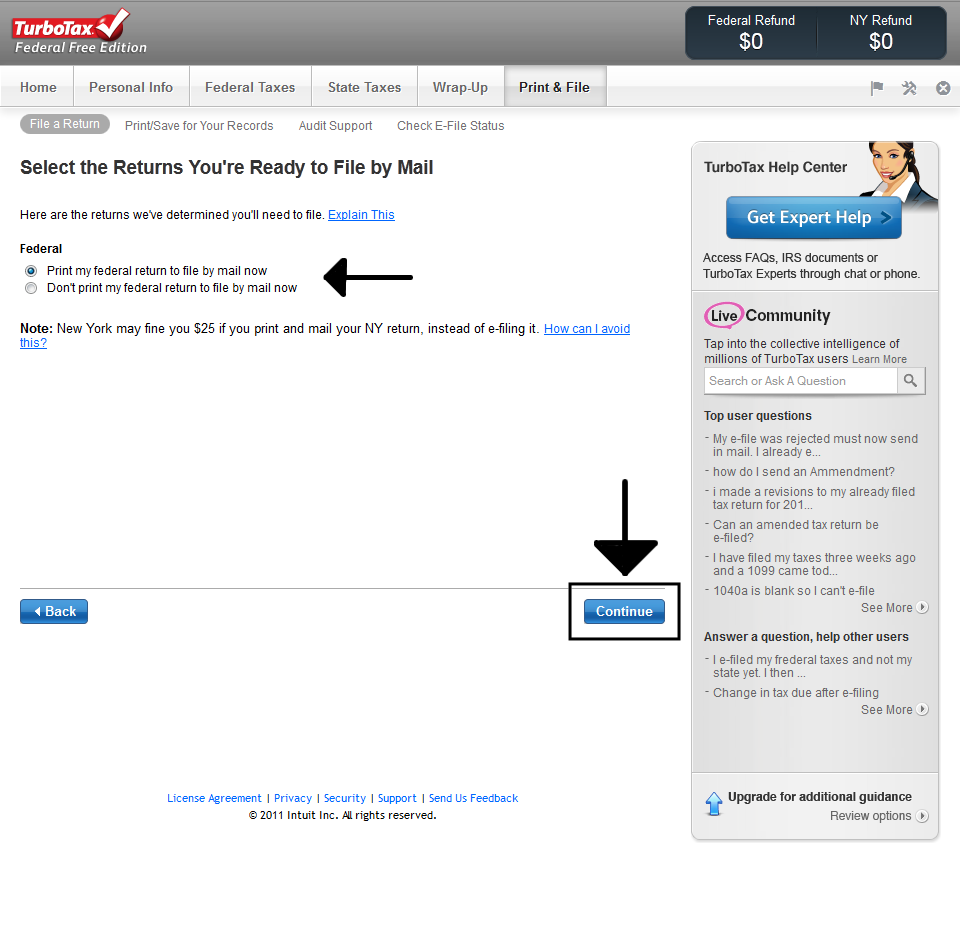
Once your return is thoroughly reviewed and finalized, TurboTax facilitates the e-filing process. This involves the secure electronic transmission of your tax return directly to the IRS (and relevant state tax authorities). The software uses robust encryption protocols and secure servers to ensure that your sensitive personal and financial data is protected during transit. Before transmitting, TurboTax will guide you through signing your return electronically, often using a prior year’s Adjusted Gross Income (AGI) or a personal PIN as your digital signature, adhering to IRS requirements. Upon successful transmission, you will receive digital confirmation receipts from both TurboTax and the IRS, typically within 24-48 hours. These confirmations are critical proofs of filing and should be saved. E-filing is not only faster but also significantly reduces the chance of errors common with paper returns.
State Tax Filing Integration
A major convenience of using TurboTax is its seamless integration of federal and state tax filing. After completing your federal return, the software can often automatically transfer relevant data to prepare your state tax return. This eliminates redundant data entry and ensures consistency between your federal and state filings. TurboTax guides you through any state-specific questions or forms, adapting its interview process to meet the requirements of your particular state. Just like the federal return, state returns can usually be e-filed directly through the software, providing instant confirmation of submission. This integrated approach highlights the software’s ability to manage multiple, interconnected digital processes efficiently.
Archiving Your Tax Documents Digitally
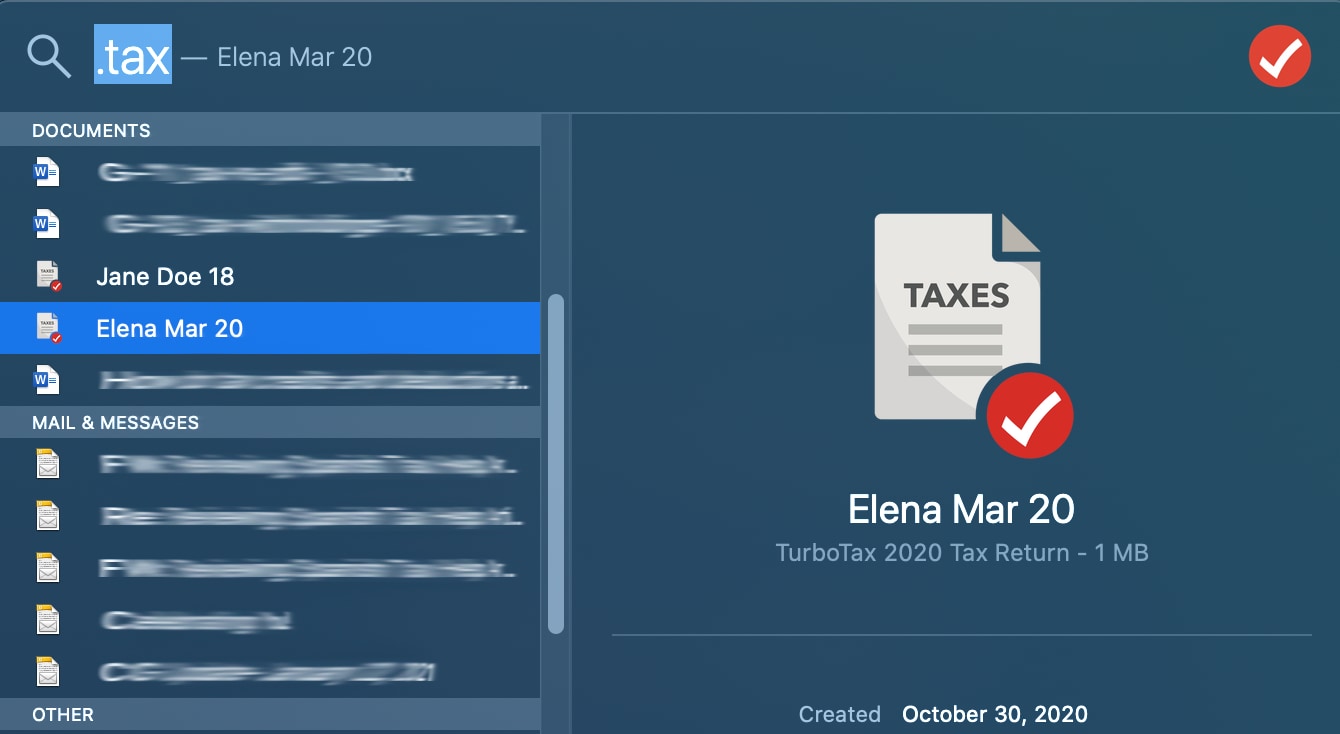
After successfully filing your taxes, the final, crucial step is meticulous digital record keeping. TurboTax allows you to save your complete tax return as a PDF file, which can then be securely stored on your computer, an external hard drive, or a cloud storage service (e.g., Google Drive, Dropbox, iCloud). It is highly recommended to save not only the final return but also all supporting documents – W-2s, 1099s, receipts for deductions, etc. – in a well-organized digital folder. This practice of creating a comprehensive digital archive is vital for future reference, potential audits, or simply for next year’s filing. Many experts recommend retaining tax records for at least three years, and for certain items, even longer. Leveraging digital storage solutions ensures easy access, reduces physical clutter, and provides an efficient backup in case of unforeseen data loss on your primary device.
In conclusion, TurboTax represents a pinnacle of digital innovation in personal finance. Its intuitive interface, smart interview process, seamless data integration, and robust security features transform the often-dreaded task of tax preparation into an accessible and manageable digital workflow. By embracing its technological capabilities, users can confidently navigate their tax obligations, ensuring accuracy, maximizing returns, and maintaining meticulous digital records for a streamlined financial future.
aViewFromTheCave is a participant in the Amazon Services LLC Associates Program, an affiliate advertising program designed to provide a means for sites to earn advertising fees by advertising and linking to Amazon.com. Amazon, the Amazon logo, AmazonSupply, and the AmazonSupply logo are trademarks of Amazon.com, Inc. or its affiliates. As an Amazon Associate we earn affiliate commissions from qualifying purchases.