
For many homeowners and DIY enthusiasts, the Home Depot credit card can be a convenient tool, offering special financing options and discounts on large purchases. However, there comes a time when maintaining a specific store credit card may no longer align with one’s financial goals or needs. Whether you’ve paid off a major project, are consolidating your credit, or simply aiming to simplify your financial life, understanding the proper procedure to cancel your Home Depot credit card is a crucial aspect of responsible personal finance. This guide will walk you through the process, ensuring a smooth and financially sound cancellation.
Understanding Your Home Depot Credit Card Options
Before delving into the cancellation process, it’s helpful to clarify which Home Depot credit product you hold, as the specific issuer and terms can slightly influence the process. Home Depot primarily offers two types of revolving credit accounts designed for different customer segments, both issued by Citi (Citibank or Citi Retail Services/Citi Commercial Cards).
The Consumer Credit Card (Issued by Citi Retail Services)
This is the most common Home Depot credit card, aimed at individual consumers. It’s often promoted for home improvement projects, offering benefits like deferred interest financing for specific periods on qualifying purchases. These cards are typically issued through Citi Retail Services, a division of Citibank. When you apply for this card, you’re essentially applying for a credit account with Citibank that can be used exclusively at Home Depot stores and online. Its primary draw is usually the special financing offers, which can be advantageous for managing cash flow on large renovations, but also carry the risk of high-interest accumulation if not paid in full by the promotional period’s end.
The Commercial Revolving Charge Account (Issued by Citi Commercial Cards)
Designed for businesses, contractors, and professionals, the Home Depot Commercial Revolving Charge Account provides greater flexibility and specific features tailored to commercial needs. This might include purchase tracking, employee cards, and extended payment terms for business expenses related to materials and supplies. While the issuer is still Citi (via Citi Commercial Cards), the account structure and potential implications of closure, particularly for a business, might differ slightly from a consumer card. The cancellation principles, however, remain largely similar.
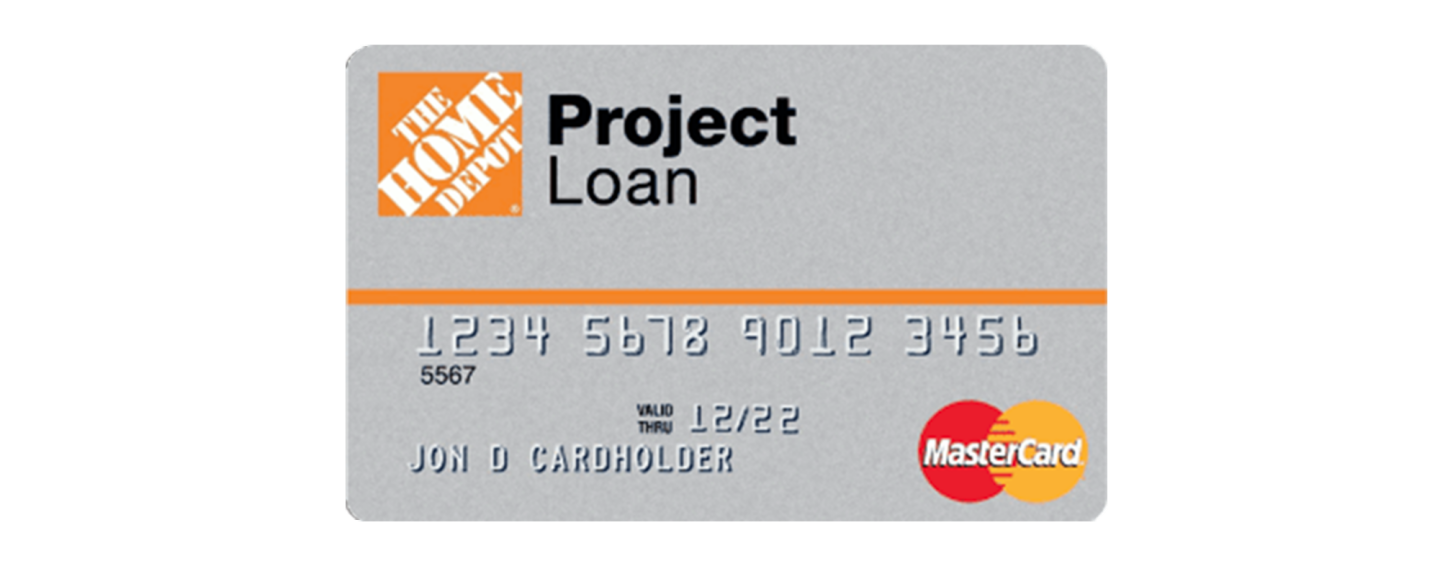
It’s important to differentiate these from the Home Depot Project Loan, which is a fixed-term loan product, not a revolving credit card, and has a separate set of terms and cancellation procedures. This article focuses strictly on the revolving credit card accounts.
Preparing for Cancellation: Essential Financial Steps
Cancelling a credit card, even a store-specific one, involves more than just cutting up the plastic. There are several crucial financial steps you should take beforehand to ensure a smooth transition and mitigate any potential negative impacts on your credit score or financial standing. Prudent preparation is key to responsible credit management.
Check Your Balance and Pay It Off
This is arguably the most critical step. You cannot effectively cancel a credit card with an outstanding balance. Before initiating the cancellation process, ensure your Home Depot credit card balance is completely paid off. If you have a balance, pay it down to zero. Failure to do so will simply mean the account remains active in some capacity until the debt is settled, or it could be transferred to a collections department, severely impacting your credit. Once paid, wait for the payment to clear and for the zero balance to reflect on your account statement or online portal.
Redeem Any Outstanding Benefits or Special Financing
While Home Depot credit cards don’t typically offer traditional “rewards points” programs, they are known for special financing promotions. If you’ve recently made a large purchase under a “no interest if paid in full” promotion, ensure you understand the terms. Cancelling the card before the promotional period ends and the balance is paid could prematurely trigger interest charges. Furthermore, if there are any remaining benefits or discounts you were planning to use, consider utilizing them before closing the account, as they will be forfeited upon cancellation.
Understand the Impact on Your Credit Score
Closing a credit card, especially one you’ve had for a long time, can have a nuanced effect on your credit score.
- Credit Utilization Ratio: If this is one of your only credit cards, or if it has a very high credit limit relative to your other cards, closing it could increase your overall credit utilization ratio (the amount of credit you’re using compared to your total available credit). A higher utilization ratio can negatively impact your score. However, if you have other credit cards with ample available credit and low balances, closing one card with a zero balance might have minimal effect.
- Average Age of Accounts: The length of your credit history contributes to your credit score. Closing an older account can shorten the average age of your active credit accounts, which might slightly ding your score. This impact is usually more significant for those with very short credit histories.
- Number of Accounts: Having too many open accounts, especially ones you don’t use, can sometimes be viewed negatively. Closing an unused card can streamline your credit profile and reduce the temptation to incur new debt.
In most cases, if you have a solid credit history and other active accounts, closing a store card with a zero balance will have a minor, temporary, or even negligible long-term effect on your score. It’s a trade-off between simplifying your finances and a potentially minor credit score fluctuation.
Gather Necessary Account Information
Before you contact customer service, have all your account details readily available. This typically includes:
- Your full Home Depot credit card account number (found on your card or statement).
- Your full name and address as they appear on the account.
- Your Social Security Number (SSN) or other identifying information for verification purposes.
- Any recent statements or transaction history, should they be needed for reference.
Having this information at hand will expedite the verification process and ensure a smooth interaction with the customer service representative.
The Cancellation Process: Step-by-Step Guide
Once you’ve completed your preparatory steps, you’re ready to initiate the cancellation. While various methods exist, direct communication with the card issuer is generally the most effective and recommended approach.

Option 1: Calling Customer Service (Recommended Method)
Calling customer service is the most direct and efficient way to cancel your Home Depot credit card. It allows for immediate verification, clarification of any outstanding issues, and direct confirmation of your request.
- Locate the Customer Service Number: The primary customer service number for your Home Depot credit card (issued by Citi Retail Services) is usually printed on the back of your physical card or on your monthly statement. You can also typically find it on the official Home Depot credit card website or Citi Retail Services website.
- State Your Intent Clearly: When you connect with a representative, clearly state that you wish to close your Home Depot credit card account. Be polite but firm in your request.
- Undergo Verification: The representative will ask you a series of security questions to verify your identity. This is standard procedure and designed to protect your account.
- Handle Retention Offers: Be prepared for the representative to ask why you’re closing the account and potentially offer incentives (such as special discounts or promotions) to keep your account open. While these offers might be tempting, stick to your decision if you’re committed to cancelling for sound financial reasons. Politely decline if the offers don’t align with your goals.
- Request Confirmation: Before ending the call, explicitly ask for confirmation that the account has been closed. Request a confirmation number or, even better, a written confirmation letter via mail or email. Make a note of the date, time, and the name of the representative you spoke with. This documentation is invaluable should any issues arise later.
Option 2: Writing a Letter (Less Common, but an Option)
While less immediate, sending a written request to close your account is an alternative, especially if you prefer a paper trail or have difficulty with phone calls.
- Draft a Formal Letter: Clearly state your intention to close the Home Depot credit card account. Include your full name, address, phone number, and the complete 16-digit account number. State that you have a zero balance (if applicable).
- Sign and Date: Sign the letter and include the current date.
- Send via Certified Mail: To ensure delivery and have proof of your request, send the letter via certified mail with a return receipt requested. This provides a legal record that your letter was sent and received.
- Keep Records: Retain a copy of the letter and the certified mail receipt for your records.
This method can take longer for the account to be officially closed and for you to receive confirmation.
What NOT to Do (e.g., just cutting the card)
Simply cutting up your physical credit card does not close the account. The account remains open, active, and subject to all terms and conditions, including annual fees (if any), interest accumulation on any balance, and potential for fraudulent use if the account number is compromised elsewhere. Always follow one of the official cancellation methods described above to ensure the account is properly terminated.
After Cancellation: What to Expect and Monitor
Successfully cancelling your Home Depot credit card is a significant step, but your financial vigilance shouldn’t end there. There are a few post-cancellation actions you should take to ensure everything is in order and to maintain good financial health.
Confirm Account Closure
Even after receiving verbal or written confirmation, it’s wise to follow up.
- Check Your Credit Report: Within 30 to 60 days, obtain a copy of your credit report from one of the major credit bureaus (Equifax, Experian, TransUnion). You are entitled to a free report from each bureau annually via AnnualCreditReport.com. Verify that the Home Depot credit card account is listed as “closed by grantor” or “closed at consumer’s request” with a zero balance.
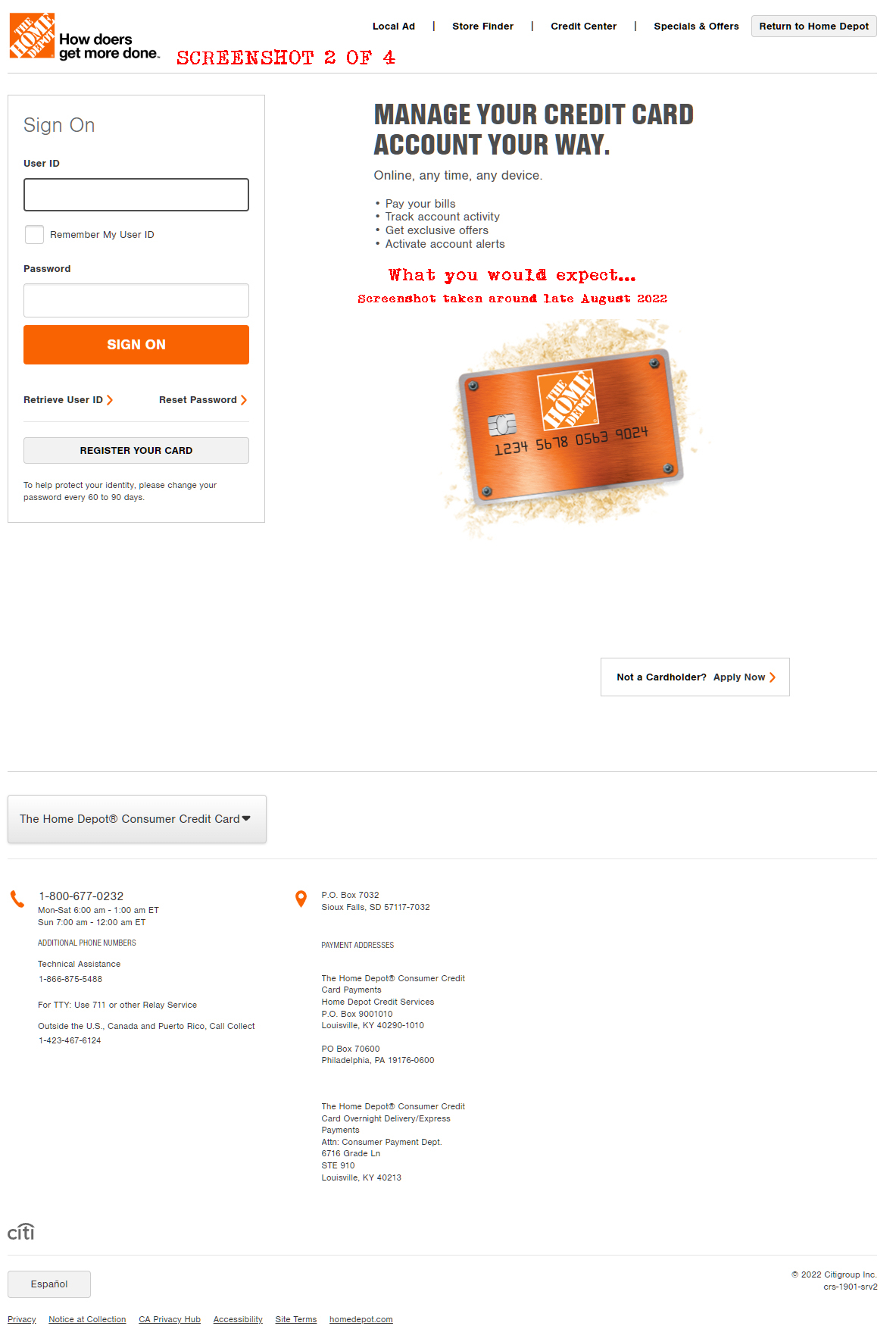
- Monitor Online Accounts: If you had online access to your Home Depot credit card account, try to log in a few weeks after cancellation. While you might not be able to access detailed information, you should see a message indicating the account is closed.
Monitor Your Credit Report for Accuracy
Beyond confirming the closure, regularly monitoring your credit report is a fundamental practice in personal finance. This ensures that no errors have been made and helps detect any potential fraudulent activity. If you notice any discrepancies related to the Home Depot card or any other accounts, promptly dispute them with the credit bureau and the creditor.
Managing Future Home Improvement Needs
With your Home Depot card closed, consider how you’ll finance future home improvement projects.
- Cash Savings: The most financially sound approach is to save up and pay for projects with cash, avoiding interest charges altogether.
- Alternative Credit Cards: If credit is necessary, consider using a general-purpose credit card with better rewards, lower interest rates, or more flexible financing options.
- Personal Loans: For very large projects, a personal loan or a home equity line of credit (HELOC) might offer better terms than a store-specific credit card.
The key is to use financial tools strategically, aligning them with your overall budget and long-term financial goals.
Reconsidering Future Credit Card Applications
If you canceled your Home Depot card as part of a broader effort to reduce credit reliance, maintain that discipline. Before applying for any new credit, carefully assess whether it’s truly necessary and if it aligns with your financial strategy. Remember that each new credit application can result in a hard inquiry on your credit report, which can temporarily lower your score.
Why Cancel a Store Credit Card? The Financial Perspective
The decision to cancel a credit card, especially one like the Home Depot card, often stems from a deeper understanding of personal finance principles. While convenient, store cards can sometimes pose unique challenges.
Reducing Credit Complexity
Having multiple credit cards, each with its own statement, due date, and terms, can make financial management cumbersome. Consolidating or reducing the number of open accounts simplifies your financial life, making it easier to track spending, pay bills on time, and monitor your overall credit health. This reduction in complexity often leads to reduced financial stress.
Avoiding Unnecessary Debt and Temptation
Store credit cards are designed to encourage spending at that specific retailer. While special financing can be appealing, it can also lead to impulse purchases or taking on larger projects than initially planned. Cancelling the card removes that temptation, helping you stick to a budget and avoid accumulating high-interest debt, particularly if a promotional financing period ends and deferred interest is applied. For many, less access to credit means less opportunity to overspend.
Impact on Credit Utilization Ratio (If Closed with Zero Balance)
As mentioned earlier, closing a card can impact your credit utilization. If you close a card with a zero balance and have other credit cards with ample available credit and low utilization, the impact might be minimal or even positive over time as it shows responsible management. It’s about optimizing your overall credit profile, not just focusing on one account. Reducing the number of credit lines you manage can simplify maintaining low utilization across your active accounts.
Focusing on Core Financial Goals
For individuals striving for financial independence, debt reduction, or aggressive savings goals, streamlining credit accounts is often a logical step. By eliminating a store-specific card, you reallocate your financial focus from managing individual credit lines to broader objectives like investing, building an emergency fund, or paying down higher-interest debt. It represents a proactive choice to prioritize long-term financial health over short-term purchasing incentives.
In conclusion, cancelling your Home Depot credit card is a straightforward process when approached with thoughtful preparation and a clear understanding of its financial implications. By settling your balance, understanding potential credit score impacts, following the proper cancellation steps, and monitoring your credit post-closure, you can ensure a smooth transition and take another step towards mastering your personal finances. This decision, like all financial choices, should align with your overarching financial strategy and contribute to your journey toward financial well-being.
aViewFromTheCave is a participant in the Amazon Services LLC Associates Program, an affiliate advertising program designed to provide a means for sites to earn advertising fees by advertising and linking to Amazon.com. Amazon, the Amazon logo, AmazonSupply, and the AmazonSupply logo are trademarks of Amazon.com, Inc. or its affiliates. As an Amazon Associate we earn affiliate commissions from qualifying purchases.