
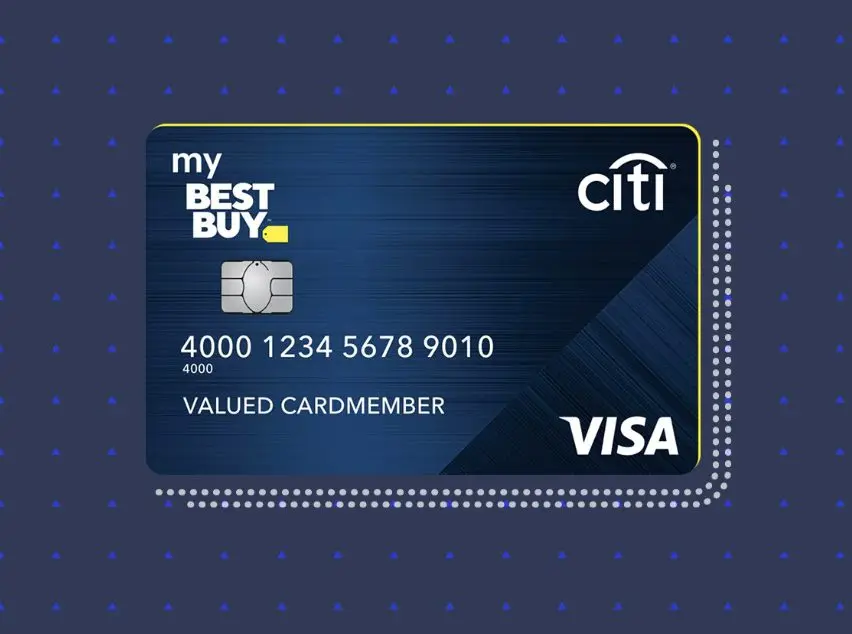
Canceling a credit card, even one tied to a specific retailer like Best Buy, is a significant financial decision that warrants careful consideration. While it might seem like a straightforward process, understanding the implications and executing the cancellation correctly can safeguard your credit score, prevent future financial headaches, and align with your broader personal finance goals. This guide delves into the nuances of canceling your Best Buy credit card, offering a professional, insightful, and engaging roadmap for a smooth transition.
Understanding the Financial Implications Before You Cancel
Before you pick up the phone to initiate a cancellation, it’s crucial to grasp the potential financial ramifications. A credit card is more than just a piece of plastic; it’s a financial tool that impacts your creditworthiness and spending habits.
Impact on Your Credit Score
One of the most immediate concerns when canceling a credit card is its effect on your credit score. This isn’t a simple yes/no answer; the impact depends on several factors:
- Credit Utilization Ratio: This ratio compares the amount of credit you’re using to the total amount of credit available to you. Canceling a card reduces your total available credit. If you carry balances on other cards, this could suddenly increase your utilization ratio, negatively affecting your score. For instance, if you have two cards, each with a $5,000 limit, and you carry a $1,000 balance on one, your utilization is 10% ($1,000/$10,000). If you cancel the unused card, your available credit drops to $5,000, and your utilization jumps to 20% ($1,000/$5,000). Ideally, this ratio should be kept below 30%.
- Length of Credit History: The age of your credit accounts contributes to your credit score. If your Best Buy credit card is one of your oldest accounts, closing it could shorten your average credit age, potentially lowering your score. If it’s a relatively new account, the impact might be minimal.
- Credit Mix: Your credit score also benefits from a diverse mix of credit accounts (e.g., revolving credit like credit cards and installment loans like mortgages or car loans). While canceling one card typically won’t drastically alter your credit mix, it’s a factor to be aware of if you have very few credit lines.
Loss of Rewards and Benefits
Best Buy credit cards (issued by Citi) often come with enticing rewards programs, special financing offers, and exclusive discounts for cardholders. These perks are designed to encourage loyalty and spending at Best Buy.
- Outstanding Reward Certificates: Before canceling, ensure you’ve redeemed any accumulated My Best Buy Rewards certificates or points. These often have expiration dates, and once the account is closed, any unredeemed rewards will typically be forfeited. Check your account statement or log in online to see your rewards balance.
- Special Financing Offers: If you currently have an outstanding balance under a special financing promotion (e.g., 0% APR for 12 months), canceling the card could trigger the immediate forfeiture of that promotional rate. This means any remaining balance could become subject to the card’s standard, often high, APR retroactively from the purchase date. This could result in a significant, unexpected interest charge. Always pay off any promotional balances before canceling.
- Exclusive Cardholder Benefits: You might lose access to benefits like extended return windows, exclusive sale access, or other cardholder-only perks.
Managing Existing Balances and Payments
It is universally recommended to pay off your Best Buy credit card balance in full before initiating the cancellation process.
- Paying Off the Balance: Having a zero balance simplifies the cancellation process and avoids complications. Even if you cancel with a small balance remaining, you’ll still be responsible for making payments until it’s paid off, and interest will continue to accrue. This can lead to missed payments if you forget about the obligation for a card you no longer use, further harming your credit score.
- Final Statement: Be prepared to receive a final statement even after cancellation, which may include any remaining small charges, accrued interest, or annual fees that were not accounted for at the time of cancellation.
Alternatives to Full Cancellation
If your primary concern isn’t about severing ties completely but rather managing spending or avoiding fees, consider these alternatives:
- Downgrading the Card: While not always an option for store-specific cards, some issuers allow you to downgrade to a no-annual-fee card. This preserves your credit line and credit history without the burden of an annual fee, if applicable. Citi, as the issuer, might have other non-Best Buy branded card options.
- “Freezing” the Card: If you simply want to prevent impulse purchases, you can physically freeze the card (literally or figuratively) or lock it through your online banking portal if that feature is available. This prevents its use without affecting your credit history.
- Reducing Credit Limit: If high credit limits tempt you to overspend, you can request a reduction in your credit limit. This helps manage utilization if you consistently carry balances, but it will also reduce your available credit.
Step-by-Step Guide to Canceling Your Best Buy Credit Card
Once you’ve weighed the pros and cons and decided that cancellation is the right financial move for you, follow these steps to ensure a smooth process.
1. Settle Your Balance Completely
This cannot be stressed enough: pay off your entire outstanding balance. This includes any pending purchases, interest accruals, or annual fees. It’s best to make a payment and then wait a few business days for it to fully post to your account. You can confirm a zero balance by checking your online account or calling customer service. This eliminates any lingering financial obligations that could complicate the cancellation or negatively impact your credit.
2. Gather Necessary Information
Before you call, have all your account information readily available. This will expedite the process and prevent unnecessary back-and-forth:
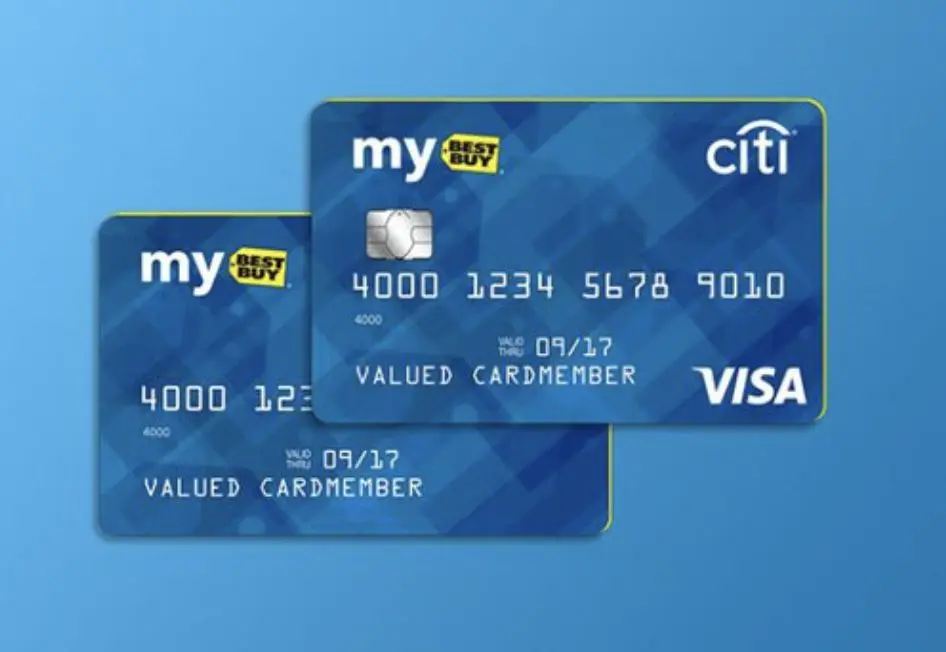
- Your Best Buy Credit Card Number: The 16-digit number on the front of your card.
- Your Full Name and Address: As it appears on your card statements.
- Social Security Number (Last 4 Digits): For identity verification.
- Security PIN or Other Verification Details: As requested by customer service.
- Reason for Cancellation: While not strictly required, having a clear and concise reason can streamline the conversation. Common reasons include “I no longer shop at Best Buy frequently,” “I’m consolidating my finances,” or “I want to simplify my credit portfolio.”
3. Choose Your Cancellation Method (Phone is Primary)
For most credit card companies, the most effective and often the only way to officially cancel an account is by phone.
- Call the Customer Service Number: This number is usually found on the back of your credit card, on your monthly statement, or on the Citi website (since Citi issues the Best Buy cards).
- Example: For Citi Retail Services (which includes Best Buy cards), the general customer service number is often 1-888-574-1301, but always double-check your specific card’s contact information.
- Avoid Online Cancellation or Mail: While you can manage many aspects of your account online, explicit cancellation typically requires a direct conversation with a representative. Sending a letter by mail is usually less efficient and can lead to delays.
4. Scripting Your Conversation with Customer Service
When you connect with a customer service representative, be polite, clear, and firm in your request.
- State Your Intent Clearly: “Hello, I would like to close my Best Buy credit card account.”
- Be Prepared for Retention Efforts: The representative’s job is often to retain customers. They may ask why you’re canceling, offer incentives (like statement credits or special promotions), or try to highlight the card’s benefits.
- Politely Decline Retention Offers: If you’re firm in your decision, politely decline any offers. “Thank you for the offer, but I’ve made my decision to close the account.”
- Confirm Zero Balance: “I’ve ensured my balance is zero. Could you please confirm that for me?”
- Request Immediate Closure: Ask for the account to be closed immediately.
- Get Confirmation: Ask for a confirmation number or a written statement (email or mail) confirming the account closure. “Could you please provide me with a confirmation number for this cancellation, and will I receive written confirmation of the account closure?”
5. Confirming the Cancellation and Requesting Documentation
Before hanging up, ensure you have all necessary proofs of cancellation.
- Confirmation Number: Write down the date, time, the name of the representative you spoke with, and the confirmation number they provide.
- Written Confirmation: Request that a letter or email confirming the account closure be sent to you. This is crucial documentation should any discrepancies arise later.
- Follow Up: If you don’t receive written confirmation within 7-10 business days, follow up with another call to customer service.
Post-Cancellation Best Practices
The cancellation process doesn’t end when you hang up the phone. A few final steps ensure financial hygiene and protect your credit.
1. Monitor Your Credit Report
Within 30-60 days of cancellation, pull your credit reports from all three major bureaus (Equifax, Experian, and TransUnion) via AnnualCreditReport.com. Verify that the Best Buy credit card account is accurately reported as “closed by consumer” with a zero balance. This confirms that the cancellation was processed correctly and helps identify any errors that could negatively impact your credit score.
2. Safely Dispose of the Card
Once the account is confirmed closed, physically destroy the card. Cut through the magnetic stripe and the chip, as well as the account number, to prevent any unauthorized use.
3. Update Recurring Payments
If you had any recurring subscriptions, utility bills, or online shopping accounts linked to your Best Buy credit card, update them with a new payment method immediately. Forgetting this step can lead to missed payments and service interruptions.
Why People Cancel Store Credit Cards (A Financial Perspective)
The decision to cancel a store credit card like Best Buy’s is often driven by broader personal finance strategies.
Consolidating Debt and Simplifying Finances
Many individuals choose to close store-specific cards as part of a larger effort to streamline their financial portfolio. Managing multiple cards with varying due dates, interest rates, and reward structures can be cumbersome. Consolidating debt onto a single, lower-interest card or reducing the number of active credit accounts simplifies budgeting and payment management.
Avoiding Unnecessary Spending Temptations
Store credit cards are designed to encourage spending at that specific retailer. For some, having a Best Buy card in their wallet presents a constant temptation for impulse purchases, especially when special financing or exclusive discounts are offered. Canceling the card removes this temptation, supporting a disciplined approach to spending and saving.
High Interest Rates and Hidden Fees
While store cards often advertise attractive introductory offers (like 0% APR financing), their standard interest rates can be significantly higher than general-purpose credit cards. If you carry a balance beyond the promotional period, the interest can quickly negate any initial savings. Additionally, some cards may have annual fees, which, if not utilized for corresponding benefits, represent a direct financial loss. Closing such accounts eliminates these potential costs.
Shifting Financial Priorities
Life circumstances and financial goals evolve. Someone who frequently shopped at Best Buy in their youth might have different priorities later in life, such as saving for a home, retirement, or investing. A Best Buy credit card may no longer align with these new priorities, becoming an unnecessary financial instrument.
Maintaining a Healthy Credit Profile After Cancellation
Canceling a card, even with careful planning, can temporarily affect your credit score. Proactive steps can help mitigate any negative impact and maintain a robust credit profile.
Diversifying Your Credit Mix
Ensure you have a healthy mix of credit accounts. If the Best Buy card was your only revolving credit, consider opening a general-purpose credit card (with no annual fee) to establish a new credit line, ideally before canceling the old one, to maintain your overall credit availability.
Keeping Older Accounts Open (If Applicable)
If you have other older credit cards with good standing, prioritize keeping them open. These accounts contribute positively to the “length of credit history” factor in your credit score, helping to offset the closure of a newer or less significant account.

Responsible Use of Remaining Credit
After canceling your Best Buy card, focus on responsible credit management with your remaining accounts. This means:
- Paying bills on time, every time. Payment history is the most critical factor in your credit score.
- Keeping credit utilization low. Aim for less than 30% utilization on all your cards combined.
- Regularly checking your credit report. Stay informed about your credit health and catch any errors early.
Canceling your Best Buy credit card is a personal financial decision that, when executed thoughtfully, can be a positive step toward simplifying your finances, reducing debt, and aligning your spending with your long-term goals. By understanding the implications, following the correct procedures, and engaging in sound post-cancellation financial practices, you can navigate this process with confidence and maintain a healthy financial standing.
aViewFromTheCave is a participant in the Amazon Services LLC Associates Program, an affiliate advertising program designed to provide a means for sites to earn advertising fees by advertising and linking to Amazon.com. Amazon, the Amazon logo, AmazonSupply, and the AmazonSupply logo are trademarks of Amazon.com, Inc. or its affiliates. As an Amazon Associate we earn affiliate commissions from qualifying purchases.