
In the modern landscape of digital finance, the traditional paper check remains a surprisingly resilient tool for large transactions, rent payments, and professional services. However, the manual nature of physical checks introduces a margin for error that digital transfers often bypass. Whether you have discovered a mistake in the written amount, mailed a check to the wrong recipient, or suspect that a check has been lost or stolen, knowing how to execute a “stop payment” order is a critical skill in personal financial management.
For Bank of America customers, the process of canceling a check—formally known as placing a stop payment order—is a streamlined procedure, but it carries specific financial implications, fees, and time constraints. Understanding these nuances is essential for protecting your account balance and maintaining a clear paper trail for your records.
Understanding the Mechanics of a Stop Payment Order
Before initiating the cancellation process, it is vital to understand what a stop payment order actually is. It is a formal request made to a financial institution to cancel a check or payment that has not yet been processed or “cleared.” Once the bank receives this order, its systems are alerted to reject the specific check number if it is presented for payment.
When Should You Cancel a Check?
Deciding to stop payment on a check should not be done lightly, as it often involves a fee and can affect your relationship with the payee. Common scenarios where a stop payment is necessary include:
-
Lost or Stolen Checks: If a checkbook or a single check is missing, stopping payment is a primary defense against unauthorized withdrawals.
-
Incorrect Information: If you realize you wrote the wrong amount or the wrong name after the check has left your hands.
-
Dispute over Goods or Services: If a contract was not fulfilled or the goods delivered were significantly not as described, a stop payment can be a tool for leverage, though this carries legal complexities.
-
Mailing Errors: If a check was sent to an old address or an incorrect recipient.
Stop Payment vs. Voiding a Check
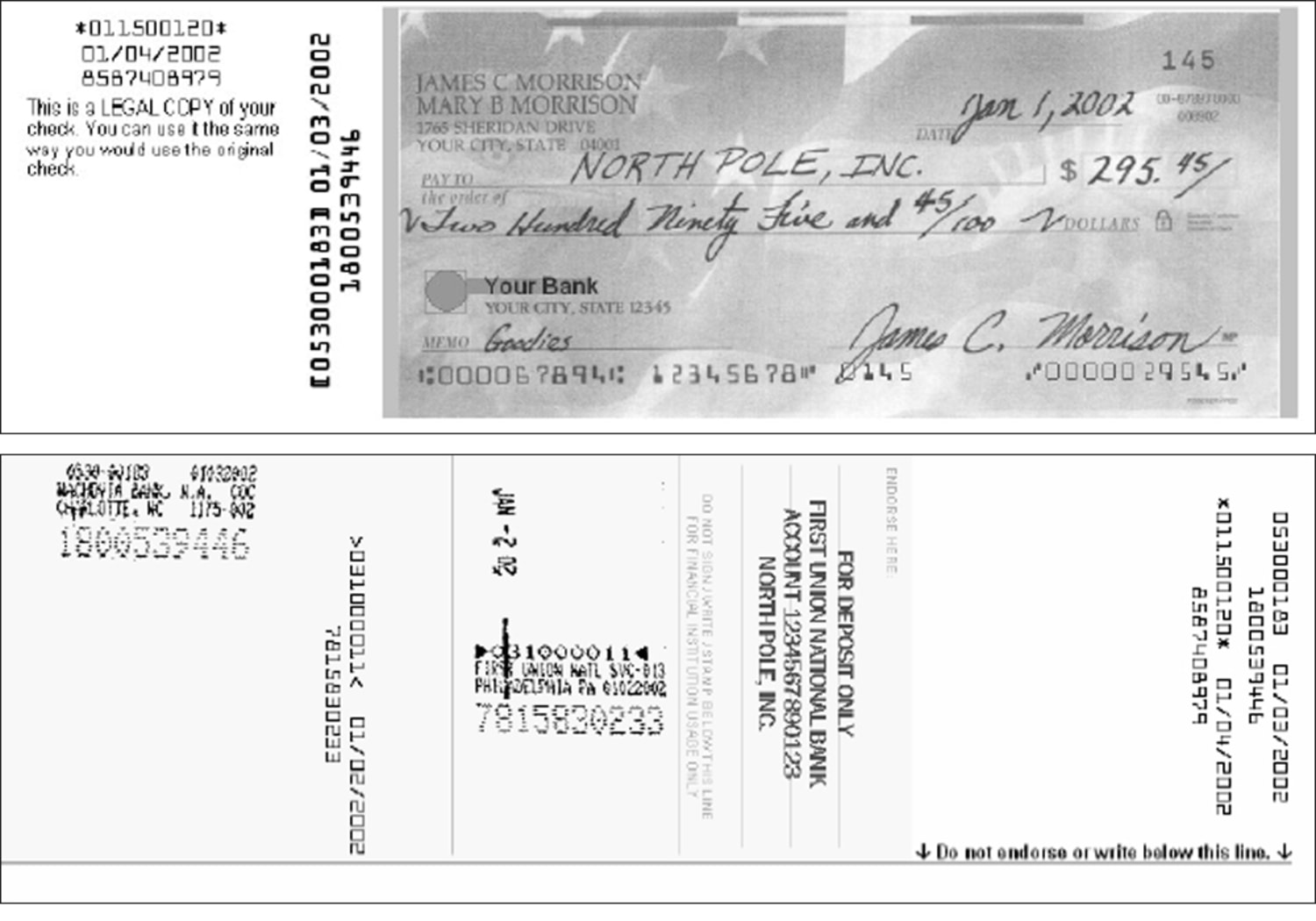
It is important to distinguish between “canceling” a check and “voiding” one. You “void” a check when the physical paper is still in your possession. By writing “VOID” across the front in large letters, you render the check unusable. You “cancel” or “stop payment” on a check that is no longer in your possession. Once the check has been cashed or deposited and the funds have left your account, it is too late to issue a stop payment; at that point, you must move into the realm of fraud claims or refund requests.
Step-by-Step Guide to Canceling a Check with Bank of America
Bank of America provides multiple channels for stopping a payment, ranging from instant digital tools to person-to-person assistance. Speed is the most important factor; the sooner the bank receives the request, the less likely the check will clear.
Using Bank of America Online Banking
The most efficient way to stop a payment is through the online banking portal. This method is available 24/7 and provides an immediate digital confirmation.
-
Log In: Access your account via the official Bank of America website.
-
Navigate to Help & Support: Locate the “Help & Support” tab or use the search bar to type “Stop Payment.”
-
Select the Account: Choose the specific checking account from which the check was written.
-
Enter Check Details: You will need the check number, the exact amount, and the date it was written. If you are stopping a range of checks (e.g., a lost checkbook), you will need the starting and ending numbers.
-
Review and Submit: Carefully check the details. An error in the check number can result in the bank missing the check when it arrives.
Utilizing the Mobile Banking App
For those on the go, the Bank of America mobile app offers a similar workflow.
-
Open the App: Securely log in using your credentials or biometric ID.
-
Menu Selection: Tap on the menu or the “Transfers and Payments” section.
-
Stop Payment: Look for the “Stop Payment” option under the account management settings.
-
Follow Prompts: Enter the required check information and confirm the request.
Contacting Customer Service or Visiting a Branch
If you prefer a human touch or if you are dealing with a complex fraud situation, you can call Bank of America’s customer service line. Be prepared for potential wait times. Alternatively, you can visit a local financial center. When visiting in person, ensure you have a valid government-issued ID and all the specific details of the check you wish to cancel.
Fees, Timelines, and Financial Implications

Executing a stop payment is a service provided by the bank, and like many specialized banking services, it comes with a cost and a set of rules governed by both bank policy and the Uniform Commercial Code (UCC).
Associated Fees
Bank of America typically charges a fee for a stop payment order. As of the current fee schedules, this fee is generally around $30 per request. However, this can vary based on the type of account you hold. Premium accounts, such as Preferred Rewards members or specific high-balance checking accounts, may have this fee waived as a loyalty benefit. It is essential to check your specific account’s “Fee Schedule” to understand the immediate impact on your balance.
The Six-Month Rule
A stop payment order is not permanent. Under standard banking regulations, a written stop payment order is typically valid for six months. If the check is presented after the order expires, the bank may honor it unless the order is renewed. For many, six months is sufficient time for a check to be considered “stale-dated” (most banks will not honor a check older than six months), but it is a critical detail to monitor if the check involves a significant sum of money.
Legal and Creditor Considerations
Stopping a payment does not legally absolve you of a debt. If you stop payment on a check sent to a landlord or a utility company, you still owe that money. In some jurisdictions, stopping a payment on a valid debt can be seen as a breach of contract or even “passing a bad check” if done with fraudulent intent. Always communicate with the payee when possible to explain why the payment is being stopped and how you intend to rectify the situation.
Enhancing Your Financial Security and Alternatives to Paper Checks
The need to cancel a check is often a symptom of the inherent risks of physical payment methods. As you manage your personal finances, it may be beneficial to evaluate more secure alternatives that offer greater control.
Transitioning to Digital Payments
Bank of America offers several digital tools that are more secure and easier to track than paper checks:
-
Online Bill Pay: This service allows the bank to send payments electronically or via a bank-issued check. If a Bill Pay check is lost, the bank can often track or cancel it more effectively than a personal check.
-
Zelle: For person-to-person transfers, Zelle provides a fast way to send money using just an email address or phone number, reducing the risk of lost physical mail.
-
ACH Transfers: For business and high-value transactions, ACH (Automated Clearing House) transfers are direct and leave a robust digital footprint.
Best Practices for Check Security
If you must continue using paper checks, follow these financial best practices to minimize the need for stop payments:
-
Use Permanent Ink: Always use a dark, non-erasable pen to prevent “check washing.”
-
Keep a Detailed Ledger: Record every check number, date, payee, and amount immediately. This makes finding the information for a stop payment much easier.
-
Restrict Information: Do not print your Social Security number or driver’s license number on your checks.
-
Reconcile Weekly: Use the Bank of America mobile app to check your cleared transactions frequently. Early detection of an unauthorized check can save hundreds of dollars in potential fees or losses.
Managing Your Account Post-Cancellation
Once the stop payment order is placed, your work is not quite finished. Effective financial management requires follow-up to ensure your account remains in good standing.
Verify the Request
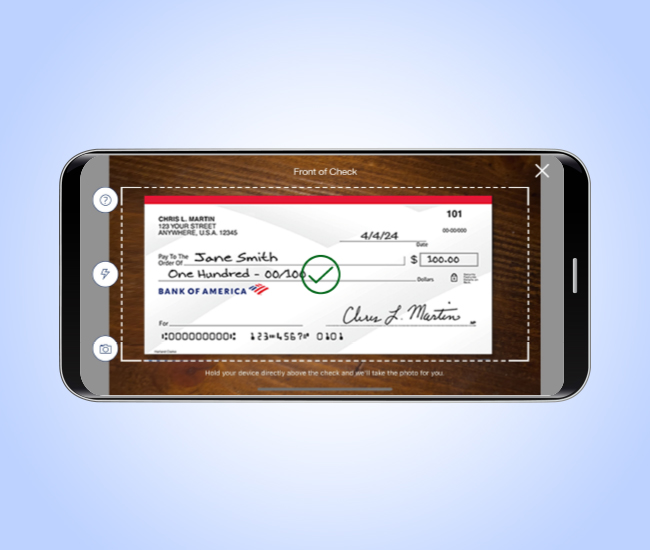
After submitting your request online or via the app, take a screenshot or print the confirmation page. Check your transaction history over the next few business days to ensure the stop payment fee was assessed (if applicable) and that the check has not cleared.
Notify the Payee
If the check was intended for a legitimate business or individual, contact them immediately. Explain that the check was canceled due to an error or loss and arrange for a replacement payment. This proactive communication prevents late fees, “returned check” fees from the payee’s bank, and damage to your credit reputation or business relationships.
Long-Term Monitoring
If you stopped a check because your checkbook was stolen, placing a stop payment on a few checks may not be enough. In cases of significant theft, you may need to close the account entirely and open a new one with a different account number to prevent future fraudulent attempts. Discuss these options with a Bank of America representative to determine the level of risk to your total financial profile.
By mastering the stop payment process, you gain greater control over your cash flow and financial security. While the goal is always to write accurate and secure checks, the ability to intervene when things go wrong is a vital component of professional financial management. Through the combination of Bank of America’s digital tools and a clear understanding of banking regulations, you can navigate these errors with minimal disruption to your broader financial life.
aViewFromTheCave is a participant in the Amazon Services LLC Associates Program, an affiliate advertising program designed to provide a means for sites to earn advertising fees by advertising and linking to Amazon.com. Amazon, the Amazon logo, AmazonSupply, and the AmazonSupply logo are trademarks of Amazon.com, Inc. or its affiliates. As an Amazon Associate we earn affiliate commissions from qualifying purchases.