
The rise of peer-to-peer (P2P) payment platforms has fundamentally shifted the landscape of personal finance. Among these, Cash App has emerged as a titan, offering a seamless interface for transferring funds, investing in stocks, and managing everyday expenses. However, the very speed and convenience that make Cash App a staple of modern banking also introduce a significant risk: the “instant” nature of transactions. Unlike traditional wire transfers or check deposits that may take days to clear, Cash App transactions move at the speed of light.
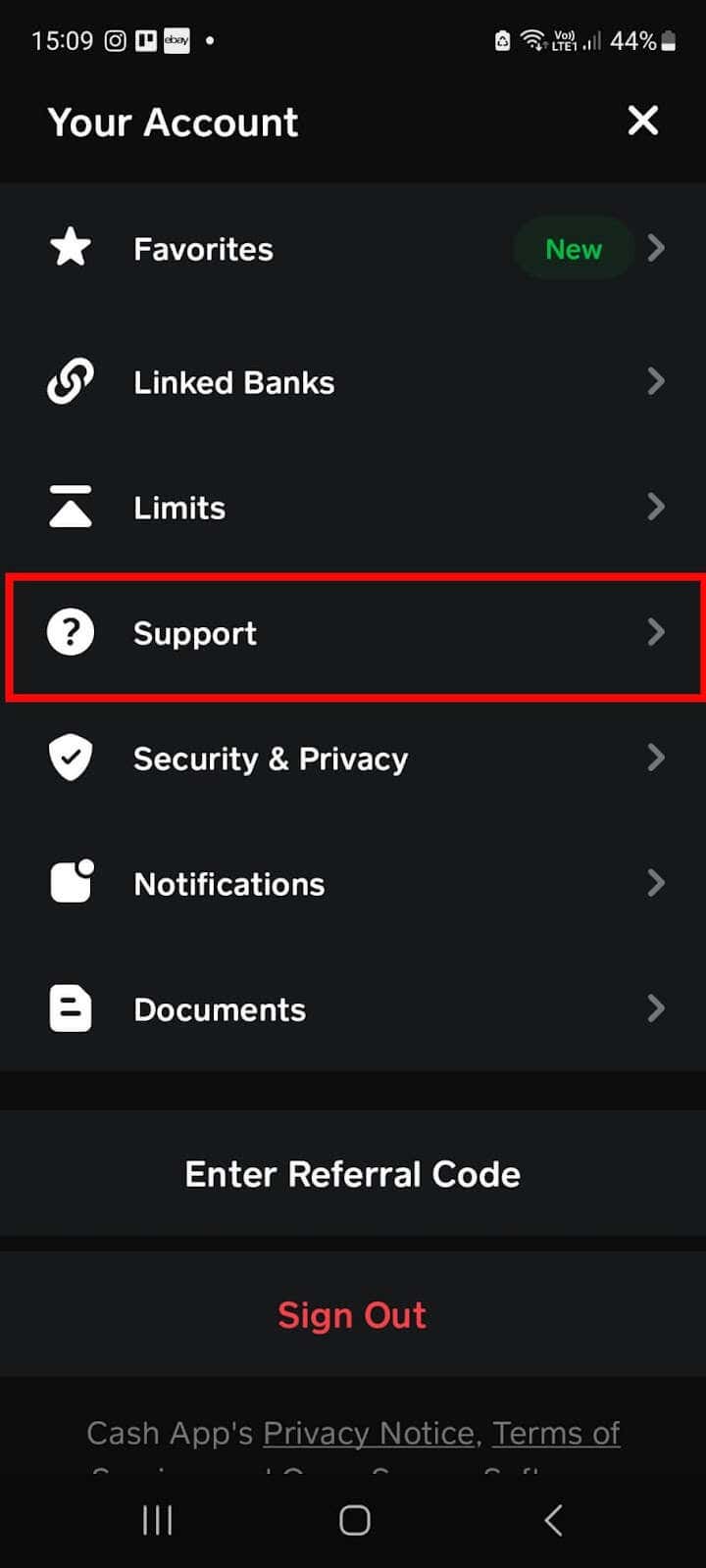
When a payment is sent to the wrong person or for the incorrect amount, the financial implications are immediate. Understanding how to navigate the cancellation and refund process is not just a technical skill; it is a critical component of modern financial literacy. This guide explores the strategic steps to take when a transaction goes awry and how to safeguard your digital capital.
The Mechanics of P2P Transfers: Why Timing is Everything
In the world of digital finance, the status of a transaction dictates the level of control you have over your capital. Cash App is designed to be a “real-time” payment system, meaning that in most instances, once you hit “Pay,” the funds are debited from your account and credited to the recipient’s ledger instantly. To manage your money effectively, you must first understand the distinction between different transaction states.
Instant vs. Pending Transactions
Most payments on Cash App are processed instantly. When a payment is completed, the money has legally and technically changed hands. In this state, the “Cancel” button vanishes because there is no longer a transaction in progress to halt. However, occasionally, a payment may be marked as “Pending.” This usually occurs due to security flags, network latency, or if the recipient has not yet accepted the payment (common with first-time transfers). If a payment is pending, you have a small window of opportunity to intervene.
The Irreversibility of Digital Cash
It is a common misconception among consumers that P2P apps function like credit cards with robust built-in chargeback mechanisms. In reality, Cash App functions more like physical cash. Once you hand a twenty-dollar bill to someone on the street, you cannot “cancel” that action through a third party. This irreversibility is why financial oversight at the point of sale is paramount. Understanding that the app acts as a facilitator rather than a mediator is the first step in protecting your personal liquidity.
How to Cancel a Cash App Payment: A Strategic Walkthrough
If you find yourself in a position where a payment needs to be retracted, you must act with precision and speed. Depending on the status of the transfer, your options range from a direct cancellation to a formal request for a refund.
Canceling a Pending Payment in the Activity Feed
If you are lucky enough to have caught the error while the payment is still “Pending,” follow these steps immediately:
- Open the Cash App on your mobile device.
- Tap the Activity icon (the clock or briefcase shape) in the bottom-right corner of the home screen.
- Locate the specific transaction you wish to stop.
- If the payment is still processing, you will see a “Cancel” button on the payment receipt.
- Tap “Cancel” and confirm the action.
If the “Cancel” option is not visible, it means the funds have already been settled into the recipient’s account, and you must move to the next phase of financial recovery.
Requesting a Refund for Completed Transactions
Once a payment is completed, your primary recourse is to request the money back from the recipient. This is a social and financial negotiation.
- Navigate to the Activity tab.
- Select the payment in question.
- Tap the three dots (…) in the top-right corner.
- Select “Request Refund.”
- Confirm the request.
From a financial management perspective, it is helpful to include a brief, professional note explaining the error. If the recipient is a friend or a legitimate business, they will likely return the funds. However, if the recipient is a stranger or a bad actor, they are under no legal obligation within the app’s framework to return the money. This highlight’s the importance of the “Know Your Payee” rule in personal finance.

Initiating a Dispute for Unauthorized Transactions
If a payment was made because your account was compromised—rather than a user error—the process shifts from a refund request to a formal dispute. You can file a dispute by selecting the transaction in your activity feed, tapping “Need Help & Cash App Support,” and then selecting “Dispute this Transaction.” This triggers a review by Cash App’s security team. Keep in mind that disputes are typically reserved for fraudulent activity, not for “buyer’s remorse” or mistakes in entry.
Protecting Your Capital: Navigating Payment Scams and Fraud
As digital financial tools become more prevalent, so do the sophisticated methods used by scammers to separate individuals from their money. Protecting your wealth requires a proactive stance against fraud.
Common Financial Scams on Mobile Platforms
Scammers often use “urgency” and “authority” to trick users into sending irreversible payments. Common tactics include the “accidental payment” scam—where a scammer sends you “stolen” money and asks you to send it back to a different account—and the “customer support” scam, where someone poses as a Cash App representative to gain access to your PIN.
Understanding these patterns is essential for maintaining financial security. A legitimate financial institution will never ask you for your sign-in code or ask you to send a “test payment” to verify your account.
Verification and the Importance of the $Cashtag
The $Cashtag is your unique financial identifier. In the same way you wouldn’t sign a blank check, you should never send a payment without triple-checking the $Cashtag. Many scammers create accounts with names nearly identical to popular businesses or influencers, changing just one character. Before sending any significant sum, verify the recipient’s identity. If you are paying a new contact, consider sending a $1 “test” payment first to ensure the funds reach the intended destination before committing the full amount.
Advanced Financial Controls and Security Features
To mitigate the risk of needing to cancel a payment in the first place, you should treat your Cash App settings with the same rigor as a traditional brokerage or bank account.
Enabling Security Locks and PINs
One of the most effective ways to prevent accidental or unauthorized payments is to enable the “Security Lock” feature. This requires your Touch ID, Face ID, or PIN for every single outgoing payment.
- To enable this, tap the profile icon, select “Privacy & Security,” and toggle on the “Security Lock.”
This extra step provides a “moment of friction” that allows you to pause and verify the transaction details one last time before the money leaves your ecosystem.
Managing Your Cash App Balance and Linked Accounts
From a personal finance strategy standpoint, it is often wise to keep a minimal balance in your “Cash Balance.” By linking a dedicated debit card or bank account, you ensure that you are only pulling funds as needed.
Furthermore, using a credit card (though it incurs a 3% fee on Cash App) can sometimes provide an additional layer of protection. Credit card issuers often have more robust consumer protection laws (such as the Fair Credit Billing Act) compared to debit cards or P2P balances. For large, one-time purchases with unknown vendors, the 3% fee might be viewed as a “protection premium” for your capital.

Setting Transaction Limits and Notifications
Knowledge is power in financial management. Ensure that your push notifications are turned on for every transaction. This allows for immediate detection if an unauthorized transaction occurs, giving you the best possible chance to contact support or your bank while the transaction might still be in a “Pending” or “Authorized” state at the bank level.
In conclusion, while Cash App offers unparalleled convenience for the modern consumer, it demands a high level of personal responsibility. Canceling a payment is an uphill battle once the transaction is finalized. By mastering the app’s interface, understanding the finality of digital transfers, and implementing rigorous security protocols, you can enjoy the benefits of mobile finance without compromising your financial stability. Remember: in the digital age, your thumbprint is your signature, and your $Cashtag is your vault. Handle both with the care your hard-earned money deserves.
aViewFromTheCave is a participant in the Amazon Services LLC Associates Program, an affiliate advertising program designed to provide a means for sites to earn advertising fees by advertising and linking to Amazon.com. Amazon, the Amazon logo, AmazonSupply, and the AmazonSupply logo are trademarks of Amazon.com, Inc. or its affiliates. As an Amazon Associate we earn affiliate commissions from qualifying purchases.