
In the high-stakes world of e-commerce, Amazon represents the pinnacle of opportunity for entrepreneurs and established brands alike. However, for those building a significant stream of online income through the platform, the complexity of the Amazon ecosystem can occasionally lead to operational bottlenecks. Whether it is a sudden listing suppression, a mysterious inventory discrepancy, or a complex disbursement issue, the speed and efficiency with which you resolve these problems directly impact your bottom line.
Knowing how to call Amazon Seller Support—and more importantly, how to navigate the conversation to achieve a favorable outcome—is a critical business competency. In the “Money” niche of online business, your ability to protect your cash flow and maintain account health is what separates a struggling side hustle from a scalable, professional enterprise. This guide provides a comprehensive roadmap for accessing live support and leveraging those interactions to safeguard your business finance.
The Financial Imperative of Professional Support Management
For an Amazon seller, time is literally money. Every hour a top-selling SKU remains “Incomplete” or “Suppressed” represents lost revenue and a potential dip in organic search ranking, which can have long-term financial repercussions. Effective communication with Seller Support is not merely a troubleshooting task; it is an act of risk management.
Preparing Your Business Data Before the Call
Before you even attempt to initiate a callback, you must treat the upcoming interaction like a high-stakes financial audit. Support agents work within strict time constraints and rely on specific data points to verify your identity and the nature of your claim. To ensure your business interests are protected, have the following information ready:
-
Merchant Token: Your unique identifier within the Amazon system.
-
ASINs and SKUs: Specific identifiers for the products in question.
-
Order IDs: Essential for disputes involving customer returns or shipping issues.
-
Case IDs from Previous Correspondence: If this is a recurring issue, historical documentation is your greatest leverage.
-
Financial Statements or Invoices: Particularly important for inventory reconciliation and “Proof of Authenticity” requests.
By entering the call with organized data, you project professionalism and reduce the likelihood of being “passed around” between departments, a common occurrence that can drain hours of productive business time.
Why Live Support Trumps Email Correspondence
While the Seller Central dashboard encourages users to open cases via email or chat, the phone remains the most effective tool for resolving complex financial or logistical hurdles. Email chains often result in templated responses that may not address the nuance of your specific business problem. A live conversation allows for real-time clarification, the ability to counter-argue a point based on Amazon’s own Terms of Service, and the opportunity to request an immediate escalation to a supervisor or a specialized “Captive” team.
The Step-by-Step Protocol to Initiate a Callback
Amazon does not provide a direct-dial inbound number for Seller Support. Instead, they utilize a “Callback” system designed to filter inquiries and ensure that the seller is currently active at their workstation. This process is standard for both Individual and Professional selling plans, though Professional sellers often receive prioritized routing.
Navigating the Seller Central Help Menu
To begin the process, log in to your Amazon Seller Central account. Locate the “Help” icon in the top right corner of the dashboard. This will open a sidebar or a full-page menu. Many sellers make the mistake of clicking on the suggested help articles; instead, scroll to the bottom and select “Get Support” under the “Need more help?” section.
From here, you will typically be presented with two choices: “Selling on Amazon” or “Advertising and Stores.” Select “Selling on Amazon” to address core business issues like inventory, payments, and account health.
Bypassing the Automated Filters
Amazon’s interface is designed to solve problems through self-service help articles. To speak to a human, you must often navigate past the search bar. When prompted to “Describe your issue,” provide a concise summary, such as “Urgent disbursement error” or “Inventory reconciliation.”
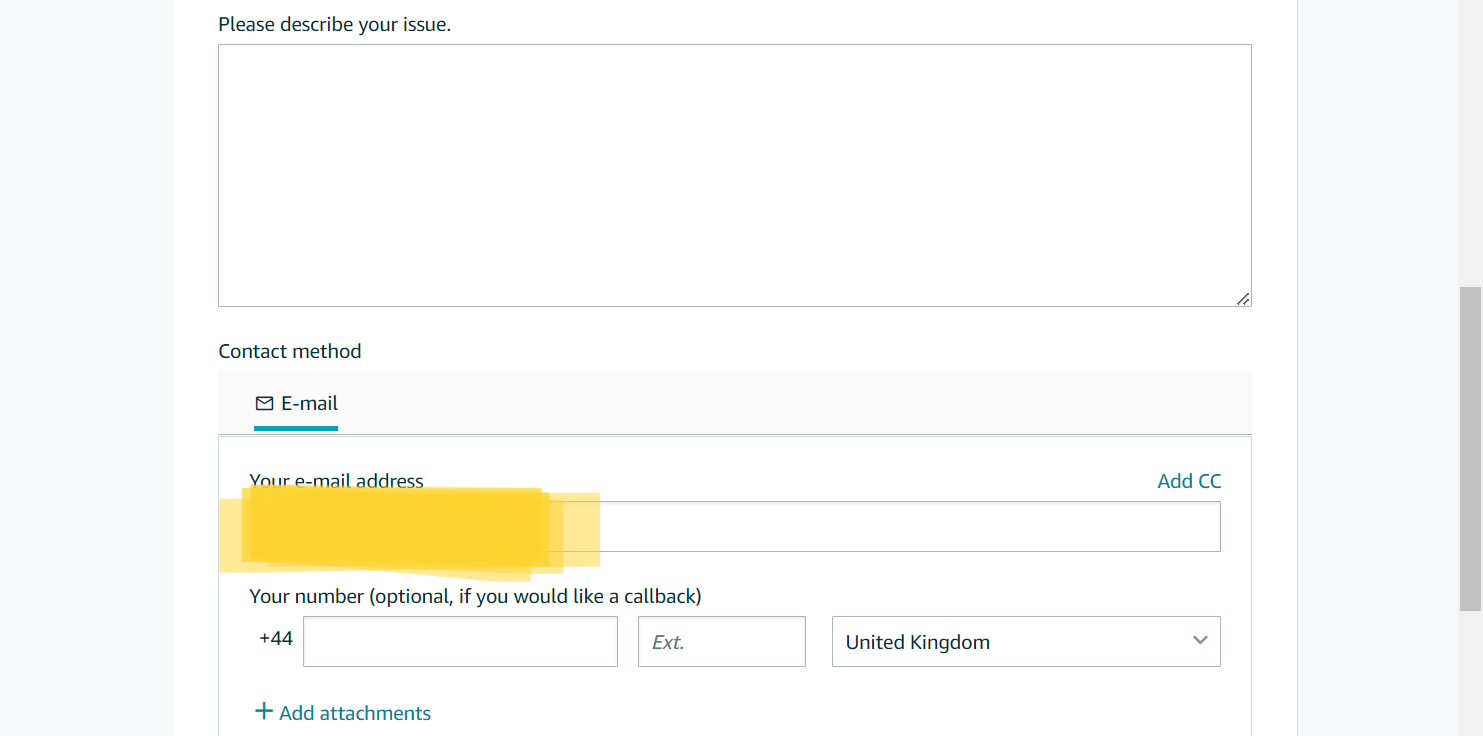
Once the system suggests several articles, click “Or, browse for your issue in the menu.” This allows you to select specific categories like “Your Account,” “Fulfillment by Amazon,” or “Payments.” Once a category is selected, the “Phone” tab will usually appear as a contact method. Enter your direct phone number and click “Call me now.” Your phone will typically ring within seconds, connecting you to an agent.
Strategies for Resolving Complex Financial and Inventory Disputes
The primary reason sellers seek phone support is to resolve issues that threaten their income. Understanding the internal structure of Amazon’s support teams can help you steer the conversation toward a resolution that favors your business’s financial health.
Handling Reimbursement and Disbursement Issues
If your concern involves missing funds or delayed disbursements, you are dealing with the lifeblood of your business. If an agent claims they cannot see a specific transaction, request to speak with a “Payments Specialist.” Standard Seller Support agents have limited visibility into the backend financial ledger.
When discussing FBA (Fulfillment by Amazon) reimbursements for lost or damaged stock, refer specifically to the “FBA Inventory Reimbursement Policy.” Citing specific policy language demonstrates that you are a sophisticated business owner who understands your rights, often leading to a faster resolution and the restoration of your working capital.
Escalating to Account Health Specialists
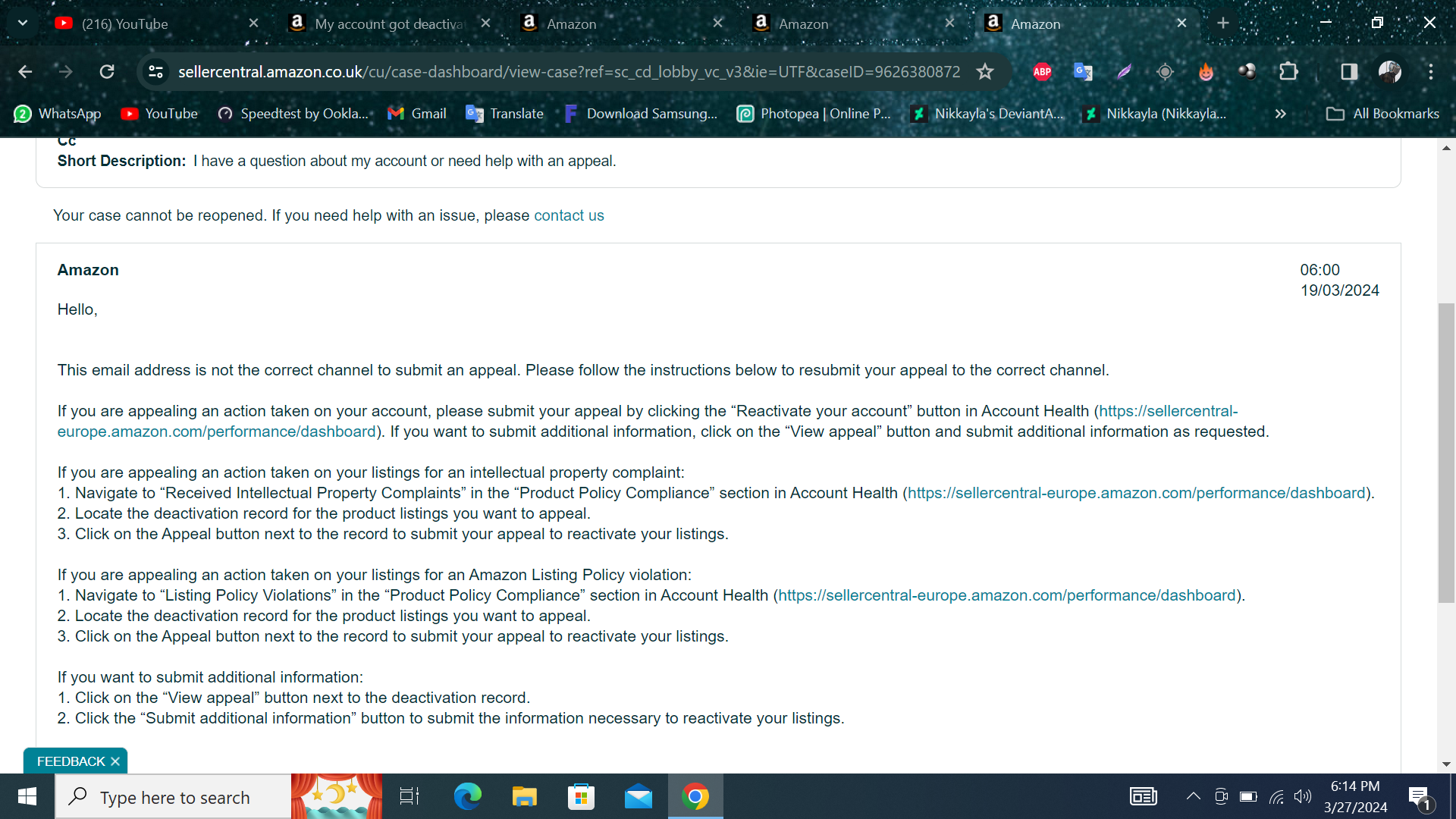
For sellers facing account deactivation or listing suspensions, the “Account Health” dashboard is the most critical area of the site. In many regions, Amazon now provides a “Call me now” button directly within the Account Health tab. These agents are separate from general Seller Support; they are trained specifically in compliance and policy.
When talking to Account Health, the goal is to protect your long-term ability to generate income. Be transparent, provide the requested documentation (such as commercial invoices), and ask for a “Plan of Action” (POA) review during the call. This proactive approach can prevent weeks of lost sales during a suspension.
Best Practices for Professional Communication and Documentation
The outcome of your call often depends as much on how you speak as it does on what you are saying. Treating support agents as partners in your business success, rather than adversaries, can lead to much better results.
Mastering the Art of the “Re-Open” and Escalation
Not every call will end in a resolution. If you feel an agent is not understanding the financial gravity of your situation, or if they provide an answer that contradicts Amazon policy, do not argue aggressively. Instead, ask for the case to be “Escalated to a Lead” or transferred to the “Captive Team” (a higher-tier support level based in the US or Costa Rica with more administrative permissions).
If the call ends without a fix, the case will remain in your “Case Log.” You have the right to re-open a case within a certain timeframe if the provided solution did not work. When doing so, summarize the previous call, note the agent’s name, and explain clearly why the previous resolution failed to address the business impact.
Documenting Case IDs for Financial Audits
Every interaction with Amazon Seller Support generates a Case ID. For the serious business owner, these IDs are more than just reference numbers; they are essential for your financial records. If you are ever audited—either by Amazon or for your own business taxes—these cases provide a paper trail for lost inventory, credited fees, and adjustments to your gross income.
Maintain a spreadsheet or use a dedicated CRM to track every Case ID related to financial disputes. This level of organization ensures that no dollar is left on the table and that your online income is fully accounted for at the end of the fiscal year.
Integrating Support Management into Your Business Growth Strategy
As your Amazon business scales, the frequency of these issues may increase. Successful sellers eventually view “Support Management” as a standard operating procedure (SOP).
Delegating to a Virtual Assistant or Operations Manager
Once your online income reaches a certain threshold, your time is often better spent on product sourcing and marketing than on the phone with support. Many high-level sellers train Virtual Assistants (VAs) to handle the initial callback process and data gathering. However, always ensure that for “Account Health” or significant “Financial Disbursement” issues, you or a trusted manager handle the call to ensure the highest level of security and decision-making.

Conclusion: Building a Resilient Income Stream
Calling Amazon Seller Support is a necessary skill in the repertoire of any digital entrepreneur. By moving beyond the frustration of technical glitches and viewing these calls as a strategic way to protect your business finance, you position yourself for long-term success.
The Amazon marketplace is a powerful engine for generating wealth, but it requires active maintenance. Through prepared data, clear communication, and a firm understanding of escalation paths, you can ensure that your operations remain smooth, your account stays healthy, and your online income continues to grow without interruption. Treat every support interaction as an investment in your business’s stability, and you will find that the hurdles of the platform become mere stepping stones to greater profitability.
aViewFromTheCave is a participant in the Amazon Services LLC Associates Program, an affiliate advertising program designed to provide a means for sites to earn advertising fees by advertising and linking to Amazon.com. Amazon, the Amazon logo, AmazonSupply, and the AmazonSupply logo are trademarks of Amazon.com, Inc. or its affiliates. As an Amazon Associate we earn affiliate commissions from qualifying purchases.