
Cash App has become an indispensable tool for peer-to-peer (P2P) payments, offering a streamlined way to send and receive money directly from your mobile device. At its core, the application’s utility hinges on its ability to connect users, facilitating quick and secure financial transfers. Adding someone to your Cash App, in essence, means establishing a connection that simplifies future transactions and enhances the overall user experience within the platform. This process is fundamental to leveraging Cash App’s full potential, ensuring that your payments are sent to the correct recipient and managed efficiently.
Navigating Cash App’s Contact Management System
Understanding how Cash App manages contacts is crucial for efficient use of the platform. Unlike traditional banking where you might add a payee for wire transfers, Cash App’s system is designed for instant, often informal, digital interactions. The platform relies on unique identifiers, making the process of finding and connecting with others remarkably straightforward, yet it also necessitates a clear understanding of its underlying mechanisms to ensure accuracy and security.
The Foundation: Cashtags, Phone Numbers, and Email Addresses
Cash App primarily utilizes three forms of identification to locate and connect users:
- Cashtags ($Cashtag): This is a unique identifier chosen by each Cash App user. It functions much like a username on social media platforms and is often the most direct way to find someone if you know it. Cashtags are public-facing and can be shared easily.
- Phone Numbers: Given that Cash App accounts are typically linked to a mobile phone number during registration, using a recipient’s registered phone number is a common and intuitive method for locating them.
- Email Addresses: Similar to phone numbers, an email address linked to a Cash App account can serve as an identifier for sending or requesting money.
When you “add” someone on Cash App, you’re not necessarily creating a permanent contact entry in the traditional sense, but rather using these identifiers to initiate a transaction or save them for future interactions within the app’s interface. The app often intelligently remembers recipients you’ve interacted with, simplifying repeat payments.
The Role of Device Contacts Integration
One of Cash App’s convenience features is its ability to integrate with your device’s native contact list. This integration streamlines the process of finding friends, family, or colleagues who are already Cash App users. When granted permission, Cash App scans your phone’s contacts for numbers or email addresses associated with existing Cash App accounts, presenting them as potential recipients. This significantly reduces the manual effort required to locate individuals, especially for frequent users. However, it’s an optional feature, and users retain full control over sharing their contact data with the application.
Step-by-Step Guide to Adding and Interacting with Contacts
The process of adding someone to Cash App is less about a single “add contact” button and more about initiating your first transaction or saving a frequent recipient. The application prioritates transaction initiation, with contact management often a byproduct of this primary function.
Method 1: Initiating a Payment (Implicit Contact Addition)
The most common way to “add” someone is by simply sending them money for the first time.
- Open Cash App: Launch the Cash App on your mobile device.
- Tap the Payment Icon: This is typically represented by a dollar sign ($) at the bottom center of the screen.
- Enter Amount: Input the amount of money you wish to send.
- Tap “Pay”: Select the “Pay” button.
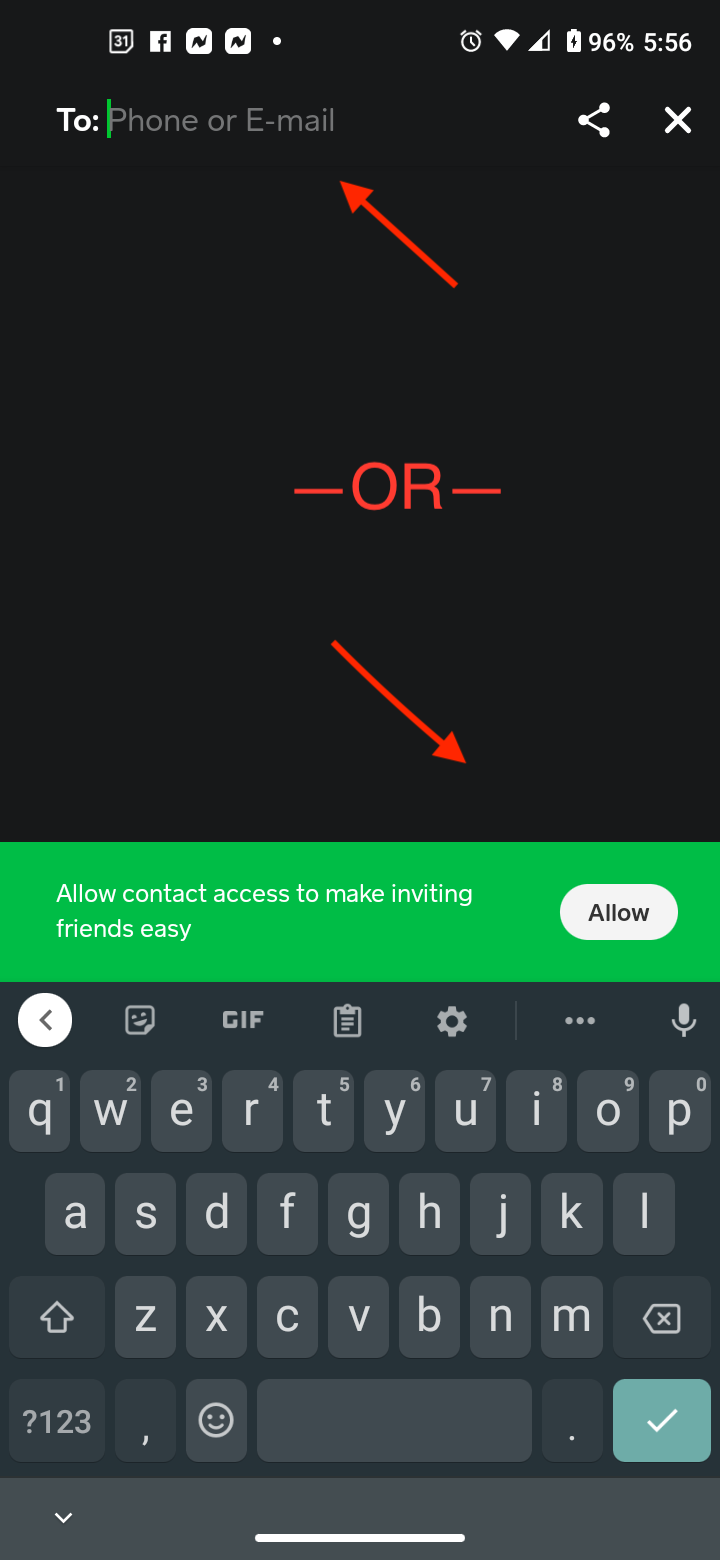
- Enter Recipient’s Identifier: Here, you will input the recipient’s Cashtag, phone number, or email address. If they are in your device contacts and you’ve allowed Cash App access, their name may auto-suggest as you type.
- Add a Note (Optional): Include a brief description of the payment.
- Confirm and Send: Review the details, then tap “Pay” to complete the transaction.
After this initial transaction, the recipient’s details (their Cashtag, name, or identifier) will typically appear in your “Recents” list or become easily searchable for subsequent transactions, effectively “adding” them to your frequent contacts within the app.
Method 2: Requesting Money (Another Implicit Addition)
Similar to sending money, requesting funds from someone will also create an interaction record that “adds” them to your transaction history.
- Open Cash App: Launch the application.
- Tap the Payment Icon ($): Navigate to the main payment screen.
- Enter Amount: Input the amount you wish to request.
- Tap “Request”: Select the “Request” button.
- Enter Recipient’s Identifier: Input the Cashtag, phone number, or email address of the person you are requesting money from.
- Add a Note (Optional): Provide context for the request.
- Confirm and Request: Review the details and tap “Request.”
Once the request is sent, that individual’s information will be saved within your Cash App transaction history for easy future access.
Method 3: Utilizing the Contacts Tab (If Available and Enabled)
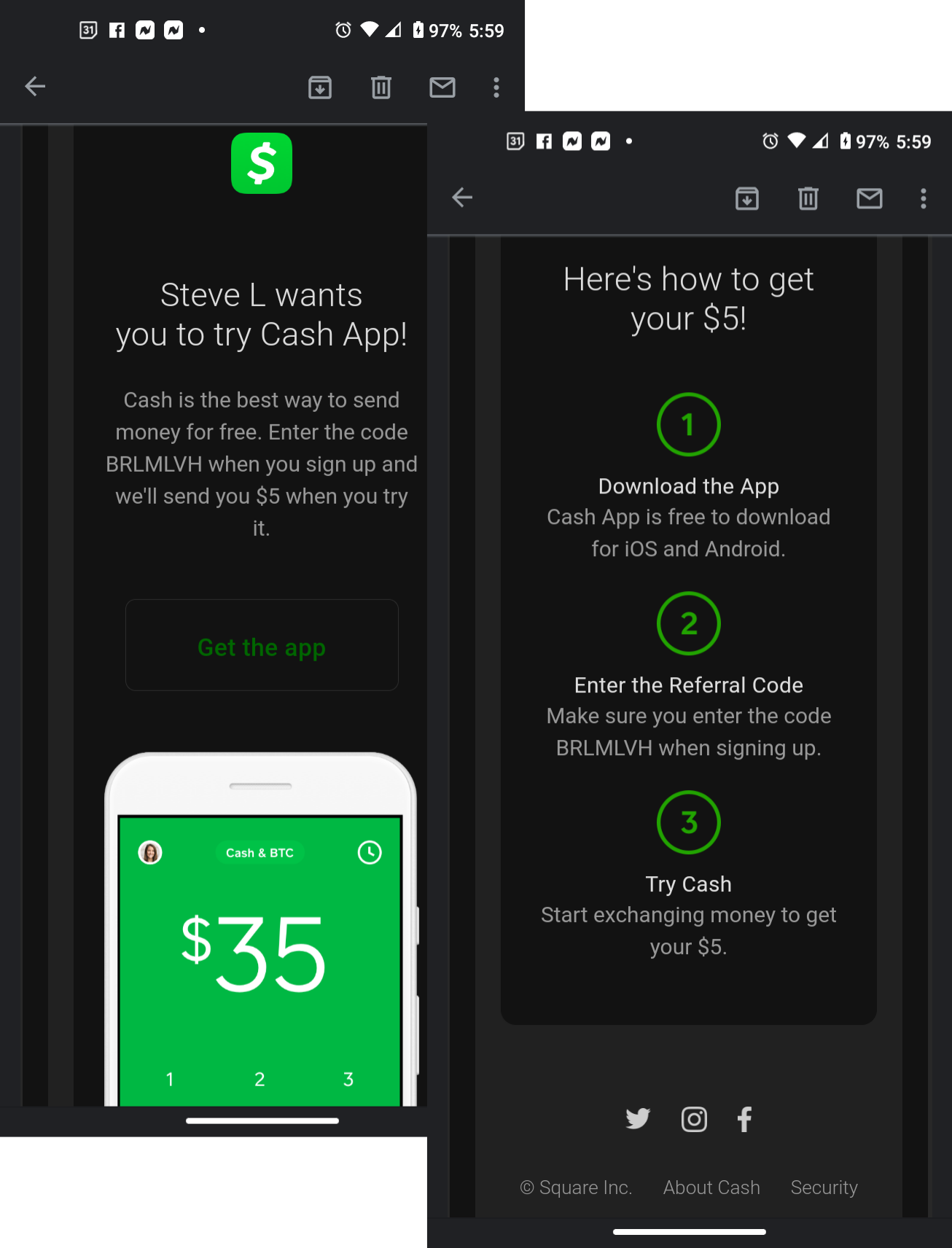
Some versions or updates of Cash App may feature a more explicit “Contacts” or “Friends” section.
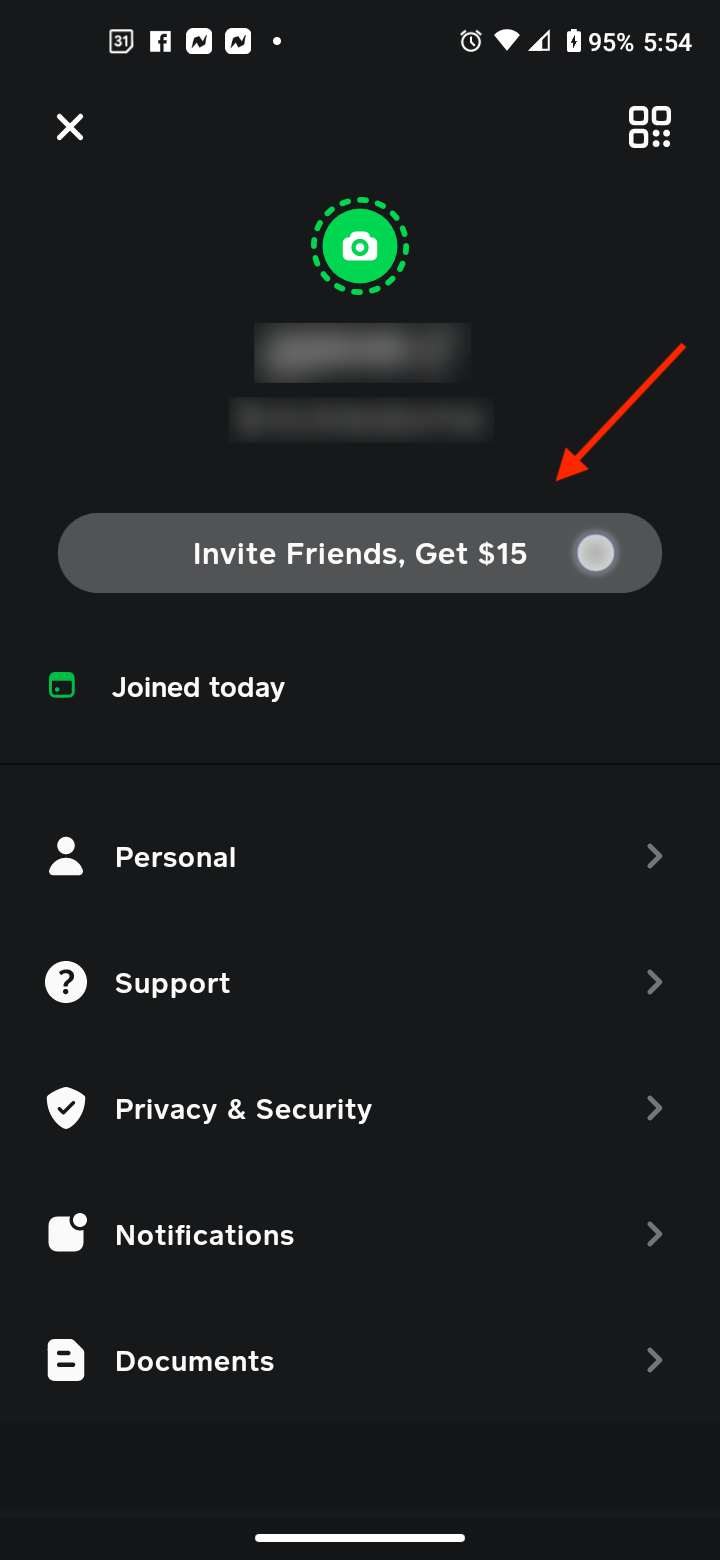
- Navigate to Profile/Privacy Settings: Tap the profile icon (usually top-right).
- Look for “Friends” or “Privacy & Security”: Within these settings, you might find an option related to syncing contacts.
- Enable Contact Sync: If available, enable this feature to allow Cash App to access your device’s contacts. This will populate a list of your phone contacts who are also Cash App users.
- Search/Select: You can then browse this list or search for individuals to initiate a payment or request.
This method does not “add” them to an internal Cash App address book in the same way your phone does, but rather makes them discoverable within the app based on shared identifiers.
Ensuring Transaction Security and Accuracy
While Cash App simplifies financial interactions, technical vigilance and adherence to security best practices are paramount, especially when adding new “contacts” or sending money for the first time. The app’s design emphasizes user responsibility in verifying recipient details.
Double-Checking Recipient Information
Before confirming any payment, meticulously verify the recipient’s Cashtag, phone number, or email address. Unlike traditional bank transfers that sometimes offer a grace period, Cash App transactions are often instant and irreversible once sent to the wrong identifier.
- Verify Cashtag: Ensure the Cashtag matches exactly, including capitalization.
- Confirm Phone/Email: Cross-reference the phone number or email with your records or confirm directly with the recipient through an alternative, secure communication channel.
- Look for Profile Pictures: If the recipient has a profile picture set, this can offer an additional visual cue for verification, though it should not be the sole method of confirmation.
Understanding Payment Status and History
Cash App provides real-time updates on payment status. Once a transaction is initiated, you can check its status in your activity feed. This technical transparency is crucial for tracking funds and ensuring they reach the intended party. The activity feed acts as your primary ledger within the app, detailing all incoming and outgoing transactions and requests. Regularly reviewing this feed helps in monitoring your financial interactions and detecting any unauthorized activity promptly.
Awareness of Scams and Phishing Attempts
As with any digital financial tool, Cash App users are targets for scams. Be extremely cautious of unsolicited payment requests or messages purporting to be from Cash App support. Never share your login credentials, PIN, or verification codes with anyone. If you receive a suspicious request or notification, always verify the sender’s identity through an independent channel before proceeding. Cash App support will never ask for your PIN or full login details. Understanding these digital security protocols is an integral part of using the app safely.
Advanced Contact Management and Troubleshooting
Beyond basic sending and receiving, Cash App offers certain functionalities that, while not explicit “contact management” features, help in organizing and securing your interactions.
Managing Recent Interactions
The “Activity” tab is your primary record keeper. It displays a chronological list of all your transactions, requests, and received funds. This effectively serves as your dynamic contact list, as frequent recipients will naturally appear here. You can tap on any transaction to view details, resend, or request money from that individual again without re-entering their information.
Blocking Users
In cases where you need to sever ties with a user or prevent unwanted communication/requests, Cash App provides a blocking feature.
- Navigate to a User’s Profile: This can usually be done by tapping their name or Cashtag in your activity feed or search results.
- Access Options: Look for a three-dot menu (…) or a settings icon on their profile screen.
- Select “Block”: Confirm that you wish to block the user.
Blocking a user prevents them from sending you money requests or initiating payments to you through Cash App. This is a critical security and privacy feature for managing your digital interactions.
Troubleshooting Contact and Payment Issues
If you encounter issues finding someone or if a payment doesn’t go through, consider these technical troubleshooting steps:
- Internet Connection: Ensure you have a stable internet connection (Wi-Fi or cellular data).
- App Update: Verify that your Cash App is updated to the latest version. Outdated versions can sometimes have compatibility issues.
- Identifier Accuracy: Reconfirm the Cashtag, phone number, or email address with the recipient. A single typo can direct funds elsewhere or prevent finding the user.
- Account Status: Ensure the recipient’s Cash App account is active and verified. Unverified accounts may have limitations on transactions.
- Cash App Support: If problems persist, contact Cash App support through the app. They can provide specific technical assistance for account-related issues.
Effectively “adding” someone to Cash App is less about formal contact entry and more about understanding the app’s P2P transaction flow and leveraging its identification methods. By mastering these technical aspects and adhering to best practices for security and verification, users can maximize the convenience and utility of Cash App for all their digital payment needs.
aViewFromTheCave is a participant in the Amazon Services LLC Associates Program, an affiliate advertising program designed to provide a means for sites to earn advertising fees by advertising and linking to Amazon.com. Amazon, the Amazon logo, AmazonSupply, and the AmazonSupply logo are trademarks of Amazon.com, Inc. or its affiliates. As an Amazon Associate we earn affiliate commissions from qualifying purchases.