
In the rapidly evolving landscape of digital distribution, Hulu has established itself as a cornerstone of the American streaming ecosystem. However, for households with multiple users and a variety of hardware—ranging from OLED Smart TVs to mobile tablets—the technical limitations regarding simultaneous streams are a frequent point of confusion. Understanding how many TVs can watch Hulu at once requires a deep dive into the service’s subscription tiers, network authentication protocols, and the hardware requirements necessary to maintain high-definition performance across a local network.
Understanding Hulu’s Baseline Stream Architecture
At its core, Hulu’s platform architecture is designed to balance user accessibility with digital rights management (DRM). For the vast majority of subscribers, the answer to how many devices can stream simultaneously is straightforward: two. Whether you are subscribed to the ad-supported “Hulu” plan or the “Hulu (No Ads)” plan, the system allows for two concurrent streams per account.

The Logic of Concurrency Limits
The two-stream limit is a software-level restriction tied to the account credentials. When a third device attempts to initiate a playback session, the Hulu API triggers a concurrency error, typically notifying the user that too many videos are being watched at once. This limit applies regardless of the device type. You could be watching on two Smart TVs, or one TV and one smartphone; the total count remains two.
From a technical perspective, this is managed through session tokens. Every time a user hits “play,” a session token is generated and validated against the account database. Once the threshold of two active tokens is reached, the server denies further requests until one of the active sessions is terminated. This ensures that account sharing remains within a controlled perimeter while still providing enough flexibility for a standard household.
Hulu + Live TV Constraints
For users who have transitioned to the Hulu + Live TV plan, the default limit remains two simultaneous streams. This often surprises users who expect a premium tier to offer expanded access. While the live television component introduces a vast array of linear channels and cloud DVR functionality, the underlying session management architecture does not automatically scale to accommodate more screens. To bypass this, users must look toward specific software add-ons that modify the account’s permissions at the server level.
The Unlimited Screens Add-On: Advanced Configuration and Limitations
For large households or tech-heavy environments, the standard two-screen limit is often insufficient. Hulu offers a technical solution via the “Unlimited Screens” add-on. This feature represents a significant shift in how the platform handles IP authentication and device management.
The Concept of the “Home Network”
The Unlimited Screens add-on is predicated on the concept of a “Home Network.” When you activate this add-on, the Hulu application identifies your primary residence based on the IP address provided by your Internet Service Provider (ISP). Once this “Home” designation is set, any number of devices connected to that specific network can stream Hulu simultaneously.
Technically, this is achieved through IP-based whitelisting. The Hulu servers recognize that the incoming requests are originating from a single gateway. This allows the system to lift the session token cap for that specific environment. It is an elegant solution for a living room with multiple TVs or a household where children are streaming on tablets while parents watch the news on the main screen.
Mobile Limitations and “On the Go” Streaming
While the add-on offers “unlimited” streams at home, the technicality changes when devices leave the home network. For mobile devices—such as smartphones and laptops using cellular data or external Wi-Fi—the system imposes a hard limit of three simultaneous streams.
This hybrid model prevents users from essentially operating a mini-broadcast network across multiple locations. If you are traveling, the Hulu app uses geolocation and IP tracking to determine that you are “away.” In this state, the software reverts to a stricter concurrency check. It is also important to note that a “Living Room” device (like a Roku, Fire Stick, or Smart TV) cannot be used outside of the designated Home Network if you have the Live TV plan; these devices are geographically locked to ensure compliance with regional broadcast rights.
Network Requirements for Multi-Screen Performance

Identifying how many TVs can watch Hulu is only half the battle; the other half is ensuring your local network infrastructure can handle the data load. Streaming video is one of the most bandwidth-intensive tasks a home network can perform, and when multiple TVs are active, the technical demands scale linearly.
Bandwidth Allocation per Stream
Hulu’s streaming quality is adaptive, meaning the bitrate adjusts based on your connection speed. However, to maintain a high-quality experience across multiple screens, you must adhere to the following technical benchmarks:
-
Standard Definition (SD): Approximately 1.5 Mbps per stream.
-
High Definition (720p/1080p): Between 3.0 and 6.0 Mbps per stream.
-
4K Ultra HD: At least 16 to 25 Mbps per stream.
If a household attempts to run four 4K streams simultaneously using the Unlimited Screens add-on, the network must be capable of sustaining a consistent 100 Mbps throughput just for Hulu. This does not account for other background processes like software updates, smart home devices, or gaming.
Router Technology and Quality of Service (QoS)
To optimize a multi-TV setup, the hardware behind the scenes—the router—must be capable of efficient traffic management. Modern Wi-Fi 6 (802.11ax) routers utilize MU-MIMO (Multi-User, Multiple-Input, Multiple-Output) technology, which allows the router to communicate with multiple devices at once rather than cycling through them.
Furthermore, advanced users can configure “Quality of Service” (QoS) settings within their router’s firmware. By prioritizing traffic to the MAC addresses of the Smart TVs or streaming sticks, you can ensure that Hulu sessions receive the necessary packets even when the network is congested. This prevents the dreaded “buffering” wheel that occurs when the bitstream is interrupted by lower-priority data.
Managing Devices and Enhancing Digital Security
A critical aspect of managing how many TVs can watch Hulu is maintaining the “Device List” within the account settings. Every hardware unit that logs into your account is registered. Over time, this list can become cluttered with old phones, guest devices, or obsolete streaming sticks, which can lead to security vulnerabilities or session conflicts.
De-authorizing Hardware
If you encounter a message stating that you have reached your stream limit but you are only using one TV, it is likely that a session is “hung” on another device or an unauthorized user is accessing your account. From the “Manage Devices” section of the Hulu web interface, users can see every piece of hardware linked to the account.
Removing a device triggers a global sign-out for that specific hardware ID. This is a vital technical step for maintaining account integrity. If you suspect your credentials have been compromised, “Removing All Devices” and performing a password reset effectively flushes all active session tokens, forcing every TV and mobile unit to re-authenticate.
The Role of Profiles vs. Streams
It is important to distinguish between “Profiles” and “Streams.” Hulu allows users to create up to six individual profiles to track viewing history and preferences. However, the number of profiles does not increase the number of allowable streams. You can have six people with their own profiles, but if you are on the standard plan, only two of those people can watch their respective content at the same time. The profile is a data-personalization layer, while the stream limit is a bandwidth and licensing layer.
The Future of Streaming Protocols and Concurrent Access
As we look toward the future of streaming technology, the limitations on how many TVs can watch Hulu may continue to shift. The industry is currently experimenting with more robust authentication methods, including biometric integration and more sophisticated AI-driven fraud detection.
Cloud Infrastructure and Scalability
Hulu’s reliance on robust cloud infrastructure (primarily leveraging AWS) allows for seamless scaling of content delivery. As home internet speeds move toward multi-gigabit fiber, the bottleneck will no longer be the user’s bandwidth but rather the platform’s licensing agreements. We may see a future where “Unlimited Screens” becomes a standard feature of the premium tiers as 5G and Wi-Fi 7 make high-concurrency streaming more technically trivial for the average consumer.
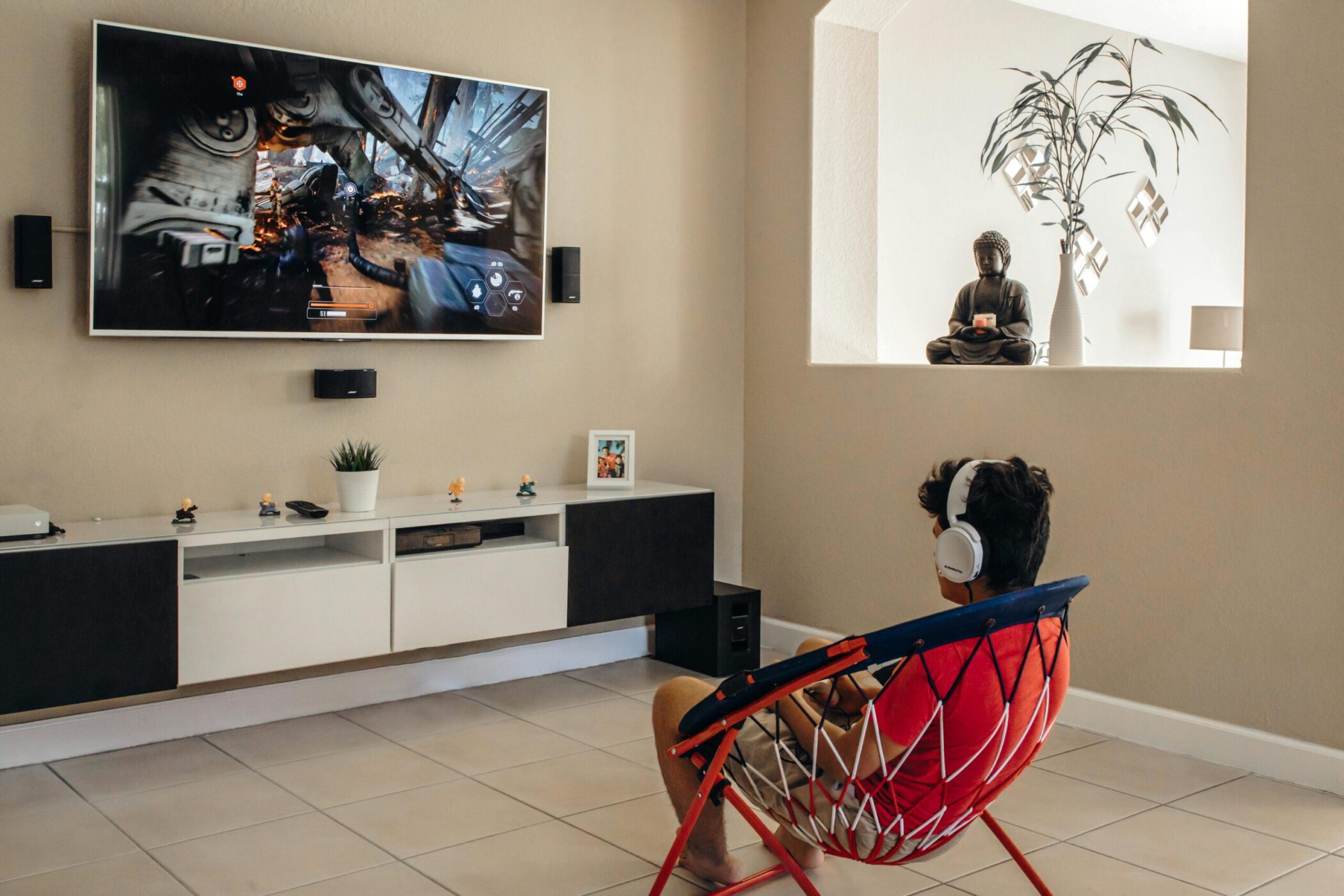
Integration with Smart Home Ecosystems
The integration of streaming apps into broader smart home ecosystems (like Matter and Apple HomeKit) might eventually allow for more automated stream management. Imagine a scenario where your home network automatically shuts down a dormant stream in the bedroom to prioritize a high-bitrate 4K stream in the home theater.
In conclusion, while the standard answer to “how many TVs can watch Hulu” is two, the technical reality is far more flexible for those willing to utilize the Unlimited Screens add-on and optimize their home network. By understanding the interplay between session tokens, IP-based home networks, and hardware bandwidth requirements, users can create a seamless, multi-screen digital environment that maximizes the value of their subscription.
aViewFromTheCave is a participant in the Amazon Services LLC Associates Program, an affiliate advertising program designed to provide a means for sites to earn advertising fees by advertising and linking to Amazon.com. Amazon, the Amazon logo, AmazonSupply, and the AmazonSupply logo are trademarks of Amazon.com, Inc. or its affiliates. As an Amazon Associate we earn affiliate commissions from qualifying purchases.