
In the dynamic landscape of online commerce, gift cards serve as a versatile financial tool, offering convenience and control for both givers and recipients. Among these, the American Express Gift Card stands out as a popular choice, synonymous with prestige and widespread acceptance. However, navigating its use on specific platforms like Amazon, the undisputed giant of e-commerce, can sometimes present unique questions. This article delves into the practicalities, strategies, and financial considerations involved in seamlessly applying your American Express Gift Card towards purchases on Amazon, ensuring you maximize its value within the realm of personal finance.
Understanding Your American Express Gift Card
Before embarking on your Amazon shopping spree, it’s crucial to grasp the fundamental nature and operational nuances of your American Express Gift Card. Treating it as a distinct financial instrument rather than a mere piece of plastic will empower you to use it effectively and avoid common pitfalls.
What is an Amex Gift Card?
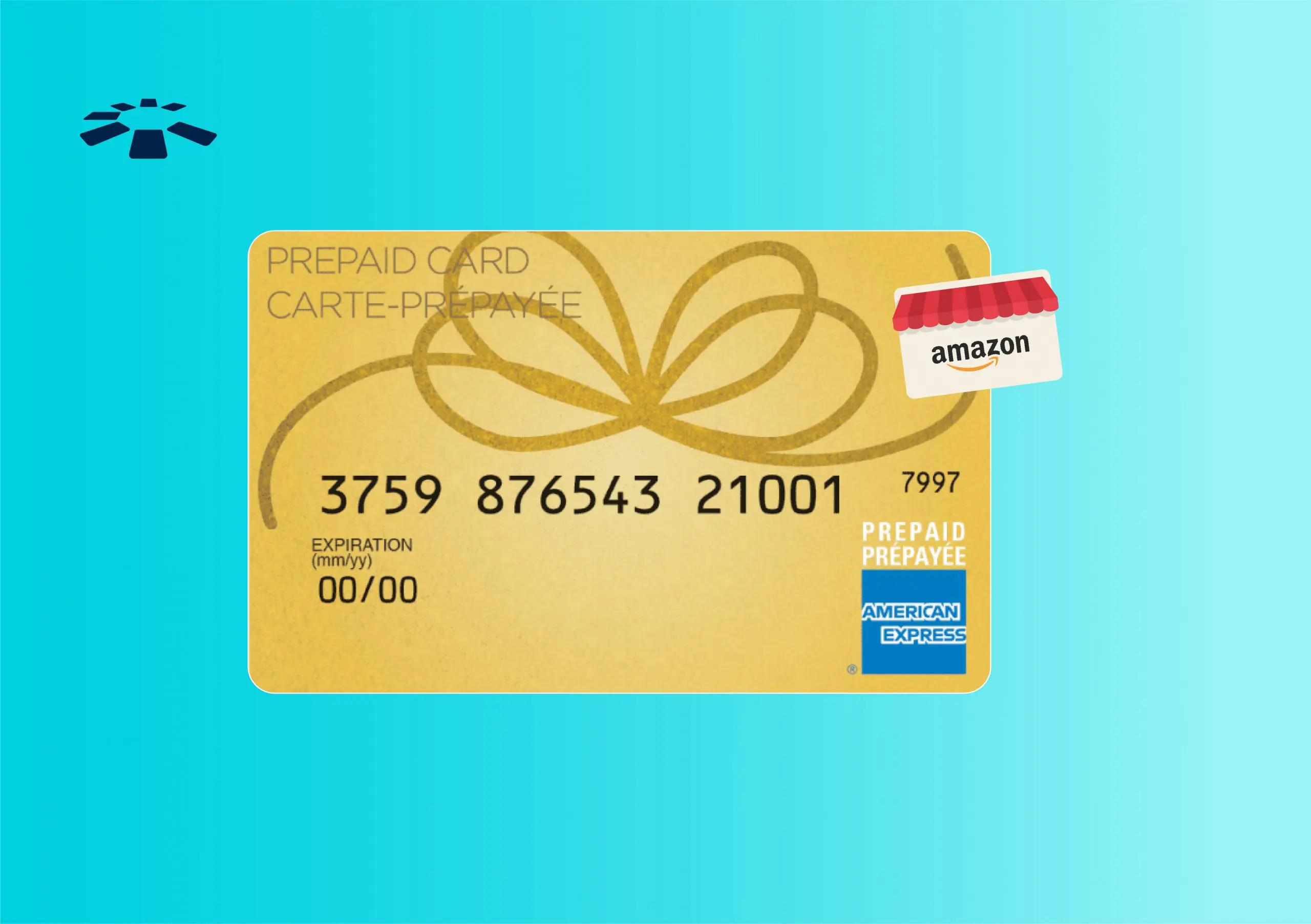
An American Express Gift Card is a prepaid payment solution, often referred to as an “open-loop” gift card because it can be used anywhere American Express cards are accepted, not just at a specific merchant. Unlike store-specific gift cards (closed-loop), which are limited to a single brand, Amex gift cards function much like a debit or credit card, drawing from a preloaded balance. This flexibility is a significant advantage, particularly when shopping on a diverse platform like Amazon. From a financial perspective, it represents a pre-allocated sum of money, making it an excellent tool for budgeting specific expenditures or for those without traditional banking accounts. It removes the need for a credit check and limits spending to the loaded amount, preventing debt accumulation.
Activation and Balance Check
While many American Express Gift Cards are activated automatically upon purchase, it’s a sound financial practice to confirm its active status before attempting a transaction. The card typically comes with instructions for activation, usually involving a quick visit to the American Express gift card website or a phone call. Similarly, knowing your exact balance is paramount. An “insufficient funds” error can be frustrating and disruptive to your shopping experience. You can check your balance online at the American Express gift card website, usually by entering the card number and security code. This proactive step helps in planning your purchases and preventing transaction declines, aligning with good personal finance management. Always treat your gift card number and security code with the same confidentiality as you would a regular credit card.
Step-by-Step Guide to Using Your Amex Gift Card on Amazon
The process of utilizing your American Express Gift Card on Amazon is straightforward, akin to using a standard credit or debit card. However, understanding a few Amazon-specific nuances can streamline the experience and prevent any hiccups.
Adding the Card to Your Amazon Account
Amazon allows users to store multiple payment methods for convenience. To add your American Express Gift Card:
- Log in to Your Amazon Account: Access your account on the Amazon website or mobile app.
- Navigate to Payment Options: Go to “Your Account” and then select “Payment Options” or “Wallet.”
- Add a New Payment Method: Click on the “Add a credit or debit card” option.
- Enter Card Details: Carefully input the 15-digit American Express Gift Card number, the expiration date, and the 4-digit security code (CID) found on the front of the card, above the card number.
- Assign a Billing Address: Amazon requires a billing address for all cards. While gift cards don’t typically have a traditional billing address, you can use your own personal billing address for this purpose. This is a common practice and generally causes no issues for gift cards.
Once added, the card will appear in your list of payment methods, ready for use.
Making a Purchase with the Gift Card
With your Amex Gift Card successfully added, using it for a purchase is the next step:
- Shop as Usual: Add items to your Amazon cart.
- Proceed to Checkout: When you’re ready to buy, go to your cart and click “Proceed to checkout.”
- Select Payment Method: On the “Review your order” page, under the “Payment method” section, select your American Express Gift Card from the list of saved payment options.
- Complete the Purchase: Review your order details, shipping address, and chosen payment method one last time, then click “Place your order.”
Amazon will attempt to charge the full amount of your purchase to the gift card. If the card has sufficient funds, the transaction will complete, and you’ll receive an order confirmation.
Handling Remaining Balances
One of the most common challenges with gift cards, particularly those with specific denominations, is dealing with leftover small balances. If your purchase total is less than the gift card’s value, the remaining balance will stay on the card for future use. If your purchase total exceeds the gift card’s value, Amazon will prompt you to select a secondary payment method to cover the difference. This process, known as “split payments,” is crucial for maximizing the card’s utility and ensuring no funds are wasted. You can apply the entire balance of the Amex Gift Card first, and then pay the remainder with a credit card, debit card, or even another Amazon gift card. This flexibility ensures that every cent of your prepaid balance is utilized.
Common Issues and Troubleshooting Tips
Despite the straightforward process, users sometimes encounter issues when trying to use American Express Gift Cards on Amazon. Proactive understanding and simple troubleshooting can resolve most problems, preventing financial frustration.
Insufficient Funds and Split Payments
The most frequent issue is “insufficient funds.” This occurs when the total order value exceeds the gift card’s available balance.
- Solution: Amazon typically handles this by allowing split payments. When the charge fails due to insufficient funds, Amazon will notify you and prompt you to select another payment method for the remaining amount. You can also manually apply a partial payment from the gift card first during checkout by selecting the gift card and then inputting the exact amount available on the card, then selecting a second payment method for the remainder. This ensures you fully deplete the gift card.
- Pro Tip: Always check your gift card balance before shopping to better estimate how much you can spend or if you’ll need a secondary payment method.
Card Not Accepted or Declined
Occasionally, an Amex Gift Card might be declined even if it has funds. Several factors could contribute to this:
- Billing Address Mismatch: Although you use your personal billing address, sometimes the system can flag it. Double-check that the address associated with the card in your Amazon account is identical to your primary billing address.
- Incorrect Card Details: A simple typo in the card number, expiration date, or security code can lead to a decline. Carefully re-enter the details.
- Activation Issue: Confirm the card was properly activated. If not, activate it as per the instructions.
- Amazon System Glitch: Rarely, Amazon’s payment processing system might experience a temporary issue. Try again after a short while, or try removing and re-adding the card.
- Card Type Restriction (Rare): While Amex Gift Cards are generally accepted as regular credit cards, very occasionally there might be a system misinterpretation. If all else fails, contact Amex customer service for the gift card.
Avoiding Multiple Small Balances
A common financial inefficiency with gift cards is ending up with numerous cards each holding a tiny, hard-to-use balance.
- Solution: The most effective strategy for Amex Gift Cards on Amazon is to convert any small remaining balances into an Amazon Gift Card. You can purchase an Amazon e-gift card for the exact remaining amount on your Amex card. This consolidates the funds onto your Amazon account, making them easier to track and spend, effectively transferring a small, potentially stranded balance into easily usable Amazon credit. This is a savvy financial move to ensure no money is left behind.
Maximizing Your Amex Gift Card Value on Amazon
Beyond simply using the card, there are strategic approaches to ensure you get the most financial utility and convenience out of your American Express Gift Card on Amazon.
Consolidating Balances with an Amazon Gift Card
As mentioned, this is arguably the most effective strategy for smaller, residual balances.
- Process: After making a purchase that leaves a small, awkward amount on your Amex Gift Card (e.g., $3.75), go to Amazon’s gift card page.
- Purchase an eGift Card: Select the option to buy an Amazon eGift card and enter the exact remaining balance of your Amex card as the amount.
- Use Amex Card as Payment: During checkout for the Amazon eGift card, select your Amex Gift Card as the payment method.
- Redeem Amazon Gift Card: Once purchased, the Amazon eGift card will be delivered digitally (often to your email). Redeem the code into your Amazon account balance.
- Benefit: This moves the fragmented balance into your Amazon account, making it part of your overall Amazon credit, which is much easier to apply to future purchases, regardless of their amount. This is a prime example of good personal finance management, preventing the loss of small sums.
Strategic Purchasing to Deplete Funds
For larger Amex Gift Card balances, plan your purchases to match or slightly exceed the card’s value.
- Targeted Shopping: Browse for items that come close to your card’s balance.
- Bundle Purchases: If you have multiple smaller items you need, add them to your cart to reach an amount that either completely depletes the card or leaves a very small, manageable remainder that can then be converted to an Amazon Gift Card.
- Avoid Overspending: Remember the gift card is a fixed budget. While you can split payments, using it to justify buying items you don’t genuinely need defeats the purpose of sound financial planning.
Monitoring Your Spending
Even with a gift card, monitoring your spending remains a crucial financial habit.
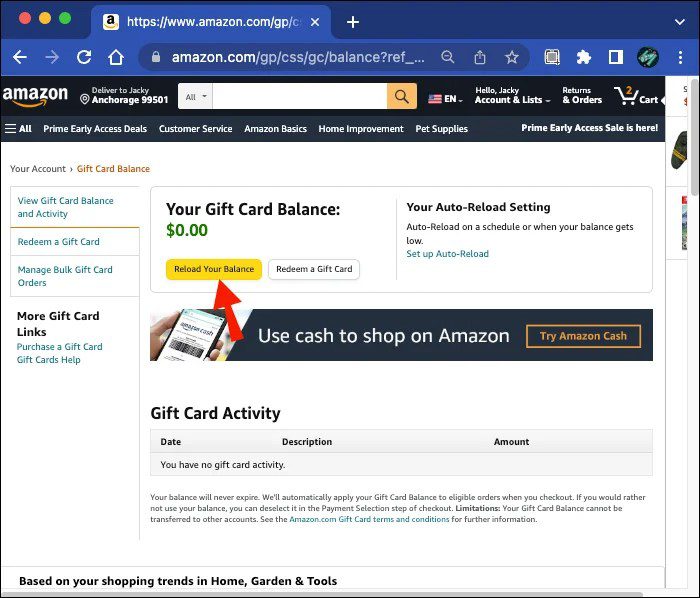
- Track Balance: Regularly check your Amex Gift Card balance online to keep tabs on how much you have left.
- Amazon Order History: Keep an eye on your Amazon order history to see what was charged to which payment method.
- Budgeting: If you received the gift card for a specific purpose (e.g., holiday shopping), ensure your purchases align with that budget. This disciplined approach extends your personal finance principles even to prepaid funds.
Beyond the Transaction: Financial Prudence with Gift Cards
The use of an American Express Gift Card on Amazon, while seemingly a simple transaction, offers broader lessons in personal finance and smart money management. These principles extend beyond the immediate purchase and touch upon budgeting, security, and understanding financial product terms.
Gift Cards as a Budgeting Tool
American Express Gift Cards, like other prepaid cards, can be powerful budgeting tools.
- Pre-allocated Funds: They represent a fixed sum, meaning you cannot overspend the allocated amount. This can be particularly useful for discretionary spending categories, limiting impulse buys.
- Specific Spending: A gift card received for a birthday might be designated for a specific “treat” purchase, ensuring that money isn’t inadvertently absorbed into general expenses.
- Financial Discipline: Using a gift card requires a certain level of discipline—checking balances, planning purchases, and considering how to best utilize every dollar. These are skills transferable to managing your broader personal finances.
Understanding Expiration Dates and Fees
While the funds on American Express Gift Cards generally do not expire under federal law (meaning the value remains), the physical card itself may have an expiration date. If the card expires before you’ve used all the funds, you can typically request a replacement card with the remaining balance.
- Maintenance Fees: Some American Express Gift Cards might carry dormancy or maintenance fees if not used for an extended period, though many newer cards have eliminated or reduced these. Always check the cardholder agreement or the terms and conditions provided with your card to understand any potential fees that could erode your balance over time. Being aware of these terms is a critical aspect of responsible financial product management.
Security Best Practices
Treat your American Express Gift Card with the same security precautions as a credit or debit card.
- Keep it Safe: Guard the card number, expiration date, and security code from unauthorized access.
- Avoid Phishing: Be wary of emails or messages asking for your gift card details.
- Report Loss/Theft: If your physical card is lost or stolen, report it to American Express immediately. While gift cards often have fewer protections than credit cards, prompt reporting might allow for the remaining balance to be recovered or transferred to a new card.
- Online Security: Ensure you’re shopping on the legitimate Amazon website or app, and use secure internet connections.
In conclusion, leveraging an American Express Gift Card on Amazon is a straightforward process that integrates well into responsible personal finance practices. By understanding its nature, following the correct steps, troubleshooting common issues, and employing smart strategies for balance management, you can ensure that every dollar on your card translates into valuable purchases on the world’s largest online marketplace. This disciplined approach not only facilitates seamless online shopping but also reinforces fundamental principles of financial literacy and effective money management.
aViewFromTheCave is a participant in the Amazon Services LLC Associates Program, an affiliate advertising program designed to provide a means for sites to earn advertising fees by advertising and linking to Amazon.com. Amazon, the Amazon logo, AmazonSupply, and the AmazonSupply logo are trademarks of Amazon.com, Inc. or its affiliates. As an Amazon Associate we earn affiliate commissions from qualifying purchases.