
The transition from traditional cable broadcasting to over-the-top (OTT) streaming services has fundamentally reshaped the domestic entertainment landscape. Amazon Prime Video stands as a cornerstone of this digital revolution, offering a massive library of 4K UHD content, live sports, and original programming. However, the technical execution of bringing that content to the big screen involves a synergy of hardware compatibility, software optimization, and network stability. Whether you are using a native Smart TV interface or an external peripheral, understanding the underlying technology is key to a seamless viewing experience.

Navigating the Hardware Ecosystem: Compatible Devices and Peripherals
Before diving into the software configuration, it is essential to identify the hardware architecture that will facilitate the stream. Amazon Prime Video is built on a cross-platform framework, meaning it is compatible with a wide array of devices, each offering different performance benchmarks.
Smart TVs and Native Operating Systems
Most modern televisions manufactured within the last decade come pre-equipped with a proprietary operating system (OS) or a licensed platform. Samsung’s Tizen OS, LG’s webOS, and Sony’s integration of Google TV (formerly Android TV) all feature native Prime Video applications. The primary advantage of using a Smart TV’s internal app is the reduction of hardware clutter and the ability to control everything with a single remote. However, internal processors in entry-level TVs can sometimes struggle with UI responsiveness compared to dedicated streaming hardware.
Dedicated Streaming Media Players
For users with older “dumb” TVs or those seeking a more robust interface, dedicated streaming sticks and boxes are the gold standard.
-
Amazon Fire TV Family: Since these are first-party devices, they offer the deepest integration with Prime Video, featuring “Up Next” rows on the home screen and seamless Alexa voice integration.
-
Roku and Apple TV: These third-party devices provide high-performance hardware capable of handling high-bitrate 4K streams. Apple TV 4K, in particular, is noted for its powerful A-series chips that ensure the Prime Video UI remains fluid and lag-free.
-
Chromecast with Google TV: This device utilizes a “content-first” interface that aggregates Prime Video titles alongside other services, providing a unified search experience.
Gaming Consoles and Legacy Hardware
If you have a PlayStation 5 or an Xbox Series X/S connected to your TV, you already possess one of the most powerful streaming engines available. These consoles are designed to handle high-density data, making them excellent for 4K HDR playback. Even legacy consoles like the PS4 and Xbox One continue to support the Prime Video app, though they may lack support for the latest visual formats like Dolby Vision.
The Software Layer: Installation and Authentication Processes
Once the hardware is connected via HDMI (ideally an HDMI 2.0 or 2.1 port for 4K content), the next phase involves software deployment and account synchronization.
Deploying the Application
Regardless of the platform, the first step is visiting the respective digital storefront—be it the Google Play Store, the Apple App Store, or the Roku Channel Store. Search for “Amazon Prime Video” and initiate the download. On Fire TV devices, the app is pre-installed at the root level of the operating system. It is critical to ensure that your device’s firmware is up to date before installation to prevent compatibility errors during the handshake process between the app and the server.
The Two-Factor Authentication and Registration Process
Amazon utilizes a simplified “Link Code” system to bypass the frustration of typing complex passwords using a TV remote. When you first open the app, you will typically see a six-character code on the screen. To register the device:
-
Open a web browser on your smartphone or computer.
-
Navigate to
amazon.com/mytv. -
Log in with your Amazon credentials.
-
Enter the code displayed on your TV screen.
Alternatively, many modern versions of the app display a QR code. Scanning this with a mobile device logged into the Amazon app will instantly authorize the TV, leveraging the mobile device’s existing secure token to establish the connection.
Managing User Profiles and Personalization
Prime Video supports up to six user profiles within a single account. This is technically significant because the algorithm tracks viewing habits, watchlists, and “continue watching” progress independently for each profile. Upon launching the app on your TV, ensure you select the correct profile to maintain the integrity of your personalized recommendations and to ensure that parental controls are enforced where necessary.
Optimizing the Digital Pipeline: Bandwidth, Resolution, and Latency
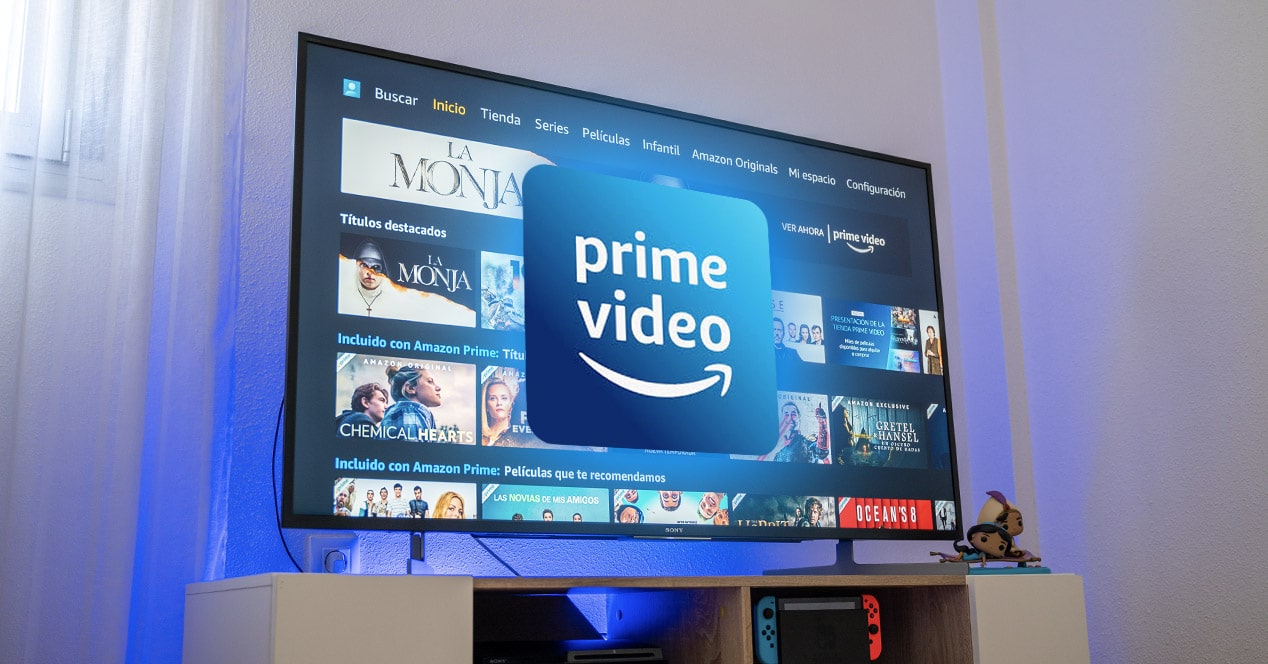
Streaming high-definition video is a data-intensive process. To achieve the 2160p (4K) resolution promised by many Prime Video titles, your local network must meet specific technical thresholds.
Network Requirements and Speed Tiers
Amazon recommends a minimum download speed of 1 Mbps for SD content, 5 Mbps for HD, and at least 25 Mbps for 4K Ultra HD. However, these are “floor” requirements. In a household with multiple connected devices, a 100 Mbps or higher connection is recommended to provide enough “headroom” for the stream to remain stable without dropping to a lower bitrate.
Wired vs. Wireless Connectivity
While Wi-Fi 6 and 6E have significantly improved wireless stability, the gold standard for 4K streaming remains a hardwired Ethernet connection.
-
Ethernet: Provides a consistent, low-latency connection that is immune to electromagnetic interference from household appliances or neighboring Wi-Fi networks.
-
Wi-Fi Optimization: If you must use Wi-Fi, ensure your TV or streaming device is connected to the 5GHz band rather than the 2.4GHz band. The 5GHz frequency offers higher data throughput, which is essential for maintaining the high bitrates required for HDR10+ and Dolby Atmos.
Understanding Bitrate and Codecs
Prime Video uses adaptive bitrate streaming. This means the app constantly monitors your internet speed in real-time and adjusts the video quality accordingly. If you notice the image looks “fuzzy” for the first few seconds of a show, that is the app’s buffer filling up. Once the technical handshake confirms a stable high-speed connection, the app switches to a high-efficiency video codec (HEVC/H.265) to deliver crisp 4K visuals at a manageable file size.
Troubleshooting and System Maintenance
Even with the most advanced hardware, technical glitches can occur. Understanding how to diagnose and resolve these issues is vital for maintaining a high-quality streaming environment.
Common Error Codes and Their Meaning
-
Error Code 1060: Usually indicates a bandwidth issue or an unstable connection. Restarting the router or switching from Wi-Fi to Ethernet often resolves this.
-
Error Code 9074: This is often related to Digital Rights Management (DRM) handshaking. If the HDCP (High-bandwidth Digital Content Protection) check fails between your device and your TV, the stream will be blocked. Swapping the HDMI cable for a certified high-speed cable is the standard fix.
-
App Freezing: This is typically a cache issue. On Android-based systems (Fire TV, Sony, Nvidia Shield), you can navigate to Settings > Applications > Manage Installed Applications > Prime Video and select “Clear Cache.” This flushes temporary data that may be causing the software to hang.
Audio-Visual Sync Issues
If the audio does not match the lip movements on screen, it is often due to a processing delay in the TV’s soundbar or receiver. Most Prime Video apps on Smart TVs include an “Audio Delay” or “Lip Sync” setting within the audio menu. Additionally, ensure that your TV’s “Game Mode” is turned off if you are not gaming, as this can sometimes bypass necessary video processing and lead to synchronization mismatches.
The Future of Integration: Prime Video and Smart Home Ecosystems
Streaming Amazon Prime on your TV is no longer just about pressing “Play.” The integration of AI and IoT (Internet of Things) has transformed the TV into a central hub for the digital home.
Alexa Voice Command Integration
For those within the Amazon ecosystem, “streaming” can be entirely hands-free. Using an Alexa-enabled remote or a standalone Echo device, users can issue commands like “Alexa, play ‘The Boys’ on the Living Room TV.” This triggers a deep-link within the OS that launches the app, selects the profile, and starts the content automatically. This level of software integration is a result of years of development in Natural Language Processing (NLP).
X-Ray and Metadata Enrichment
One of the unique technical features of Prime Video is “X-Ray,” powered by IMDb. While streaming on your TV, you can access real-time data about the actors on screen, the music playing in the background, and even trivia. This is achieved through synchronized metadata tags embedded in the video stream, allowing the TV to pull relevant information from the cloud without interrupting the playback.
High Dynamic Range (HDR) Standards
As display technology evolves, Prime Video has stayed at the forefront by supporting various HDR standards, including HDR10, HDR10+, and Dolby Vision. These technologies allow for a wider color gamut and higher contrast ratios. When streaming on a compatible TV, the Prime Video app sends a signal to the TV’s processor to “tone map” the image, ensuring that the highlights and shadows are rendered with maximum precision. Ensuring your TV’s HDMI input is set to “Enhanced” or “Deep Color” mode is a technical requirement to unlock these features.
By understanding the hardware requirements, mastering the authentication process, and optimizing the network environment, users can ensure that their Prime Video experience is not just functional, but exceptional. As streaming technology continues to advance toward 8K and beyond, the fundamental principles of data management and hardware synergy will remain the foundation of the modern home cinema.
aViewFromTheCave is a participant in the Amazon Services LLC Associates Program, an affiliate advertising program designed to provide a means for sites to earn advertising fees by advertising and linking to Amazon.com. Amazon, the Amazon logo, AmazonSupply, and the AmazonSupply logo are trademarks of Amazon.com, Inc. or its affiliates. As an Amazon Associate we earn affiliate commissions from qualifying purchases.