
In an era dominated by digital commerce, understanding the intricacies of popular online shopping platforms is essential for a seamless and secure experience. Shopify, a behemoth in the e-commerce space, empowers millions of independent businesses and established brands to sell their products online. For the consumer, this translates into an expansive marketplace filled with unique goods and diverse offerings. But for those new to its ecosystem, the question often arises: “How do you shop on Shopify?” This article serves as a comprehensive guide, demystifying the process from discovery to delivery, ensuring you can navigate the Shopify landscape with confidence and efficiency.
Understanding the Shopify Ecosystem from a Shopper’s Lens
Before diving into the mechanics of making a purchase, it’s crucial to grasp what Shopify represents from a shopper’s perspective. Unlike marketplaces such as Amazon or eBay, Shopify itself is not a storefront where you directly browse products across multiple sellers simultaneously. Instead, it’s the robust, flexible technological infrastructure that individual businesses use to build their own online stores.
What is Shopify (for Shoppers)?
At its core, Shopify is a software platform that provides tools for businesses to create and manage their online shops. For you, the shopper, this means that every time you encounter an independent online store with a professional look, a smooth checkout process, and reliable transaction handling, there’s a high probability it’s powered by Shopify. You are not “shopping on Shopify” in the sense of a single destination, but rather “shopping from a store powered by Shopify.” This distinction is important because it means you’ll be interacting directly with individual merchants, each with their own branding, product selection, pricing, shipping policies, and customer service.
Identifying Shopify-Powered Stores
Recognizing a Shopify-powered store is often straightforward once you know what to look for. While there isn’t a universal “Shopify logo” prominently displayed for shoppers, several cues can help:
- Footer Links: Many Shopify stores will have “Powered by Shopify” or similar text in their website’s footer.
- URL Structure (Less Common Now): Historically, some stores might have URLs like
yourstorename.myshopify.com, though most modern stores connect their own custom domain (e.g.,www.yourstorename.com) directly to their Shopify backend. - Checkout Experience: The checkout process often features Shopify’s distinctive design elements, security badges, and payment method integrations, which can become familiar over time.
- Payment Gateways: The range of payment options (Shop Pay, Google Pay, Apple Pay, PayPal, major credit cards) often indicates a robust, Shopify-like setup.
Understanding this foundational aspect sets the stage for a more informed and effective shopping journey, enabling you to appreciate the vast network of unique retailers Shopify supports.
The Intuitive Journey: Finding and Browsing Products
The actual process of shopping on a Shopify-powered store mirrors the experience on many modern e-commerce websites, designed for user-friendliness and efficiency. The journey typically begins with discovering a store and then navigating its offerings.
Discovering Stores: Search Engines and Direct Links
The primary way shoppers find Shopify stores is through common digital avenues:
- Search Engines (Google, Bing, etc.): If you’re looking for a specific product or type of item, a quick search will often lead you to relevant Shopify stores. Merchants invest heavily in Search Engine Optimization (SEO) to ensure their products appear high in search results.
- Social Media: Platforms like Instagram, Facebook, TikTok, and Pinterest are hotbeds for Shopify merchants. Many businesses use these channels to showcase products, run ads, and link directly to their Shopify storefronts.
- Direct Recommendations/Word-of-Mouth: Friends, family, or online communities might recommend specific brands or products, providing you with a direct link to a Shopify store.
- Online Marketplaces/Directories: While not shopping on Shopify directly, some marketplaces like Etsy allow sellers to also have a Shopify presence, or directories might list independent stores.
Once you land on a store’s homepage, the user interface (UI) is typically intuitive, designed to guide you effortlessly through its product catalog.
In-Store Navigation: Categories, Search, and Filters
Upon entering a Shopify store, you’ll find familiar navigation tools:
- Navigation Menus: Located at the top of the page, these menus typically categorize products (e.g., “Apparel,” “Home Goods,” “Electronics,” “Collections”) and provide links to essential pages like “About Us,” “Contact,” or “FAQs.”
- Search Bar: A prominent search bar allows you to quickly find specific items by name, keyword, or SKU. This is particularly useful for stores with extensive inventories.
- Filters and Sorting Options: On collection pages, you’ll often find options to filter products by price, size, color, brand, customer reviews, or to sort them by relevance, newest arrivals, or price (low to high/high to low). These tools are invaluable for narrowing down choices and finding exactly what you need efficiently.
Product Pages: Details, Reviews, and Customization
Each product you click on will lead you to a dedicated product page, which is meticulously designed to provide all necessary information for an informed purchase:
- High-Quality Images and Videos: Multiple angles, lifestyle shots, and even 360-degree views are common, allowing you to thoroughly examine the product.
- Detailed Descriptions: Comprehensive text explains the product’s features, benefits, materials, dimensions, and usage instructions.
- Pricing and Availability: Clear display of the product price, any discounts, and whether the item is in stock.
- Variants: For products with options (e.g., different sizes, colors, materials), interactive selectors allow you to choose your desired variant.
- Customer Reviews and Ratings: User-generated content is a powerful tool. Many Shopify stores integrate review apps, allowing you to read testimonials and see star ratings, which can significantly influence purchasing decisions.
- Related Products/Recommendations: Shopify’s backend often powers suggestions for complementary items or products frequently bought together, enhancing the shopping experience.
Taking the time to explore these elements ensures you have a complete understanding of the product before adding it to your cart.
Streamlined Checkout: Securing Your Purchase
The checkout process on Shopify-powered stores is renowned for its simplicity, speed, and security. Designed to minimize friction and prevent cart abandonment, it guides you through a few straightforward steps to finalize your order.
The Shopping Cart Experience
Once you’ve found an item you wish to purchase, you’ll typically click an “Add to Cart” button. Your shopping cart serves as a virtual holding area for all selected items.
- Review Your Order: In the cart, you can review the items, quantities, and prices. This is also where you can update quantities, remove items, or apply discount codes.
- Estimate Shipping/Taxes: Some carts offer a tool to estimate shipping costs and applicable taxes based on your location before proceeding to full checkout.
- Continue Shopping vs. Checkout: You’ll have the option to continue browsing for more items or proceed directly to the checkout page.
A well-designed cart experience is crucial for consumer confidence, allowing a final check before commitment.
Seamless Payment Gateways
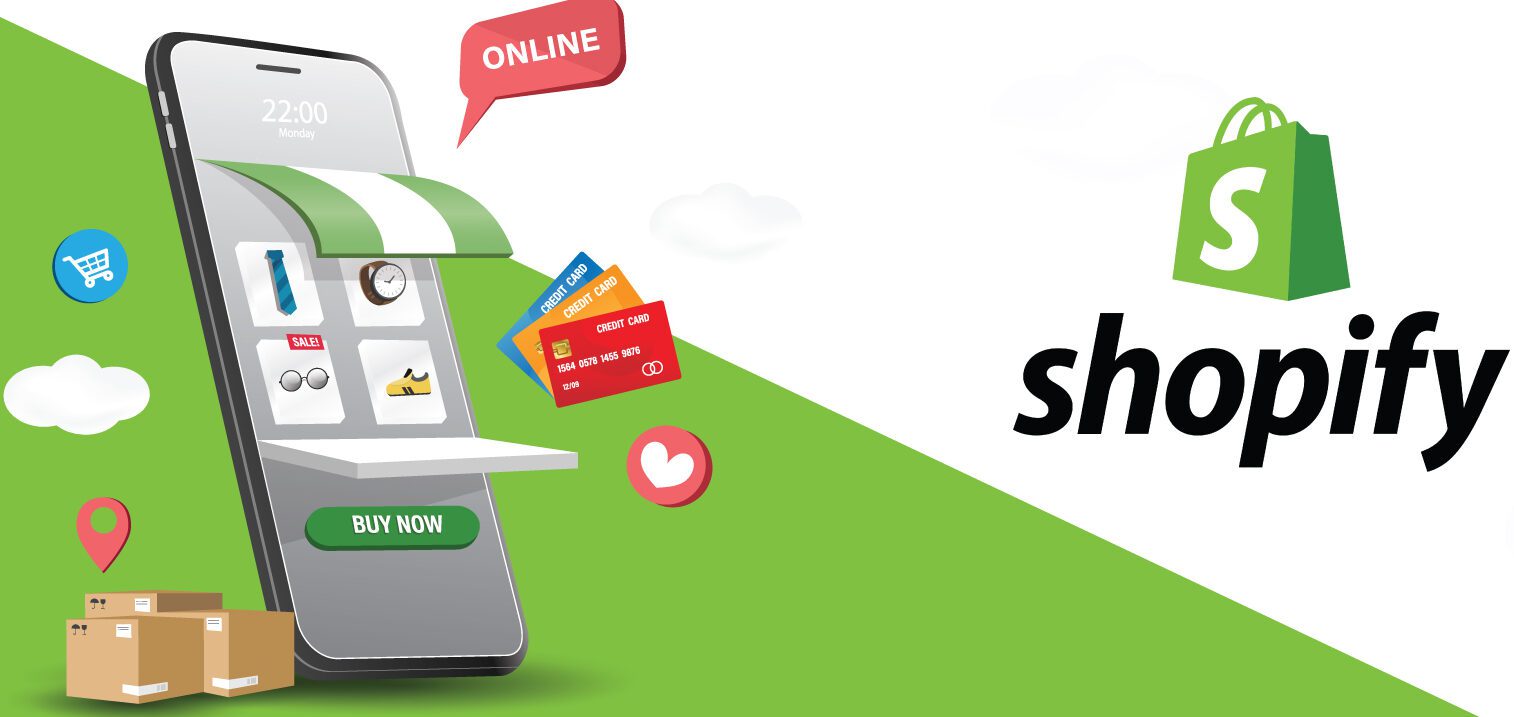
Shopify offers a wide array of integrated payment gateways, providing shoppers with diverse and secure options. When you proceed to checkout, you’ll typically encounter:
- Credit/Debit Cards: Most stores accept major credit and debit cards (Visa, MasterCard, American Express, Discover). The payment processing is encrypted and secure.
- Shop Pay: Shopify’s own accelerated checkout offers a fast, one-click payment option if you’ve saved your information previously. It securely stores your shipping and billing details for future purchases across any Shopify store, drastically speeding up subsequent checkouts.
- Digital Wallets: Integrations with popular digital wallets like Apple Pay, Google Pay, and PayPal allow for quick and secure transactions, often requiring just a fingerprint or facial recognition for authentication.
- Buy Now, Pay Later (BNPL) Services: Many Shopify stores offer flexible payment options through services like Affirm, Klarna, Afterpay, or Sezzle, allowing you to split your purchase into interest-free installments.
- Local Payment Methods: Depending on the merchant’s location and target audience, you might also find local payment methods tailored to specific regions.
Regardless of the method chosen, Shopify’s infrastructure ensures that your financial data is handled with industry-standard encryption and security protocols, protecting your sensitive information.
Shipping and Delivery Options
During checkout, you’ll also be prompted to provide your shipping address and select a delivery option. Merchants typically offer various shipping methods, each with different costs and estimated delivery times:
- Standard Shipping: The most common and often most affordable option, with typical delivery times ranging from 3-7 business days.
- Expedited/Express Shipping: For those who need their items quickly, these options come at a higher cost but offer faster delivery (e.g., 1-3 business days).
- International Shipping: Many Shopify stores ship globally, with specific rates and customs information provided during checkout.
- Local Pickup/Delivery: Some local businesses offer the option to pick up orders directly from their physical location or provide local delivery services.
Always review the shipping policies and estimated delivery windows before finalizing your purchase, especially if you have a deadline for receiving your items.
Post-Purchase Engagement and Support
The shopping experience doesn’t end once you click “Place Order.” Shopify stores are equipped to keep you informed and supported throughout the post-purchase phase, which is crucial for building customer loyalty and trust.
Order Confirmation and Tracking
Immediately after completing your purchase, you’ll receive an order confirmation email. This email typically contains:
- Order Number: A unique identifier for your purchase.
- Order Summary: A list of items purchased, their prices, and the total cost.
- Shipping Address: Confirmation of where your package will be sent.
- Estimated Delivery Date: A projection of when your order should arrive.
- Tracking Link: Once your order has been processed and shipped, a separate email (or an update to the original confirmation) will provide a tracking number and a link to monitor your package’s journey in real-time. This digital visibility is a standard feature that enhances peace of mind for shoppers.
Returns, Exchanges, and Customer Service
Despite best intentions, sometimes products need to be returned or exchanged. Shopify stores typically have clear policies in place:
- Return/Exchange Policy: Every store should have a dedicated page outlining its policies regarding returns, exchanges, refunds, and eligibility criteria (e.g., within X days, item must be unworn, tags attached). It’s always wise to review this before purchasing, especially for high-value items.
- Contacting Support: Should you have any questions or issues, Shopify merchants provide various customer service channels. This might include:
- Email Support: A dedicated email address for inquiries.
- Live Chat: An on-site chat widget for real-time assistance.
- Phone Support: A direct phone number for immediate help.
- FAQ Sections: Comprehensive guides addressing common questions.
A responsive and helpful customer service experience is a hallmark of a reputable Shopify store, ensuring that any post-purchase concerns are addressed promptly and professionally.
Leveraging Customer Accounts
Many Shopify stores offer the option to create a customer account. While often optional for checkout, creating an account can offer several benefits:
- Order History: Easily view past orders, reorder items, and track current purchases.
- Saved Information: Store shipping addresses and payment methods for faster future checkouts.
- Wishlists: Save products you’re interested in for later.
- Exclusive Offers: Some stores provide special discounts or early access to sales for account holders.
While not strictly necessary for a one-time purchase, an account can significantly enhance the long-term shopping experience with a particular merchant.
Security, Privacy, and Smart Shopping Practices
While Shopify provides a secure and reliable platform, smart shopping practices are essential for consumers to protect themselves and ensure a positive online experience.
Protecting Your Data: Shopify’s Built-in Security
Shopify prioritizes security for both merchants and shoppers:
- SSL Certificates: All Shopify stores automatically come with free SSL (Secure Sockets Layer) certificates, ensuring that all data passed between the web server and browsers remains private and integral. You can typically see a padlock icon in your browser’s address bar, indicating a secure connection.
- PCI DSS Compliance: Shopify is PCI DSS (Payment Card Industry Data Security Standard) compliant, meaning it adheres to the highest standards for handling credit card information, reducing the risk of data breaches.
- Fraud Prevention: The platform employs various tools and algorithms to detect and prevent fraudulent transactions, protecting both the merchant and the legitimate shopper.
These foundational security measures mean that when you shop on a Shopify store, your data is handled with a high degree of care.
Recognizing Legitimate Stores
Despite Shopify’s security, it’s always good practice to verify the legitimacy of any online store:
- Professional Design: Legitimate stores usually have a clean, professional website design with no blatant spelling or grammatical errors.
- Clear Policies: Look for clear and easily accessible pages for “Privacy Policy,” “Terms of Service,” “Return Policy,” and “Contact Us.”
- Customer Reviews: Check for genuine customer reviews on the site itself or on independent review platforms.
- Contact Information: Reputable stores provide legitimate contact information, including an email address and sometimes a phone number or physical address.
- Social Media Presence: A strong and active social media presence can be another indicator of a trustworthy business.
Exercising a little caution and scrutiny can prevent potential issues and ensure you’re supporting genuine businesses.

Tips for an Optimized Shopping Experience
To make the most of your Shopify shopping endeavors:
- Compare Prices: While you’re on a merchant’s individual store, it’s still wise to do a quick comparison check, especially for popular products.
- Read Reviews: Always take a moment to read customer reviews, not just for the product but also for the store’s overall service.
- Sign Up for Newsletters: Many Shopify stores offer discounts or early access to sales for those who sign up for their email newsletters.
- Use Shop Pay: For frequent online shoppers, enabling Shop Pay can significantly speed up your checkout process across different Shopify stores.
- Check Return Policies: Understand the return and exchange policies before making a purchase, particularly for items where fit or satisfaction might be uncertain.
- Track Your Order: Utilize the provided tracking information to stay updated on your package’s delivery status.
By following these guidelines, you can ensure your journey through the diverse world of Shopify-powered stores is not only fruitful but also secure and enjoyable. The platform’s robust technology empowers merchants to offer exceptional shopping experiences, and with a little knowledge, consumers can fully leverage these advancements.
aViewFromTheCave is a participant in the Amazon Services LLC Associates Program, an affiliate advertising program designed to provide a means for sites to earn advertising fees by advertising and linking to Amazon.com. Amazon, the Amazon logo, AmazonSupply, and the AmazonSupply logo are trademarks of Amazon.com, Inc. or its affiliates. As an Amazon Associate we earn affiliate commissions from qualifying purchases.