
PayPal has become an indispensable financial tool for individuals and businesses navigating the digital economy. Whether you’re splitting a dinner bill with friends, collecting payment for freelance services, running an e-commerce store, or simply requesting funds from family, the ability to send a PayPal link simplifies transactions and streamlines financial management. Understanding the various methods to send a PayPal link, alongside the financial implications and best practices, is crucial for optimizing your online income and personal finance strategies.
PayPal.Me: Streamlining Personal and Business Fund Requests
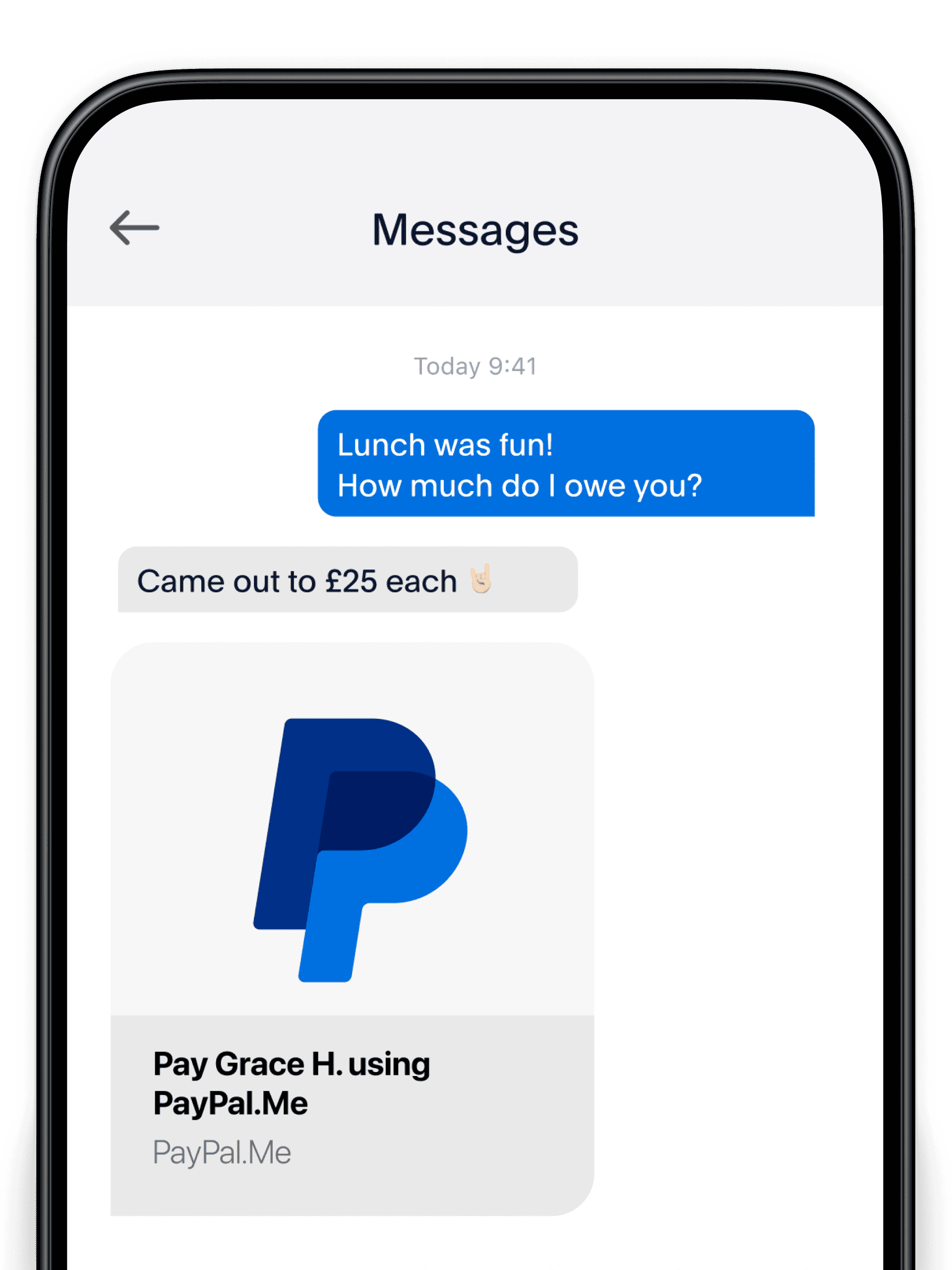
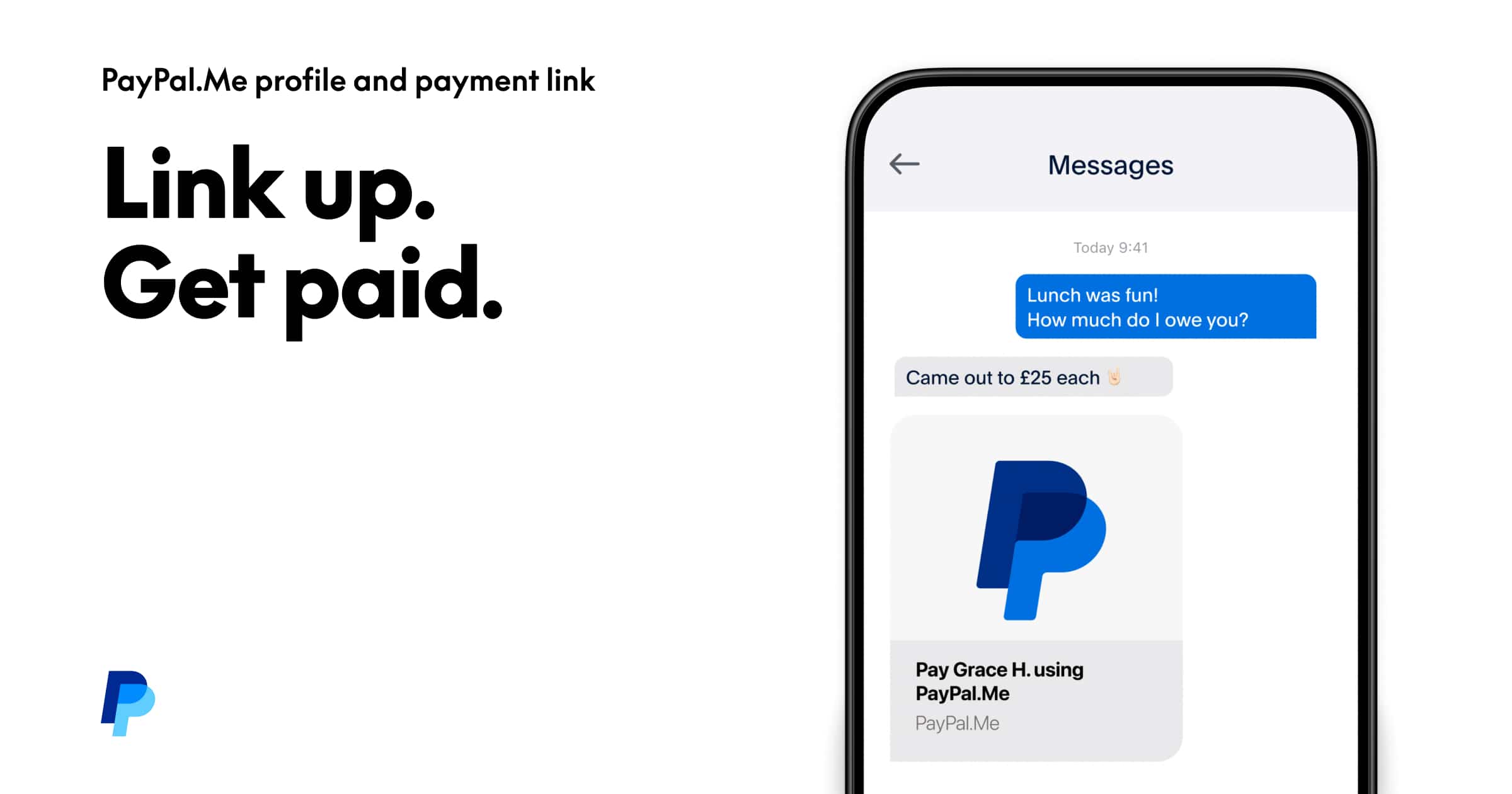
One of the most efficient and user-friendly ways to request money via PayPal is through PayPal.Me. This personalized link simplifies the process of sending and receiving payments, eliminating the need to share email addresses or phone numbers. For both personal finance management and professional transactions, PayPal.Me offers a direct conduit for funds.
Creating Your PayPal.Me Link
To create a PayPal.Me link, you need an active PayPal account. Once logged in, navigate to the PayPal.Me section, typically found in your account settings or profile. Here, you’ll be prompted to create a unique username, which forms your personalized link (e.g., paypal.me/YourUsername). Choosing a professional and easily recognizable username is advisable, especially for business use, as it enhances brand recall and trustworthiness.
How to Use PayPal.Me for Financial Transactions
Once your PayPal.Me link is established, sending it is as simple as sharing any other URL.
- For a specific amount: You can add the amount directly to your link. For example, to request $50, you would share
paypal.me/YourUsername/50. This pre-fills the payment amount for the sender, reducing friction and potential errors. - For any amount: If you want the sender to decide the amount, simply share
paypal.me/YourUsername. - Adding a note: While not directly embedded in the link, you can ask the sender to add a note during the payment process for clear transaction tracking, especially important for reconciling business accounts or tracking specific personal expenses.
Benefits for Personal and Business Finance
PayPal.Me is particularly beneficial for:
- Freelancers and contractors: Quickly receiving payments for services without exchanging sensitive financial details.
- Online sellers: Providing a direct payment option for products or services outside of traditional e-commerce platforms.
- Social groups: Effortlessly collecting funds for shared expenses, trips, or gifts.
- Donations: Allowing non-profits or individuals to accept contributions with ease.
This method minimizes the administrative overhead associated with manual invoicing for smaller transactions and enhances the speed of payment collection, directly impacting cash flow for small businesses and individuals.
Beyond PayPal.Me: Direct Money Requests and Invoicing for Financial Clarity
While PayPal.Me excels in simplicity, PayPal offers other robust methods for sending payment requests that provide greater detail, tracking, and professional presentation, particularly vital for business finance and meticulous personal budgeting.
Sending a Direct Money Request
PayPal allows you to send a direct request for money to another PayPal user’s email address or phone number. This method is suitable when you know the recipient’s PayPal contact information and prefer a more formal request than a simple link.
- Log in to your PayPal account.
- Navigate to the “Send & Request” tab or section.
- Select “Request money.”
- Enter the email address(es) or phone number(s) of the person or people you want to request money from.
- Enter the amount you are requesting and optionally add a note detailing the purpose of the payment (e.g., “Invoice #123 for consulting services,” “Share of utilities for June”).
- Review and send the request.
This method provides an immediate notification to the recipient and a clear record of the request within both your PayPal account and theirs, aiding in financial reconciliation.
Utilizing PayPal Invoicing for Professional Transactions
For businesses, freelancers, and service providers, PayPal’s invoicing feature is an invaluable financial tool. It allows you to create professional, detailed invoices directly within the PayPal platform, which can then be sent as a link via email.
- Detailed Breakdown: Invoices enable you to itemize services or products, add quantities, unit prices, discounts, and applicable taxes. This level of detail is crucial for business accounting, tax purposes, and client clarity.
- Customization: You can customize invoices with your business logo and terms and conditions, reinforcing your brand identity and professional image, which can subtly influence payment promptness.
- Tracking and Management: PayPal invoices come with built-in tracking features. You can see when an invoice has been viewed, partially paid, or fully paid. This automated tracking significantly reduces the manual effort of managing accounts receivable.
- Recurring Invoices: For ongoing services, you can set up recurring invoices, automating the billing process and ensuring consistent cash flow for subscription-based models.
To send an invoice, navigate to the “Invoicing” section in your PayPal account. Create a new invoice, fill in all necessary details, and then send it to your client’s email address. PayPal generates a unique link for each invoice, which the recipient uses to view and pay. This system not only facilitates payment but also serves as a robust record-keeping mechanism for your business finance.
Leveraging PayPal Links for E-commerce and Service Payments
Beyond direct requests, PayPal links can be integrated into websites and online platforms to facilitate seamless payments for goods and services. This is a cornerstone for online income generation and expanding market reach for small businesses and entrepreneurs.
PayPal Buttons for Websites
For e-commerce sites or personal blogs selling products or services, PayPal offers various customizable buttons that generate payment links. These buttons simplify the checkout process and are critical for converting website visitors into paying customers.
- “Buy Now” Buttons: Ideal for single items, these buttons allow customers to purchase a specific product directly.
- “Add to Cart” Buttons: For multiple product purchases, these buttons enable customers to build an order before checking out.
- “Donate” Buttons: Essential for non-profits, creators, or anyone seeking financial support.
- “Subscribe” Buttons: Perfect for membership sites, recurring services, or subscription boxes, facilitating automated recurring payments.
To create these buttons, merchants access the PayPal button generator within their account. After configuring product details, pricing, and shipping information, PayPal generates HTML code that can be embedded directly into a website. When a customer clicks the button, they are redirected to a secure PayPal checkout page, completing the transaction and sending funds to your account. This integration is vital for establishing an efficient online sales funnel and directly contributes to your online income streams.
Custom Payment Links and API Integration
For more advanced e-commerce platforms or custom payment flows, PayPal offers API (Application Programming Interface) integration. This allows developers to build tailored payment solutions that seamlessly blend with a website’s design and functionality. While requiring technical expertise, API integration provides the highest degree of control over the payment experience, enabling features like:
- Custom checkout flows: Designing a multi-step checkout process unique to your brand.
- Subscription management: Building custom tools for managing recurring payments and customer subscriptions.
- Detailed reporting: Accessing comprehensive transaction data for in-depth financial analysis.
For smaller ventures or those without developer resources, simple payment links and buttons often suffice, but understanding the scalability of PayPal’s payment solutions is key for long-term business financial planning.
Navigating Fees and Security: Maximizing Your Net Income and Protecting Assets
While the convenience of PayPal links is undeniable, a clear understanding of associated fees and essential security measures is paramount for maximizing your net income and safeguarding your financial assets.
Understanding PayPal Fees
PayPal charges fees for certain transactions, which can impact your profit margins or the net amount received.
- Personal Payments (Friends & Family): Typically, there are no fees for sending money within your country from a linked bank account or PayPal balance. Using a credit or debit card for personal payments usually incurs a fee.
- Goods & Services Payments: For payments related to commercial transactions (e.g., selling items, freelance work), PayPal charges a seller fee. This typically includes a fixed amount plus a percentage of the transaction.
- International Transactions: Sending or receiving money internationally often involves additional fees, which can vary based on currency conversion rates and the recipient’s country.
It’s crucial to factor these fees into your pricing strategy for goods and services. For instance, if you’re selling an item for $100 and PayPal charges a 2.9% + $0.30 fee, you need to account for approximately $3.20 in fees to accurately calculate your profit. Clearly communicating who bears the fee (seller or buyer) can prevent disputes and maintain customer trust. Regularly reviewing PayPal’s fee structure on their official website is vital, as rates can change.
Essential Security Best Practices
Protecting your financial information and assets when using PayPal links requires vigilance.
- Strong, Unique Passwords: Use complex passwords for your PayPal account and enable two-factor authentication (2FA) for an extra layer of security.
- Phishing Awareness: Be wary of unsolicited emails or messages asking for your PayPal login credentials or personal financial information. PayPal will never ask for this via email. Always verify the sender and URL before clicking on links.
- Secure Internet Connection: Avoid accessing your PayPal account or making transactions on public Wi-Fi networks, which can be less secure.
- Monitor Account Activity: Regularly review your PayPal transaction history for any unauthorized activity. Set up notifications for all transactions to detect anomalies quickly.
- Secure Payment Links: When sending or receiving money, ensure that the PayPal link you are using or clicking is legitimate (e.g.,
paypal.me/YourUsername,paypal.com/invoice). Be suspicious of shortened URLs or links from unknown sources. - Seller Protection and Buyer Protection: Understand PayPal’s protection policies. As a seller, ensure you ship to the address provided by PayPal. As a buyer, only pay for goods and services through the “Goods & Services” option to be eligible for buyer protection.
Adhering to these security measures minimizes financial risk and protects your hard-earned income from fraud and unauthorized access.
Strategic Use of PayPal for Budgeting and Financial Tracking
PayPal is more than just a payment processor; it can be an integral component of your personal and business financial management strategy. Strategic use of its features can enhance budgeting, simplify expense tracking, and provide valuable insights into your cash flow.
Categorizing Transactions for Better Budgeting
While PayPal doesn’t offer robust built-in budgeting tools, you can leverage its transaction history for effective financial tracking.
- Detailed Notes: When sending or requesting money, use the “note” field liberally. For personal finance, specify “Utilities – July,” “Groceries – Weekly,” or “Gift – Sarah’s Birthday.” For business, include invoice numbers, client names, or project codes. These notes make it easier to categorize transactions later.
- Exporting Data: PayPal allows you to download your transaction history into spreadsheets (e.g., CSV format). This data can then be imported into personal finance software (like Mint, Quicken) or custom spreadsheets for detailed analysis, budget reconciliation, and tax preparation.
- Separate Accounts: For small business owners, consider maintaining a separate PayPal account for business transactions if your primary PayPal is used heavily for personal finance. This segregation simplifies accounting and tax reporting.
By consistently applying these practices, your PayPal activity transforms into a rich data source for understanding where your money comes from and where it goes, a fundamental aspect of sound financial health.
Utilizing PayPal Reports for Business Finance
For businesses, PayPal’s reporting features are a powerful tool for financial analysis.
- Activity Reports: Access detailed reports on all your transactions, including payments sent, received, refunds, and fees. These reports can be filtered by date range, transaction type, and status, providing a granular view of your cash flow.
- Sales Reports: Track your sales performance over time, identify peak seasons, and assess the effectiveness of different payment methods.
- Tax Documents: PayPal provides access to tax-related documents, streamlining your annual tax preparation process.
Regularly reviewing these reports helps in identifying financial trends, forecasting future income and expenses, and making informed business decisions. For instance, analyzing which payment links or buttons are most frequently used can guide your marketing and website optimization efforts.
In conclusion, sending a PayPal link is a versatile and essential skill for navigating today’s digital financial landscape. Whether through the simplicity of PayPal.Me, the professionalism of invoicing, or the integration of payment buttons, understanding each method and its associated financial implications ensures you can efficiently manage funds, grow your online income, and protect your financial well-being.
aViewFromTheCave is a participant in the Amazon Services LLC Associates Program, an affiliate advertising program designed to provide a means for sites to earn advertising fees by advertising and linking to Amazon.com. Amazon, the Amazon logo, AmazonSupply, and the AmazonSupply logo are trademarks of Amazon.com, Inc. or its affiliates. As an Amazon Associate we earn affiliate commissions from qualifying purchases.