
Effectively managing your Capital One credit card payments is a cornerstone of sound personal finance. Timely payments not only help you avoid late fees and interest charges but also play a critical role in building and maintaining a strong credit score. Capital One offers a variety of convenient methods to ensure you can make payments that fit your lifestyle and financial preferences. Understanding each option, its advantages, and any specific requirements is essential for responsible credit management. This guide explores the most common and efficient ways to settle your Capital One credit card balance, emphasizing financial discipline and strategic payment planning.
Digital Payment Solutions: Convenience and Control
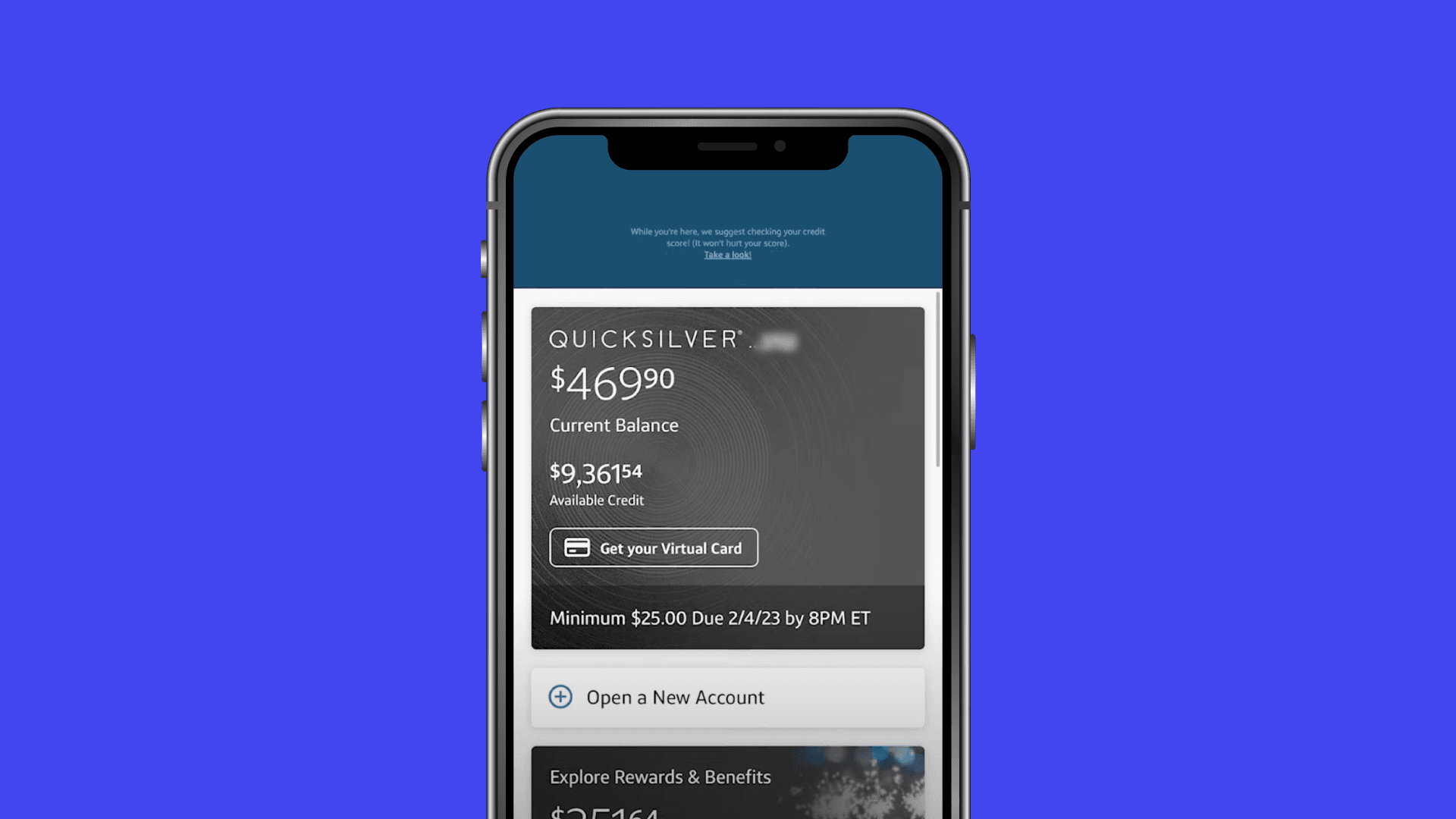
In an increasingly digital world, online and mobile payments have become the preferred methods for many cardholders due to their speed, convenience, and robust tracking capabilities. Capital One provides intuitive digital platforms designed to make managing your payments straightforward and secure.
Online Payments via Capital One Website
The Capital One website offers a comprehensive portal for managing all aspects of your credit card, including making payments. This method is ideal for those who prefer to have a full view of their account and make payments from a desktop or laptop.
To make an online payment:
- Log In to Your Account: Visit the official Capital One website and log in using your username and password. If you haven’t registered for online access, you’ll need to create an account first.
- Navigate to Payments: Once logged in, locate the “Payments” or “Make a Payment” section. This is typically found on your account summary page or within a dedicated menu.
- Select Payment Amount: You’ll usually have options to pay the statement balance, the minimum payment due, your current balance, or a custom amount. Paying the statement balance in full each month is generally the most financially prudent choice to avoid interest charges.
- Choose or Add Bank Account: You’ll need to link a checking or savings account from which the payment will be drawn. If you’ve previously set up a payment account, it will likely be available for selection. Otherwise, you’ll need to enter your bank’s routing number and your account number.
- Set Payment Date: You can typically schedule a payment for the current day or a future date, up to your due date. Scheduling in advance is a wise practice to ensure timely processing.
- Review and Confirm: Before finalizing, review all the payment details – amount, date, and funding account – to ensure accuracy. Confirm the payment to complete the process.
Online payments offer immediate confirmation, and you can usually view your payment history directly on the website, providing a clear audit trail of your financial activities.
Mobile Payments via Capital One Mobile App
For those who manage their finances on the go, the Capital One mobile app provides a powerful and convenient solution. Available for both iOS and Android devices, the app offers most of the functionality found on the website, tailored for a mobile experience.
To make a payment using the mobile app:
- Download and Log In: If you haven’t already, download the Capital One app from your device’s app store. Log in using your existing Capital One credentials.
- Access Payment Options: From the account dashboard, tap on your credit card account. Look for a “Pay” or “Make a Payment” button or option within the account details.
- Enter Payment Details: Similar to the website, select your payment amount (statement balance, minimum, current balance, or custom). Choose the bank account you wish to use or add a new one.
- Schedule and Confirm: Select your desired payment date and review all the details carefully. Confirm the payment to initiate the transaction.
The mobile app often includes features like push notifications for payment reminders and instant updates on your account status, making it an excellent tool for proactive financial management.
Automated Payments: The Path to Punctuality
Setting up AutoPay is one of the most effective strategies for ensuring your credit card payments are always made on time, eliminating the risk of late fees and negative impacts on your credit score. It’s a powerful tool for consistent financial discipline, especially if you have a predictable income and expense pattern.
How to Set Up AutoPay
AutoPay can typically be configured through either the Capital One website or the mobile app.
- Access AutoPay Settings: Log in to your Capital One account (online or via app). Navigate to the “Payments” section and look for an option like “Set Up AutoPay” or “Manage AutoPay.”
- Choose Payment Amount: You’ll be presented with options for the amount you want to pay automatically each month:
- Minimum Payment Due: This ensures you avoid late fees, but you will still accrue interest on the remaining balance.
- Statement Balance: This is generally the most recommended option, as it pays off your entire new balance each month, helping you avoid interest charges and keep your debt in check.
- Current Balance: Pays off your balance up to the date the payment is made.
- Custom Amount: You can specify a fixed dollar amount to be paid each month.
- Select Payment Date: You can often choose the date each month you want the payment to be withdrawn from your bank account. It’s wise to select a date a few days before your actual due date to allow for processing time and to provide a buffer against unforeseen issues.
- Link Bank Account: Designate the checking or savings account from which the funds will be debited. Ensure this account consistently has sufficient funds to cover the AutoPay amount.
- Review and Confirm: Carefully review all the AutoPay settings before confirming. You should receive a confirmation email or message once AutoPay is successfully activated.
Benefits and Considerations for AutoPay
The primary benefit of AutoPay is peace of mind, knowing that your payments will always be on time. This proactive approach significantly reduces the chances of incurring late fees and helps protect your credit score.
However, it’s crucial to remain vigilant:
- Monitor Your Bank Account: Always ensure your linked bank account has sufficient funds to cover the AutoPay amount to avoid overdraft fees from your bank or returned payment fees from Capital One.
- Review Statements: Even with AutoPay, regularly review your monthly statements for accuracy, unauthorized charges, or unusual spending patterns. AutoPay is a convenience, not a substitute for financial oversight.
- Adjust if Necessary: If your financial situation changes or you wish to adjust your payment strategy, remember to update your AutoPay settings accordingly.
Traditional Payment Methods: Offline Alternatives
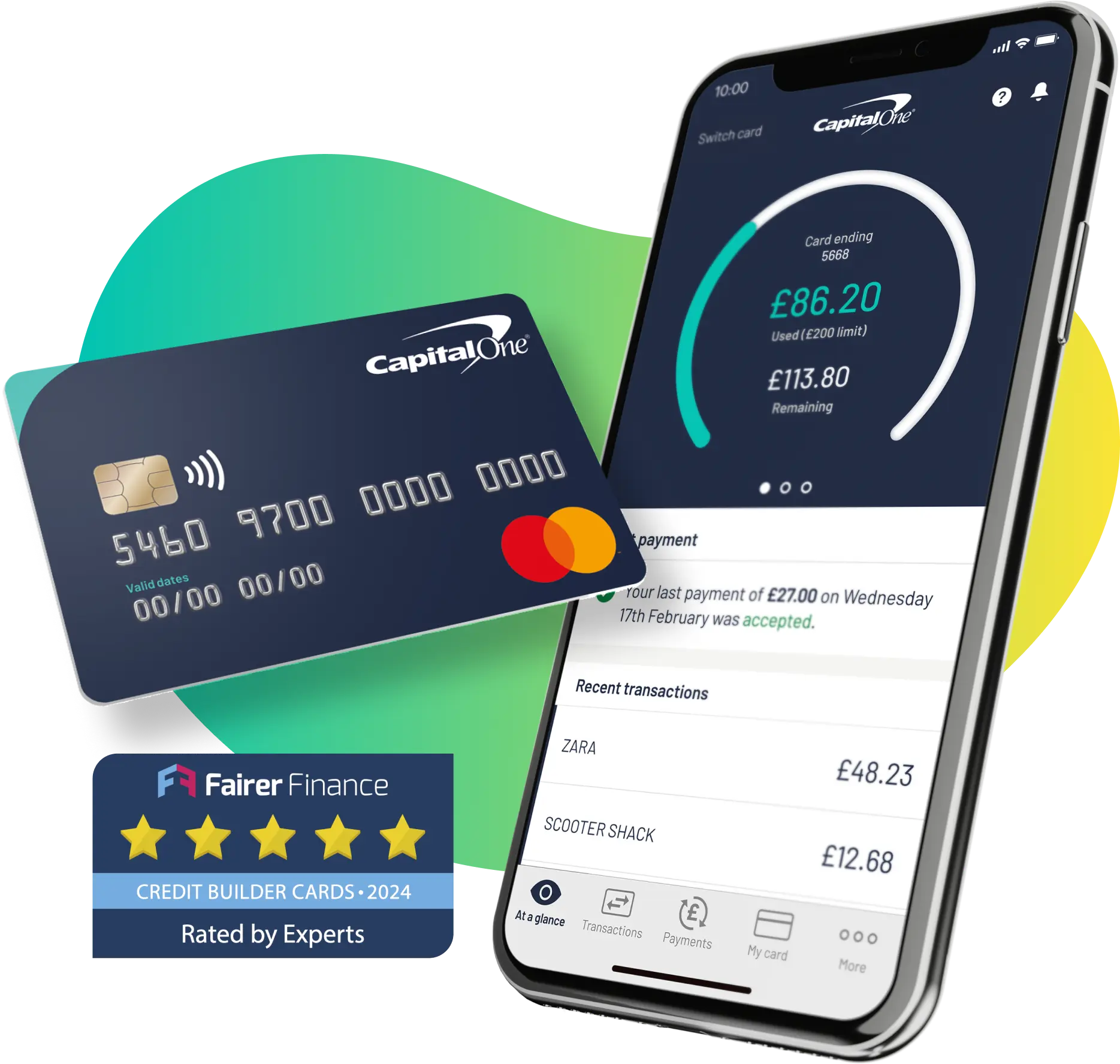
While digital payments offer unparalleled speed and convenience, Capital One also provides traditional methods for those who prefer or require offline payment options. These methods often involve longer processing times and may carry additional fees.
Phone Payments
You can make a payment over the phone by calling Capital One’s customer service. This method can be useful if you’re unable to access the internet or need to make an urgent payment and speak with a representative.
To pay by phone:
- Call Customer Service: Dial the customer service number typically found on the back of your credit card or on your monthly statement.
- Provide Account Information: Be prepared to provide your credit card number, personal identification details, and the bank account information (routing and account numbers) from which you wish to make the payment.
- Confirm Details: The representative will confirm the payment amount and the date it will be processed.
- Note Any Fees: Be aware that some credit card issuers might charge a fee for making a payment over the phone, especially if it’s considered an “expedited” payment. Always inquire about potential fees before proceeding.
While convenient in specific situations, phone payments can be less efficient than digital options and might incur fees, making them a less frequent choice for routine payments.
Mail Payments
Paying by mail is a traditional method that, while slower, remains an option for cardholders. This method requires careful planning due to the time involved for mail delivery and processing.
To pay by mail:
- Locate Payment Address: The correct mailing address for payments is typically provided on your monthly credit card statement. It’s crucial to use the exact address specified.
- Include Payment Coupon and Check: Detach the payment coupon from your statement and mail it along with a check or money order for the desired payment amount. Write your credit card account number clearly on the check or money order to ensure proper allocation.
- Allow Ample Time: Mail payments can take several business days to reach Capital One and an additional few days to process. To avoid late fees, mail your payment at least 7-10 business days before your due date.
Due to the inherent delays and lower security compared to digital methods, mail payments are generally not recommended for urgent payments or as a primary payment strategy.
In-Person Payments
For those who prefer to make payments in cash or require a physical transaction, limited in-person options may be available.
- Capital One Branches: If you live near a Capital One branch, you may be able to make a payment directly at the teller. It’s advisable to check with your local branch beforehand regarding their specific policies for credit card payments.
- Third-Party Payment Centers: Capital One sometimes partners with retailers or money transfer services (like Western Union or MoneyGram) that allow cash payments to be made towards your credit card bill. These services typically charge a transaction fee. You’ll need your credit card number and potentially a specific payee code for Capital One. Always verify participating locations and fees before using these services.
In-person payments offer the benefit of receiving an immediate receipt, but the convenience largely depends on your proximity to a suitable location and your willingness to pay potential transaction fees.
Strategic Payment Management and Financial Health
Beyond merely knowing how to pay, understanding when and what amount to pay is crucial for optimizing your financial health.
Understanding Your Statement and Due Dates
- Payment Due Date: This is the absolute deadline for your payment to be received and processed by Capital One. Missing this date results in late fees and can negatively impact your credit score.
- Statement Closing Date: This is the end of your billing cycle. All transactions posted up to this date will appear on your current statement. The payment due date is typically 21-25 days after the statement closing date.
- Minimum Payment Due: This is the smallest amount you can pay to avoid a late fee. However, paying only the minimum will lead to higher interest charges and a longer repayment period.
- Statement Balance: This is the total amount owed from your last billing cycle. Paying this in full eliminates interest charges for new purchases, assuming you have no existing balance accruing interest.
Tips for Optimal Credit Card Management
- Always Pay on Time: Utilize AutoPay or set calendar reminders to ensure your payments are never late. Punctuality is paramount for your credit score.
- Pay More Than the Minimum: Whenever possible, pay your statement balance in full. If that’s not feasible, pay as much as you can above the minimum to reduce interest accrual and expedite debt repayment.
- Monitor Your Account Regularly: Check your account online or via the app frequently for new transactions, payment processing, and to ensure no unauthorized activity has occurred.
- Budget Effectively: Incorporate your credit card payments into your monthly budget to ensure you always have the necessary funds available.
- Communicate with Capital One: If you anticipate difficulty making a payment, contact Capital One’s customer service before the due date. They may be able to offer solutions or payment arrangements to help you avoid late fees and further financial strain.
By leveraging the various payment options provided by Capital One and adopting proactive financial habits, you can effectively manage your credit card, enhance your credit profile, and maintain robust financial health.
aViewFromTheCave is a participant in the Amazon Services LLC Associates Program, an affiliate advertising program designed to provide a means for sites to earn advertising fees by advertising and linking to Amazon.com. Amazon, the Amazon logo, AmazonSupply, and the AmazonSupply logo are trademarks of Amazon.com, Inc. or its affiliates. As an Amazon Associate we earn affiliate commissions from qualifying purchases.