
In an increasingly digital world, streaming services have become a cornerstone of home entertainment, offering an expansive library of content at our fingertips. Amazon Prime Video stands as a formidable player in this arena, frequently lauded for its vast collection of movies and TV shows. However, a common query often arises: “How do I watch free movies with Amazon Prime?” While the term “free” might seem appealing, it’s crucial to understand the underlying mechanics. The movies and TV shows referred to as “free” are, in fact, included as part of your paid Amazon Prime membership benefits, making them accessible without additional per-title charges. This guide will delve into the technicalities of navigating and maximizing your Amazon Prime Video experience, ensuring you unlock the full potential of your subscription.
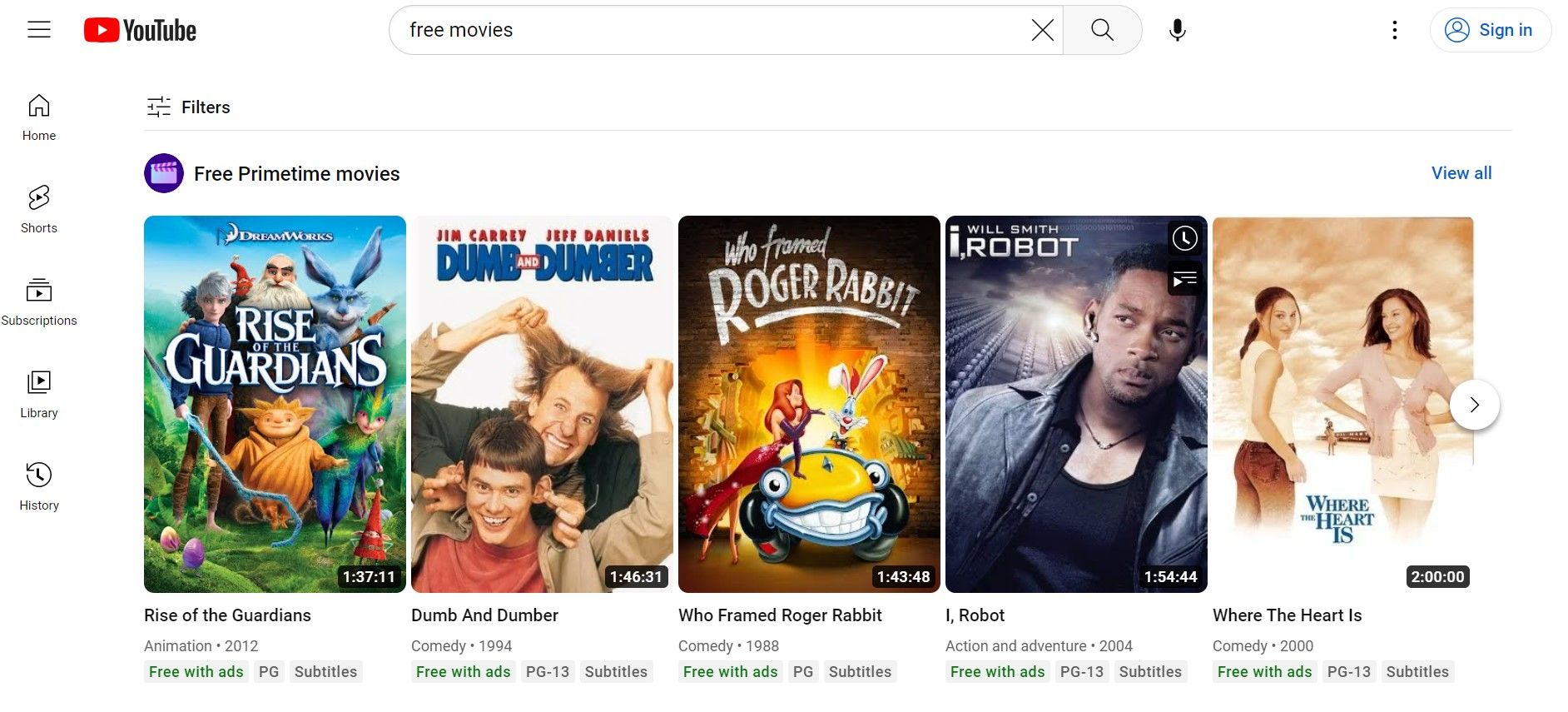
Decoding the “Free” in Amazon Prime Video
Before diving into the mechanics, it’s essential to clarify the terminology around “free” content within Amazon Prime. Unlike truly free, ad-supported services, Amazon Prime Video operates on a subscription model where certain content is bundled into the overarching Prime membership. Understanding this distinction is the first step to leveraging the platform effectively.
Understanding Your Prime Membership Benefits
An Amazon Prime membership is a comprehensive subscription service offering a multitude of benefits beyond just streaming. These include expedited shipping, exclusive deals, Amazon Music Prime, Prime Gaming, and, significantly, access to Prime Video. When you pay for your annual or monthly Prime membership, you are, in essence, paying for the “free” movies and TV shows available through Prime Video. This library is continually updated, providing a dynamic selection of titles at no extra cost per view. Recognizing Prime Video as an integrated benefit, rather than a standalone free service, helps manage expectations and fully appreciate its value.
Differentiating Included Content from Rentals and Purchases
One of the most frequent points of confusion for Prime Video users is distinguishing between content included with their membership and titles that require additional payment. The Prime Video interface typically uses clear indicators to help you differentiate:
-
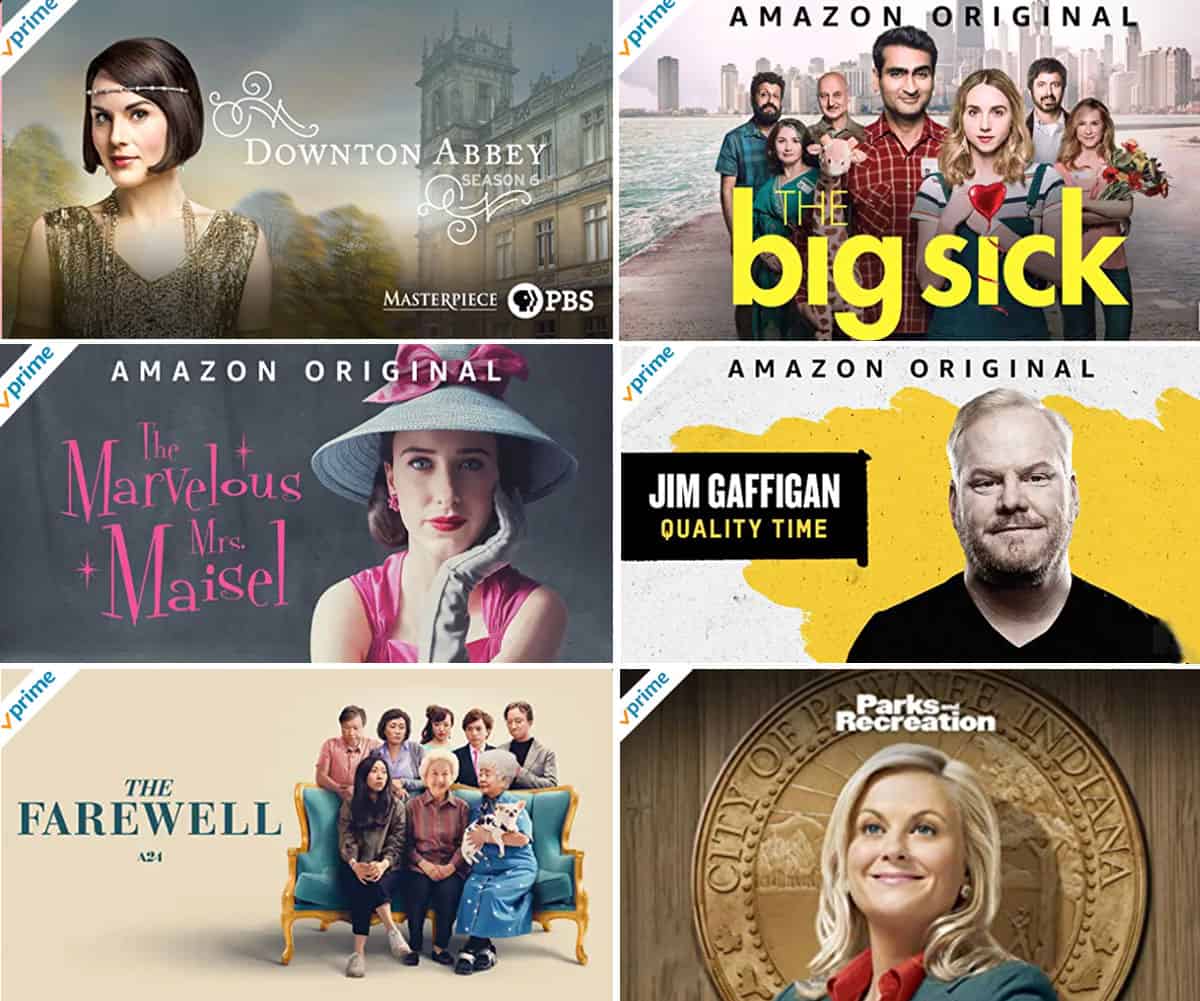
“Included with Prime” / “Watch with Prime”: These labels signify movies and TV shows that are part of your subscription. Clicking on these will allow immediate playback without further charges.
-
“Rent” / “Buy”: These options indicate titles that are not included in your Prime membership. You can choose to rent them for a limited period (typically 24-48 hours once started) or purchase them for indefinite ownership. Prices for rentals and purchases vary based on the title’s age, popularity, and quality (SD, HD, 4K).
-
“Watch with Prime Video Channels”: This refers to optional, paid add-ons that expand your viewing library beyond standard Prime Video.
Always pay close attention to these labels to avoid unexpected charges, ensuring you only access content truly “included” with your membership.
The Diverse World of Prime Video Channels
While technically an additional cost, Prime Video Channels warrant mention for their seamless integration and ability to significantly expand your streaming options. These are opt-in, monthly subscriptions to third-party streaming services (e.g., HBO, Showtime, Starz, Paramount+) that you can add directly through your Prime Video account. From a technical perspective, this offers a centralized hub for managing multiple subscriptions and often presents a unified viewing experience. While not “free” in the traditional sense, they enhance the Prime Video ecosystem by bringing a wider variety of specialized content under one digital roof, managed through the same app and billing system.
A Technical Walkthrough: Accessing Prime Video Across Devices
Once you grasp the structure of Prime Video’s content offering, the next step is a practical guide to accessing and enjoying it across various technological platforms. Prime Video is designed for broad compatibility, allowing you to watch your favorite movies and shows almost anywhere.
Getting Started: Account Setup and App Installation
To begin your Prime Video journey, you first need an active Amazon Prime account. If you don’t have one, visit the Amazon website to sign up for a free trial or a full membership. Once your account is active:
-
Web Browser: Simply navigate to
primevideo.comon any computer, log in with your Amazon credentials, and you’re ready to stream. -
Mobile Devices (Smartphones/Tablets): Download the “Amazon Prime Video” app from your device’s respective app store (Google Play Store for Android, Apple App Store for iOS). Install the app, launch it, and sign in with your Amazon Prime account.
-
Smart TVs and Streaming Devices: Most modern Smart TVs (Samsung, LG, Sony, Vizio, etc.), streaming sticks (Amazon Fire TV Stick, Roku, Chromecast with Google TV), and gaming consoles (PlayStation, Xbox) come with the Prime Video app pre-installed or available for download from their app store. Search for “Amazon Prime Video,” install, and then link your device by following the on-screen instructions, which usually involve visiting a specific URL on a computer or scanning a QR code.
Ensuring your device’s operating system and the Prime Video app are up-to-date is crucial for optimal performance and access to the latest features.
Navigating the User Interface: Web, Mobile, and Smart TVs
The user interface (UI) of Prime Video is designed for intuitive navigation, though there can be slight variations across platforms.
-
Homepage/Browse: Upon opening the app or website, you’ll typically be greeted with a homepage featuring carousels of featured titles, personalized recommendations, and genre categories. Look for sections like “Included with Prime” or “Recommended for You” to quickly find content covered by your membership.
-
Search Functionality: The magnifying glass icon is your best friend. Use it to search for specific titles, actors, directors, or genres.
-
Categories/Genres: Most interfaces provide a menu (often a hamburger icon on mobile or a side-bar on TV apps) that allows you to browse by genre (Action, Comedy, Drama, Thriller, etc.), collections, or specific content types (Movies, TV Shows, Kids).
-
Watchlist: As you browse, you can add titles to your “Watchlist” (sometimes called “My Stuff” or similar) for future viewing. This keeps a running list of content you’re interested in, making it easy to pick up where you left off or plan your next movie night.
Familiarizing yourself with the layout on your preferred device will significantly enhance your discovery process and overall viewing experience.
Optimizing Your Viewing: Streaming Quality and Bandwidth
The quality of your streaming experience is heavily reliant on your internet connection and device capabilities. Prime Video automatically adjusts streaming quality based on your internet speed to minimize buffering.
-
Adaptive Bitrate Streaming: Prime Video utilizes adaptive bitrate streaming, meaning it dynamically switches between different video qualities (e.g., SD, HD, 4K UHD) to match your current network conditions. If your internet speed drops, the quality might temporarily reduce to prevent interruptions.
-
Bandwidth Requirements: For standard definition (SD), around 1-2 Mbps is sufficient. For high definition (HD), 3-5 Mbps is recommended. For stunning 4K Ultra HD content, a stable connection of at least 15-25 Mbps is generally required.
-
Data Usage: Streaming consumes data. If you have a capped internet plan or are using mobile data, be mindful of your usage. Streaming an hour of HD content can consume 2-3 GB, while 4K can use upwards of 7 GB per hour. Many Prime Video apps offer settings to limit streaming quality on mobile networks to conserve data.
Ensure your home network is robust enough for your streaming habits, and consider reducing other bandwidth-intensive activities (like large downloads) during peak streaming times.
Enhancing Your Cinematic Journey: Advanced Prime Video Features
Prime Video offers several sophisticated features designed to deepen your engagement with content and improve convenience. Leveraging these technological advancements can transform a basic viewing session into a richer, more interactive experience.
The Power of X-Ray: Instant Movie Insights
One of Prime Video’s standout technological innovations is X-Ray. Powered by IMDb (which Amazon owns), X-Ray provides contextual information about the movie or TV show you’re watching, in real-time. Simply tap your screen on mobile devices or press up on your TV remote during playback, and a panel will appear showing:
-
Actors currently on screen: Identify actors with a single glance, complete with their character names and other works.
-
Music playing: Discover the title and artist of the background music.
-
Trivia: Uncover fascinating facts about the production, plot, or cast.
-
Scene selection: Quickly jump to specific scenes in the film.
X-Ray enriches the viewing experience, allowing you to satisfy curiosities without pausing or leaving the application. It’s a prime example of how integrated data can elevate content consumption.
Offline Viewing: Entertainment On-the-Go
For travelers, commuters, or those with intermittent internet access, Prime Video’s offline viewing feature is invaluable. You can download eligible movies and TV shows directly to your mobile device (smartphone or tablet) or computer (via the Windows 10/11 app) and watch them without an internet connection.
-
Identify Downloadable Content: Look for the download icon (a downward arrow) next to titles in the Prime Video app. Not all content is available for download due to licensing restrictions.
-
Select Quality: When downloading, you can often choose the video quality (Good, Better, Best) to manage storage space on your device. Higher quality takes up more space but offers a superior viewing experience.
-
Manage Downloads: Access your downloaded content through the “Downloads” section of the app. Downloads usually have an expiration period once started, so be mindful of the viewing window.
This feature ensures that entertainment is always accessible, regardless of Wi-Fi availability, making Prime Video a truly versatile platform.
Personalization and Profiles: Tailoring Your Experience
Prime Video employs sophisticated algorithms to personalize recommendations based on your viewing history and preferences. Furthermore, the platform supports multiple user profiles, a crucial feature for households with diverse tastes.
-
User Profiles: You can create separate profiles for different family members, including dedicated “Kids” profiles. This ensures that each user’s recommendations are tailored to their interests and viewing history, and “Kids” profiles restrict content to age-appropriate material.
-
Recommendation Engine: The more you watch, rate, and interact with content, the more accurate Prime Video’s recommendation engine becomes, surfacing new titles you’re likely to enjoy, including those “included with Prime.”
-
Watch History and Ratings: Regularly review your watch history and rate titles you’ve seen. This data not only refines your recommendations but also allows you to easily revisit shows or movies.
Effective use of profiles and engagement with the recommendation system ensures that every user in a household gets a customized and relevant streaming experience.
Leveraging Voice Commands with Alexa
For those embedded in the Amazon ecosystem, Prime Video integrates seamlessly with Alexa-enabled devices. This means you can control your viewing experience using simple voice commands, adding a layer of convenience and hands-free operation.
-
Device Integration: If you have an Amazon Fire TV device, a Smart TV with built-in Alexa, or an Echo device paired with your TV, you can use voice commands.
-
Common Commands:
-
“Alexa, play [movie title] on Prime Video.”
-
“Alexa, search for [actor’s name] movies.”
-
“Alexa, pause/resume/fast forward.”
-
“Alexa, open Prime Video.”
-
This functionality exemplifies the trend towards interconnected smart home technology, where entertainment systems become an integral part of a larger digital assistant ecosystem, enhancing accessibility for all users.
Troubleshooting and Security for a Seamless Experience
Even the most robust technology can encounter issues, and maintaining digital security is paramount. Understanding how to troubleshoot common problems and protect your account ensures a consistently smooth and secure Prime Video experience.
Resolving Common Playback and Technical Issues
While Prime Video is generally reliable, you might occasionally encounter playback errors, buffering, or app crashes. Here’s a general troubleshooting methodology:
-
Check Internet Connection: The most common culprit. Ensure your Wi-Fi is strong and stable. Restarting your router can often resolve connectivity issues.
-
Restart the App/Device: Close the Prime Video app completely and reopen it. For persistent issues, restart the device itself (phone, smart TV, streaming stick).
-
Clear Cache/Data: In your device’s app settings, try clearing the cache for the Prime Video app. This can resolve corrupted data that might be causing problems.
-
Update App/Firmware: Ensure both the Prime Video app and your device’s operating system/firmware are running the latest versions. Updates often include bug fixes and performance enhancements.
-
Check Amazon Status Page: Occasionally, Amazon’s servers might experience outages. Check Amazon’s official support pages or external services like DownDetector for widespread issues.
-
Contact Support: If all else fails, Amazon’s customer support is available to assist with technical problems specific to your account or device.
Securing Your Account: Best Practices for Digital Safety
Given that your Prime account is linked to your billing information and potentially other sensitive data, digital security is non-negotiable.
-
Strong, Unique Passwords: Create a complex password for your Amazon account that is not used for any other service. Use a combination of uppercase and lowercase letters, numbers, and symbols.
-
Two-Factor Authentication (2FA): Enable 2FA for your Amazon account immediately. This adds an extra layer of security, requiring a code sent to your phone or an authenticator app in addition to your password when logging in from a new device.
-
Regular Password Changes: Periodically update your Amazon password.
-
Beware of Phishing: Be vigilant against suspicious emails or messages claiming to be from Amazon. Always verify the sender and never click on dubious links. Log into your account directly via the official Amazon website or app.
-
Monitor Account Activity: Regularly review your order history and account settings for any unauthorized activity.
Managing Devices and Parental Controls
Controlling who has access to your Prime Video account and what content they can watch is crucial, especially in a family setting.
-
Manage Your Devices: Amazon allows you to see and de-register devices that are logged into your Prime Video account. Go to “Account & Settings” on the Prime Video website, navigate to the “Your Devices” tab, and remove any unrecognized or unused devices. This is particularly important if you’ve logged in on public computers or borrowed devices.
-
Parental Controls: Set up parental controls to restrict access to content based on age ratings. This feature allows you to define viewing restrictions for different profiles and set a PIN for purchases or restricted content playback, ensuring children only access appropriate material. These settings can usually be found in the “Settings” or “Parental Controls” section of your Prime Video account online.
By proactively managing your devices and implementing parental controls, you can ensure a secure and family-friendly viewing environment on Prime Video.
In conclusion, watching “free” movies with Amazon Prime is a delightful benefit included with your Prime membership, offering a vast library of entertainment without additional per-title fees. By understanding the distinction between included content, rentals, and channels, mastering the platform’s user interface across various devices, and leveraging advanced features like X-Ray and offline downloads, you can significantly enhance your streaming experience. Moreover, by adhering to best practices for account security and troubleshooting, you ensure that your cinematic journey with Amazon Prime Video remains seamless, enjoyable, and safe. Dive in, explore the extensive catalog, and let your Prime membership unlock a world of entertainment.
aViewFromTheCave is a participant in the Amazon Services LLC Associates Program, an affiliate advertising program designed to provide a means for sites to earn advertising fees by advertising and linking to Amazon.com. Amazon, the Amazon logo, AmazonSupply, and the AmazonSupply logo are trademarks of Amazon.com, Inc. or its affiliates. As an Amazon Associate we earn affiliate commissions from qualifying purchases.