
In the evolving landscape of personal finance, digital payment applications like Chime and Cash App have become indispensable tools for managing money, sending funds, and making payments. They offer unparalleled convenience, often surpassing traditional banking methods in speed and accessibility. However, navigating the ecosystem of these apps, especially when attempting to move funds between different platforms, can sometimes present a challenge. While both Chime and Cash App are titans in the fintech arena, they operate as distinct entities, meaning a direct, in-app transfer from Chime to Cash App isn’t typically supported. This article will delve into the mechanisms required to successfully transfer money, focusing strictly on the financial tools and personal finance strategies involved, ensuring your funds move smoothly and securely.
Understanding the Financial Ecosystem: Chime and Cash App
To effectively transfer funds between Chime and Cash App, it’s crucial to understand their individual roles and how they integrate with the broader financial system. Both platforms are designed to simplify personal finance, but they achieve this through slightly different models and functionalities.
Chime: A Modern Banking Alternative
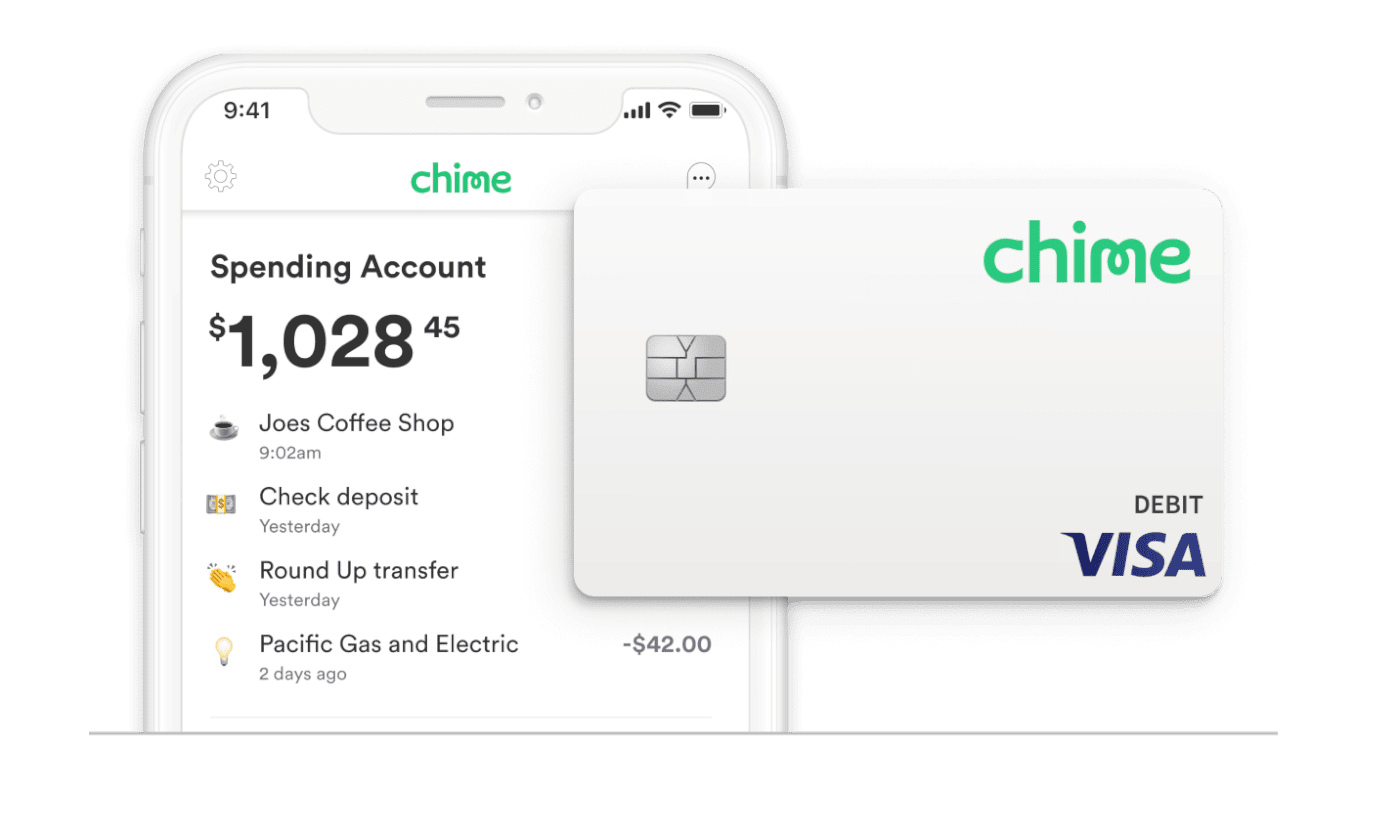
Chime positions itself as a financial technology company, not a traditional bank, but it provides banking services through its partners, The Bancorp Bank and Stride Bank, N.A., both members FDIC. It offers checking accounts, savings accounts, and a secured credit builder card, all managed through a user-friendly mobile app. Chime’s appeal lies in its fee-free philosophy, early access to paychecks, and a strong focus on mobile banking convenience. It acts as a primary financial hub for many users, offering direct deposit and debit card functionalities.
Cash App: Peer-to-Peer Payments and Beyond
Cash App, developed by Block, Inc. (formerly Square, Inc.), started primarily as a peer-to-peer (P2P) payment service, allowing users to send and receive money instantly. Over time, it has expanded significantly to include features like direct deposit, a debit card (Cash Card), investing in stocks and Bitcoin, and even tax filing services. Its simplicity and speed for small transactions have made it incredibly popular, especially among younger demographics. While it offers banking-like features, it’s primarily a digital wallet and P2P platform.
Why Direct Transfers Are Not Standard
The reason you can’t typically perform a direct in-app transfer from Chime to Cash App is due to their operational structures. Each app acts as a distinct financial “island” with its own internal ledger system. While they both connect to the broader financial network (ACH for bank transfers, card networks for debit card transactions), they aren’t designed to directly interoperate as a single payment channel. Therefore, transferring money involves using an intermediary, usually your linked bank account or debit card, to bridge the gap between the two platforms. This process, while seemingly indirect, is a standard and secure way to move funds within the digital finance ecosystem.
Indirect Transfer Methods: Bridging the Gap
Since a direct transfer button doesn’t exist within either app for moving funds specifically from Chime to Cash App, users must leverage the common financial tools available: linking accounts or debit cards. These methods utilize the standard banking infrastructure (ACH network for bank transfers, Visa/Mastercard networks for debit card transactions) to facilitate the movement of money.
Method 1: Linking Your Chime Bank Account to Cash App
This is the most common and often recommended method due to its typically lower costs and higher transfer limits, although it takes longer than debit card transfers. It leverages the Automated Clearing House (ACH) network, the electronic network for financial transactions in the United States.
Step-by-Step Guide:
- Access Your Chime Account Details: Open your Chime app. Navigate to the “Move Money” section or look for your account and routing numbers. You’ll typically find these by tapping on your Chime checking account. Make a note of your Chime routing number and account number.
- Link Chime to Cash App: Open the Cash App. Tap on the profile icon (usually in the top right corner). Scroll down and select “Linked Banks” or “Bank & Cards.” Tap “Link Bank.”
- Enter Chime Account Information: Cash App will prompt you to enter your bank’s routing and account numbers. Input the Chime routing and account numbers you retrieved earlier. Cash App may use a micro-deposit verification process, where small deposits (a few cents) are sent to your Chime account, and you’ll need to confirm the amounts in Cash App. This verifies that you own the Chime account.
- Initiate Transfer from Cash App: Once your Chime account is successfully linked, you can now add money to your Cash App balance directly from your Chime account. On the Cash App main screen, tap the “Banking” tab (the house icon). Tap “Add Cash.” Enter the amount you wish to transfer and confirm. The funds will be pulled from your linked Chime account.
Method 2: Linking Your Chime Debit Card to Cash App
This method is generally faster than linking a bank account, as it utilizes the debit card network, allowing for instant transfers (though sometimes with a small fee).
Step-by-Step Guide:
- Locate Your Chime Debit Card Information: Have your Chime Visa® Debit Card handy. You’ll need the 16-digit card number, expiration date, and CVV code.
- Link Chime Debit Card to Cash App: Open the Cash App. Tap on the profile icon. Scroll down and select “Linked Banks” or “Bank & Cards.” Tap “Link Debit Card” or “Add Card.”
- Enter Debit Card Details: Input your Chime debit card number, expiration date, and CVV.
- Add Cash to Cash App: Once your Chime debit card is linked, go to the Cash App main screen, tap the “Banking” tab (house icon). Tap “Add Cash.” Enter the amount. The funds will be pulled from your Chime account via the debit card.
- Optional: Instant Deposit to External Bank (Reverse Transfer): While the goal is to get money into Cash App, if you ever need to quickly move money from Cash App to your Chime account, having your Chime debit card linked allows for instant deposits from Cash App to Chime (often for a small fee, typically 0.5% to 1.75% of the transaction amount).
Key Considerations for Secure and Efficient Transfers
While moving money between financial apps offers convenience, it’s essential to be aware of the practical and security aspects involved. Understanding these factors will help you make informed decisions and protect your finances.
Understanding Transfer Limits and Fees
Both Chime and Cash App have their own daily, weekly, and monthly transfer limits. These limits can vary based on your account verification status and usage history. For example, Cash App often has lower limits for unverified accounts. Bank transfers (ACH) via the linked bank account method are typically free but take 1-3 business days. Debit card transfers (instant) usually incur a small fee (e.g., 0.5% – 1.75%) from Cash App. Always check the current fee structure within the Cash App before initiating an instant transfer. Chime itself does not charge for outgoing transfers to linked accounts.
Prioritizing Security: Protecting Your Accounts
Security is paramount when dealing with financial transactions.
- Strong Passwords and 2FA: Use unique, strong passwords for both Chime and Cash App. Enable two-factor authentication (2FA) on both apps for an extra layer of security.
- Beware of Phishing: Be vigilant against phishing attempts. Never share your login credentials, PINs, or sensitive financial information in response to unsolicited emails, texts, or calls.
- Monitor Transactions: Regularly check your transaction history on both apps to identify any unauthorized activity promptly.
- Secure Wi-Fi: Only conduct financial transactions on secure, private Wi-Fi networks. Avoid public Wi-Fi networks which can be vulnerable to security breaches.
Expected Transfer Times and Potential Delays
- Bank Transfers (ACH): Funds transferred via the linked bank account method (pulling from Chime to Cash App) generally take 1 to 3 business days to clear. This timeframe excludes weekends and holidays.
- Debit Card Transfers (Instant): Transfers made using a linked debit card are usually instant. However, sometimes there can be slight delays due to network processing, especially during peak times or for large amounts.
- Verification Delays: If you are linking an account or card for the first time, there might be a one-time verification delay, such as waiting for micro-deposits to confirm your bank account.
Troubleshooting Common Issues
Despite careful planning, transfers can sometimes encounter issues.
- Incorrect Information: The most common cause of failed transfers is incorrect routing or account numbers when linking a bank, or incorrect card details. Double-check all information before confirming.
- Insufficient Funds: Ensure you have enough funds in your Chime account to cover the transfer amount.
- Account Limits: If your transfer exceeds your daily or weekly limits on either Chime or Cash App, it will be declined.
- Security Holds: Sometimes, large transfers or unusual activity can trigger security reviews, leading to temporary holds. Contact customer support for both Chime and Cash App if you suspect this.
- Verification Pending: If your bank account linking process is still pending (e.g., waiting for micro-deposits), you won’t be able to initiate transfers.
- Technical Glitches: While rare, app glitches can occur. Try restarting the app, checking for updates, or using a different device.
If a transfer fails or is delayed significantly, the first step is to check the transaction status within both the Chime and Cash App. If the issue isn’t clear, contact the customer support of the app where the funds were initiated (Cash App, in this case, for adding money). They can provide specific insights into why the transaction might have failed or been delayed.
Optimizing Your Financial App Usage Beyond Transfers
Successfully transferring money between Chime and Cash App is just one aspect of leveraging these powerful financial tools. Integrating them strategically into your overall personal finance plan can significantly enhance your financial management capabilities.
Budgeting and Spending Tracking
Both Chime and Cash App offer features that can assist with budgeting and tracking your spending. Chime provides a clear overview of your transactions and offers automatic savings features like “Save When I Pay” (rounding up purchases to the nearest dollar and transferring the difference to savings). Cash App also provides transaction history, allowing you to monitor where your money is going. By regularly reviewing these, you can identify spending patterns, stick to a budget, and work towards financial goals.
Leveraging Additional Features
Beyond transfers, explore the other functionalities each app offers:
- Chime Credit Builder: A secured credit card designed to help users build credit without interest or a credit check. This is a valuable tool for improving your financial standing.
- Chime Savings Account: Offers a competitive APY and automated savings tools, making it easier to grow your emergency fund or save for specific goals.
- Cash App Investing: Allows you to buy fractional shares of stocks and Bitcoin, making investing accessible even with small amounts. This can be a gateway to long-term wealth building.
- Cash App Direct Deposit: If you use Cash App as a primary spending account, setting up direct deposit for your paycheck can provide early access to funds and streamline your finances.
The Importance of Financial Literacy
Utilizing these apps effectively goes hand-in-hand with developing good financial literacy. Understanding how different financial products work, the implications of fees, the importance of saving, and the risks of investing are all crucial. While apps simplify processes, the underlying financial principles remain. Continuously educating yourself on personal finance topics will empower you to make the best use of tools like Chime and Cash App, leading to greater financial stability and growth.
In conclusion, while a direct “Chime to Cash App” transfer button may not exist, the robust functionality of modern financial apps and the interconnectedness of the banking system provide straightforward, secure methods to move your money. By understanding the processes, being mindful of security, and leveraging the full suite of features these apps offer, you can maintain seamless control over your digital finances.
aViewFromTheCave is a participant in the Amazon Services LLC Associates Program, an affiliate advertising program designed to provide a means for sites to earn advertising fees by advertising and linking to Amazon.com. Amazon, the Amazon logo, AmazonSupply, and the AmazonSupply logo are trademarks of Amazon.com, Inc. or its affiliates. As an Amazon Associate we earn affiliate commissions from qualifying purchases.