
Navigating the landscape of modern digital finance often involves utilizing a variety of tools, each with its unique advantages. For many, Cash App and Chime represent core components of their personal financial ecosystem. Cash App, known for its peer-to-peer payments and investing features, and Chime, a popular online bank offering early access to paychecks and fee-free services, both cater to individuals seeking efficient ways to manage their money. However, a common question arises: how does one seamlessly transfer funds between these two distinct platforms? While a direct, in-app transfer from Cash App to Chime isn’t an immediate option, understanding the underlying mechanisms allows for a straightforward, multi-step process that leverages the traditional banking system. This guide delves into the specifics, offering a clear pathway for moving your funds securely and efficiently.
Understanding the Platforms: Cash App and Chime
Before detailing the transfer process, it’s crucial to grasp the fundamental nature and primary functions of both Cash App and Chime. While both operate within the digital financial realm, they serve different, albeit sometimes overlapping, purposes.
Cash App: Your Mobile Banking Alternative
Cash App, developed by Block Inc. (formerly Square), has evolved beyond a simple peer-to-peer payment service. It allows users to send and receive money instantly, invest in stocks and Bitcoin, and even file taxes. Crucially, Cash App also provides users with a routing and account number, essentially functioning as a mobile bank account, alongside an optional Visa debit card (Cash Card). This pseudo-banking functionality makes it a versatile tool for managing daily finances, but its core strength remains its agility in instant payments and small-scale investments. Funds held within Cash App are typically considered “digital cash” rather than a traditional bank deposit, though they are stored in a partnered FDIC-insured bank.
Chime: A Modern Digital Bank
Chime, on the other hand, is a full-fledged financial technology company that operates as a mobile-first digital bank, partnered with FDIC-insured banks like The Bancorp Bank, N.A. or Stride Bank, N.A. It offers checking accounts, savings accounts, and a secured credit builder card, all designed to be fee-free. Chime’s appeal lies in its early access to paychecks (up to two days earlier), fee-free overdraft protection (SpotMe®), and easy-to-use mobile banking interface. Unlike Cash App’s broader utility as a payment and investment platform, Chime focuses primarily on traditional banking services delivered through a modern, digital lens, making it an excellent primary banking solution for many.
The distinction between Cash App’s “digital cash” and Chime’s traditional banking accounts is key to understanding why a direct transfer button doesn’t exist and why an intermediary step, typically involving linking accounts, is necessary.
The Indirect Route: Linking Accounts for Seamless Transfers
Since Cash App and Chime do not have a direct, integrated transfer pathway, the process requires leveraging the common denominator they share with the broader financial system: linked bank accounts or debit cards. The most reliable method involves treating Chime as your external bank account and linking it to your Cash App. This allows Cash App to initiate a withdrawal from its balance and deposit it into your Chime account, or vice-versa, to fund your Cash App from Chime.
Why No Direct Integration?
The absence of direct integration is largely due to the distinct operational models and regulatory frameworks governing these platforms. Cash App functions more as a payment processor and digital wallet with banking features, while Chime operates as a modern digital bank. While both strive for user convenience, building direct, real-time transfer protocols between every financial app would be an immense technical and regulatory undertaking. Instead, they rely on established financial networks like ACH (Automated Clearing House) for bank transfers or card networks (Visa/Mastercard) for debit card transactions, which offers a universal, albeit slightly less immediate, method for fund movement.
The Role of Linked Bank Accounts and Debit Cards
The strategy for transferring funds revolves around linking your Chime account, either via its debit card or its bank account and routing numbers, to your Cash App profile. This creates a bridge, allowing funds to flow between the two. When you link a bank account, you enable ACH transfers, which are generally free but take a few business days. When you link a debit card, you enable faster, often instant, transfers but these usually come with a small fee from Cash App.
Step-by-Step Process: Linking Chime to Cash App
The initial step to facilitating any transfer is to ensure your Chime account is properly linked to your Cash App. You have two primary methods to achieve this: linking your Chime debit card or linking your Chime bank account directly using its routing and account numbers.
Method 1: Linking Your Chime Debit Card to Cash App
This is often the quickest way to enable transfers, particularly for immediate needs.
-
Open Cash App: Launch the Cash App on your smartphone.
-
Navigate to the Banking Tab: Tap the banking icon (looks like a house or a bank) on the bottom-left of the main screen.
-
Link Bank: Under the “Linked Banks” section, tap “Link Bank.” If you already have a bank linked, you might see “Add Bank” or “Replace Bank.”
-
Enter Debit Card Details: Cash App will prompt you to enter your debit card number, expiration date, CVV, and ZIP code. Use the details for your Chime Visa Debit Card.
-
Confirm and Verify: Follow any additional prompts to verify your card. Cash App might initiate a small, temporary transaction to confirm the card’s validity, which will appear and then disappear from your Chime transaction history.
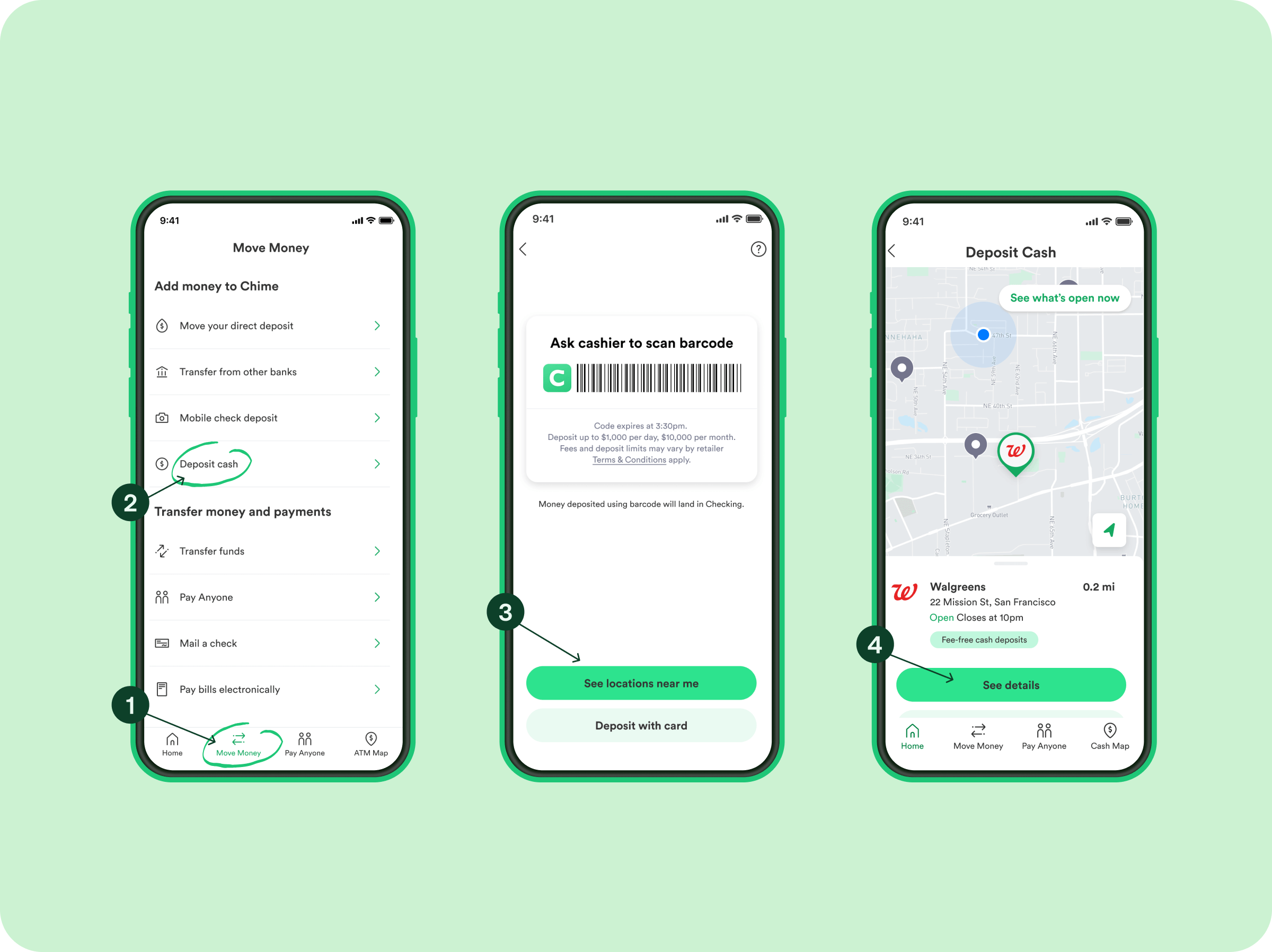
Once linked, you can use your Chime debit card to “Cash Out” funds instantly from Cash App (for a fee) or “Add Cash” to your Cash App balance from Chime (sometimes also with a fee depending on the method).
Method 2: Linking Your Chime Bank Account to Cash App
This method uses your Chime checking account’s routing and account numbers, enabling free standard transfers.
-
Open Cash App: Launch the Cash App on your smartphone.
-
Navigate to the Banking Tab: Tap the banking icon on the bottom-left of the main screen.
-
Link Bank: Tap “Link Bank” (or “Add Bank/Replace Bank” if applicable).
-
Opt for Manual Link: When prompted to select your bank from a list or to link instantly, look for an option like “Don’t see your bank?” or “Link Manually” at the bottom.
-
Enter Chime Account Information:
-
Find Chime Routing and Account Numbers: To get these, open your Chime app, go to “Settings,” and look for “Account Information” or “Direct Deposit.” Your routing and account numbers will be displayed there.
-
Input into Cash App: Carefully enter your Chime routing number and then your Chime account number into the designated fields in Cash App.
-
-
Verify Account: Cash App will initiate small deposit/withdrawal transactions (usually a few cents) into your Chime account to verify ownership. You will need to check your Chime transaction history for these amounts and input them back into Cash App to complete the linking process. This verification usually takes 1-2 business days.
Once verified, your Chime checking account is officially linked to Cash App, allowing for standard transfers.
Initiating the Transfer from Cash App to Chime
With your Chime account successfully linked to Cash App, you can now move funds. The primary action you’ll perform is “Cashing Out” from Cash App to send money to your Chime account.
-
Open Cash App: Ensure you have the latest version of the app.
-
Tap the Banking Tab: Select the banking icon from the bottom menu.
-
Tap “Cash Out”: This option will be visible if you have a balance in your Cash App.
-
Enter Amount: Input the specific amount you wish to transfer from your Cash App balance to your Chime account.
-
Choose Transfer Speed: You’ll be presented with two main options:
-
Standard Deposit (1-3 Business Days): This option is typically free and transfers funds via ACH to your linked bank account (your Chime checking account, if linked via routing and account numbers). The money will usually arrive in your Chime account within one to three business days, excluding weekends and holidays.
-
Instant Deposit (Immediate): This option allows funds to be transferred instantly to your linked debit card (your Chime Visa Debit Card). Cash App charges a fee for this service, typically 0.5% to 1.75% of the transfer amount, with a minimum fee.
-
-
Confirm Transfer: Review the details, including the amount, chosen speed, and any associated fees, then tap “Confirm” to initiate the transfer.
The funds will then be processed according to your chosen speed and deposited into your Chime account.
Potential Fees and Limits
-
Fees: As mentioned, Instant Deposits from Cash App to a linked debit card (like your Chime Debit Card) incur a fee. Standard Deposits to a linked bank account (your Chime checking account) are free. It’s always prudent to check Cash App’s current fee structure as it can vary.
-
Limits: Cash App has daily and weekly limits on how much you can send, receive, and cash out. These limits can vary based on whether your account is verified (by providing your SSN and other personal details). Unverified accounts typically have lower limits. Always be aware of your current limits to avoid transaction rejections. Chime also has its own daily spending and ATM withdrawal limits, which, while not directly impacting the Cash App transfer to Chime, are good to be aware of for subsequent use of the funds.
Best Practices for Secure and Efficient Transfers
Managing your money across different financial applications requires a degree of diligence to ensure security and efficiency.
Verify Account Details Meticulously
Always double-check the routing and account numbers when linking your Chime account to Cash App. A single incorrect digit can lead to delays, lost funds, or transfers to the wrong account, which can be challenging to reverse. Similarly, ensure the correct debit card details are entered.
Monitor Transaction History
After initiating a transfer, regularly check your transaction history on both Cash App and Chime. This allows you to confirm that the funds have been successfully debited from Cash App and credited to Chime within the expected timeframe. If there’s an unexpected delay, early detection can expedite resolution.
Understanding Limits and Timelines
Be mindful of Cash App’s cash-out limits and the processing times for standard versus instant transfers. Plan your transfers accordingly, especially if you have an urgent need for funds in your Chime account. Instant transfers, while convenient, should be used judiciously given the associated fees.
Customer Support Awareness
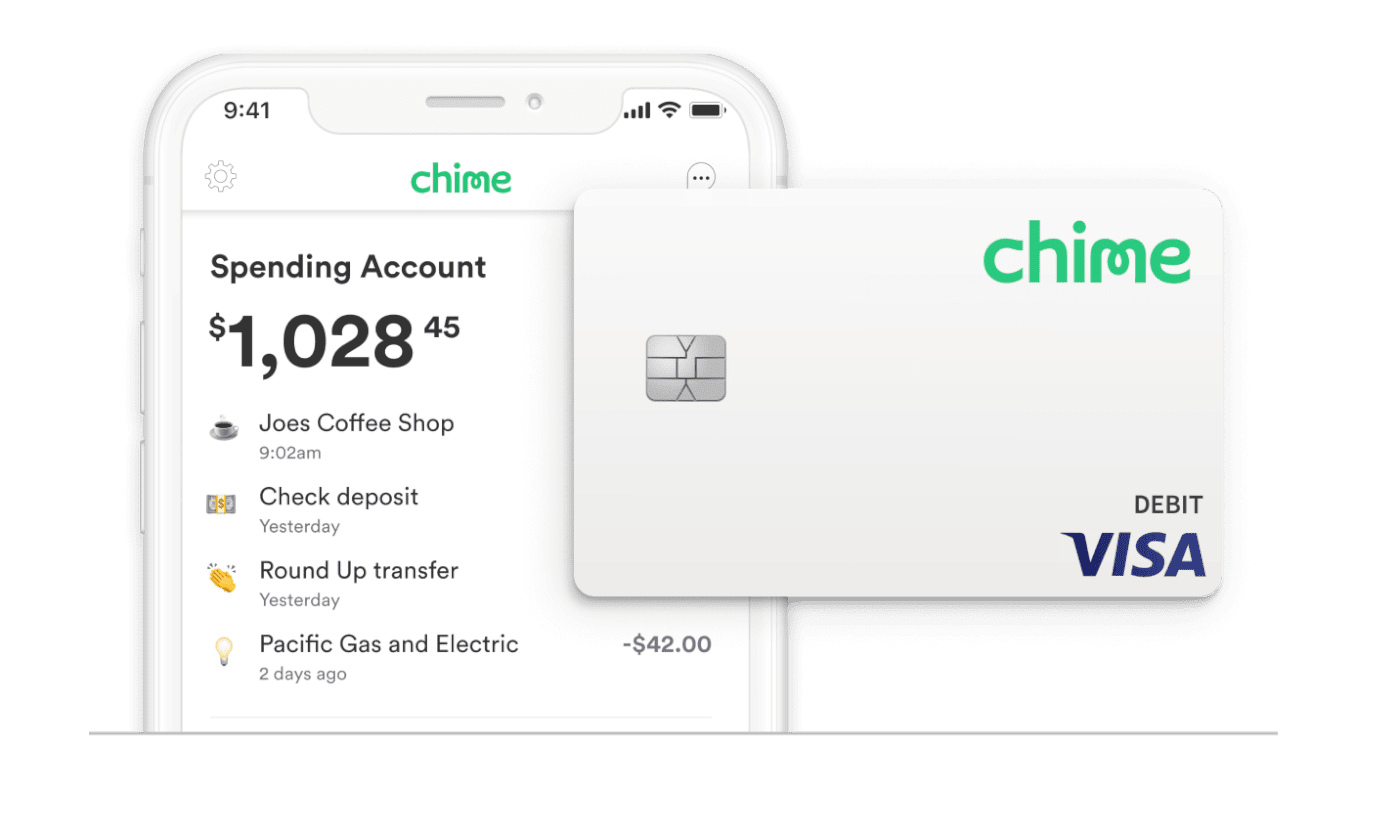
Familiarize yourself with the customer support channels for both Cash App and Chime. In the rare event of a transfer issue, knowing how to quickly contact support for either platform (or both, depending on where the issue originates) is crucial for a swift resolution. Both platforms offer in-app support, email, and sometimes phone support.
By following these steps and best practices, transferring money from Cash App to Chime becomes a straightforward and manageable process, allowing you to effectively utilize both financial tools to your advantage.
aViewFromTheCave is a participant in the Amazon Services LLC Associates Program, an affiliate advertising program designed to provide a means for sites to earn advertising fees by advertising and linking to Amazon.com. Amazon, the Amazon logo, AmazonSupply, and the AmazonSupply logo are trademarks of Amazon.com, Inc. or its affiliates. As an Amazon Associate we earn affiliate commissions from qualifying purchases.