
Managing a store credit card is a fundamental aspect of modern personal finance. While retail cards like the Kohl’s Card offer specialized rewards and discounts, they also require diligent management to ensure they remain a benefit rather than a financial burden. Knowing how to pay your Kohl’s bill online is the first step toward maintaining a healthy credit score and optimizing your household budget. This guide explores the various digital payment avenues available, the strategic financial implications of store credit, and best practices for managing your account.
Understanding the Kohl’s Card: A Strategic Financial Tool
Before diving into the mechanics of online payments, it is essential to understand the Kohl’s Card within the broader context of your financial portfolio. Store credit cards are unique financial instruments that often carry higher interest rates than general-purpose credit cards. However, when managed correctly, they serve as powerful tools for maximizing purchasing power and building credit history.
The Role of Store Credit in Your Financial Portfolio
A Kohl’s Card is a “closed-loop” or “private label” credit card, meaning it is typically intended for use within Kohl’s stores and on their official website. From a personal finance perspective, these cards are often easier to obtain for those looking to build or repair credit. By making consistent, on-time online payments, you demonstrate reliability to credit bureaus. Because Kohl’s reports to the major credit bureaus, your payment behavior directly impacts your FICO score.
Balancing Rewards and Interest Rates
The primary draw of the Kohl’s Card is the “Kohl’s Cash” and exclusive discount offers. From a wealth-management standpoint, these rewards are only valuable if they are not offset by interest charges. Because store cards often have Annual Percentage Rates (APRs) exceeding 25%, carrying a balance can quickly erode any savings gained from discounts. Utilizing the online payment portal to pay your balance in full every month is the most effective way to ensure the card remains a net positive for your finances.
Step-by-Step Guide to Paying Your Kohl’s Bill Online
The digital infrastructure provided by Kohl’s allows for seamless account management. Transitioning from paper billing to online payments reduces the risk of mail delays and provides an instant digital paper trail of your financial transactions.
Setting Up Your My Kohl’s Card Account
To pay your bill online, you must first register your card on the “My Kohl’s Card” portal. This is a secure area of the website dedicated to credit management.
-
Navigate to the Portal: Visit the official Kohl’s website and locate the “My Kohl’s Card” link, usually found in the header or footer.
-
Registration: Click on the “Register Now” button. You will need your physical card handy to enter your credit card number and your ZIP code.
-
Security Credentials: Create a unique username and a strong password. Given the sensitive nature of financial data, it is recommended to use a combination of symbols, numbers, and case-sensitive letters.
-
Identity Verification: You may be asked to answer security questions or verify your identity via a code sent to your email or phone.
Making a One-Time Payment
Once your account is active, making a payment is a straightforward process.
-
Sign In: Enter your credentials on the My Kohl’s Card login page.
-
Navigate to Payments: Once logged in, click on the “Payments” tab in the navigation menu.
-
Enter Banking Information: You will need your bank’s routing number and your checking or savings account number. This information is found at the bottom of your paper checks or within your bank’s mobile app.
-
Select Amount and Date: You can choose to pay the “Minimum Amount Due,” the “Statement Balance,” or a “Current Balance.” For optimal financial health, the Statement Balance is the recommended choice to avoid interest.
-
Review and Submit: Double-check the numbers for accuracy. A single transposed digit in a routing number can lead to a failed payment and potential late fees.
Enrolling in Autopay for Financial Consistency
One of the most effective strategies in personal finance is automation. Enrolling in Autopay ensures that you never miss a deadline, which is critical since payment history accounts for 35% of your FICO credit score.
-
How to Enroll: Within the “Payments” section of the online portal, look for the “Manage Autopay” option.
-
Selecting the Threshold: You can set Autopay to deduct the minimum payment or the full statement balance every month.
-
Monitoring: Even with Autopay, it is a professional financial habit to review your statements monthly to check for unauthorized charges or errors.
Alternative Digital Payment Methods and Financial Tools
In addition to the standard web portal, modern financial management allows for several other digital methods to settle your Kohl’s debt. These tools offer flexibility for individuals who manage their finances on the go.
Utilizing the Kohl’s Mobile App

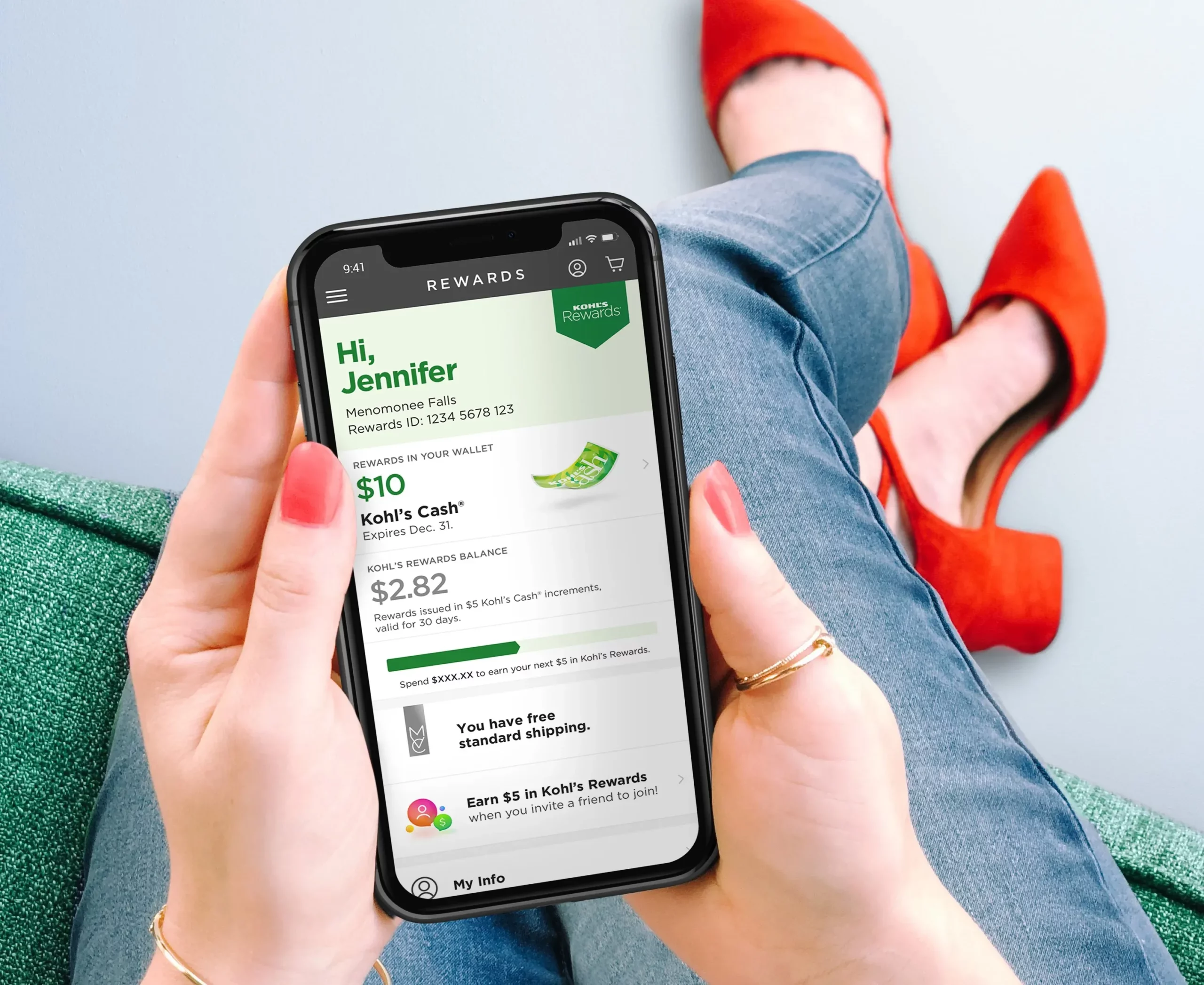
The Kohl’s App is not just for shopping; it is a robust financial management tool. By integrating your credit account into the app, you can pay your bill using your smartphone. The interface is often more streamlined than the desktop version, allowing for “one-tap” payments if your banking information is already saved. This is particularly useful for making “mid-cycle” payments—paying down your balance before the statement closes to keep your credit utilization ratio low.
Third-Party Bill Pay Services
Many major banks (such as Chase, Wells Fargo, or Bank of America) offer an integrated “Bill Pay” feature within their own online banking portals. You can add “Kohl’s” as a payee by entering your Kohl’s Card account number and the payment address found on your statement. This allows you to centralize all your monthly obligations—utilities, rent, and credit cards—into a single dashboard, providing a clearer picture of your monthly cash flow.
Best Practices for Credit Management and Debt Reduction
Paying your bill is only one part of the equation. True financial literacy involves understanding the timing and impact of those payments.
Timing Your Payments to Boost Your Credit Score
Your “statement closing date” and your “payment due date” are two different things. Your statement closing date is when the card issuer reports your balance to the credit bureaus. If you have a $1,000 limit and a $500 balance on the closing date, you have a 50% utilization rate, which can negatively impact your credit score even if you pay it off by the due date. To optimize your score, consider making an online payment a few days before the statement closes to show a lower utilization rate.
Avoiding the “Minimum Payment Trap”
The Kohl’s online portal will always highlight the “Minimum Amount Due.” While paying this amount keeps your account in good standing and avoids late fees, it is a dangerous path for long-term wealth. Because of compound interest, paying only the minimum on a high-interest store card can result in debt that takes years to pay off. Always strive to treat your Kohl’s Card like a debit card: if you don’t have the cash in your bank account to cover the purchase, avoid using the credit line.
Protecting Your Financial Data
When paying bills online, digital security is paramount. Ensure you are always on the official “kohls.com” or “capitalone.com” (the current servicer for Kohl’s cards) domains. Avoid making payments over public Wi-Fi networks, as these are susceptible to “man-in-the-middle” attacks where hackers can intercept your banking details. Using a Virtual Private Network (VPN) or your cellular data is a much more secure method for handling financial transactions.
Troubleshooting Common Online Payment Issues
Even with a streamlined system, technical or financial hurdles can arise. Knowing how to navigate these issues is key to maintaining a professional handle on your finances.
What to Do if a Payment Fails
If you receive a notification that your online payment was declined or returned, act immediately.
-
Check Funds: Ensure your linked bank account has sufficient “available” funds, not just a high “current” balance.
-
Verify Details: Re-enter your routing and account numbers to ensure no errors were made.
-
Contact Support: If the error persists, use the “Chat” feature in the online portal or call the customer service number on the back of your card. Addressing the issue before the due date passes can often result in the representative waiving potential late fees.
Managing Paperless Billing Transitions
Switching to online payments often triggers a shift to paperless billing. While this is environmentally friendly and reduces clutter, it requires a higher level of personal organization. Set a recurring calendar alert or a dedicated email folder for your billing statements to ensure that “out of sight” does not become “out of mind.”
Final Considerations for Digital Account Management
The ability to pay your Kohl’s bill online is a convenience that should be leveraged to improve your overall financial health. By utilizing the My Kohl’s Card portal, the mobile app, or your bank’s bill pay service, you can maintain a flawless payment history. However, the true key to financial success with store credit is the discipline to pay balances in full, monitor utilization rates, and stay vigilant against security threats. Treating your store card with the same rigor as a mortgage or a high-yield investment account ensures that your credit remains an asset in your journey toward financial independence.
aViewFromTheCave is a participant in the Amazon Services LLC Associates Program, an affiliate advertising program designed to provide a means for sites to earn advertising fees by advertising and linking to Amazon.com. Amazon, the Amazon logo, AmazonSupply, and the AmazonSupply logo are trademarks of Amazon.com, Inc. or its affiliates. As an Amazon Associate we earn affiliate commissions from qualifying purchases.