
In an increasingly digitized world, streaming services have become the cornerstone of home entertainment, offering an unprecedented variety of content at our fingertips. Among the giants of this landscape, Amazon Prime Video stands out, not just for its vast library of movies, TV shows, and original productions, but also as an integral part of the broader Amazon Prime ecosystem. For many, the question “how do I get Prime TV?” is the first step toward unlocking a world of exclusive content, convenient features, and seamless viewing experiences. This guide will walk you through the technical pathways, essential steps, and key considerations for accessing and maximizing your Amazon Prime Video subscription.

Understanding Amazon Prime Video: More Than Just a Streaming Service
Before diving into the “how-to,” it’s crucial to understand what Amazon Prime Video truly is. Often referred to simply as “Prime TV” by users, it’s Amazon’s premier video-on-demand streaming and rental service. It’s a powerhouse of content, but its real strength lies in its integration with the larger Amazon Prime membership, which offers a multitude of benefits beyond just video streaming.
The Core Offering: On-Demand Streaming and Original Content
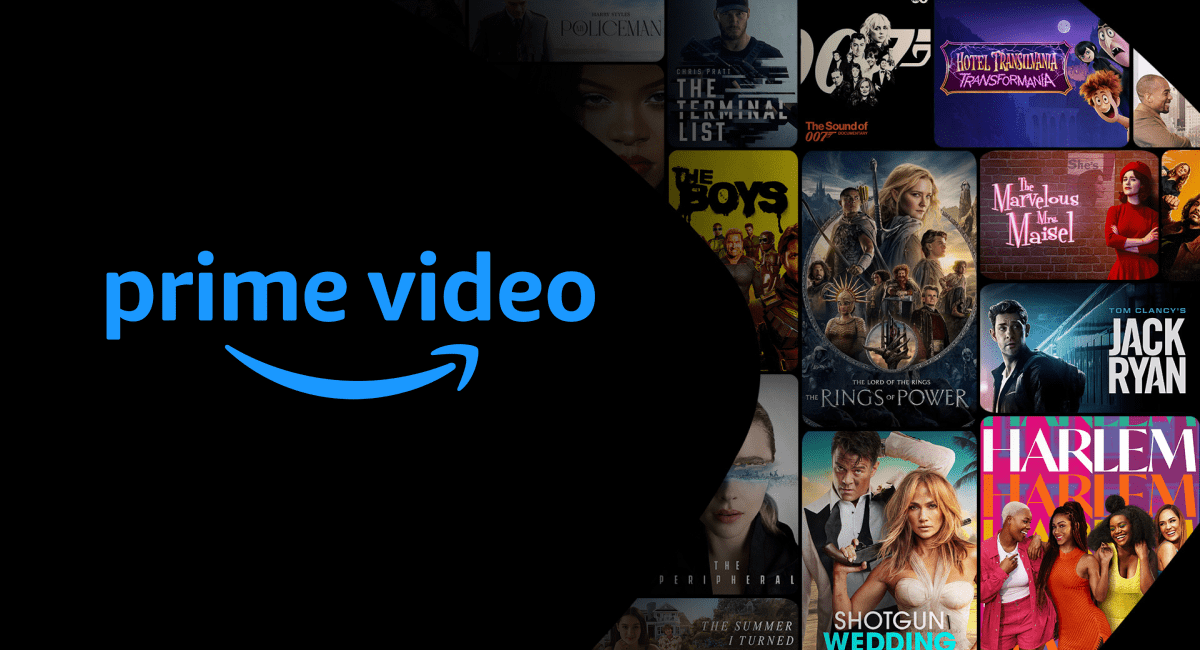
At its heart, Prime Video provides an extensive library of movies and TV series available for on-demand streaming. This includes a constantly rotating selection of licensed content from major studios, alongside a significant investment in Amazon Originals. These critically acclaimed and popular original series and films, such as The Boys, The Marvelous Mrs. Maisel, Lord of the Rings: The Rings of Power, and countless others, are exclusive to Prime Video, serving as a major draw for subscribers. The platform offers a diverse range of genres, catering to virtually every taste, from drama and comedy to sci-fi, horror, and documentaries.
Beyond the Basics: Live Events, Rentals, and Channels
Prime Video extends its offerings beyond its core on-demand library. Subscribers often gain access to live sporting events, concerts, and other special programming, depending on their region. Furthermore, Amazon’s vast digital marketplace allows users to rent or purchase newly released movies and current season TV shows that might not yet be included in the subscription library. This gives users immediate access to the latest content, often before it’s available on other platforms. Adding another layer of content, Prime Video Channels allow subscribers to add premium channel subscriptions (like HBO, Showtime, Starz, and many more) directly within the Prime Video app. This consolidates billing and access, streamlining the streaming experience by keeping all content in one centralized hub.
The Ecosystem Advantage: Prime Membership Perks
It’s vital to recognize that Prime Video is generally bundled as a core benefit of an Amazon Prime membership. While there might be options in some regions to subscribe to Prime Video independently, the full value is unlocked with a comprehensive Prime membership. This membership includes expedited shipping on Amazon purchases, access to Amazon Music Prime, Prime Reading, exclusive deals, and more. For many, the decision to “get Prime TV” is synonymous with joining the Prime ecosystem, transforming it from just another streaming service into a holistic digital lifestyle subscription. Understanding this broader context helps users appreciate the full scope of benefits and the significant value proposition.
The Activation Pathway: Becoming a Prime Video Subscriber
The journey to accessing Prime Video begins with an Amazon Prime membership. This section outlines the straightforward steps to become a subscriber, whether you’re new to Amazon or already have an account.
Step-by-Step: Signing Up for Amazon Prime
For new users, the process is simple and intuitive.
- Visit the Amazon Prime Website: Navigate to
amazon.com/prime(or your regional Amazon domain, e.g.,amazon.co.uk/prime). - Start Your Free Trial or Join Prime: Look for a prominent button that says “Start your 30-day free trial” or “Join Prime.” Clicking this will initiate the sign-up process.
- Create an Amazon Account: If you don’t already have one, you’ll be prompted to create an Amazon account. This involves providing your name, email address, and creating a secure password.
- Enter Payment Information: Amazon requires a valid credit or debit card for the subscription, even for the free trial. You won’t be charged until the trial period ends, but this information is necessary to activate the membership.
- Confirm Membership: Review your details and confirm your enrollment. Once confirmed, your Amazon Prime membership, including access to Prime Video, will be immediately active.
Existing Amazon Account Holders: Instant Access or Upgrade
If you already have an Amazon account but are not a Prime member, the process is even quicker:
- Log In to Your Amazon Account: Go to the Amazon homepage and sign in with your existing credentials.
- Navigate to Prime Membership: Hover over “Accounts & Lists” in the top right corner and select “Prime Membership” or search for “Amazon Prime” on the website.
- Initiate Free Trial or Join: Similar to new users, you’ll see options to start a free trial or join Prime directly. Your existing payment information might already be on file, simplifying the process.
Upon successful enrollment, Prime Video access is automatically granted as part of your membership.
Free Trials and Student Discounts: Getting Started Affordably
Amazon frequently offers free trials, typically 30 days, for new Prime members. This is an excellent opportunity to explore Prime Video’s content library and other Prime benefits without immediate commitment. It’s crucial to mark your calendar if you don’t intend to continue the membership, as you will be automatically charged at the end of the trial period.
Additionally, students often qualify for an extended free trial (e.g., six months in some regions) and a discounted Prime membership rate through “Prime Student.” This program requires a valid student email address and verification of enrollment, making Prime Video even more accessible for those in higher education. Exploring these options can significantly reduce the initial cost of entry.
Device Compatibility and App Installation: Your Viewing Hub
Once you’re a Prime member, the next step is to actually start watching. Prime Video boasts extensive device compatibility, ensuring you can enjoy your content on virtually any screen you own.
Smart TVs and Streaming Devices: The Big Screen Experience
The most popular way to watch Prime Video is on a television, often through a smart TV or a dedicated streaming device.
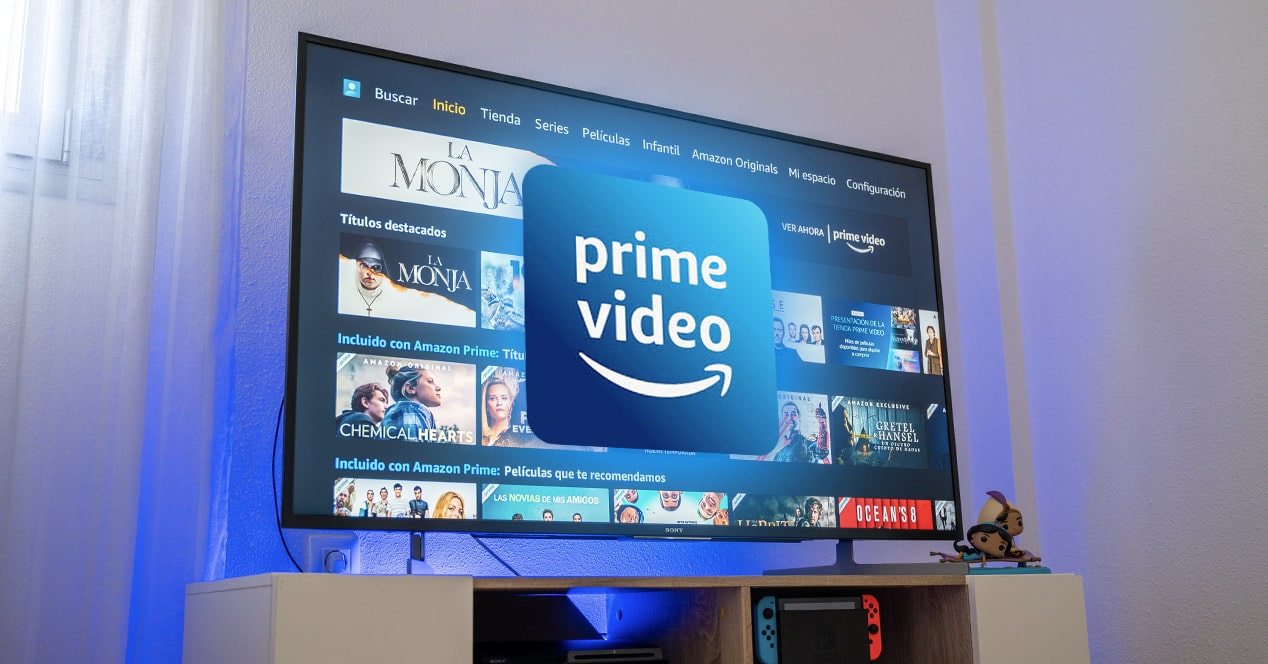
- Smart TVs: Most modern smart TVs (manufactured by Samsung, LG, Sony, Vizio, Panasonic, etc.) come with the Prime Video app pre-installed or available for download from their respective app stores.
- Streaming Sticks & Boxes: Devices like Amazon Fire TV Stick, Roku, Apple TV, Google Chromecast, and Nvidia Shield all offer robust Prime Video app support. These are excellent options for older non-smart TVs or for enhancing the smart capabilities of an existing TV.
- Gaming Consoles: Popular gaming systems such as PlayStation (PS4, PS5) and Xbox (One, Series X/S) also feature the Prime Video app, turning your console into a versatile entertainment hub.
Mobile and Tablet Access: Entertainment On-the-Go
For viewing while commuting, traveling, or simply lounging in a different room, the Prime Video app for mobile devices is indispensable.
- Smartphones and Tablets: Available on both iOS (Apple App Store) and Android (Google Play Store) platforms, the Prime Video mobile app offers full functionality, including streaming, downloads for offline viewing, and access to your library.
- Kindle Fire Tablets: As Amazon’s own devices, Kindle Fire tablets offer a highly optimized and seamless Prime Video experience, often with direct integration into the device’s home screen.
Web Browsers and Other Diverse Access Points
For those who prefer watching on a computer or laptop, Prime Video is fully accessible via web browsers. Simply navigate to primevideo.com, log in with your Amazon account credentials, and begin streaming. Most modern browsers like Chrome, Firefox, Safari, and Edge are supported. While less common, some set-top boxes from cable providers or even select Blu-ray players might also include the Prime Video app. The general rule is that if a device connects to the internet and has an app store, there’s a good chance it supports Prime Video.
Installing the Prime Video App: A Universal Process
The process for installing the Prime Video app is largely consistent across different devices:
- Access Your Device’s App Store: On smart TVs, streaming devices, or mobile devices, locate and open the device’s application store (e.g., Google Play Store, Apple App Store, Roku Channel Store, Fire TV Appstore, PlayStation Store).
- Search for “Prime Video”: Use the search function within the app store to find the “Amazon Prime Video” application.
- Download and Install: Select the app and choose to download or install it. The app is free to download, but requires an active Prime membership to access content.
- Open and Log In: Once installed, open the Prime Video app. You’ll be prompted to log in using your Amazon account credentials associated with your Prime membership. Some devices might offer a simplified login method by providing a code to enter on
primevideo.com/mytvon a separate browser, streamlining the process. After logging in, you’ll have full access to the Prime Video library.
Enhancing Your Prime Video Experience: Features and Best Practices
Simply accessing Prime Video is just the beginning. To truly get the most out of your membership, understanding and utilizing its various features and adopting some best practices can significantly enhance your viewing pleasure.
Mastering the Interface: Navigation and Discovery
The Prime Video interface is designed for content discovery. Take time to explore the various sections:
- Home/Featured: Displays recommended content, new releases, and popular titles.
- Search Functionality: An essential tool. Use it to find specific titles, actors, directors, or even genres. The search is generally robust and provides relevant results.
- Categories/Genres: Browse content by genre (Action, Comedy, Drama, Sci-Fi, etc.) to discover new shows and movies aligned with your interests.
- Watchlist: A crucial feature. Add titles you want to watch later to your Watchlist so you never forget them. This keeps your queue organized and easily accessible.
- Library/Purchases: This section houses any movies or TV shows you have rented or purchased, ensuring you can quickly re-access your owned content.
Personalization Features: Profiles, Watchlists, and Recommendations
Prime Video offers several tools to personalize the experience for individual users within a household:
- User Profiles: Create separate user profiles for each family member. This ensures personalized recommendations, keeps watch histories separate, and maintains individual watchlists. This is especially useful for managing content for children via dedicated kids’ profiles.
- Parental Controls: Implement PIN-based parental controls to restrict access to certain content ratings for specific profiles. This is vital for ensuring children only view age-appropriate material.
- Recommendations: The platform’s algorithm learns from your viewing habits to suggest new content. The more you watch, the more tailored and relevant these recommendations become, helping you discover hidden gems.
Connectivity and Quality: Optimizing Your Stream
A smooth streaming experience depends heavily on your internet connection and device settings:
- Internet Speed: For standard definition (SD), a minimum of 1-2 Mbps is generally sufficient. For high definition (HD), aim for at least 3-5 Mbps. For stunning 4K Ultra HD (UHD), 15-25 Mbps or higher is recommended. Ensure your home internet plan meets these requirements.
- Wi-Fi vs. Ethernet: Whenever possible, use an Ethernet cable to connect your streaming device directly to your router. This provides a more stable and faster connection than Wi-Fi, minimizing buffering. If using Wi-Fi, position your router optimally and consider a mesh Wi-Fi system for larger homes.
- Stream Quality Settings: Most Prime Video apps allow you to adjust streaming quality settings. While “Best” or “Auto” is ideal for good connections, you can lower the quality (e.g., to “Good” or “Data Saver”) to reduce bandwidth usage and prevent buffering on slower networks, especially on mobile data.
Troubleshooting Common Issues: Quick Fixes
Even with optimal setup, occasional streaming issues can arise. Here are quick troubleshooting tips:
- Buffering or Lag:
- Check Internet Connection: Ensure your Wi-Fi or Ethernet connection is active and stable.
- Restart Router: Unplug your internet router and modem for 30 seconds, then plug them back in.
- Close Other Apps: Close any other bandwidth-intensive applications or devices on your network.
- Reduce Quality: Temporarily lower the streaming quality in the Prime Video app.
- App Not Working/Crashing:
- Restart App: Close the Prime Video app completely and reopen it.
- Restart Device: Power cycle your smart TV, streaming stick, or mobile device.
- Clear Cache/Data: In your device’s settings, find the Prime Video app and clear its cache or data (note: clearing data might require re-logging in).
- Update App/Device: Ensure both the Prime Video app and your device’s operating system are updated to the latest versions.
- Login Issues:
- Verify Credentials: Double-check your Amazon email and password.
- Reset Password: If forgotten, use the “Forgot Password” link on Amazon’s website.
- Check Membership Status: Ensure your Prime membership is active and hasn’t expired.
Maximizing Your Prime Video Membership: Unlocking Full Potential
Amazon Prime Video is a dynamic platform that continually evolves. Beyond the basics, several advanced features and strategies can help you get the absolute most out of your subscription.
Exploring Prime Video Channels and Content Add-ons
As mentioned earlier, Prime Video Channels offer a seamless way to subscribe to additional streaming services directly through your Prime Video account. This centralization simplifies billing and access. Regularly check the “Channels” section within the Prime Video app or website to see what’s available. Whether it’s a niche sports package, a premium movie channel, or international content, these add-ons can significantly expand your viewing options without needing separate apps or logins. Also, keep an eye out for special promotional offers on these channels, which Amazon frequently runs.
Utilizing X-Ray and Bonus Content
One of Prime Video’s unique and highly praised features is X-Ray, powered by IMDb. When watching a show or movie, simply pause or tap the screen, and X-Ray will pop up with contextual information:
- Actors in Scene: Identifies the actors currently on screen and provides links to their IMDb profiles.
- Music Playing: Lists the song and artist for the current soundtrack.
- Trivia: Offers fascinating behind-the-scenes facts and trivia related to the scene or the production.
- Goofs and Bloopers: Highlights interesting errors or comedic moments.
X-Ray adds an insightful, interactive layer to your viewing experience, making it more engaging. Additionally, many Amazon Originals and other titles include “bonus content,” such as deleted scenes, behind-the-scenes featurettes, and interviews, which are often accessible directly from the title’s page in the app.
Offline Downloads: Entertainment Anywhere
The ability to download titles for offline viewing is a game-changer, especially for travelers or those with unreliable internet access.
- How to Download: On the Prime Video mobile or tablet app, simply navigate to the title you wish to download and look for the “Download” icon (usually an arrow pointing downwards).
- Storage Management: Downloads consume device storage. The app typically allows you to choose download quality, impacting file size. Remember to periodically delete watched downloads to free up space.
- Expiration: Downloaded content usually has an expiration period (e.g., 30 days to start watching, 48 hours once started). Ensure you watch content before it expires or reconnect to the internet to refresh the license.
By leveraging these advanced features, you transform your Prime Video experience from passive consumption to an active, personalized, and robust entertainment ecosystem. From consolidating your subscriptions with channels to delving deeper into content with X-Ray and ensuring access even without an internet connection, Prime Video offers tools to cater to nearly every viewing preference and situation.
Conclusion
Accessing “Prime TV,” or more accurately, Amazon Prime Video, is a straightforward process that unlocks a world of entertainment and numerous other benefits associated with an Amazon Prime membership. From the initial sign-up and device setup to mastering the app’s features and troubleshooting common issues, the journey is designed to be user-friendly. By understanding the platform’s vast offerings, utilizing its personalization tools, and optimizing your viewing environment, you can seamlessly integrate Prime Video into your digital lifestyle. Whether you’re a film enthusiast, a TV series binger, or simply looking for convenient access to quality content, Prime Video offers a robust and continually expanding library ready for your enjoyment on virtually any screen.
aViewFromTheCave is a participant in the Amazon Services LLC Associates Program, an affiliate advertising program designed to provide a means for sites to earn advertising fees by advertising and linking to Amazon.com. Amazon, the Amazon logo, AmazonSupply, and the AmazonSupply logo are trademarks of Amazon.com, Inc. or its affiliates. As an Amazon Associate we earn affiliate commissions from qualifying purchases.