
Amazon Prime has evolved from a simple shipping membership into one of the most sophisticated digital ecosystems in the world. For many users, the point of entry is the 30-day free trial, a period that allows full access to a suite of software, streaming services, and cloud-based tools. Navigating the signup process requires more than just a few clicks; it involves understanding the digital infrastructure of the Amazon platform, managing subscription settings, and ensuring your digital security is optimized during the transition from a guest to a premium user.
Navigating the Digital Signup Process: Step-by-Step Integration
The process of initiating an Amazon Prime free trial is designed to be seamless across various hardware interfaces, whether you are using a mobile application, a desktop browser, or a smart TV interface. However, behind the simple user interface (UI) lies a complex verification system that ensures account integrity and prevents multi-trial exploitation.
Initializing the Request via Desktop and Mobile
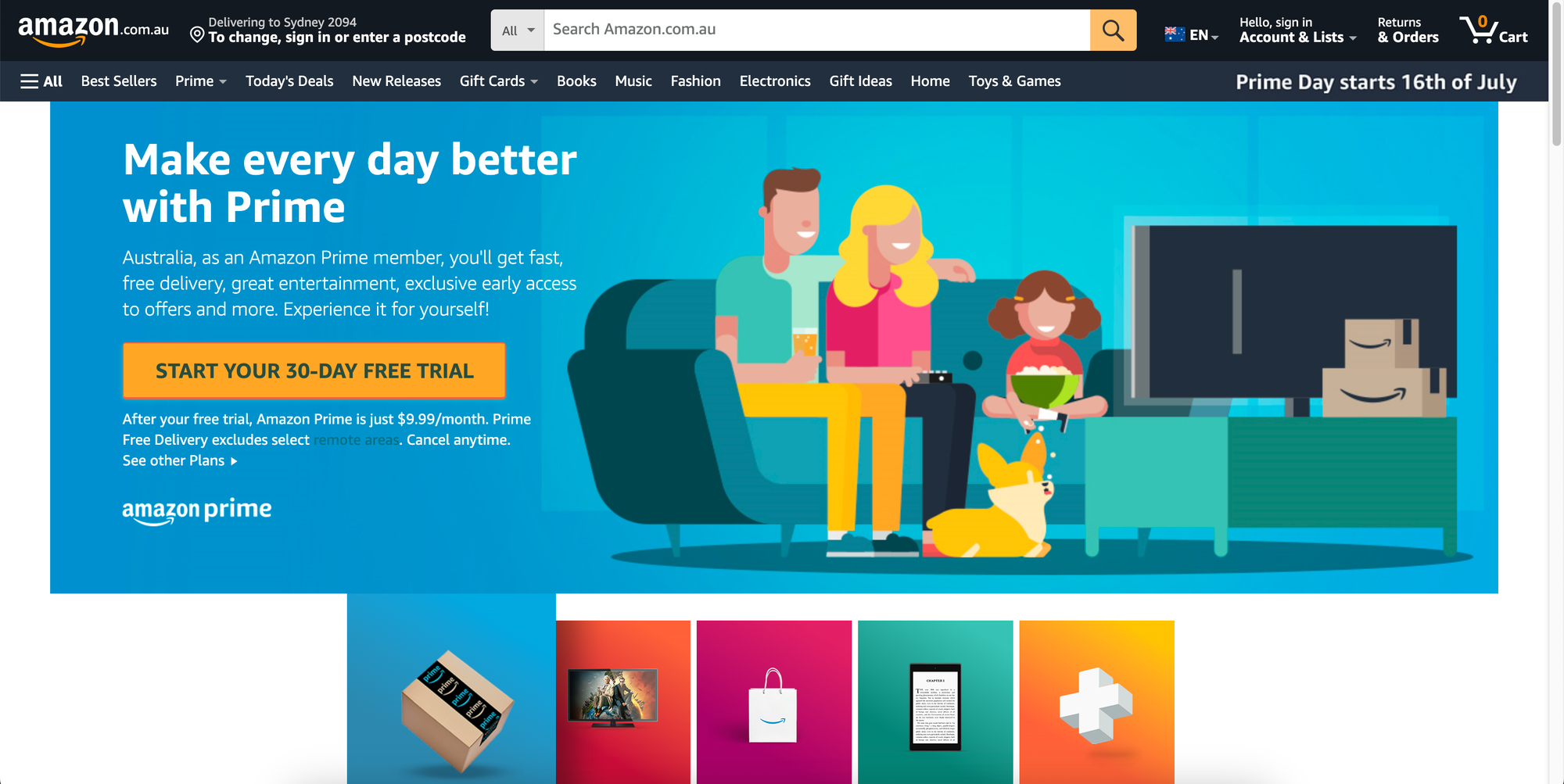
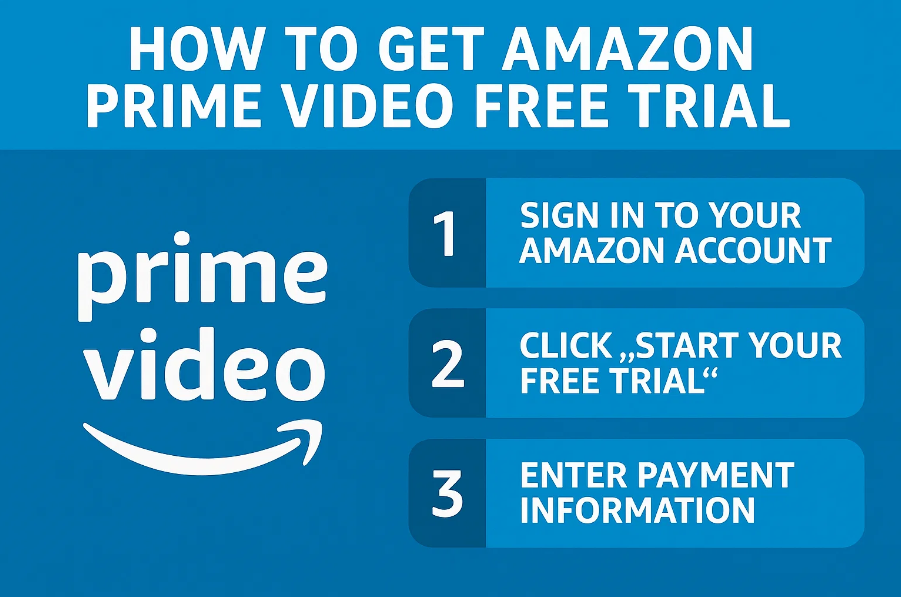
To begin, you must navigate to the dedicated Amazon Prime portal. On a standard desktop browser, this is typically found via the “Prime” tab in the navigation header. For mobile users, the Amazon Shopping app provides a dedicated “Try Prime” button within the account menu.
-
Account Authentication: You must sign in with an existing Amazon account or create a new one. This involves a standard email verification process and, increasingly, a multi-factor authentication (MFA) prompt to ensure the person requesting the trial is the legitimate owner of the digital identity.
-
Payment Method Verification: Even though the trial is free, Amazon’s backend requires the attachment of a valid payment method. This acts as a digital handshake. The system performs a small “placeholder” transaction (often $0.00 or $1.00) to verify the card is active and compatible with recurring billing software.
-
The “Confirm” Protocol: Once the payment method is verified, clicking “Start your 30-day free trial” triggers a series of API calls that instantly upgrade your account status across all integrated apps—including Prime Video, Prime Music, and the Kindle ecosystem.
Understanding Eligibility and Digital Footprints
Amazon uses advanced algorithms to determine eligibility for a free trial. If you have had a Prime membership or a trial within the last 12 to 24 months, the system may automatically hide the trial offer. This is managed through your account history metadata. To ensure a successful signup, users should ensure they are not using a VPN that might trigger a fraud flag, as Amazon’s security protocols are sensitive to IP addresses that do not match the billing address of the provided payment method.
Maximizing the Prime Tech Ecosystem During Your Trial
Once the trial is active, you are no longer just an e-commerce customer; you are a user of a massive software suite. Understanding the technological breadth of the Prime ecosystem is key to getting the most value out of your 30 days.
Prime Video: High-Bitrate Streaming and X-Ray Technology
Prime Video is one of the most technically advanced streaming platforms available. During your trial, you have access to 4K Ultra HD and HDR content. One of the standout tech features is “X-Ray,” powered by IMDb. This software overlay provides real-time metadata about actors, music, and trivia directly on the screen as you watch. From a technical perspective, X-Ray uses synchronized time-stamping to deliver information without interrupting the video stream, showcasing Amazon’s ability to integrate data layers with high-resolution video playback.
Prime Gaming and Twitch Integration
For software enthusiasts and gamers, the Prime trial includes “Prime Gaming.” By linking your Amazon account to a Twitch account, you unlock a monthly “Level Up” of sorts. This includes a free channel subscription and access to “Loot”—which are digital assets like skins, in-game currency, and sometimes full PC games. This cross-platform integration is a prime example of how Amazon uses its acquisition of Twitch to create a unified digital identity across different entertainment sectors.
Amazon Photos: Cloud Infrastructure for Personal Media
While many focus on shipping, the Amazon Photos app is a robust cloud storage solution included in the trial. It offers unlimited full-resolution photo storage and 5GB of video storage. The software utilizes advanced image recognition AI to categorize your photos by person, location, or object. For users looking to test cloud backups, this 30-day window is an excellent opportunity to evaluate Amazon’s server reliability and the sync speed of their desktop and mobile applications.
Managing Your Subscription and Digital Security
The transition from a free trial to a paid subscription is automated by default. To maintain control over your digital finances and data, you must understand how to manage the membership settings within the Amazon interface.
The “End of Trial” Notification System
Amazon’s software allows you to set a reminder before the trial expires. Under the “Manage Membership” tab, you can toggle an option to receive an email three days before your trial ends. This is a crucial step for users who wish to evaluate the service without committing to a long-term financial obligation.
Canceling Without Losing Access
A common technical question is whether canceling the trial immediately terminates access. In most jurisdictions, Amazon’s subscription logic allows you to “cancel” the auto-renewal immediately after signing up while still retaining access to the Prime features for the remainder of the 30 days. This is managed in the “End Membership” section. By selecting “End Membership” and confirming the prompts, you effectively tell the database to change your “Renewal Status” to “False” while keeping the “Expiry Date” active.
Security Best Practices for Prime Users
Because a Prime account often holds sensitive data—including credit card info, home addresses, and browsing history—security is paramount. During your trial, it is highly recommended to:
-
Enable Two-Step Verification (2SV): This adds an extra layer of software security, requiring a code from an authenticator app or SMS.
-
Audit Digital Permissions: If you have linked your Prime account to third-party apps (like Twitch or a smart TV), review these permissions in the “Login with Amazon” settings to ensure you are not over-sharing data.
Specialized Trial Tiers and Verification Tech
Amazon offers specific trial versions for different demographics, using specialized verification software to confirm eligibility.
Amazon Prime Student
The Prime Student trial is significantly longer—typically six months. To access this, the system requires a “.edu” email address or a manual review of enrollment documents. Amazon utilizes third-party verification services like SheerID to instantly validate student status against institutional databases. This ensures the high-value 6-month trial is reserved for its intended technical audience.
Amazon Household: Managing Shared Access
The “Amazon Household” feature allows two adults to share Prime benefits using their own individual accounts. This is a sophisticated piece of account-linking technology. Instead of sharing a password (which is a security risk), you link two distinct digital identities. This allows for shared payment methods and shared digital content (like Kindle books and Prime Video) while maintaining separate watch histories and personalized recommendations.
Troubleshooting and Optimizing the Digital Experience
Occasionally, users encounter technical friction when trying to activate their free trial. Understanding the common software-side hurdles can help resolve these issues quickly.
Clearing Cache and Managing Cookies
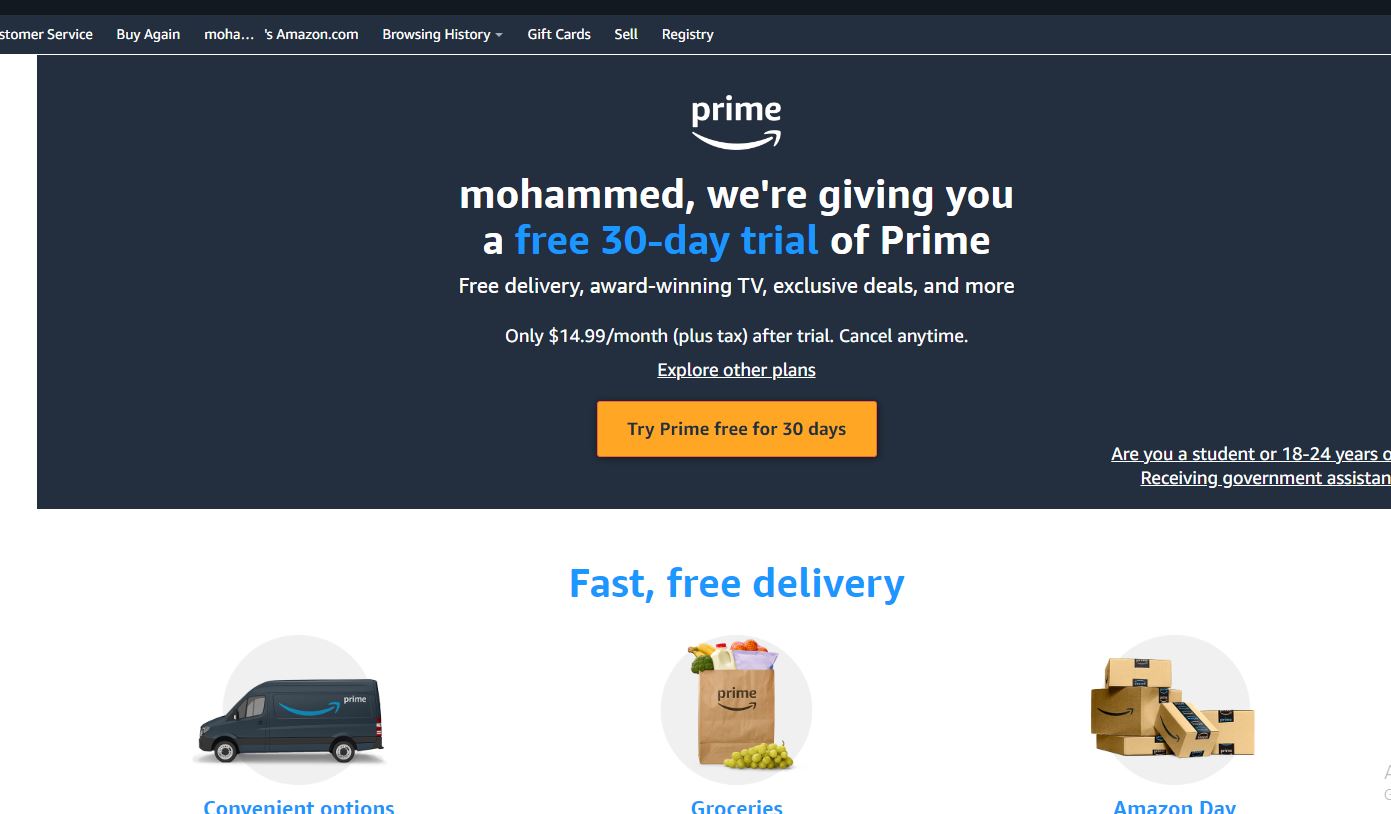
If the “Start Free Trial” button is missing or leads to an error page, the issue is often related to the browser’s stored data. Old cookies or cached versions of the Amazon homepage can interfere with the site’s ability to recognize your current account status. Clearing your browser’s cache or attempting the signup in an “Incognito” or “Private” window forces the site to pull a fresh version of the Prime landing page, often resolving the issue.
Application Updates and Regional Restrictions
For those using the Amazon app, ensure you are running the latest firmware and app version. Outdated versions of the software may struggle to communicate with Amazon’s latest API, leading to checkout failures. Furthermore, Prime trials are region-locked. If your account was originally created on Amazon.co.uk but you are trying to sign up for a trial on Amazon.com, the system may block the request. You must ensure your “Country/Region” settings in the “Content and Devices” section match the site you are currently using.
Contacting Automated Support
If technical glitches persist, Amazon’s “Customer Service” utilizes a sophisticated AI chatbot designed to handle subscription inquiries. By typing “Prime Trial Issue,” the bot can often detect why a trial isn’t processing—such as an expired card on file or a previous trial usage—and provide a direct link to fix the account metadata.
By understanding the underlying technology and the digital framework of the Amazon Prime ecosystem, users can navigate the free trial process with confidence. It is a powerful demonstration of integrated software services, and managing it correctly ensures a secure and insightful experience into the future of digital subscriptions.
aViewFromTheCave is a participant in the Amazon Services LLC Associates Program, an affiliate advertising program designed to provide a means for sites to earn advertising fees by advertising and linking to Amazon.com. Amazon, the Amazon logo, AmazonSupply, and the AmazonSupply logo are trademarks of Amazon.com, Inc. or its affiliates. As an Amazon Associate we earn affiliate commissions from qualifying purchases.