
The Cash App Card, a free, customizable debit card issued by Sutton Bank and linked directly to your Cash App balance, serves as a crucial financial tool for millions. It provides immediate access to your funds for everyday purchases, ATM withdrawals, and online transactions, effectively bridging your digital balance with the physical world of commerce. Understanding how to manage this financial instrument, especially when a replacement is needed, is essential for maintaining seamless access to your personal funds.
Understanding Your Cash App Card and Its Importance
Your Cash App Card functions much like a traditional debit card, allowing you to spend the money held in your Cash App balance wherever Visa is accepted. This financial utility makes it a cornerstone for many individuals’ personal finance strategies, offering convenience and control over their digital cash.
What is the Cash App Card?
At its core, the Cash App Card is a prepaid debit card directly linked to your Cash App account. It enables users to spend their Cash App balance, receive direct deposits, and even benefit from various boosts and discounts offered through the app. Unlike a credit card, it draws funds directly from your available balance, helping users avoid debt and manage their spending more responsibly. For individuals managing their budgets or those who prefer digital-first banking solutions, the Cash App Card is an indispensable financial tool. It empowers users with real-time access to their funds, making it easier to track expenditures and maintain financial discipline.
Why You Might Need a New Card
There are several common scenarios that necessitate ordering a replacement Cash App Card. Each situation impacts your immediate financial access and requires prompt action to restore full functionality.
-
Lost or Stolen Card: This is arguably the most critical reason for needing a new card. A lost or stolen card poses a significant financial security risk, as unauthorized individuals could potentially access your funds. Immediate action to lock your old card and order a new one is crucial to protect your personal finances.
-
Damaged Card: Wear and tear can render a physical card unusable. Magnetic stripes can demagnetize, chips can crack, or the card itself might bend and break, preventing it from being read by card readers or ATMs. A damaged card disrupts your ability to perform transactions, making a replacement necessary to maintain convenient access to your money.
-
Expired Card: Like all debit cards, Cash App Cards have an expiration date. Once expired, the card can no longer be used for transactions. While Cash App often sends a new card automatically before expiration, sometimes this doesn’t happen, or the card gets lost in transit, requiring you to manually request a new one to avoid any interruption in your financial activities.
-
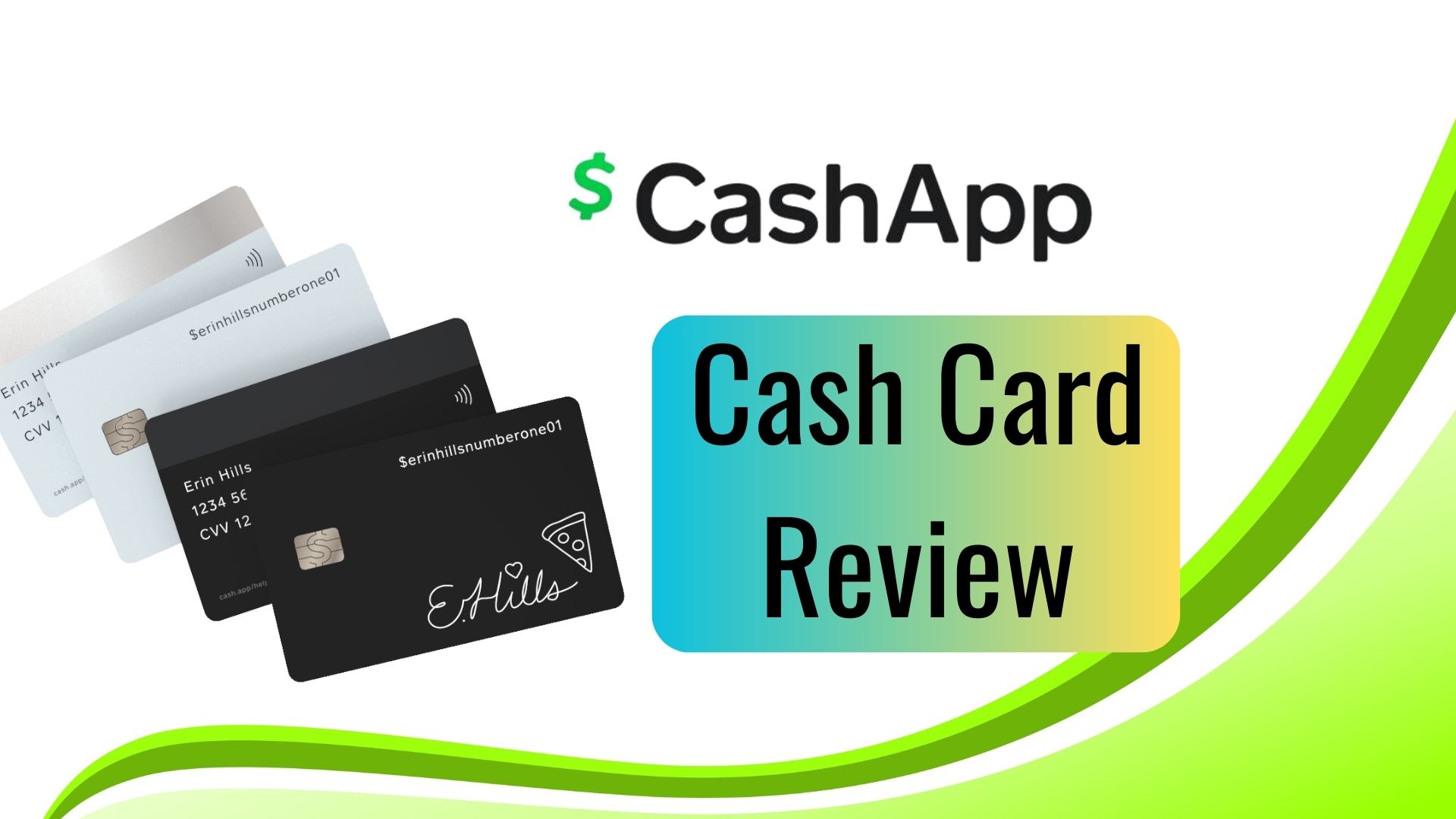
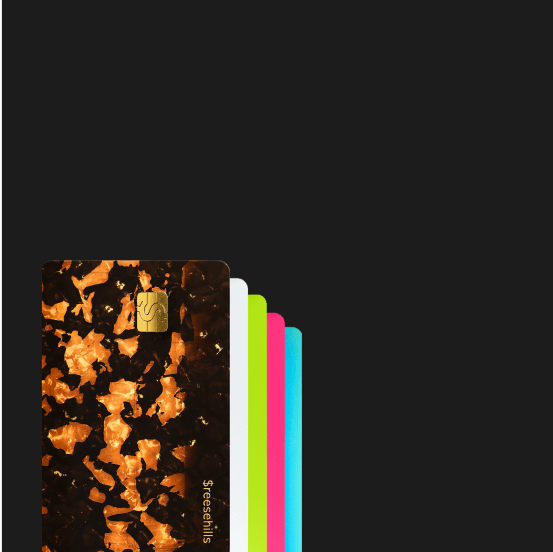
Desire for a New Design: Cash App offers customization options for its cards. If you’ve previously had a standard card and now wish to personalize it with a unique design or even your signature in an etched fashion, ordering a new card is the way to refresh your financial accessory. While purely aesthetic, it allows users to express personal style through their financial tools.
Understanding these reasons helps you identify when it’s time to act and secure a new card, ensuring your personal finance management remains uninterrupted.
Steps to Order a Replacement Cash App Card
Ordering a new Cash App Card is a straightforward process managed entirely through the Cash App mobile application. This digital-first approach aligns with modern financial tools, offering convenience and control directly at your fingertips.
Initiating the Replacement Process in the App
To begin, open your Cash App on your mobile device. The primary navigation point for your card is the “Card” icon, typically found on the bottom navigation bar, which looks like a debit card. Tapping this icon will take you to your Cash Card section.
Once on the Cash Card screen, look for options related to managing your card. If your card is lost or stolen, you should immediately tap the “Problem with Card?” or “Cash Card Support” option, which often leads to a menu allowing you to “Lock Card” and “Report Card Lost/Stolen.” Locking your card is a critical first step to prevent any unauthorized transactions on your account, safeguarding your financial assets.
After reporting it lost/stolen or if you simply need a new card for damage or expiration, you’ll generally find an option to “Get a New Cash Card” or “Order a Replacement Card.” The app will guide you through a series of prompts. This process is designed to be intuitive, ensuring you can quickly secure your funds and order a new financial tool.
Verifying Your Information
For security and delivery purposes, Cash App will require you to confirm or update your mailing address. It’s paramount that the address provided is accurate to ensure your new card reaches you without issues. Double-check street numbers, apartment units, zip codes, and city details. Incorrect delivery information can lead to significant delays and potential security risks if the card is delivered to the wrong address. This step underscores the importance of maintaining accurate personal data within your financial applications.
You may also be asked to re-enter or confirm other personal details to verify your identity. This is a standard security measure to protect your account and ensure that only you can order a new card linked to your funds.
Choosing Standard vs. Custom Card Options
During the ordering process, you’ll be presented with choices regarding the design of your new card.
-
Standard Design: This is the default Cash App Card, typically green or black, with the Cash App logo. Opting for a standard design is usually the quickest way to get a functional card if your primary concern is immediate access to your funds.
-
Custom Design: Cash App allows users to personalize their cards with various colors, emojis, or even by drawing a unique signature directly in the app, which then gets etched onto the physical card. While these custom designs can add a personal touch to your financial tool, they might occasionally extend the delivery timeline slightly due to the unique manufacturing process. Consider whether the aesthetic appeal outweighs the desire for the fastest possible replacement.
Most standard replacement cards are offered free of charge. However, if you’re ordering a new card simply for a design change (and your existing card is not lost, stolen, or expired), or if you frequently replace cards, there might be a nominal fee. Always review any potential charges displayed in the app before finalizing your order. This transparency helps you manage your personal finance decisions.
Expedited Shipping and Card Activation
Once you’ve placed your order for a new Cash App Card, understanding the delivery timeline and the subsequent activation process is key to resuming full access to your funds.
Understanding Shipping Timelines
Standard shipping for a Cash App Card typically takes between 5 to 10 business days. This timeframe can vary based on your location and current postal service efficiency. While Cash App strives for prompt delivery, external factors can influence actual arrival times. It’s advisable to factor in this waiting period when planning your financial activities, especially if you rely heavily on your physical card for transactions.
Currently, Cash App does not offer an expedited shipping option for physical cards. Therefore, planning ahead for an expiring card or promptly addressing a lost/stolen card situation is your best strategy to minimize disruption to your financial routines. Regularly checking your mail and ensuring your mailing address is accurate in the app can also help streamline the process.
Activating Your New Card
Upon receiving your new Cash App Card, the final step is activation. This process is mandatory to secure your card and enable transactions.
-
Locate the QR Code: Your new physical Cash App Card will have a QR code printed on its packaging.
-
Scan with Cash App: Open your Cash App, tap the “Cash Card” icon, and then select “Activate Cash Card.” The app will prompt you to scan the QR code using your phone’s camera.
-
Manual Activation: If for any reason you cannot scan the QR code, there’s usually an option to manually enter the card details, specifically the CVV (the 3-digit security code on the back) and the expiration date.
-
Set PIN: During activation, you will be prompted to create a Personal Identification Number (PIN) for your card. This PIN is crucial for ATM withdrawals and certain point-of-sale transactions. Choose a strong, memorable PIN that is not easily guessable and avoid using personal dates or sequential numbers.
Activating your card effectively links it to your Cash App balance and ensures that only you can use it for financial transactions, bolstering the security of your funds.
Managing Your Funds While Awaiting Your New Card
The period between ordering a new card and receiving it can present a challenge for accessing your funds. Fortunately, Cash App provides alternative solutions to ensure you can continue to manage your money effectively.
Utilizing Your Virtual Card
Even without a physical card, you retain immediate access to a virtual Cash Card within the app. This virtual card has its own unique 16-digit card number, expiration date, and CVV, distinct from your previous physical card. You can view these details directly in the Cash App by tapping the “Cash Card” icon and then selecting the “Card” tab, where you might need to tap an eye icon to reveal sensitive information.
Your virtual card can be used for:
-
Online Purchases: Enter the virtual card details at online checkouts just as you would with a physical card.
-
App-Based Payments: Link your virtual card to services like Apple Pay or Google Pay, allowing for contactless payments in stores where these are accepted. This effectively turns your smartphone into a payment device, providing a seamless financial tool during the waiting period.
Leveraging your virtual card ensures that your ability to spend and manage your funds is minimally impacted while you wait for your physical replacement.
Alternative Spending Methods
Beyond the virtual card, consider other ways to access your Cash App balance:
-
Cash Out to Bank Account: If you need physical cash, you can initiate a transfer (cash out) from your Cash App balance to a linked bank account. Standard transfers are free and take 1-3 business days, while instant transfers incur a small fee but provide immediate access to funds in your bank account. From your bank account, you can then use your bank’s debit card or withdraw cash from an ATM.
-
Sending Money to Others: If you need to pay someone, you can still send money directly to other Cash App users instantly and without fees, or use the “Pay” feature to send funds to businesses that accept Cash App payments.
These methods provide flexibility and ensure you’re not completely cut off from your finances during the transition period.
Monitoring Your Account
It is always prudent to regularly monitor your Cash App activity, especially if you had to replace a lost or stolen card. Check your transaction history frequently within the app for any unauthorized purchases. Immediately report any suspicious activity to Cash App support. This proactive financial vigilance is a key component of personal finance security. By staying informed about your account movements, you can quickly detect and address potential fraud, safeguarding your money.
Security Best Practices for Your Cash App Card
Protecting your Cash App Card is paramount to securing your personal finances. Adhering to robust security practices can prevent unauthorized access to your funds and give you peace of mind.
Safeguarding Your Physical Card
Once you receive and activate your new Cash App Card, treat it with the same care as any other financial instrument.
-
Keep it Secure: Store your card in a safe place, such as your wallet or purse, and avoid leaving it exposed or unattended.
-
Memorize Your PIN: Never write your PIN down or share it with anyone. Memorize it and keep it confidential. When using an ATM or POS terminal, cover the keypad when entering your PIN to prevent “shoulder surfing.”
-
Inspect ATMs/POS Terminals: Before using any card reader, quickly check for signs of tampering, such as loose parts or unusual devices. Skimming devices can steal your card information.
-
Sign the Back: Signing the back of your physical card can help deter some forms of fraud and is often required by merchants for transaction verification.
These physical security measures are the first line of defense for your financial assets.
Digital Security Measures
Beyond the physical card, your Cash App account itself requires digital vigilance.
-
Strong Passwords: Use a unique, strong password for your Cash App account and enable two-factor authentication (2FA) for an added layer of security. This makes it significantly harder for unauthorized individuals to access your account, even if they somehow obtain your password.
-
Beware of Phishing: Be extremely cautious of suspicious emails, texts, or calls purporting to be from Cash App. Cash App will never ask for your PIN, full card number, or account password via email or text. Always verify the sender and, if in doubt, contact Cash App support directly through official channels.
-
Regular Software Updates: Keep your Cash App and phone’s operating system updated. Updates often include critical security patches that protect against known vulnerabilities, ensuring your financial app operates in the most secure environment possible.
-
Lock Your Card: If you misplace your card or suspect it’s lost, immediately lock it through the Cash App. This temporarily disables transactions, protecting your balance until you can secure the card or order a replacement. This feature is a powerful real-time control over your funds.
Reporting Unauthorized Activity
Despite all precautions, financial fraud can occur. If you notice any unauthorized transactions on your Cash App Card or account:
-
Immediately Report: Contact Cash App support through the app as soon as possible. The sooner you report fraudulent activity, the higher the chance of resolving the issue and recovering your funds.
-
Provide Details: Be prepared to provide specific details about the unauthorized transactions, including dates, amounts, and merchant names if available.
-
Review Account Statements: Regularly review your transaction history within the Cash App to catch any suspicious activity early. This ongoing vigilance is a critical habit for sound personal finance management.
By diligently following these security best practices, you can significantly reduce your risk of financial loss and ensure that your Cash App Card remains a secure and reliable financial tool for your everyday needs.
aViewFromTheCave is a participant in the Amazon Services LLC Associates Program, an affiliate advertising program designed to provide a means for sites to earn advertising fees by advertising and linking to Amazon.com. Amazon, the Amazon logo, AmazonSupply, and the AmazonSupply logo are trademarks of Amazon.com, Inc. or its affiliates. As an Amazon Associate we earn affiliate commissions from qualifying purchases.