
Filing back taxes is often viewed with a sense of trepidation, yet it remains one of the most critical steps toward achieving long-term financial stability. Whether the delay was caused by a personal crisis, missing documentation, or simple procrastination, the Internal Revenue Service (IRS) does not eventually forget about unfiled returns. For many taxpayers, TurboTax represents the most accessible bridge between a state of non-compliance and financial clarity. However, filing for prior years involves a distinct set of rules and procedures compared to the standard annual filing process.

Addressing back taxes is not merely about “catching up”; it is an essential strategy for preserving your creditworthiness, securing your eligibility for future loans, and avoiding the compounding interest that makes tax debt balloon over time. By utilizing specialized financial software, you can navigate the complexities of historic tax codes and restore your standing with federal and state authorities.
Understanding the Financial Impact of Unfiled Taxes
Before diving into the technical steps of using software to file, it is vital to understand the underlying financial mechanics of back taxes. The IRS maintains a robust system of penalties and interest designed to incentivize timely filing. When you miss a deadline, you are effectively dealing with two separate financial hurdles: the failure-to-file penalty and the failure-to-pay penalty.
The Cost of Procrastination: Penalties and Interest
The failure-to-file penalty is significantly more aggressive than the failure-to-pay penalty. Generally, it amounts to 5% of the unpaid taxes for each month or part of a month that a tax return is late, capping at 25%. If you file more than 60 days late, the minimum penalty is either a specific dollar amount (which adjusts for inflation) or 100% of the unpaid tax, whichever is less.
On top of these penalties, the IRS charges underpayment interest that is updated quarterly. Because this interest compounds daily, a relatively small tax debt from three years ago can evolve into a significant financial burden today. Filing your back taxes via TurboTax allows you to freeze the growth of these penalties by establishing exactly what is owed and initiating a payment or settlement process.
Loss of Refunds and Credits
A common misconception is that if the government owes you money, there is no rush to file. From a personal finance perspective, this is a dangerous error. The IRS imposes a three-year window for claiming refunds. If you fail to file a return within three years of the original due date, the Department of the Treasury is legally prohibited from issuing a refund check or applying the overpayment to other tax years. Furthermore, you may lose eligibility for vital credits such as the Earned Income Tax Credit (EITC) or the Child Tax Credit if the returns are not filed within the statutory period.
The Statute of Limitations for IRS Collections
While there is a three-year window for you to claim a refund, the IRS generally has ten years to collect taxes once they have been assessed. However, if you never file a return, the statute of limitations on assessment never starts. This means the IRS can theoretically come after you indefinitely for an unfiled year. Filing your back taxes “starts the clock,” providing an eventual end date to your financial liability for that specific period.
Preparing Your Documentation for Prior-Year Returns
The accuracy of a back-tax filing depends entirely on the quality of your historical financial records. Because tax laws, standard deductions, and income brackets change annually, you cannot simply use current-year data for a past return. You must reconstruct your financial life as it existed during the year in question.
Gathering Historic Income Statements
To begin, you will need every W-2 and 1099 form associated with the tax year you are filing. If you have lost these documents, you should first reach out to former employers or financial institutions. If they are unable to provide records, you can request a “Wage and Income Transcript” from the IRS. This transcript includes data from information returns the IRS has received, such as Forms W-2, 1099, 1098, and Form 5498. While it won’t show state tax withholding, it is an invaluable tool for ensuring your federal filing matches the government’s records.
Tracking Down Past Deductions and Credits
Optimizing your financial outcome requires finding every possible deduction you were eligible for at the time. This might include mortgage interest statements (Form 1098), student loan interest, or records of charitable contributions. If you were self-employed during those years, you must reconstruct your business expenses. Digital tools like bank statement exports and old calendar entries can help verify the timing and necessity of these expenditures. TurboTax’s interface is particularly helpful here, as it prompts you for specific categories of expenses that were relevant to the tax laws of that specific year.
Requesting Transcripts for Accuracy
In addition to income transcripts, you may want to request a “Tax Account Transcript,” which shows basic data such as return type, marital status, adjusted gross income, and taxable income. This is especially useful if you previously filed an extension or made estimated tax payments that you need to account for on the delinquent return. Ensuring these figures align avoids “red flags” that could trigger an audit.
Step-by-Step Guide to Using TurboTax for Past Due Returns
Filing back taxes is not as simple as logging into the TurboTax website and clicking “start.” The online version of most tax software is typically reserved for the current tax year and the immediate prior year during specific windows. To file taxes for years further back, you must generally use the desktop software specifically designed for that tax year.
Selecting the Correct Software Version
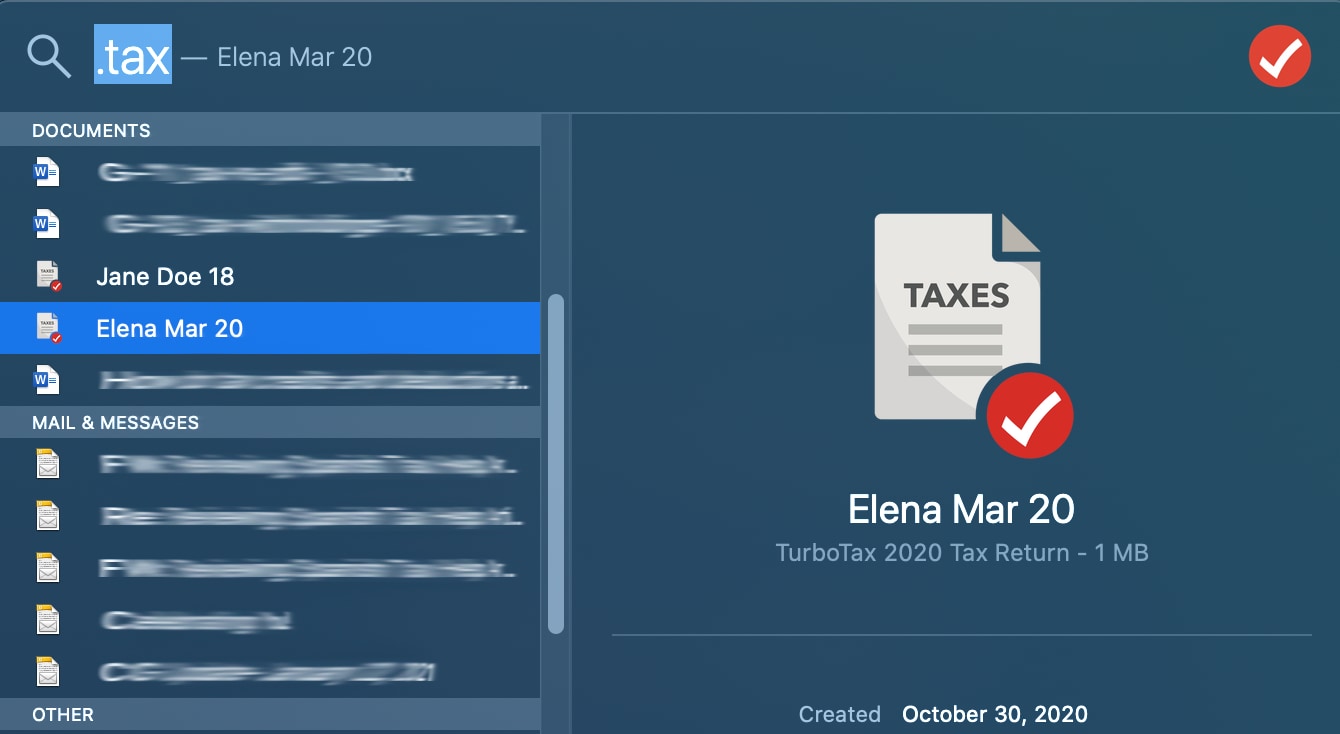
Each tax year has its own unique software build because the tax code changes annually. To file a return for 2021, you must purchase and download the 2021 version of TurboTax. You cannot use the 2023 software to calculate 2021 taxes; the deductions, credits, and tax tables would be incorrect, leading to an invalid filing. Most reputable tax software providers maintain an archive where you can purchase and download software for the past several years.
The Limitations of E-Filing for Back Taxes
One of the most important financial logistics to understand is that the IRS generally does not allow individual taxpayers to e-file “back taxes” for years prior to the current and most recent cycle. While professional tax preparers using specialized high-end software can sometimes e-file for the two previous years, DIY taxpayers using consumer-grade software will almost certainly have to print and mail their returns.
This adds a layer of responsibility: you must ensure the return is signed, dated, and sent to the correct IRS processing center via certified mail. Retaining a copy of the certified mail receipt is a critical piece of your financial record-keeping, as it serves as legal proof of the date you filed.
Navigating the Software Interface
Once you have the correct year’s software installed, the process mirrors a standard filing. You will input your personal information, income, and deductions. TurboTax will perform its “error check” based on that year’s specific tax rules. If you find that you owe a significant amount, the software will calculate the estimated penalties and interest, though the IRS will ultimately send you an official bill with the final calculated amounts.
Managing the Payment of Back Tax Liabilities
Filing the return is only half the battle; the second half is managing the resulting debt. Many taxpayers avoid filing because they fear they cannot pay the balance in full. From a wealth management perspective, it is always better to file and establish a payment plan than to remain non-compliant.
Setting Up IRS Installment Agreements
The IRS offers several options for those who cannot pay their back taxes immediately. An installment agreement allows you to pay your debt over a period of up to 72 months. If you owe less than $50,000 (including tax, penalties, and interest), you can often apply for this online once your returns have been processed. This stops the more aggressive collection actions, such as wage garnishments or bank levies, providing you with a predictable monthly expense that you can integrate into your budget.
Offer in Compromise: A Debt Settlement Option
In cases of extreme financial hardship, you may qualify for an “Offer in Compromise” (OIC). This is an agreement between the taxpayer and the IRS that settles the tax liability for less than the full amount owed. The IRS considers your ability to pay, income, expenses, and asset equity. While the software can help you determine the numbers, an OIC is a complex financial maneuver that often requires detailed documentation of your entire financial life.
Strategies for Minimizing Penalties
You may be eligible for “First-Time Penalty Abatement” if you have a clean history of filing and paying for the three years prior to the delinquent year. This administrative waiver can remove the failure-to-file and failure-to-pay penalties, significantly reducing the total amount you owe. While the software calculates what you owe, you must proactively request this relief from the IRS after you receive your first notice.
Future-Proofing Your Personal Finances
Resolving back taxes is a transformative financial event. Once the burden of non-compliance is lifted, the focus shifts to maintaining a clean slate. This involves a transition from reactive “damage control” to proactive financial management.
Transitioning to On-Time Filing
The most effective way to avoid future tax debt is to automate your savings for taxes. For W-2 employees, this means adjusting Form W-4 to ensure enough is being withheld from each paycheck. For 1099 contractors and freelancers, it involves setting aside a fixed percentage (typically 25-30%) of all incoming revenue into a dedicated tax savings account. Using financial tools that sync with your bank accounts can help you estimate your quarterly tax obligations in real-time.

Utilizing Financial Tools for Year-Round Tracking
Modern personal finance is built on data. By using accounting software or apps that integrate with TurboTax, you can track your income and expenses throughout the year. This eliminates the “shoebox method” of gathering receipts at the end of the year and ensures that when the next tax season arrives, you are prepared to file on the first possible day.
Filing back taxes via TurboTax is more than a clerical task; it is a declaration of financial responsibility. By systematically addressing past omissions, you protect your assets, reduce unnecessary penalty expenses, and clear the path for future financial growth. The process may be rigorous, but the peace of mind and financial security gained are well worth the effort.
aViewFromTheCave is a participant in the Amazon Services LLC Associates Program, an affiliate advertising program designed to provide a means for sites to earn advertising fees by advertising and linking to Amazon.com. Amazon, the Amazon logo, AmazonSupply, and the AmazonSupply logo are trademarks of Amazon.com, Inc. or its affiliates. As an Amazon Associate we earn affiliate commissions from qualifying purchases.